
Best GitBook Alternatives (2026)
Almost nobody leaves GitBook because it's bad at developer docs. They leave because they tried to run a customer help center in it, and the support team can't publish without an engineer. Here's what's worth switching to, and when GitBook is still the right answer.
We make HelpDocs, so we have an obvious stake in this. We've tried to be blunt about the parts where we're the wrong tool, and on this page that's a bigger chunk than usual: if your docs belong in Git, we're not your answer and we say so in the first two hundred words.
GitBook Premium is $65 per site per month plus $12 per user per month, and the AI Assistant that answers questions from your docs doesn’t unlock until Ultimate at $249 per site per month, capped at 500 successful answers. Because billing is per documentation site, a separate customer help center is a second bill at the same rate. That’s as of July 2026, from GitBook’s own pricing page.
Money is rarely what puts people on a page about finding a GitBook alternative, though. What usually does it is smaller and more annoying: a support agent has spotted a wrong sentence in a help article, and the only way to fix it involves a branch, a change request, and an engineer who is in the middle of something else.
To be fair to GitBook, it’s genuinely very good at the job it was designed for. Git sync with GitHub and GitLab, Markdown editing, release versions mapped to branches, change requests that work like pull requests, and interactive OpenAPI references that update themselves. If your docs live next to your code and the people writing them are engineers who want a Git workflow and MDX, then GitBook and Mintlify are better fits than HelpDocs and we’re not going to pretend otherwise. We don’t sync with Git, we don’t render OpenAPI specs, and we’re not trying to.
Here’s the pattern that actually drives switching. A team adopts GitBook for developer docs, it works well, and then somebody reasonably decides the customer help center may as well live there too.
That’s the point where it strains, because both halves of the equation have changed. The audience is now customers rather than developers, and the authors are now a support team rather than engineers. The mismatch is what hurts, not GitBook’s quality.
So, scope. This page is about replacing GitBook for customer-facing help content: the articles your support team maintains and your customers read when something has gone wrong. If you’re replacing GitBook for API references and product docs aimed at developers, two tools on this list are built for that and four aren’t, and we’ve said which is which in every section.
What actually matters when you’re moving help content off GitBook
Feature lists don’t help much here, because every tool on this list can publish an article with a search box on top. Three things genuinely decide whether this works out, and they’re the three people underestimate.
The first is who’s going to write it. This is the whole ballgame if you’re leaving GitBook for audience reasons. A docs-as-code workflow is an asset when your authors are engineers and a tax when they’re not, and no amount of “it also has a visual editor” changes who owns the repo. Be honest about whether your support team will genuinely maintain content in a Git-backed tool, because if they won’t, your help center goes stale no matter what you buy.
The second is whether you get any support instrumentation. A developer docs platform tells you page views. A help center tells you what people searched for and found nothing, which articles get rated unhelpful, and how many questions the AI answered without a ticket being raised. That feedback loop is how a help center gets better over time, and its absence is why plenty of GitBook help centers quietly rot.
The third is the shape of the pricing rather than the number. Per site, per seat, per member, per project, and flat all behave very differently when you grow. GitBook’s per-site model is the specific thing that bites teams running docs and a help center, since the second site costs what the first one did.
Everything below is as of July 2026 and taken from each vendor’s own pricing page, with the exception of Document360, which no longer publishes prices at all.
The shortlist at a glance
We build HelpDocs, so we’ve listed ourselves first rather than staging a neutrality we don’t have. What we’ve also done is say plainly who each of the other five is genuinely better for, because on this page in particular a good number of readers should not be buying from us.
Two of these six are developer docs platforms, two are help center tools, and two are general-purpose wikis. Which group you belong in matters more than which vendor you pick inside it. If you’re earlier in the process, our learning resources cover how to structure a help center before you choose one.
| Tool | Best for | Starting price | Pricing model | Free trial |
|---|---|---|---|---|
| HelpDocs | A customer help center a support team maintains without Git | $129/mo | Flat monthly per editor, readers free | 14-day trial, no card |
| Document360 | Versioned, audited docs that also need API references | Quote only | Per project, quote only | 14-day trial |
| Mintlify | Staying in Git and MDX with a slicker developer experience | $0 | Free Starter, then quote-based | Free Starter plan |
| Notion | Small teams who already write everything in Notion | $0 | Per seat, free plan available | Free plan |
| ReadMe | An API-first developer hub with try-it-now references | $0 | Free Starter, Pro flat $250/mo | Free Starter plan |
| Slite | Internal team knowledge rather than a public help center | $0 | Per member, free plan available | 14-day trial, no card |
Best for a customer help center your support team maintains: HelpDocs
We make HelpDocs (hey! 👋), so we might be a little biased. But we’ve tried to be as honest as possible to make things easier for you, and you can check anything that matters against the pricing page. The honest positioning: HelpDocs is for teams who want a standalone, best-in-class knowledge base that non-technical people maintain, without a Git workflow and without paying per documentation site.
That difference in audience shows up everywhere. Authoring is WYSIWYG, so a support agent fixes the wrong sentence themselves in the time it would have taken to write the We integrate with SlackSlack message asking someone else to. Branding runs from no-code colors and fonts through custom CSS on Sprout to custom JavaScript and full HTML template control on Bloom, which is further than GitBook’s theme-based styling goes, since injecting your own CSS isn’t generally supported there. The V5 templates score 100/100 for SEO and accessibility in PageSpeed, which matters because a help center that ranks is a help center that answers people before they reach you.

The instrumentation is the other half. You get failed-search reporting, article ratings, and Ask AI and deflection analytics, so you can see the questions your content isn’t answering rather than guessing. The Lighthouse widget puts the same answers inside your product.
AI credits are included on every plan rather than waiting on a top tier, and multilingual is built in at 100+ languages with unlimited languages on Harvest. Pricing is flat and published from $129/mo, readers are unlimited and free, and it doesn’t move when you add a second product area.
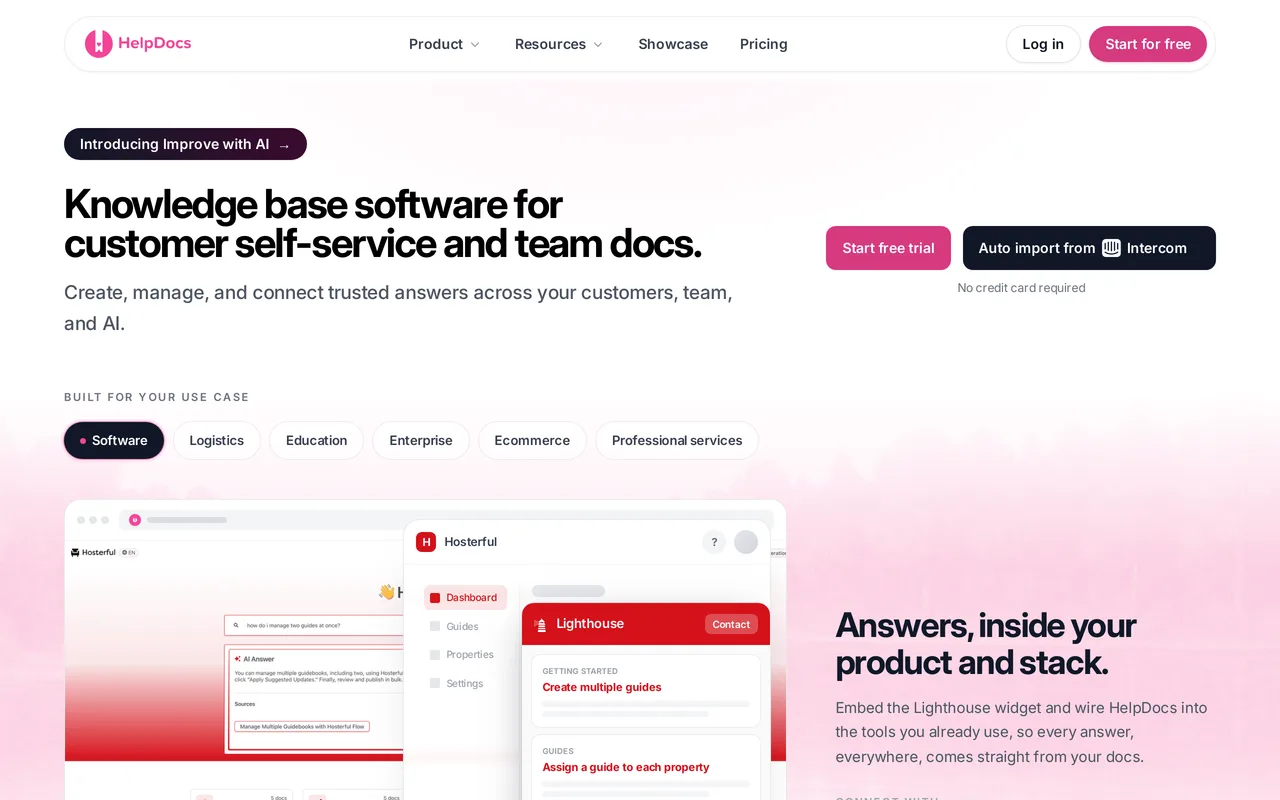
The catch: if you want what GitBook is actually good at, we don’t have it. No Git sync, no branching, no Markdown-in-a-repo workflow, and no OpenAPI or Swagger reference rendering at all. Review and approval is lighter than GitBook’s change requests, we have a read/write REST API but no general-purpose outbound webhooks, and there’s no white-labeling, no multi-brand help centers, and limited SCIM provisioning. There’s also no free tier, only a 14-day trial. HelpDocs vs GitBook lays out where GitBook is the better buy in more detail.
Best for support teams who need to own the help center themselves. Flat $129/mo, readers free. Start a free trial or see pricing.
Best for versioned, audited docs that also need API references: Document360
Document360 is the one tool here that covers both jobs at once, and that’s the reason to look at it. It treats documentation as an engineering artifact, with side-by-side version diffs for people who have to prove who changed which sentence and when, a workflow builder that can hold an article until the right person signs off, separate workspaces per product, and native OpenAPI rendering, so an API reference and a help article can sit in the same knowledge base. If you’re leaving GitBook but you still need what GitBook’s change requests and version branches were giving you, this is the closest single replacement on the list, and it gets you there without asking your writers to learn Git.
It leans documentation platform rather than help center, though, and that’s the trade you’re making. You’d choose it because your documentation has compliance attached, not because a support team will enjoy maintaining it day to day.
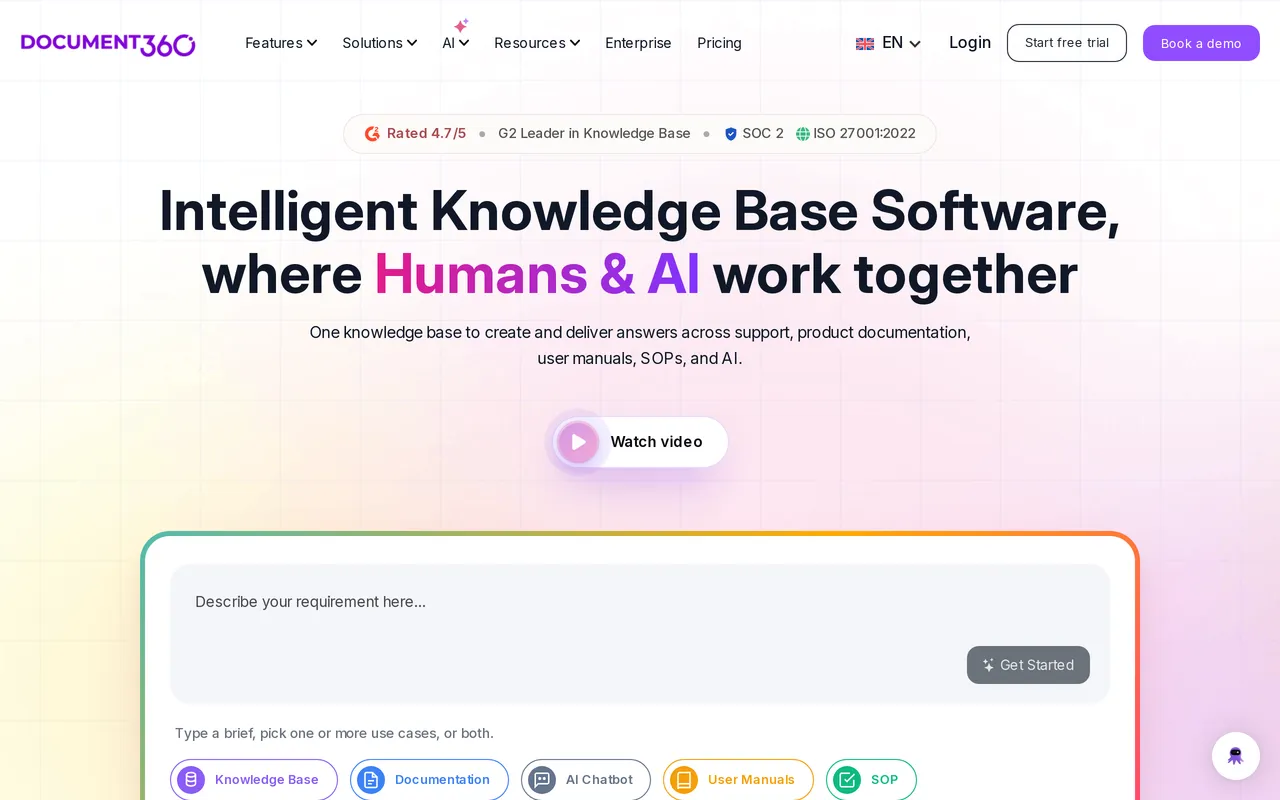
The catch: you can’t find out what it costs. As of July 2026 pricing is quote-only and charged per project, meaning one knowledge base, so evaluating it needs a sales conversation and a second one if you later want another docs site. Third parties report Professional landing around $199-249/mo and Business around $399-499/mo, but those are reported quotes and not list prices. Its Ask Eddy AI is a paid add-on on top of the subscription, which lands badly if metered AI is part of why you’re moving. HelpDocs vs Document360 has the detail.
Best for regulated, heavily versioned docs alongside API references. Quote only, per project.
Best for staying in Git with a slicker developer experience: Mintlify
If your problem with GitBook is that you want better developer docs rather than a help center, Mintlify is the first place to look. It’s the modern docs-as-code answer: Git and MDX, pull-request reviews, preview deployments, a genuinely beautiful default design, a full OpenAPI reference with an interactive playground, and an MCP server for teams building AI tooling on their docs. It’s AI-native in a way GitBook’s Ultimate-gated Assistant isn’t, and the free Starter plan includes a custom domain and 10,000 AI credits a month, which is unusually generous.
For an engineering team that likes its workflow and just wants a nicer platform, this is the most direct upgrade path off GitBook available. Your writers keep the branch, review and merge habits they already have, docs stay in the repo beside the code they describe, and the thing you gain is a better-looking site and a faster review loop rather than a new process to learn.
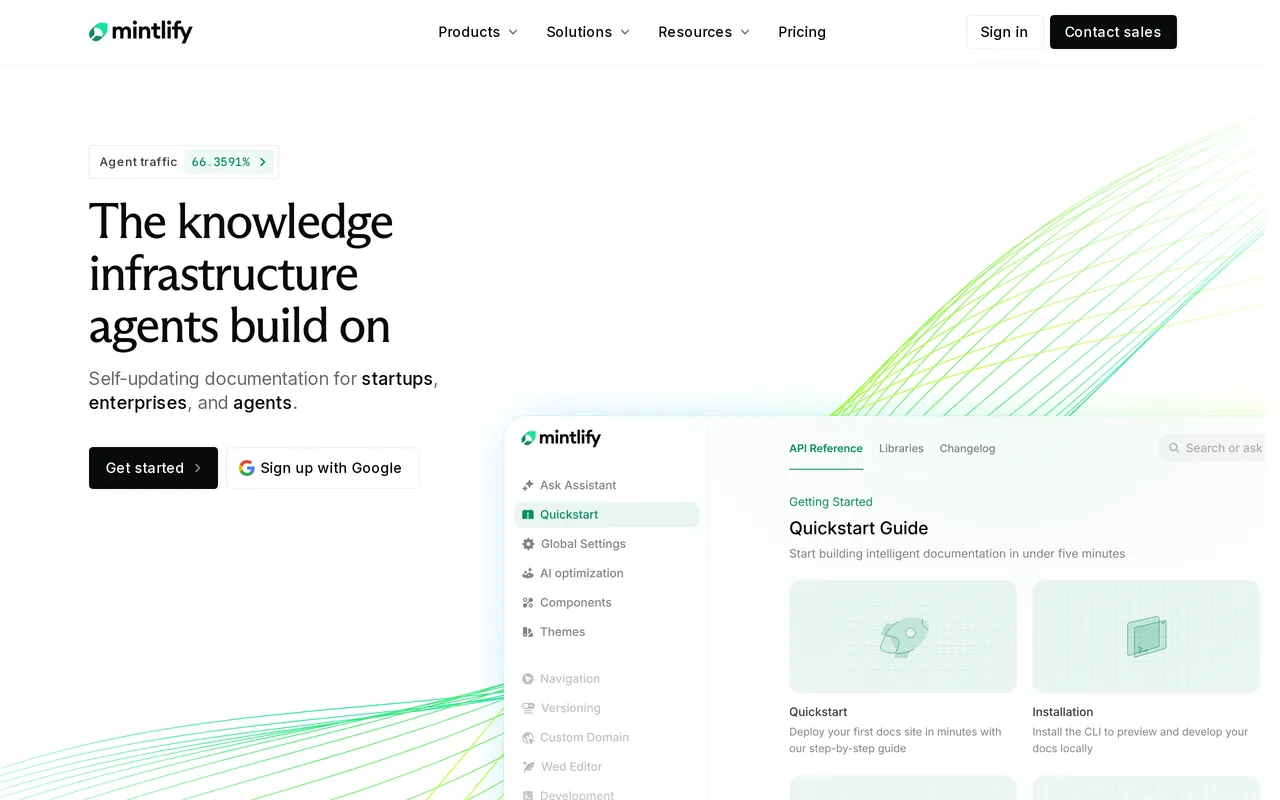
The catch: it inherits the thing you may be trying to escape. Docs live in a repo, authors need Git and MDX, and a support team is not going to own this. Pricing stops being published above Starter: Pro is committed-volume through sales and Enterprise is quote-based, with AI credits metered at $0.01 each beyond your allowance and credit packs from $100/mo. And it’s dev docs by design, so you won’t find failed-search reporting or ticket deflection analytics. HelpDocs vs Mintlify compares the two directly.
Best for engineering teams committed to docs-as-code. Free Starter, then quote-based.
Best for small teams already writing everything in Notion: Notion
If your company already lives in Notion, publishing what’s there costs almost nothing and takes an afternoon, and for a ten-person team that’s frequently the right call. It’s a lovely writing tool, the free plan is real rather than a trap, everyone already knows it, and nobody has to learn a Git workflow to fix a typo. Plenty of good companies ran their help content this way for their first couple of years, and we’d rather you did that than overbought.
Just be clear about what you’re shipping. You’re publishing a wiki page customers can read, which is a different product from a help center, in the same way a GitBook space is a different product from a help center.
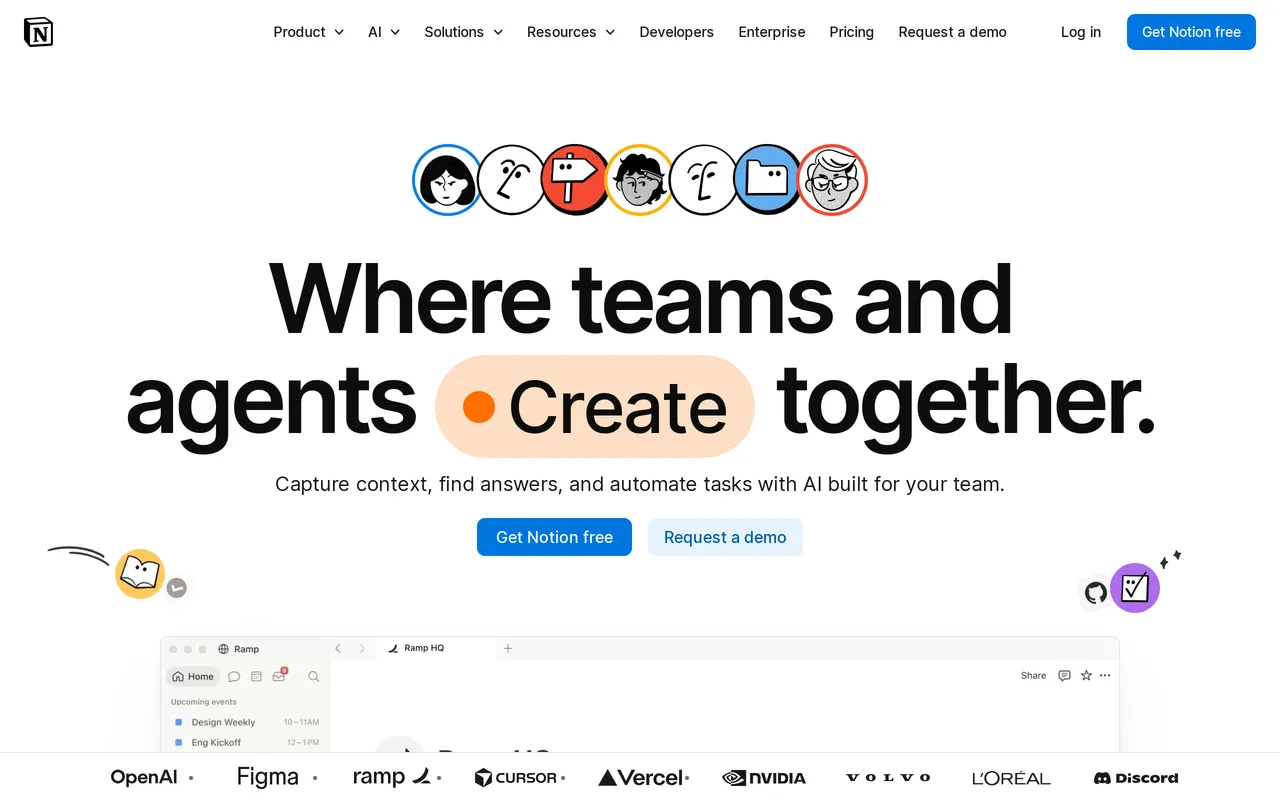
The catch: search is the weakest thing here, and search is how people actually use a help center, so the self-service you were hoping for mostly won’t show up. Publishing on your own domain is a paid Notion Sites add-on, full Notion AI only arrives on Business at $20/seat/mo billed annually, and you get none of the feedback loop: no failed-search reporting, no article ratings, no deflection analytics. You won’t know what isn’t working. HelpDocs vs Notion has the specifics.
Best for early-stage teams already living in Notion. Free, paid tiers from $10/seat/mo.
Best for an API-first developer hub: ReadMe
ReadMe is the most specialized tool on this list and it’s excellent at its one thing. Interactive API references from OpenAPI 3.0, 3.1, and Swagger 2.0, try-it-now calls, auto-generated code samples, an API Designer so nobody hand-writes YAML, and developer-focused analytics like API metrics and request logs. If the part of your GitBook you actually care about is the API reference, ReadMe does that better than GitBook does, because it’s the entire product rather than one feature inside a docs platform.
The free Starter plan covers one project with a custom domain and an interactive reference, which makes it easy to test properly before spending anything.
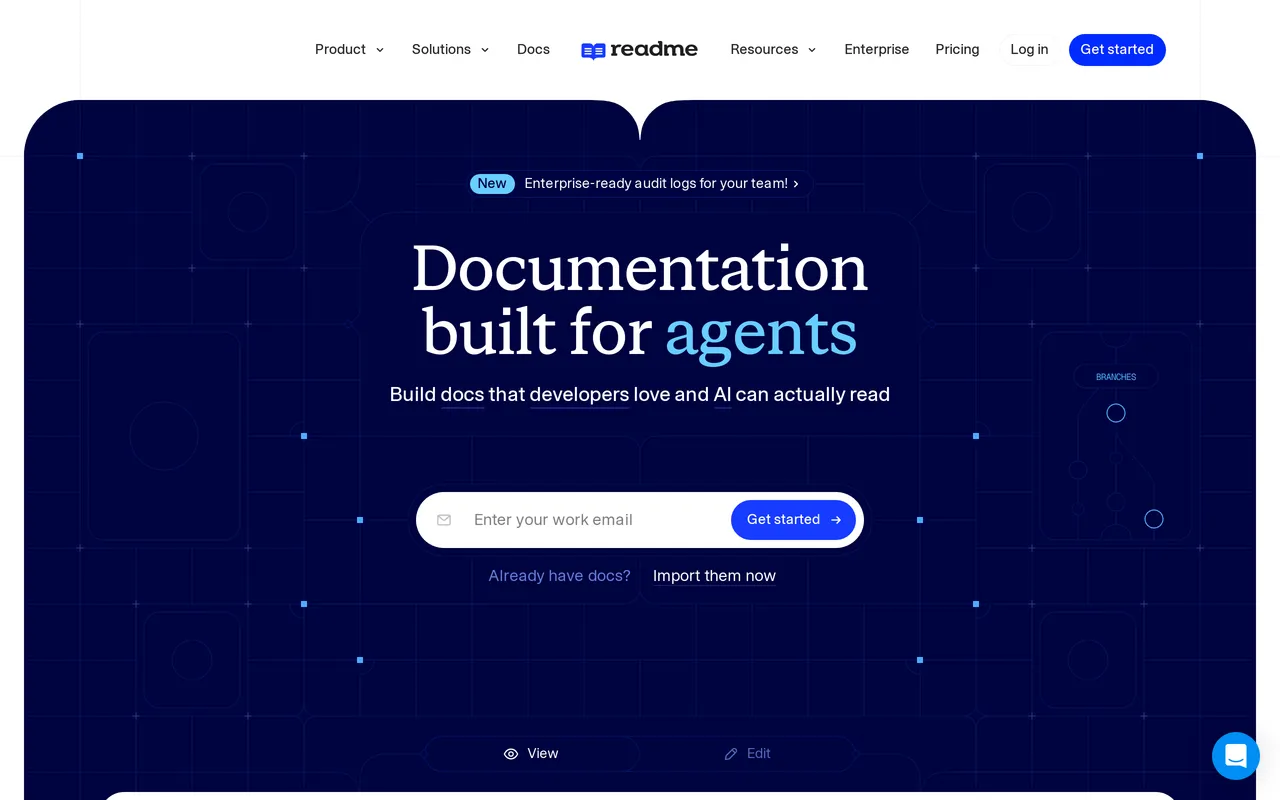
The catch: it’s a developer hub, not a help center, and the AI and governance a support team wants sit behind add-ons. Full Ask AI is $150/mo on top of Pro at $250/mo, Pro covers one project with 5 admins and $20 for each extra, and SAML SSO, audit, and permissions start at Enterprise from $3,000+/mo, annual only. Your support team won’t be writing here either. HelpDocs vs ReadMe covers the trade-off.
Best for API-first developer documentation. Free Starter, Pro $250/mo.
Best for internal team knowledge rather than a public help center: Slite
Slite is worth naming because a decent share of what teams keep in GitBook isn’t customer-facing at all: runbooks, onboarding, internal processes. For that, Slite is cheap, quick, and pleasant, and it’s the tool people on this list are most likely to actually keep writing in. Ask AI answers questions from your docs and, on Pro, from connected tools like Slack, Jira, and Linear, and the Slite Agent flags knowledge that’s drifted out of date and drafts an update, so a stale runbook gets caught before somebody follows it.
If your GitBook is really an internal wiki that happens to be public, this is a smaller and more honest tool for that job.
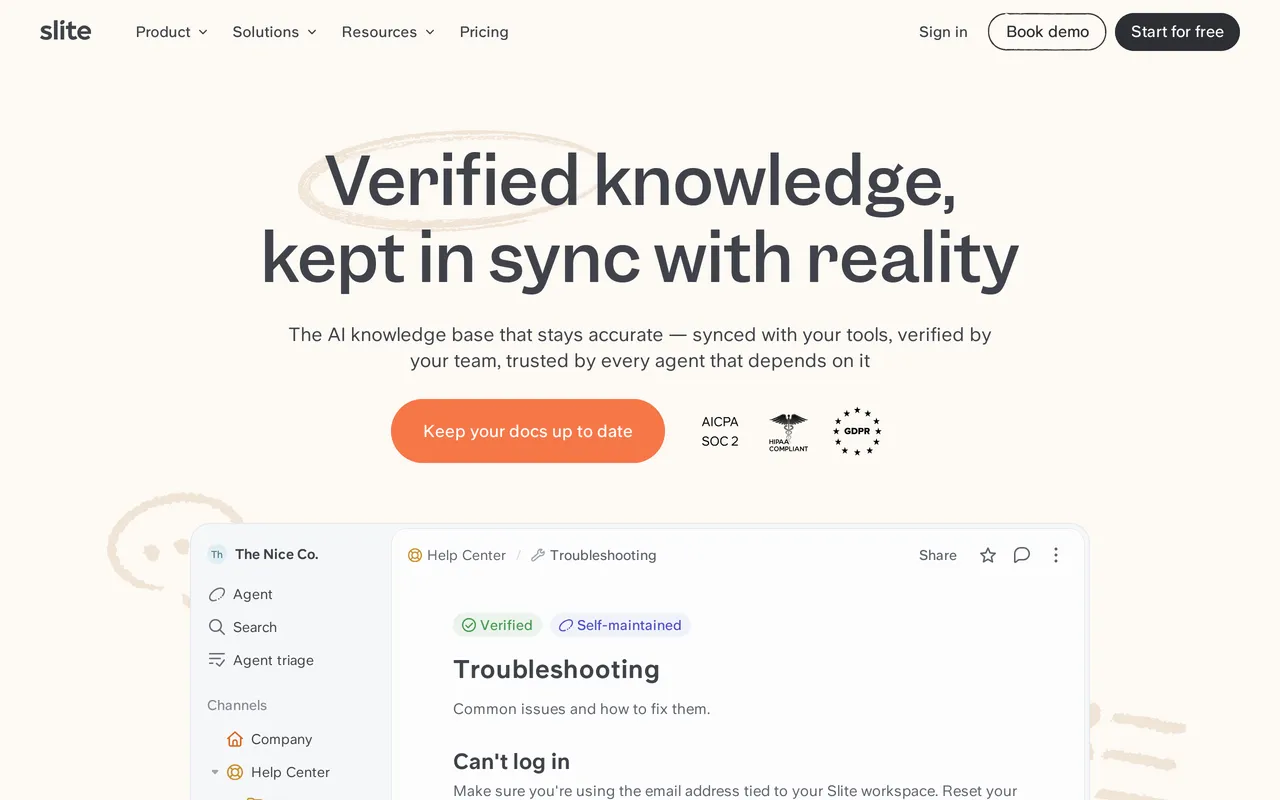
The catch: it’s priced and built for internal knowledge. Billing is per member, from $10/member/mo on Basic and $20 on Pro annually, so readers cost money, which is the wrong shape for a public help center where you want readership to grow. Publishing public docs on a custom domain only arrives on Pro, and Basic caps Ask AI at roughly 30 questions per seat per month. There’s no real deflection tooling, because deflection isn’t the point. HelpDocs vs Slite compares them properly.
Best for internal team wikis on a budget. Free plan, paid from $10/member/mo.
Top GitBook competitors, grouped by who your docs are for
If you’re still orienting yourself, the GitBook competitors worth your time split into three groups, and picking the wrong group is how people end up on their fourth demo call of the week. HelpDocs vs GitBook is the head-to-head if you’ve already narrowed it down to us.
There are the developer docs platforms, Mintlify and ReadMe, which do what GitBook does and aim it more precisely. Both assume Git, both render OpenAPI properly, and neither is trying to be a help center. If you like GitBook’s model and want it done better, shop here.
Then there are the help center specialists, HelpDocs and Document360, which are built around customers reading articles and support teams maintaining them. This is where teams land when the developer docs were never the problem.
And there are the general-purpose tools, Notion and Slite. Cheapest by a distance, easiest for non-technical writers, and least like a help center. What is documentation? is a useful ten minutes if you’re not sure which of these three groups your content belongs in.
If you’re keeping GitBook for developer docs
This is the most common version of the question, and it changes the answer completely, so it’s worth being explicit about.
There’s no rule that says all your documentation has to live in one tool, and there’s a decent argument that it shouldn’t. API references and product docs benefit from Git, version branches, and review by engineers. Customer help articles benefit from being editable by whoever just answered the ticket. Those are different workflows, and forcing them into one platform means one of them loses.
So keep GitBook for the technical docs and move the help content. The honest cost is two tools and two bills. The thing worth noticing is that GitBook’s per-site pricing was already pushing you toward two bills anyway: running your help center as a separate GitBook site costs another $65/site/mo on Premium, or another $249 on Ultimate if you want the AI Assistant on it. Compared against that, a dedicated help center stops looking like an extra line item and starts looking like a swap.
Moving your help content off GitBook
GitBook is one of the easier platforms to leave, which is to its credit. Content is stored as Markdown, so you can export your pages or pull them straight out of the GitHub or GitLab repo you’re already syncing with, then import the Markdown and images into whatever you’ve chosen. Nothing is locked in a proprietary format.
Being straight about it: HelpDocs has no one-click GitBook importer the way it does for some help desks, so this is a Markdown import plus a pass to rebuild categories and navigation. Most teams are done in a few days rather than an afternoon, and the slow part isn’t moving files.
The slow part is restructuring. Developer docs are organized by system, feature, and endpoint, because that’s how engineers look things up. Help content is organized by the problem someone is having, because that’s how customers search.
Copying your GitBook page tree straight across gets you a help center shaped like a codebase, which is a real way to waste the migration. Plan a session to re-sort articles under the questions people actually ask, and check your search logs first if you have them.
Two other things to plan for. Redirects matter more than anyone expects, so if your GitBook pages have picked up search traffic over the years, map the old URLs to the new ones before you move the domain. And decide explicitly which pages stay in GitBook, because “we’ll sort that out later” is how you end up with the same content in two places and neither one correct.
So which should you pick?
If your documentation is for developers, stay on GitBook or move to Mintlify or ReadMe. That’s the headline and it should come before anything we say about ourselves. Nothing on our side replaces Git sync, branching, or an auto-updated OpenAPI reference, and a support-focused help center is a downgrade for an engineering team that likes docs-as-code. If you’re getting value from change requests and version branches today, we’re not the answer and we’d rather you didn’t find that out after a migration.
If the content is customer-facing help articles maintained by people who aren’t engineers, the calculation is different. That’s the case we think HelpDocs is right for: WYSIWYG authoring, deep branding without a theme’s permission, failed-search and deflection reporting, flat published pricing, and readers who are free however many of them show up. Document360 is the better call the moment compliance, formal approval workflows, or API references have to sit in the same product.
If you’re a small team already writing in Notion, stay there a while longer. You’ll know when you’ve outgrown it, because you’ll start wanting to see what people searched for and failed to find. If what you’re really running is an internal wiki, Slite is cheaper and better suited than any of the public help center tools, us included.
And the most common right answer is probably neither-or, but both: GitBook keeps the developer docs, something else takes the help center. If that’s where you’re landing, the fastest way to test it is to move one category of articles and look at the result. Start a free trial, or see what it costs first.
