
Best Document360 Alternatives (2026)
Document360 stopped publishing its prices. It's quote-only, charged per project, and its AI is an add-on on top, so you can't evaluate it without a sales call. Here's what else is out there, and who each option is genuinely for.
We build HelpDocs, so we're not a neutral party and we've put ourselves first rather than pretending otherwise. What we have done is say plainly where Document360 and each alternative beat us, because sending you to the wrong tool costs you a lot more than it costs us. Everything about Document360 below is drawn from its own site and from reported quote ranges we've labeled as such.
Document360 used to publish its prices. As of July 2026 it doesn’t. Pricing is quote-only and charged per project, which in practice means per knowledge base, and its Ask Eddy AI is a paid add-on on top of whatever number you negotiate. Third parties report Professional landing somewhere around $199-249/mo and Business around $399-499/mo, but those are reported quote ranges rather than list prices, so the only way to learn your actual number is a sales conversation.
That’s why most people looking for a Document360 alternative end up on a page like this. Not because the product is bad. Because you can’t evaluate it. You can’t line it up against two other tools on a spreadsheet, you can’t tell finance what a second docs site will cost before you ask for one, and you can’t renew without negotiating again.
To be fair to Document360, it earns that price for a specific buyer, and it’s worth saying so before anything else. Its version history goes deeper than ours: side-by-side diffs built for people who have to prove who changed which sentence and when. It has a genuine workflow builder that holds an article in review until the named approver signs it off, where our review flow is lighter.
It runs multiple projects and workspaces from one account, so a company with six separate docs sites manages them in one place. And it renders OpenAPI and Swagger references natively, which HelpDocs doesn’t do at all. If your documentation gets audited, or a legal or compliance team owns the sign-off, Document360 is built for exactly that and most of this list isn’t.
So, scope. This page is about replacing Document360 as a knowledge base and documentation platform: the articles your customers or staff actually read, the theming around them, and the tooling you use to keep several hundred pages accurate. That’s the whole product rather than one module of it, which makes this a cleaner swap than most, and it means the real question isn’t “what’s cheaper” but “which half of Document360 were you using”.
What actually matters when you’re switching
Every tool here can store an article, search it, and put your logo on top. Three things genuinely decide whether you’ll be happy in a year, and they’re the three people get wrong.
The first is whether you can see the price, and whether you can predict the next one. This is the thing that put you on this page, so it deserves more than a table cell. Quote-only pricing bites at purchase and then again every time your situation changes: another language, another docs site, more editors, AI switched on.
Some tools here publish a flat number that covers all of that. Others publish a low entry price that multiplies per site, per author, or per credit. A few are quote-only past the free tier, which means you’ve swapped one sales conversation for another.
The second is whether what you’re running is developer documentation or a help center. Document360 tries to be both, and that ambiguity is why people shopping for a replacement end up with wildly different shortlists.
If engineers write in Markdown, review in pull requests, and ship an OpenAPI reference, you want a docs-as-code platform. If a support team writes for customers and cares about search, ratings and deflection, you want a help center. Buying the wrong category is expensive in a way no feature list will warn you about.
The third is how the AI is packaged, since Ask Eddy being sold separately is a specific irritation and worth checking you’re not buying again. Across this list AI arrives three ways: included in the subscription with monthly credits, sold as a metered add-on, or gated behind the top tier. The word “included” does a lot of quiet work in vendor marketing, so read what the credits actually are.
Everything below is as of July 2026 and taken from each vendor’s own pricing page, except the Document360 figures, which are reported quote ranges and labeled as such.
The shortlist at a glance
We build HelpDocs, so we’re first here by choice rather than by merit, and you should read our own section with the appropriate skepticism. What we’ve tried to do instead of faking neutrality is name who each of the other five is genuinely better for. Two of them are developer documentation platforms and three are help center specialists, and that split should shape your shortlist more than price does. If you’re still early, our learning resources cover how to structure a knowledge base before you pick software to put it in, and the knowledge base software roundup covers the wider market.
| Tool | Best for | Starting price | Pricing model | Free trial |
|---|---|---|---|---|
| HelpDocs | A help center with a published price and AI in the plan | $129/mo | Flat monthly, per editor, readers free | 14 days, no card |
| GitBook | Documentation versioned in Git alongside your codebase | $0, then $65/site/mo | Per site, plus $12/user/mo | Free plan and trials |
| Helpjuice | Bespoke theming across several languages, done for you | $249/mo | Flat monthly, capped by logins | 14 days, no card |
| KnowledgeOwl | Granular reader permissions and hands-on onboarding | $100/mo | Flat monthly, $25 per extra author | 30 days, no card |
| Mintlify | Polished API reference docs, starting free | $0 | Free tier, then quote plus AI credits | Free plan |
| ProProfs Knowledge Base | A solo author, or many separate branded sites | $0, then $49/author/mo | Per author, annual discount | Free plan, 15-day trial |
Best for a help center with a price you can see: HelpDocs
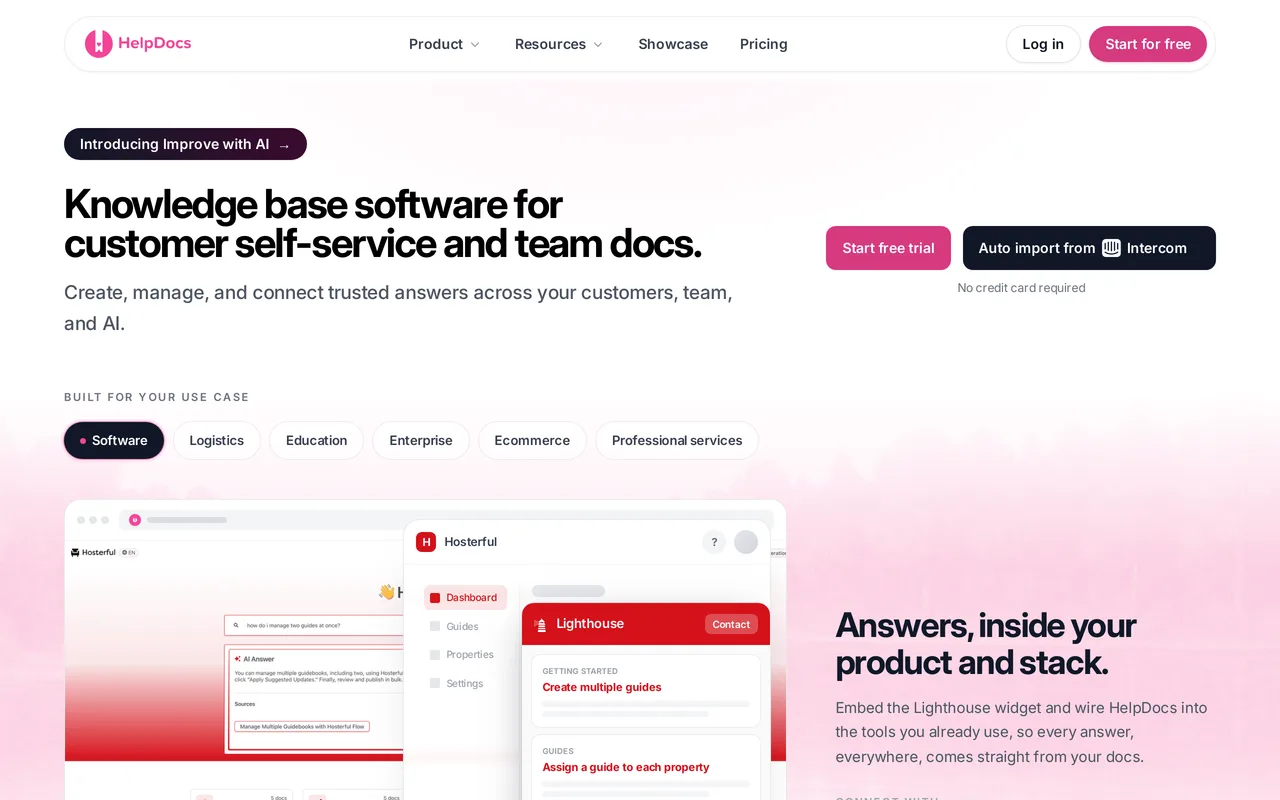
We make HelpDocs (hey! 👋), so we might be a little biased. But we’ve tried to be as honest as possible to make things easier for you, and you can check anything that matters against the pricing page. The honest positioning: HelpDocs is for teams who want a standalone, best-in-class knowledge base without a sales call standing between them and a number.
That’s the direct answer to the Document360 complaint. Pricing is flat and published, $129/mo on Sprout for 5 editors, $299/mo on Bloom for 15, $499/mo on Harvest for 25, with 20 percent off annually. AI credits are in every plan rather than bolted on, from 1,000 a month on Sprout to 10,000 on Harvest, and Ask AI plus AI drafting and rewriting arrive on Bloom. Public readers are unlimited and free forever, so the outcome you want, more people finding answers themselves, never turns up as a bigger invoice.
The rest of it is what happens when a help center is the whole product instead of one module. You can be live and branded in an afternoon on the templates, and the branding ladder runs from no-code colors and fonts through custom CSS on Sprout to custom JavaScript and full HTML template control on Bloom, so you stop where you choose. The V5 templates score 100/100 for SEO and accessibility in PageSpeed, which matters because a help center that ranks is a help center that deflects.
Multilingual is built in, 20 languages on Bloom and unlimited on Harvest. An audit trail sits on Bloom and up, while SSO and permission groups sit on Harvest, alongside a read/write REST API so your content stays portable.
The catch: the things Document360 does that we don’t are exactly the things enterprise documentation teams buy it for. No OpenAPI or Swagger reference rendering, at all. No multi-step approval workflow builder, only a lighter review flow. One knowledge base per subscription, so a second docs site is a second account rather than another workspace in the same one. There’s also limited SCIM provisioning, no option to remove HelpDocs branding, no general-purpose outbound webhooks, and no free tier, only the 14-day trial. If two or more of those are dealbreakers, HelpDocs vs Document360 sets out where staying put is the better call.
Best for teams who want a standalone knowledge base at a published flat price. From $129/mo, readers free. Start a free trial or see pricing.
Best for documentation versioned in Git: GitBook
If the part of Document360 you actually used was the versioning, GitBook reaches the same outcome from a completely different direction, and for a team that already lives in Git it’s the more natural one. Version history is Git-backed, editing is Markdown-first, and change requests give you a pull-request-style review with reviewers and merge rules. That’s a real approval workflow, just one your engineers already know instead of one an admin configures. It also imports OpenAPI and renders auto-updating interactive API references, and it syncs with GitHub and GitLab so docs live next to the code they describe.
For a product team whose documentation is genuinely an engineering artifact, this is the most natural migration on the list. You’re not recreating Document360’s workflow builder, you’re replacing it with branches.
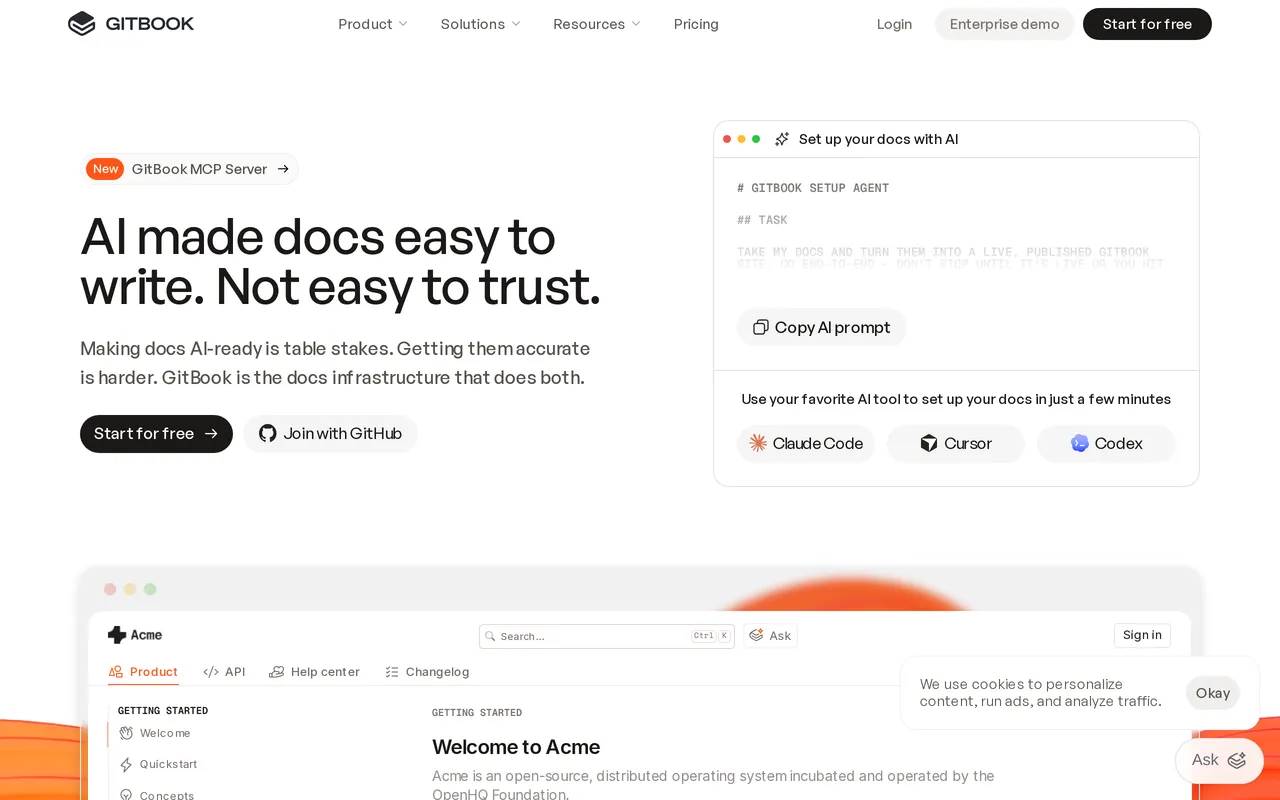
The catch: the pricing model rhymes with the one you’re leaving. GitBook bills per documentation site, $65/site/mo on Premium and $249/site/mo on Ultimate billed annually, plus $12 per user per month on top, so the per-project arithmetic that annoyed you about Document360 hasn’t gone away, it’s just published. The AI Assistant only unlocks on Ultimate, and SAML SSO, audit logs and white-glove migration are Enterprise, which is quote-only. So a multi-site team with SSO requirements ends up back in a sales conversation. HelpDocs vs GitBook compares them head to head.
Best for engineering teams who want docs in Git. Free for one user, then $65/site/mo plus $12/user/mo.
Best for bespoke theming across several languages: Helpjuice
Helpjuice goes unusually far on theming, and it’s worth saying plainly. You get the theme files, plural, HTML, CSS, JavaScript and Liquid, editable per language, with a visual editor for people who want none of that. Their team will also hand-skin your help center as part of onboarding and run the migration as a service with free migration hours, redirects and re-uploaded images included, so a team with no front-end time to spare still ends up with something bespoke rather than a template. Localization and AI article translation are on every tier including the cheapest, which is genuinely unusual, because multilingual is normally the lever vendors pull to move you up a plan.
If you’re leaving Document360 because the output looked like a documentation portal and you wanted something that looks like your brand, this is the shortest path to that.

The catch: the entry plan is aimed at a smaller team that wants the theming rather than the AI, so work out which tier you need before you compare headline prices. $249/mo covers 30 logins with no SSO and no AI features, AI search and the chatbot start at $449/mo, roughly an 80 percent step up, and unlimited logins is $799/mo. Only monthly pricing is published, with no annual discount shown anywhere, and there’s no free tier to try it on first. There’s also no OpenAPI rendering, so an API reference has to live elsewhere.
Best for brand-heavy, multilingual help centers with a done-for-you migration. From $249/mo flat.
Best for granular reader permissions and hands-on onboarding: KnowledgeOwl
KnowledgeOwl is the closest thing on this list to a like-for-like swap if what you liked about Document360 was control. Reader groups give you content-level permissions that are among the most granular in this class, so you can segment who sees what down to individual articles and categories, and theming goes all the way to full HTML, CSS and JavaScript. It’s also the most human option here: white-glove migration plus recurring one-to-one onboarding and support calls come with every plan, not just the top one, and there’s a HIPAA BAA available on Business. The trial is 30 days with no credit card, which is the longest look anyone gives you.
Content snippets, a glossary and PDF export are in the box too, which matters if your Document360 project leaned on content reuse.
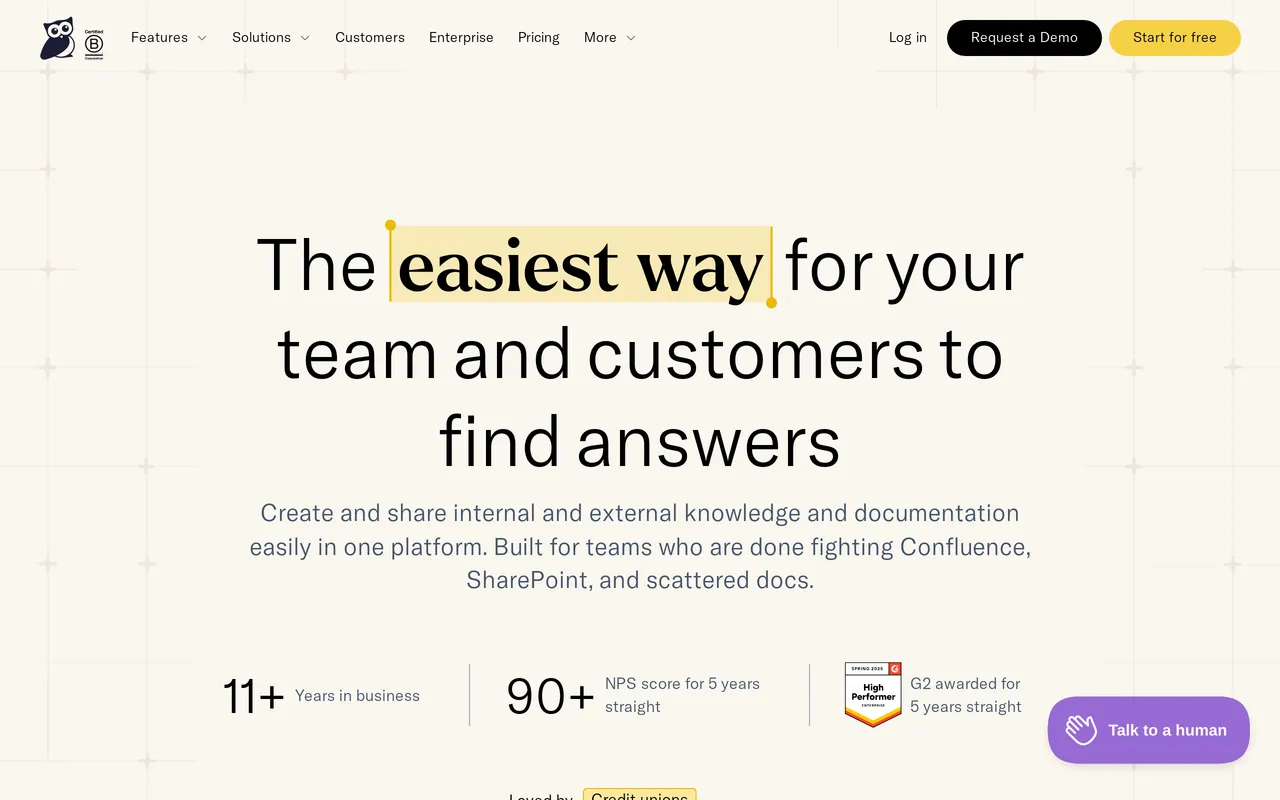
The catch: the $100/mo Basic plan is one author, and the extras add up in a familiar way. Additional authors are $25 each per month, an additional knowledge base is $50/mo, so the per-project model you’re escaping is present here in a milder form. Basic also has no custom domain, no API and no SSO, with SSO waiting behind the $500/mo Business plan. AI is metered at 25 to 250 credits a month depending on tier and those credits don’t roll over. No OpenAPI rendering either. HelpDocs vs KnowledgeOwl has the detail.
Best for granular permissions and hands-on support. From $100/mo, one author included.
Best for polished API reference docs, starting free: Mintlify
Mintlify is the tool here that most directly replaces the API-reference half of Document360. It renders a full OpenAPI or Swagger reference with an interactive playground, the default design is genuinely beautiful without a designer, and the workflow is MDX in a Git repo with pull-request reviews and preview deployments. It also ships an MCP server and agent-focused features, which is where developer docs are heading. And the Starter plan is free, with the full platform, a custom domain, the web editor and 10,000 AI credits a month, then $0.01 per credit after that.
For a devrel or engineering team publishing API documentation, starting at $0 and looking better than the paid alternative is a hard combination to argue with.
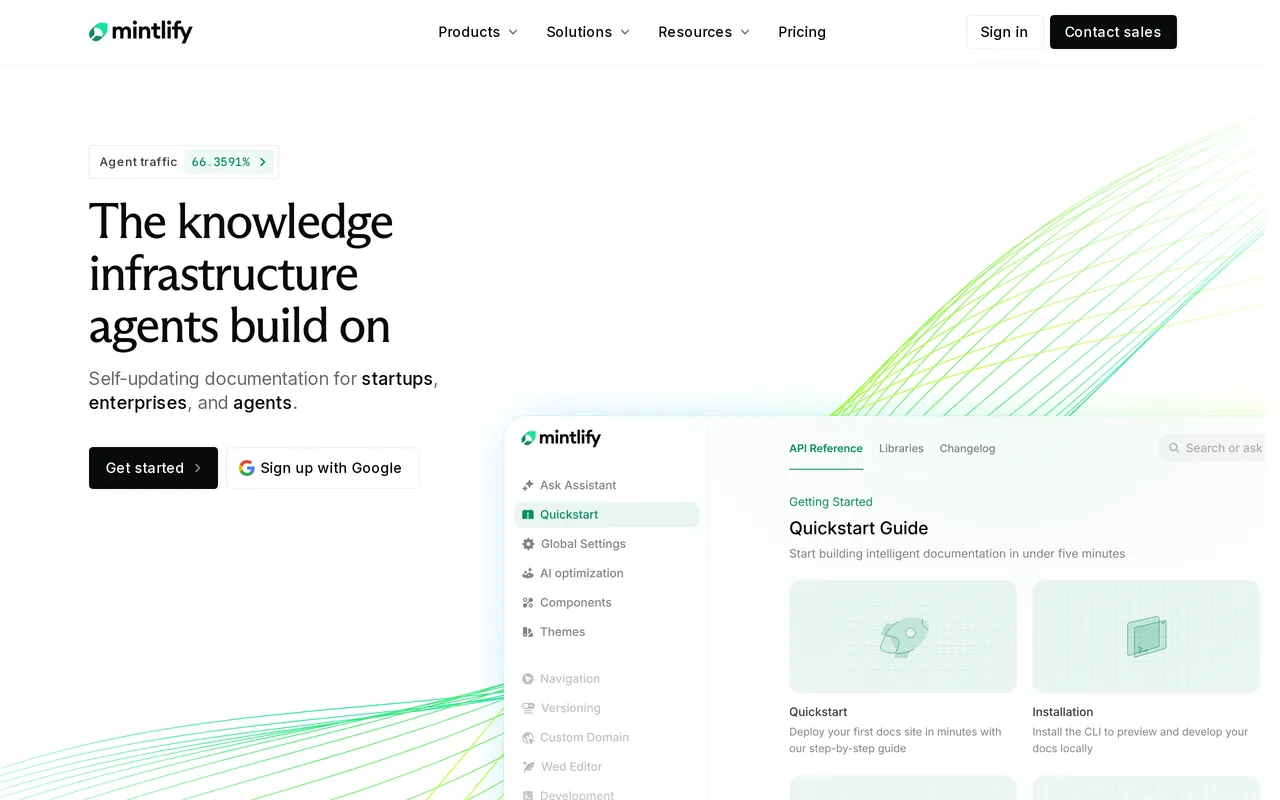
The catch: past Starter you’re back in quote-land, which is the thing you left. Pro is committed-volume pricing through sales and Enterprise is quote-based, so the AI agent, SSO, SCIM and RBAC all sit behind a conversation rather than a price. AI credit packs run from about $100/mo for roughly 10,250 credits up to $1,000/mo for around 108,500, metered on top of whatever you’re paying. It’s also not a support team’s help center: reviews happen in Git pull requests rather than a no-code approval flow, so if you’re replacing Document360 specifically to keep formal sign-off, this isn’t it. HelpDocs vs Mintlify covers the split.
Best for developer and API documentation. Free Starter, then quote-based plus metered AI credits.
Best for a solo author, or many separate branded sites: ProProfs Knowledge Base
Credit where it’s due: ProProfs publishes its prices, which already puts it ahead of the quote-only end of this market, and the free forever plan is real (one author, 25 pages, unlimited public views, help widget).
Two things stand out and are worth naming. Unlimited separate branded sites on its top tier, each with its own logo, theme and domain, so several products or acquired brands can run from one account without a separate bill each. And Swagger or OpenAPI spec import to generate API reference documentation, so a developer reference and a customer help article can live in the same place. Add Active Directory and SCIM sync, screen-recording capture, AI screenshot annotation and interactive demos, and it covers a surprising amount of ground for the money.
If you were running several Document360 projects mostly to keep brands separate, this is the cheapest version of that shape.
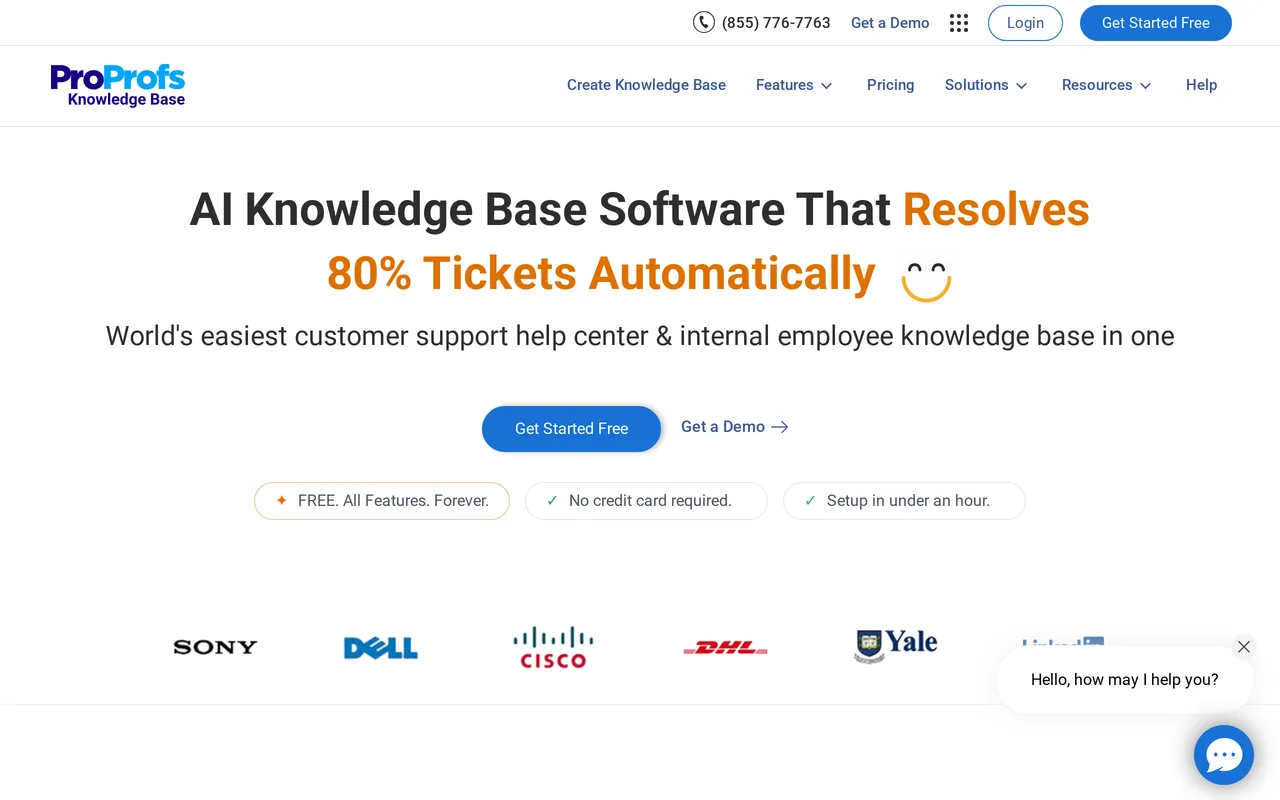
The catch: the price is per author, so it inverts as you grow. $49/author/mo on Essentials, $69 on Business and $79 on Business Complete Elite at annual rates, which puts five authors somewhere between roughly $245 and $395/mo, and a custom domain plus removing the “Powered by ProProfs” mark is a separate $300/year add-on on every tier. The API, webhooks, SSO, SCIM, audit logs and the full draft-to-review-to-approval workflow are all Business Complete Elite, which is annual plans only, and its AI chatbot and AI agents are still marked Coming Soon. HelpDocs vs ProProfs compares them properly.
Best for solo authors and multi-site teams on a budget. Free plan, then from $49/author/mo.
Top Document360 competitors, grouped by what they’re for
The Document360 competitors worth your time fall into three groups, and picking the wrong group is how people end up on their fourth demo of the week. The comparison hub has the head-to-head pages if you’ve already narrowed it down.
The documentation platforms are GitBook and Mintlify. Both are docs-as-code, both render OpenAPI references, and both assume the people writing are comfortable in a repo. This is where you land if Document360 was serving your engineers.
The help center specialists are HelpDocs, Helpjuice and KnowledgeOwl. These do customer-facing self-service and nothing else: search, theming, ratings, analytics, deflection. This is where you land if Document360 was serving your support team and the version-control machinery was never opened.
Then there’s ProProfs, which sits awkwardly across both and undercuts everyone on entry price, with a top tier that covers more checkboxes than its price suggests and a bill that scales with authors rather than sites.
Document360 pricing alternatives: what per-project really costs
Worth being blunt about this, since it’s the search that brought most people here. The problem with per-project pricing isn’t the amount, it’s that you can’t do arithmetic with it. A published flat price lets you answer “what happens if we add German” or “what does a second docs site cost” in your head. A quote means asking, waiting, and finding out that the answer depends.
Of the five alternatives, only two give you a number that covers your whole situation: HelpDocs at a flat $129 to $499/mo by editor count with readers, AI credits and languages included, and Helpjuice at a flat $249 to $799/mo capped by logins. KnowledgeOwl publishes flat tiers but adds per-author and per-knowledge-base line items on top. GitBook publishes per-site prices plus per-user fees, so your real number depends on a multiplication. Mintlify publishes only its free tier.
The AI add-on is the other half of the complaint, and it takes a different shape everywhere. HelpDocs includes credits in every plan, Mintlify meters them from $100/mo, KnowledgeOwl gives you 25 to 250 a month that don’t roll over, Helpjuice has none at all on its entry tier, and ProProfs has AI Writer and AI Search from Essentials but its chatbot is unreleased. The question isn’t which model is right, it’s whether you’d rather carry a slightly higher fixed cost or a usage line you have to forecast.
Moving your docs off Document360
The good news is that Document360 doesn’t lock your content up. It has Markdown and PDF export plus an API, so getting your articles out is a solved problem wherever you’re going.
Document360 isn’t a built-in one-click source in HelpDocs today, so the honest path is export from Document360, then import into HelpDocs by CSV or through the HelpDocs API. Articles, categories and images map cleanly and most teams are live within a day or two. Your Document360 project stays untouched while you do it, so you can run both and compare them properly instead of committing on faith.
Three things deserve planning rather than improvisation. Redirects first: if your Document360 site has been picking up search traffic for a couple of years, map the old URLs before you move the domain or you’ll hand that traffic to nobody. Second, decide what happens to any OpenAPI reference pages, because no help center on this list will render them, and the usual answer is keeping that piece in a docs-as-code tool rather than pretending you can flatten it into articles. Third, if you had a real multi-step approval workflow, write down what it was actually enforcing before you replace it, since some of it is often habit rather than requirement, and the rest may be a reason to stay.
So which should you pick?
If the versioning, the approval workflow and the workspaces are contractual rather than nice-to-have, stay on Document360. That’s the honest headline and it goes first. If a regulator, an auditor or a legal team needs to see who changed which sentence and who approved it, nothing here replaces that cleanly, us very much included: our review flow is lighter and our diff tooling is shallower than theirs. The same goes for OpenAPI references and for running six docs sites from one account, both of which we simply don’t do.
If Document360 was serving your engineers, go to GitBook or Mintlify and don’t look at the help center specialists at all. Mintlify if the API reference and the default design are the point and starting free is attractive; GitBook if Git-native branching and change-request reviews are what you’d miss most.
If Document360 was serving your support team, which is the most common version of this, pick a help center specialist and enjoy paying a price you can read. We think HelpDocs is the right call when you want a knowledge base that’s live quickly, branded as far as you want to take it, and priced flat so more readers and more languages never arrive as a bigger invoice.
Helpjuice is the better call if bespoke per-language theming is the whole point and $249/mo is comfortable. KnowledgeOwl wins if granular reader permissions and a standing onboarding call matter more than AI. And if you’re one person on a tight budget, ProProfs at $49/author/mo or its free plan is a perfectly sensible place to spend the next year.
Still weighing it up? The quickest way to settle it is to put your real Document360 articles into something else and look at them. Start a free trial with no credit card, or see what it costs before you do anything.
