12 Best Knowledge Base Software (2026)
An honest comparison of the twelve knowledge base tools teams actually shortlist, with real pricing, real drawbacks, and a clear answer to which job each one is for.
Picking knowledge base software is one of those decisions that looks simple until you start. Every tool on this list will store an article and put a search box on top of it, which means the demos all look the same and the feature tables all look complete. The differences that actually matter only show up three months in, when somebody has to maintain four hundred articles, or when finance asks why the bill went up again.
This is a roundup of the twelve tools teams genuinely consider in 2026, and it is written for the person who has to live with the choice. Every entry has real pros, at least one real drawback, and a starting price you can check. We make HelpDocs (hey! 👋), so we might be a little biased. We have tried to be as honest as possible anyway, including about where we are the wrong answer.
What is knowledge base software?
Knowledge base software is a tool for writing, organizing and publishing the articles that answer your customers’ questions, so they can find the answer without contacting you. In practice that means three things bundled together: an editor your team will actually use, a search experience that finds the right article, and hosting that puts it on your own domain looking like your product.
That sounds narrow, and the confusion in this market comes from how many adjacent products also claim it. A help desk like Zendesk or Help Scout is a ticketing system with a knowledge base attached. An internal wiki like Confluence or Notion is a place your team writes for itself, which can also publish pages. A developer documentation platform like GitBook syncs Markdown from a Git repo.
All four can host help articles. They are not the same purchase.
So the first question is not “which is best” but “which job am I buying for”. These four roughly cover it:
- A public help center for customers. You want branding, search, SEO, and analytics that tell you what people failed to find. This is the dedicated knowledge base category.
- Tickets and docs from one vendor. You want a shared inbox first, and the knowledge base can be adequate. This is the help desk category.
- Internal knowledge for staff. You want collaborative editing, permissions, and search across your other tools. This is the wiki category.
- Technical documentation for developers. You want Git, Markdown and rendered API references. This is the docs-as-code category.
Buying from the wrong category is the single most common and most expensive mistake here, and it is usually only obvious a year later.
How we evaluated these tools
We scored every tool against the same six things, which are the ones that come up repeatedly when teams tell us why they switched. Print this list and mark each contender out of five if it helps.
A writing experience people enjoy. If the editor is a chore, articles never get written and never get updated. This is the least glamorous criterion and the best predictor of whether a knowledge base is still accurate in a year.
Search that finds the answer. Search is how people actually use a help center, so weak search quietly wastes the whole investment. Look for failed-search reporting too, because knowing what people searched for and did not find is the most useful content plan you will ever get.
AI that does real work. Nearly everything now claims AI. The questions worth asking are narrower: does it answer from your content rather than inventing, is it included in the price or metered per resolution, and can you turn it off where it does not help. If AI is the deciding factor for you, we compare these tools on that axis alone in best AI knowledge base software.
Analytics you act on. Article views are table stakes. What changes behavior is knowing which articles fail, which searches come back empty, and whether the thing is actually deflecting contacts.
Access control when you need it. Public help center, private internal docs, or both from one place, with SSO and permissions if your security review requires them. Worth checking which plan those land on, because it is often the top one.
Hosting you never think about. A custom domain, fast pages, and no maintenance. If a tool needs a Windows desktop app or a build pipeline to publish, that is a real cost even when it is free.
Two things we deliberately did not score: logo counts on the homepage, and self-reported satisfaction statistics. Neither survives contact with your actual use case.
The 12 best knowledge base software tools in 2026
Here is the whole field at a glance. Prices are the entry paid tier unless a free plan is the realistic starting point.
| Tool | Best for | Starting price | Pricing model | Free trial | Standout feature |
|---|---|---|---|---|---|
| HelpDocs | A standalone help center without a support suite | $129/mo | Flat monthly, per editor, public readers free | 14 days | Flat pricing that ignores headcount |
| Document360 | Versioned, audited documentation and API references | Quote only | Per project, quote only | 14 days | Native OpenAPI reference rendering |
| Helpjuice | Bespoke theming across several languages | $249/mo | Flat monthly, capped by logins | 14 days, no card | Liquid template access plus done-for-you design |
| Bloomfire | Internal knowledge across a whole company | Quote only | Quote only, multi-year | Demo only | Searchable transcripts of video and audio |
| Zendesk Knowledge | Large support operations that need real ticketing | $55/agent/mo | Per agent, AI add-on extra | 14 days | Depth of the wider Zendesk suite |
| Intercom | Putting an AI agent on the front line | $29/seat/mo | Per seat, plus per resolution | 14 days, no card | Fin resolving conversations end to end |
| GitBook | Developer docs that live beside the code | $65/site/mo | Per site, plus per user | Free plan | Git sync with branching and reviews |
| Slite | A fast internal wiki for a small team | $10/member/mo | Per member | 14 days, no card | AI search across connected tools |
| Help Scout | Tickets and docs from one vendor | $25/user/mo | Per user, plus per AI resolution | Free plan | Shared inbox that teams genuinely like |
| Confluence | Teams whose work already lives in Jira | Free to 10 users | Per user | Free tier | Deep Atlassian and Jira integration |
| Notion | Early-stage teams already writing in Notion | $0 | Per seat, free plan | Free plan | Flexibility and a genuinely usable free tier |
| ProProfs Knowledge Base | A published price at the low end | $0 | Per author, free tier | 15 days | Free forever tier with real published pricing |
Best for a standalone knowledge base without the support suite: HelpDocs
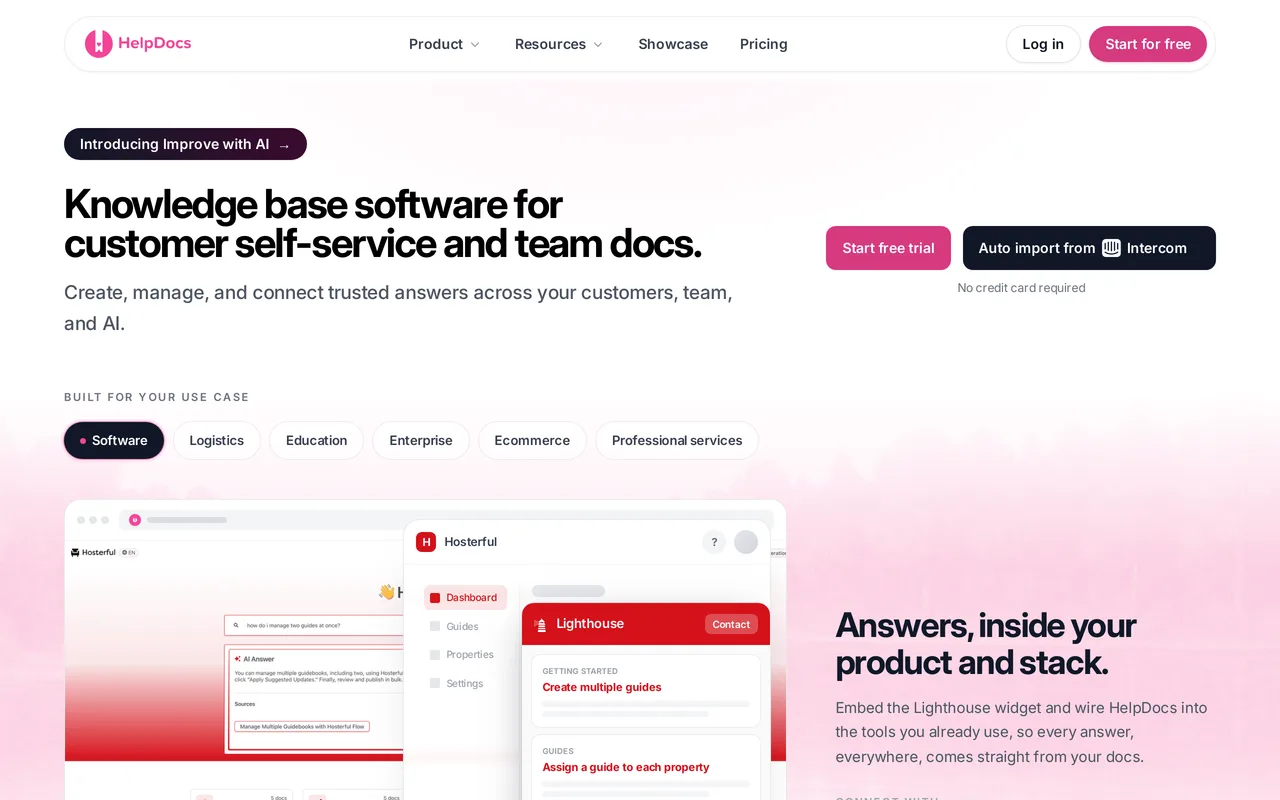
We make HelpDocs (hey! 👋), so we might be a little biased. We’ve tried to be honest anyway, and you can check anything that matters against the pricing page. The positioning is narrow on purpose: HelpDocs is for teams who want a standalone, best-in-class knowledge base, without paying for a bloated support suite. Because the help center is the whole product rather than one module in a suite, the branding ladder runs from no-code colors and fonts through custom CSS on Sprout to custom JavaScript and full HTML template control on Bloom, and the V5 templates score 100/100 for SEO and accessibility in PageSpeed.
Pros
- Pricing is flat and published: $129/mo on Sprout for 5 editors, $299/mo on Bloom for 15, $499/mo on Harvest for 25, with 20 percent off annually. Public readers are unlimited and free, so more people finding their own answers never arrives as a bigger invoice.
- AI credits are included in every plan rather than sold as an add-on, from 1,000 a month on Sprout to 10,000 on Harvest, with Ask AI plus AI drafting and rewriting on every plan.
- Multilingual is built in (20 languages on Bloom, unlimited on Harvest), and the analytics tell you where the library is failing: failed-search reporting, article ratings, and deflection reporting. An audit trail and permission groups sit on Bloom and up, while SSO sits on Harvest, alongside a read/write REST API.
Cons
- It’s not a help desk, and we’re not trying to be one. No ticketing, no shared inbox, no live chat, and no AI agent that resolves live conversations, so if you’re replacing those too you’ll be running a second tool alongside this one.
- There are real gaps on an enterprise checklist: limited SCIM provisioning, no OpenAPI or Swagger reference rendering, no option to remove HelpDocs branding, and no general-purpose outbound webhooks (the REST API is read/write, but nothing gets pushed out to you).
- There’s no free tier, only a 14-day trial, though it comes with 50 AI credits so you can try the AI on your own content before paying. And “unlimited free readers” means anonymous readers of a public help center: gated or authenticated readers can cost extra.
Starting price: $129/mo flat (Sprout, 5 editors), or $99/mo billed annually Best for: Support and docs teams who want the help center itself to be the product, at a price they can read without booking a call.
Best for versioned, audited documentation: Document360
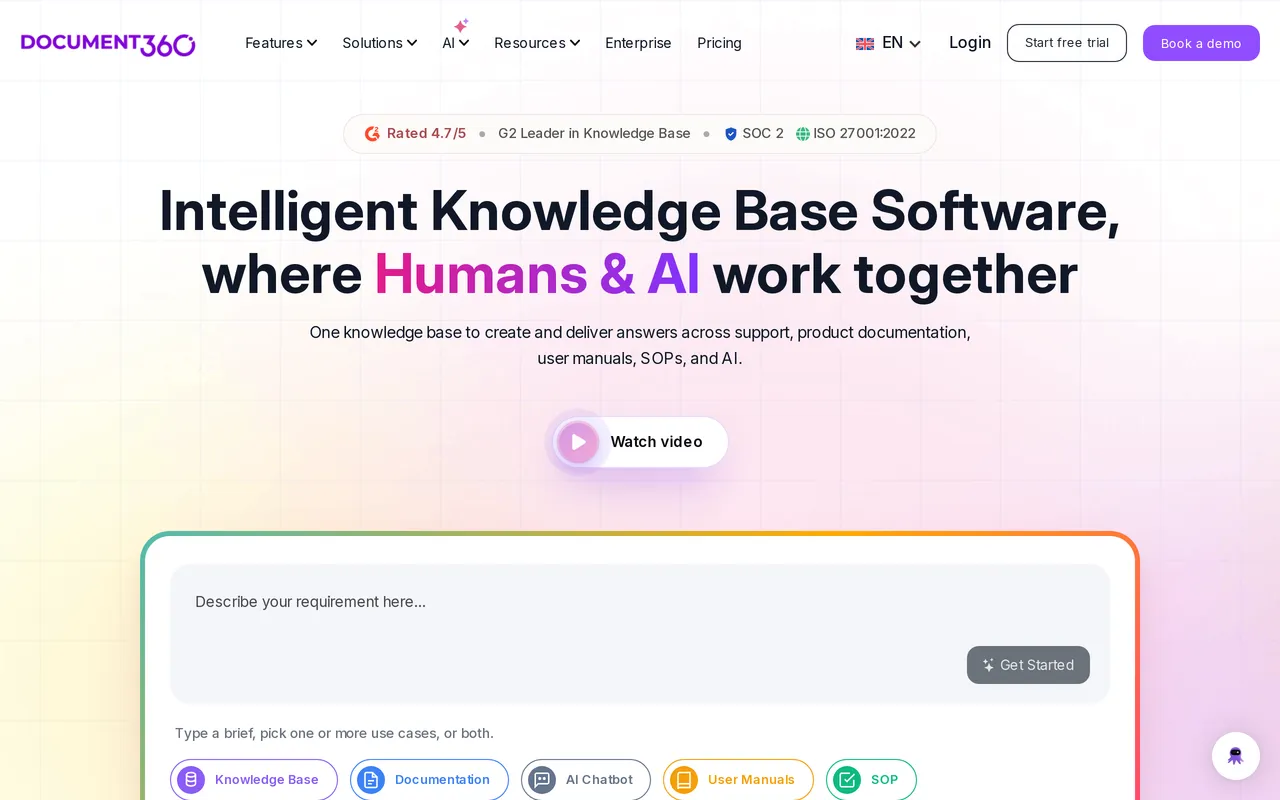
Document360 is the tool on this list that treats documentation as an engineering artifact, and that framing is exactly why regulated teams shortlist it. Deep version and diff tooling, a workflow builder that can hold an article until the right person approves it, a mature Category Manager for deeply nested trees, separate projects and workspaces for organizations running several docs sites, and native OpenAPI and Swagger reference rendering for teams whose documentation includes an API. If your docs get audited, or a legal team cares who changed which sentence and when, this is built for exactly that, and very few help center tools are. It’s also the least help-center-ish of the specialists, which is the trade you’re making.
Pros
- Version history, diffs, and a configurable multi-step approval workflow, so an article can’t go live until the named reviewer signs off. That’s the feature regulated teams actually buy it for.
- Renders OpenAPI and Swagger references natively, so an API reference and a help center can live in one product instead of two.
- Separate projects and workspaces let one organization run several distinct docs sites with their own structure and permissions.
Cons
- You can’t find out what it costs. As of July 2026 pricing is quote-only and charged per project, meaning one knowledge base, so evaluating it takes a sales conversation and a second one if you later want another docs site.
- The AI is in the plan rather than a paid add-on as of September 2026, but you still can’t price it, because the base subscription is quote-only and the AI arrives inside that same negotiation. HelpDocs vs Document360 has the detail.
Starting price: Quote only (per project, billed annually) Best for: Documentation teams whose content gets audited, versioned, or formally approved, and who need an API reference in the same product. Head to head: HelpDocs vs Document360
Best for bespoke theming across several languages: Helpjuice
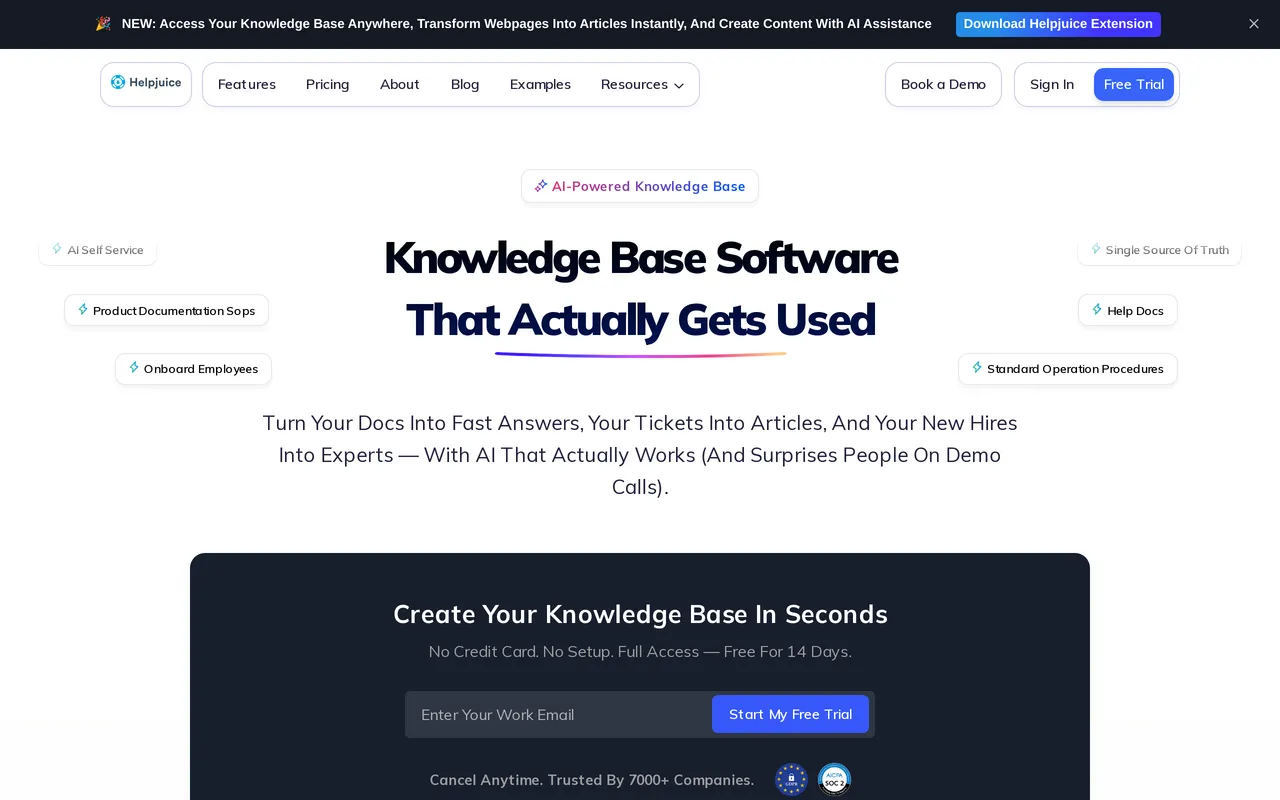
Helpjuice puts its effort into theming, and it goes further there than most tools in this category. You get the theme files, plural: HTML, CSS, JavaScript, and Liquid templates, editable per language, with a visual editor for people who want none of that. Their team will also hand-skin your help center as part of onboarding and run your migration as a service with free migration hours, redirects and re-uploaded images included, which is a rare thing to get handed to you at this price. Localization and AI article translation are on every tier including the cheapest, which is genuinely unusual, because multilingual is normally the lever vendors pull to move you up a plan.
Pros
- Full theme file access per language (HTML, CSS, JavaScript, Liquid), so a designer can build the help center you actually drew rather than the one a theme allows.
- Done-for-you setup: their team hand-skins the help center during onboarding and will run the content migration as a service, including redirects and re-uploading images.
- Localization and AI article translation are available on every tier, including the entry plan, rather than being gated behind an upgrade.
Cons
- The entry plan is aimed at a smaller team that wants the theming rather than the AI, so work out which tier you need before comparing headline prices. $249/mo covers 30 logins with no SSO and no AI features, AI search and the chatbot start at $449/mo, roughly an 80 percent step up, and unlimited logins is $799/mo.
- Only monthly pricing is published, with no annual discount shown anywhere, and there’s a 14-day trial with no card but no free tier to sit on afterwards. There’s also no OpenAPI rendering, so an API reference has to live somewhere else.
Starting price: $249/mo flat (30 logins, no SSO, no AI) Best for: Brand-led teams running a heavily customized help center in several languages, who’d rather hand the theming and the migration to the vendor. Head to head: HelpDocs vs Helpjuice
Best for company-wide internal knowledge: Bloomfire
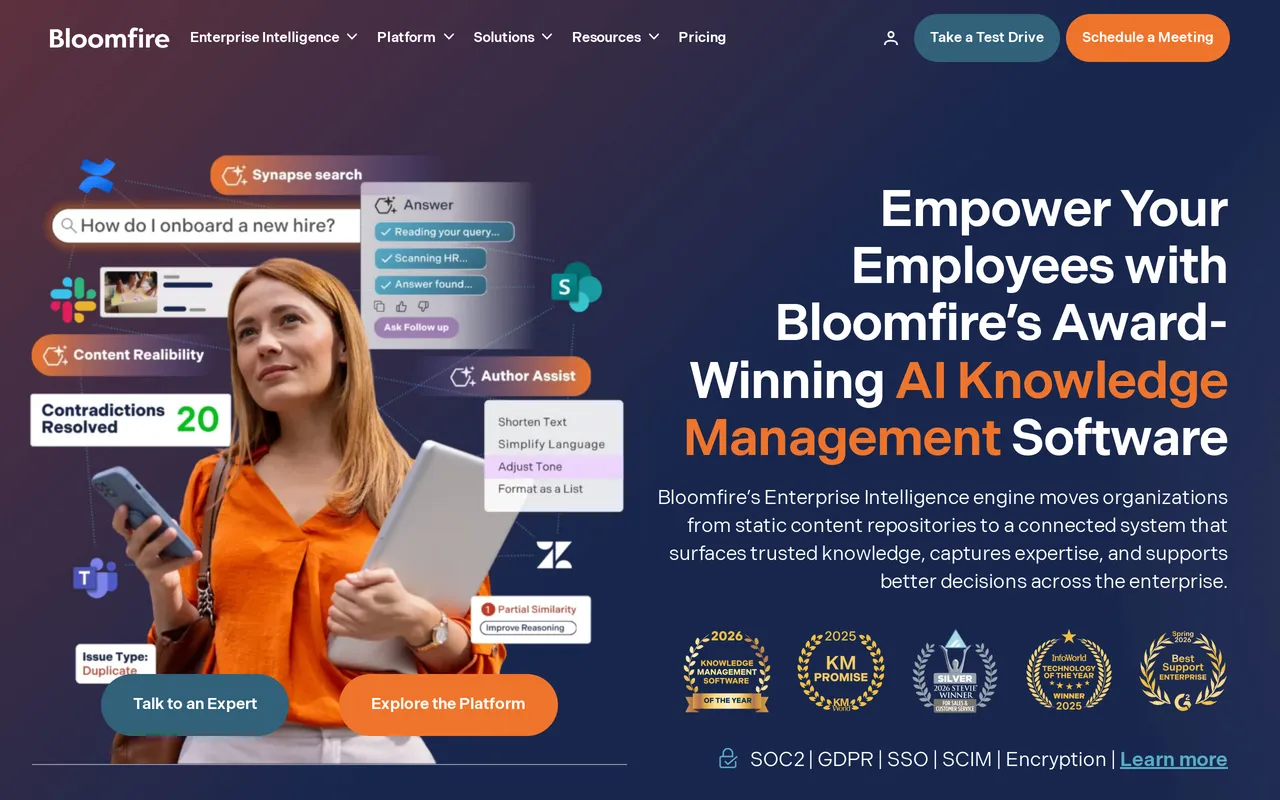
If the problem is that knowledge is scattered across a dozen systems and nobody can find any of it, Bloomfire aims directly at that. It indexes 25+ file types and automatically transcribes video and audio, so you can search spoken words and jump to the moment they were said, which turns recorded meetings and training sessions into knowledge people can actually retrieve. It also has the organizational machinery big rollouts need: a Q&A community model where employees ask and experts answer, Learn and Confirm acknowledgement tracking for mandatory reading, SCIM alongside SAML, and full white-labeling with no vendor mark. Rolling knowledge out to an entire company is a different and harder problem than publishing docs to customers, and this is built for it.
Pros
- Automatic video and audio transcription plus 25+ indexed file types, so an answer buried in a recording or a slide deck is findable. Nothing else on this list does that.
- Connectors make SharePoint, Google Drive, Salesforce, Teams, and Confluence searchable from one place, so it can sit on top of the mess instead of asking you to clean it up first.
- Enterprise governance is properly covered: SCIM provisioning alongside SAML SSO, full white-labeling, and Learn and Confirm tracking that records who read the mandatory thing.
Cons
- You can’t find out what it costs, and you can’t try it with your own content. Bloomfire publishes no price for any tier as of September 2026: quotes are scoped to your rollout across Team, Department, and Enterprise tiers on a multi-year basis, with data migration and implementation quoted as separate fees on top. The evaluation route is a demo or a self-guided Test Drive rather than a trial, so putting a number on it means a sales conversation first.
- It’s an internal platform. There’s no SEO metadata tooling, so it won’t solve a public help center problem no matter how good the internal search is. HelpDocs vs Bloomfire has the detail.
Starting price: Quote only (annual, billed multi-year, plus implementation fees) Best for: Enterprises rolling knowledge out to hundreds of employees across departments, with the budget and procurement patience to match. Head to head: HelpDocs vs Bloomfire
Best for large omnichannel support operations: Zendesk Knowledge
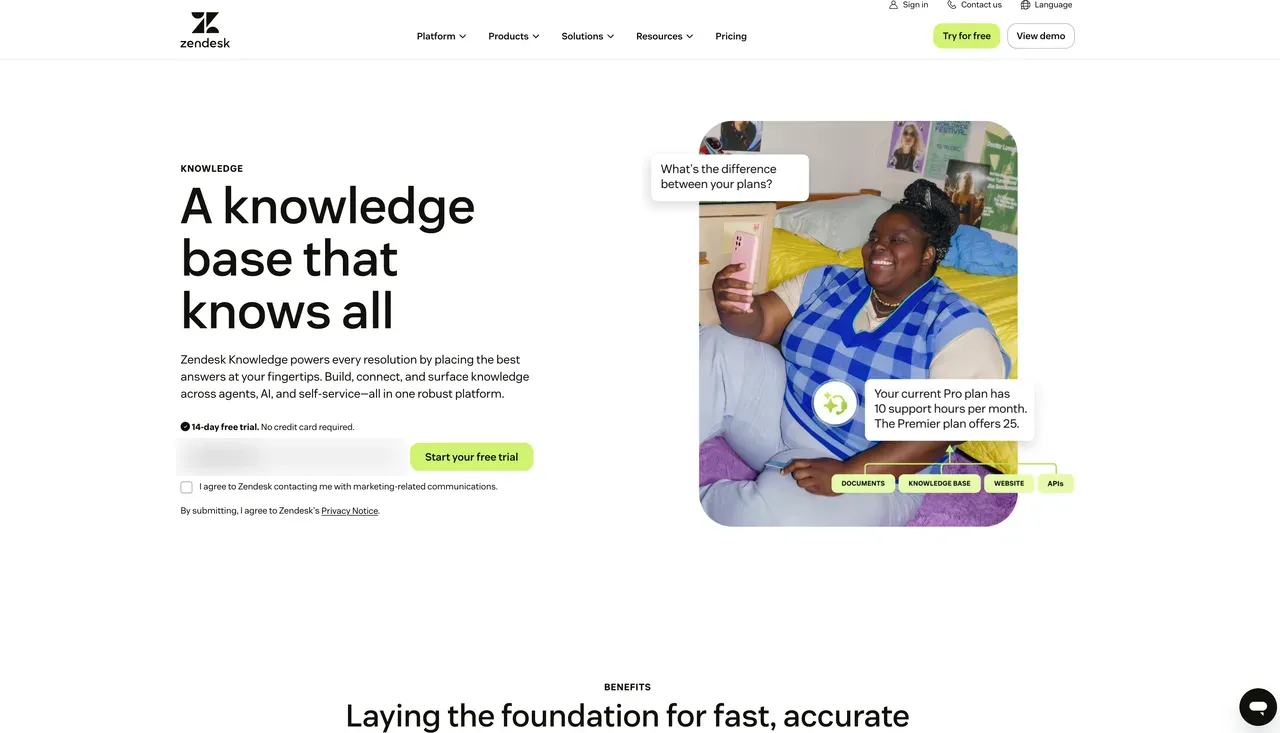
Zendesk Knowledge is the help center module bundled inside Zendesk Suite, and it’s the product Zendesk used to call Guide. It isn’t sold on its own, which tells you most of what you need to know about who it suits: teams already running their support operation on Zendesk ticketing, who want the docs in the same place.
To be fair to Zendesk, at scale it earns its money. If you have dozens of agents, SLAs that matter, routing rules, side conversations and a QA process, very little else does all of that as thoroughly. And the theming is a genuine strength rather than a bundled afterthought: Curlybars templating gives you full HTML control over the help center, which is more than most suites offer.
Pros
- Curlybars theming gives full HTML template control over the help center, one of Knowledge’s real strengths.
- Multi-brand help centers from Suite Professional ($115/agent/mo) and up, so several products or regions each get their own branded site.
- Explore reporting covers the whole operation, including search dashboards, automated-resolution and deflection reporting, and contributor activity.
Cons
- You pay per agent for ticketing whether anyone touches it or not. Suite Team is $55/agent/mo rising to $115 on Suite Professional, with Suite Enterprise quote-only, and the Copilot add-on is another $50/agent/mo paid yearly. Every plan comes with a monthly automated-resolution allowance in dollars ($2/agent/mo on Suite Team, $5 on Professional, $10 on Enterprise, capped at $5,000 a year), and anything past it is billed as overage.
- Knowledge is a module rather than a product in its own right, so it gets the roadmap attention a bundled feature gets rather than the attention a help center specialist would give it.
Starting price: $55/agent/mo (Suite Team, billed annually), plus $50/agent/mo for the Copilot add-on paid yearly Best for: Large support orgs already running omnichannel ticketing on Zendesk who want the help center inside the same suite. Head to head: HelpDocs vs Zendesk
Best for putting an AI agent on the front line: Intercom
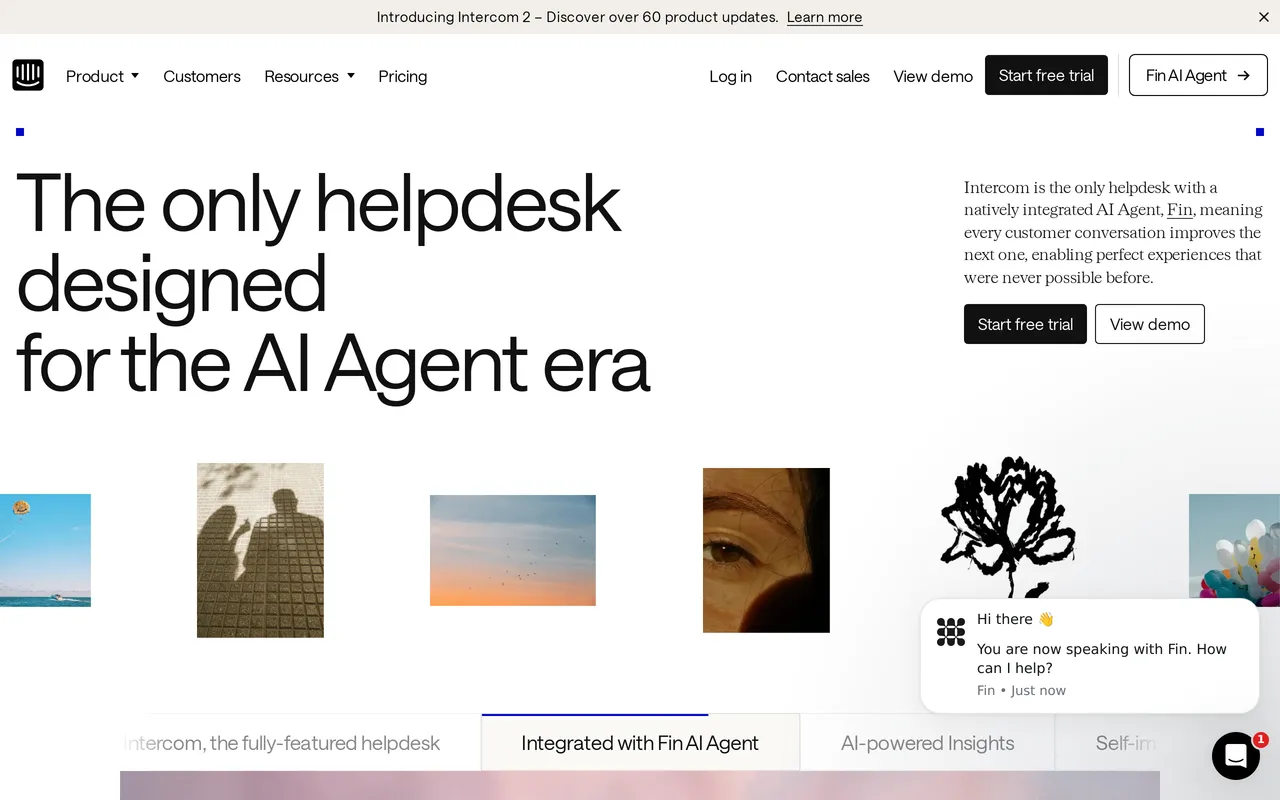
Intercom’s knowledge base is called Articles, and it increasingly exists to feed We integrate with FinFin, We integrate with IntercomIntercom’s AI agent. That’s a coherent strategy rather than neglect, and it’s also the reason to pick Intercom. If your plan for reducing ticket volume is an AI agent handling conversations end to end, rather than customers reading docs and going away satisfied, Fin is the most complete version of that idea you can buy today and it isn’t close.


The Messenger, Articles and Fin behave like one system instead of three products with integrations bolted between them, which is rarer than vendors make it sound. Worth knowing if it’s only the docs you want to move: Articles is separable enough that you can lift the content out and leave the Messenger exactly where it is, so a docs-only switch never touches your live chat.
Pros
- Fin resolves live chat and ticket conversations end to end, not just article questions. Nothing else on this list is attempting the same job.
- Messenger, Articles and Fin share one system and one content source, so in-product help, chat and the AI agent stay consistent.
- 64 languages, with private and multilingual Help Centers on Advanced and multi-brand Help Centers on Expert.
Cons
- The bill has two dials and you only control one. Seats are $29/seat/mo on Essential, $85 on Advanced and $132 on Expert, and Fin adds $0.99 per resolution on top. A month where deflection works beautifully is also a month with a bigger invoice, so forecasting the cost means forecasting your own conversation volume.
- Articles is the feedstock rather than the product. Category management, theming and failed-search reporting all sit behind tools whose entire roadmap points at the help center.
Starting price: $29/seat/mo (Essential, billed annually), plus $0.99 per Fin resolution Best for: Teams betting on an AI agent as the support front line who can model their conversation volume before they sign. Head to head: HelpDocs vs Intercom Replacing only Articles: six Intercom alternatives, compared
Best for developer docs that live next to the code: GitBook
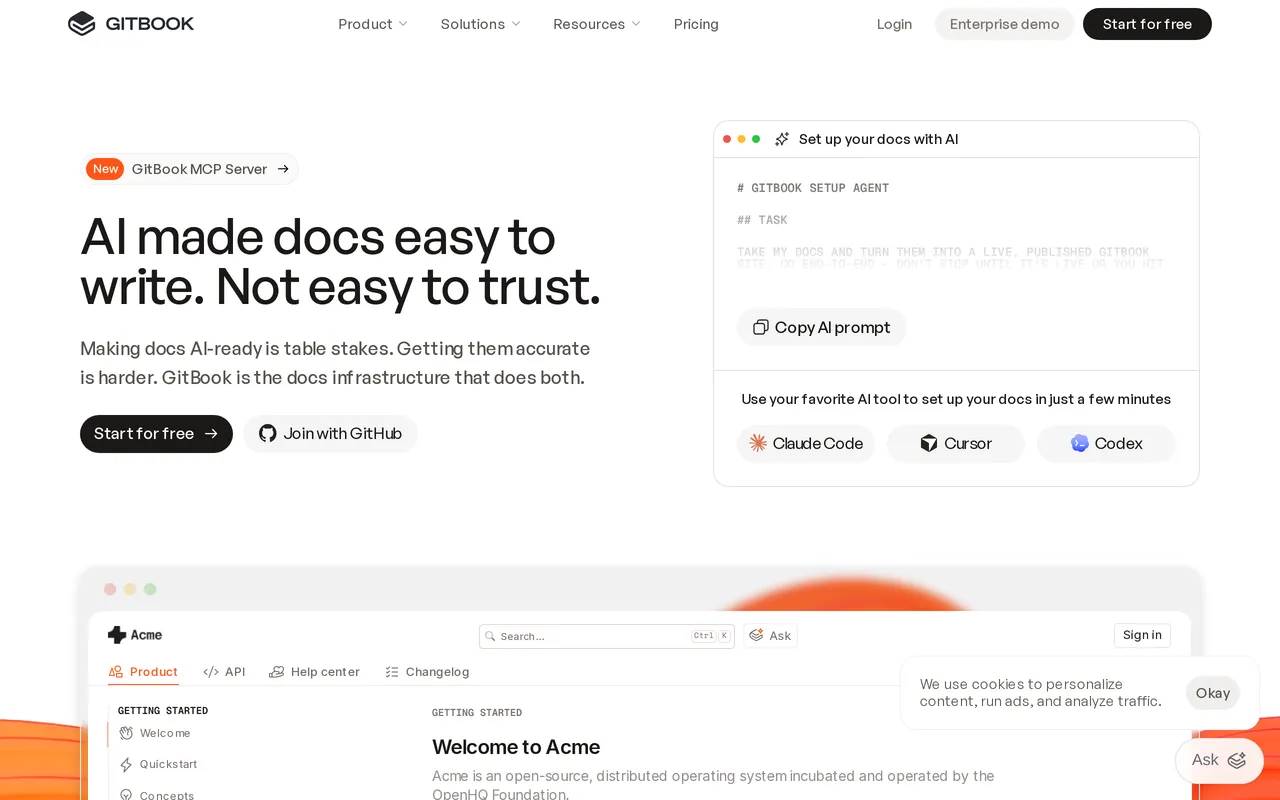
GitBook is a documentation platform built around a Git workflow, and if that describes how your team already works, very little else on this list fits as neatly. Docs sync with GitHub and GitLab so they’re versioned alongside the codebase, editing is Markdown-first, and changes go through branching and change requests that map onto release versions. It imports OpenAPI and Swagger and renders interactive API references that update themselves, so the reference never drifts away from the code it documents.
Where it strains is the pattern that puts most people on a page like this one: a team adopts GitBook for developer docs, it works well, and then somebody reasonably decides the customer help center may as well live there too. To GitBook’s credit, it’s also one of the easier platforms to leave if you get there, because content is stored as Markdown you can pull straight out of the repo you’re already syncing with.
Pros
- Git sync with GitHub and GitLab, Markdown-first editing, and change requests that work like pull requests.
- OpenAPI and Swagger import with auto-updated interactive API references, plus API playgrounds for technical readers.
- A real free plan for a single user, so you can test it on an actual repo before spending anything.
Cons
- Billing is per documentation site. Essential (formerly Premium) is $65/site/mo plus $12/user/mo, and the AI Assistant, AI Insights and authenticated access only unlock on Ultimate at $249/site/mo plus the same per-user charge. Running developer docs and a separate customer help center means paying that twice.
- The Git workflow is a genuine barrier for non-technical authors. If your support team writes most of your articles, fixing one wrong sentence involves a branch, a change request, and an engineer who is in the middle of something else.
Starting price: $0/site/mo for one user, then $65/site/mo plus $12/user/mo on Essential Best for: Engineering teams whose documentation belongs in the repo, written by people who want Markdown and pull requests. Head to head: HelpDocs vs GitBook
Best for internal team knowledge: Slite
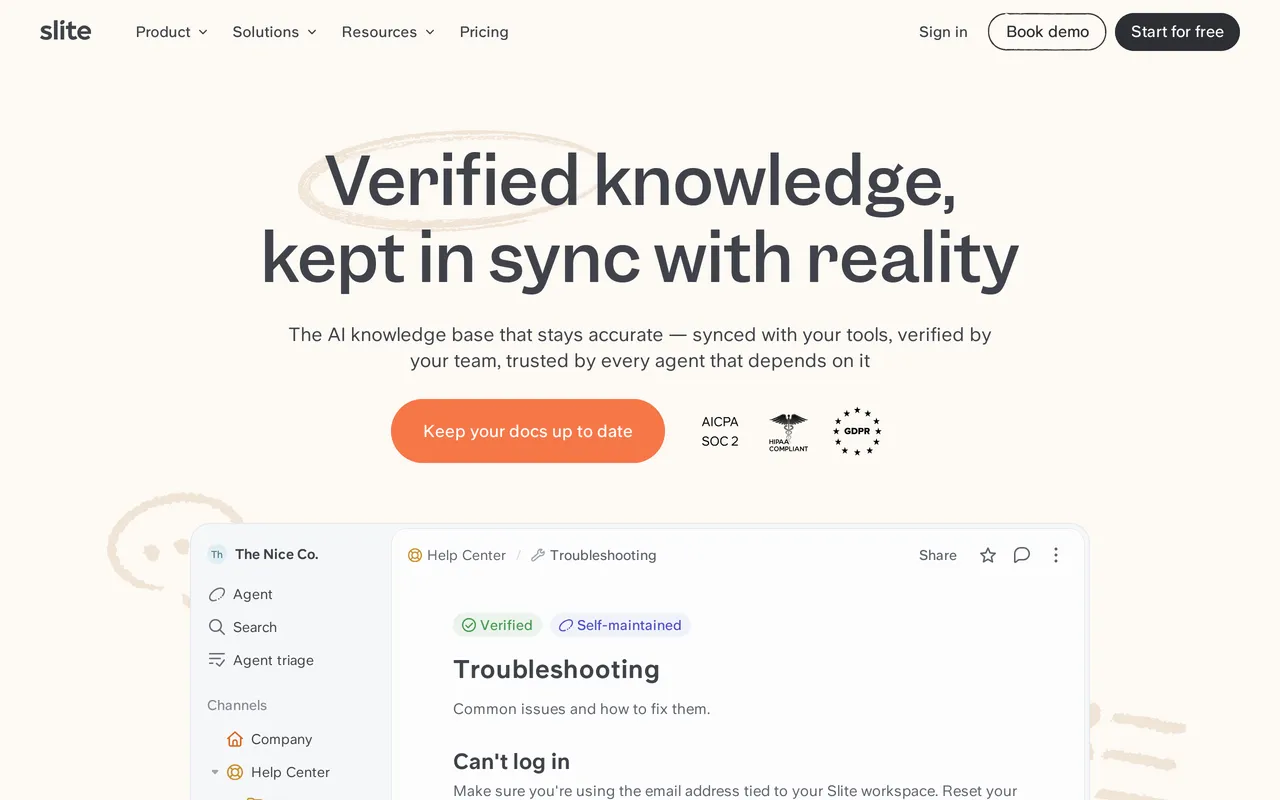
Slite is a team wiki, and a nicer one than most. It’s fast, clean, and genuinely pleasant to write in, which matters more than it sounds when you’re trying to get a whole team to document anything.
Its Ask AI answers questions from your internal docs and, on Pro, searches across connected tools like We integrate with SlackSlack, Jira and Linear, so one question can reach beyond the wiki itself. Doc verification, where a page gets marked verified and someone gets prompted when it drifts out of date, is a smarter answer to knowledge rot than most competitors manage. It’s also worth naming that a decent share of what teams put in a public docs tool was never customer-facing at all, and for runbooks, onboarding and internal process this is the tool on the list people are most likely to keep writing in.

Pros
- Ask AI reaches into 12+ connected tools on Pro, so a single search spans Slack, Jira and Linear alongside your docs.
- Doc verification plus the Slite Agent, which flags knowledge that’s gone stale and drafts an update for you.
- Cheap and quick to start: $10/member/mo on Basic, with very little configuration to do and a 14-day trial, no card, to test it first.
Cons
- Billing is per member, so readers cost money. That’s fine while the audience is your team, and the wrong shape entirely for a public help center where the whole point is readership growing.
- The help center layer isn’t there. Publishing public docs on a custom domain only arrives on Pro at $20/member/mo, Basic caps Ask AI at roughly 30 questions per seat per month, and there’s no failed-search reporting, no custom CSS or HTML templating, and no deflection tooling, because deflection isn’t what Slite is for.
Starting price: $10/member/mo on Basic (billed annually), with a 14-day trial and no free plan Best for: Small and mid-size teams documenting internal processes, onboarding and runbooks for colleagues rather than customers. Head to head: HelpDocs vs Slite
Best for replacing tickets and docs with one vendor: Help Scout
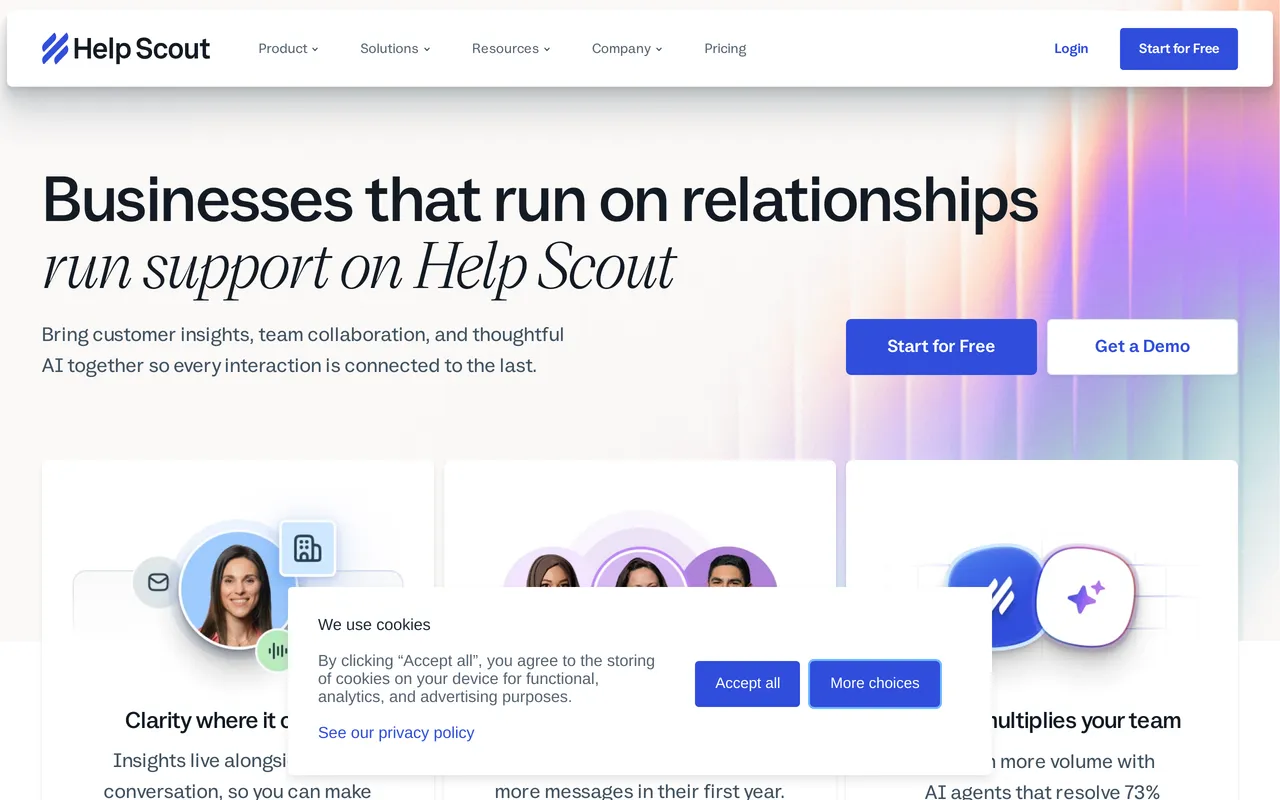
Help Scout is a support platform first, with a knowledge base called Docs attached to it. The shared inbox is the reason people buy it and it’s genuinely excellent, dramatically simpler than Zendesk with roughly a tenth of the administrative surface area, and teams who move to it tend to describe the experience as relief. Docs is the junior half of the product, deliberately simple, and it’s capable rather than deep. One thing worth naming plainly: the free plan for up to five users includes a Docs site, though it’s capped at 10 articles, so it’s a way to start a help center for nothing rather than a way to run one.
Pros
- One vendor, one login, and one bill for a shared inbox, email, live chat, and a help center, with mature agent reporting, saved replies, and workflow automation.
- A free plan for up to 5 users that includes one Docs site, capped at 10 articles, and one Beacon widget, so you can put a small help center online without paying anything.
- Published per-user pricing from $25/user/mo ($21 billed annually on Standard), which is cheap by support platform standards.
- Docs includes search with a failed-search report, and Beacon bundles Docs search, the Envoy AI agent, and chat into a single widget in your product.
Cons
- Docs is plain by design. Custom CSS is limited, there’s no full HTML template control, and content structure is collections and categories, which is fine at fifty articles and starts to bite at five hundred.
- Two dimensions of cost both move: per user for seats, plus Envoy AI resolutions metered at $0.75 for every question the AI resolves, on top of any plan.
- Version history is basic revision history with no side-by-side diff, and there’s no OpenAPI or Swagger reference rendering.
Starting price: $0 (free plan, up to 5 users), then $25/user/mo, about $21 billed annually Best for: small support teams who want conversations and docs from the same vendor, and are happy with a plain help center. Head to head: HelpDocs vs Help Scout
Best for internal wikis wired into Jira: Confluence
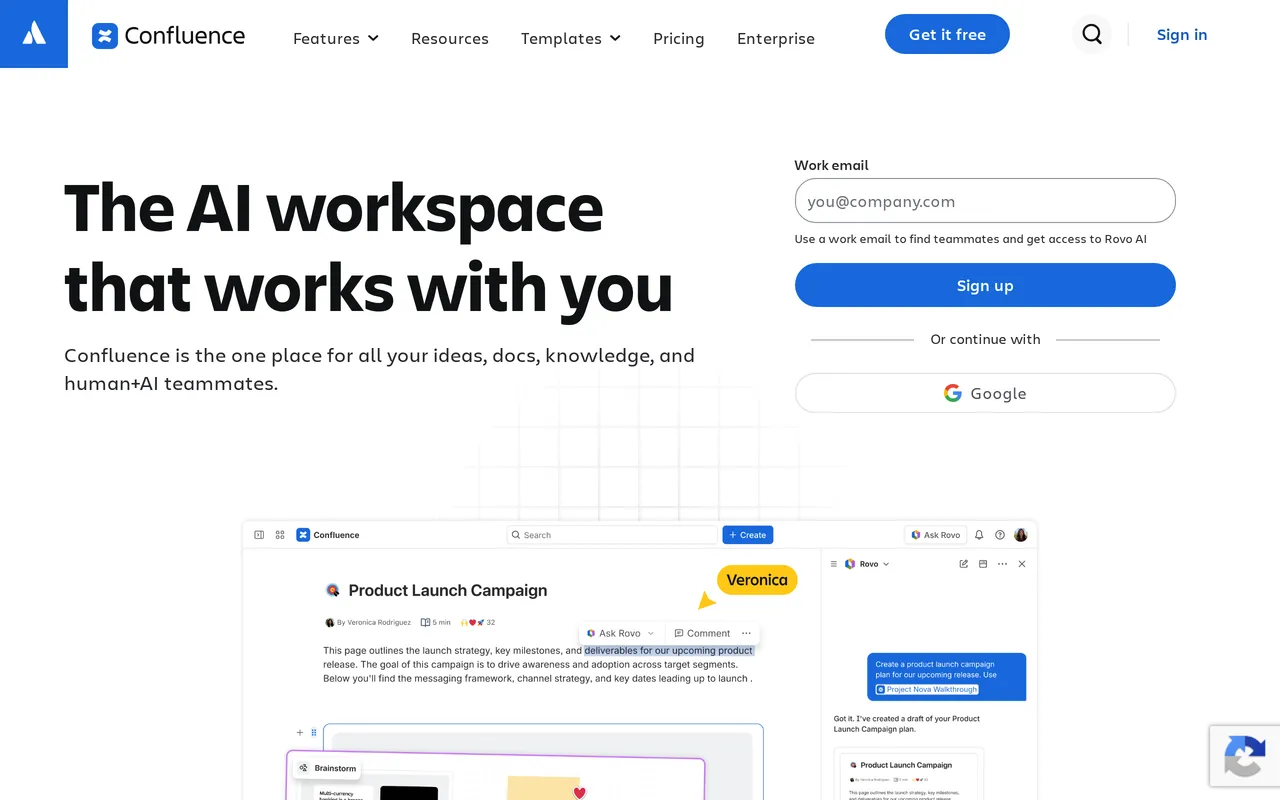
Confluence is Atlassian’s team wiki, and if your spaces are linked to Jira, holding specs, sprint reports, and release notes that engineers actually maintain, it’s the right answer and nothing else here replicates that. Real-time co-editing, inline comments, page trees, and genuinely strong space and page-level permissions are all things it does well. The mismatch appears the moment someone asks for a public help center, because publishing a wiki page for customers and running a help center are two different jobs. Confluence Cloud can technically publish, but that’s a share setting rather than a product.
Pros
- Native Jira and wider Atlassian integration, which you don’t reproduce with a Zapier connection and good intentions.
- Real-time co-editing, inline comments, page trees, a large template library, and a Marketplace with thousands of apps.
- Cheap per user at small scale: free for up to 10 users, then $6.00/user/mo on Standard and $11.67/user/mo on Premium, billed annually (October 2026).
- We integrate with Atlassian RovoRovo Search adds AI-powered search across your Atlassian content, and paid plans include a monthly Rovo credit allowance.

Cons
- It isn’t a help center. Anonymous public access is configured per space and is essentially all-or-nothing, public pages carry Atlassian and Confluence branding you can’t fully remove, custom CSS is heavily restricted and usually needs a Marketplace app, and there are no SEO helpers because ranking was never the design goal.
- No failed-search reporting, so nothing tells you what customers searched for and didn’t find, which is how a four thousand page wiki quietly rots.
- Per-user pricing climbs with headcount, including contractors and designers: a 25-person team on Premium runs about $296/mo, and Enterprise is annual contract only.
Starting price: $0 (free, up to 10 users), then $6.00/user/mo on Standard, billed annually Best for: engineering-led teams whose documentation lives next to Jira and whose readers are all internal. Head to head: HelpDocs vs Confluence
Best for early-stage teams already writing everything in Notion: Notion
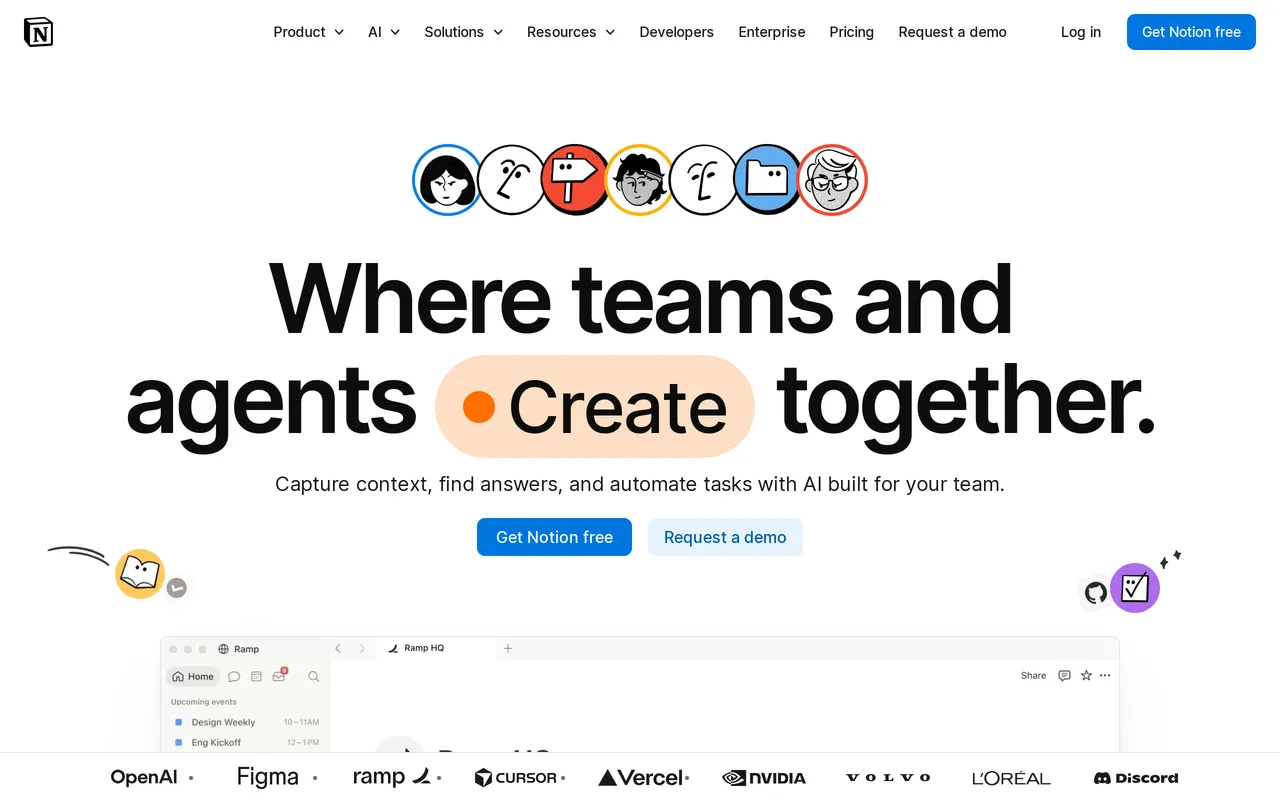
If your team already writes in Notion, publishing what’s there is the cheapest and fastest way on this list to get documentation in front of customers, and for a ten-person company that’s very often the correct call. The block editor is excellent, the free plan is real rather than a trap, and there’s no migration project because there’s nothing to migrate. Just be clear-eyed about what you’re shipping: a wiki page customers can read is a different product from a help center. Plenty of good companies ran their docs this way for two years, and that beats overbuying.
Pros
- A genuinely usable free plan, then $10/seat/mo on Plus billed annually, which makes it the cheapest way here to publish something public.
- One of the best block editors going, with nested pages and teamspaces for real hierarchy, an enormous template gallery, and a public API plus webhooks.
- Private and internal wikis are exactly what Notion is best at, so the internal half of your documentation problem is already solved.
- You can have a Notion Site live in an afternoon with no import, no onboarding call, and nothing new for the team to learn.
Cons
- Search on a published Notion Site is basic, and there’s no failed-search reporting, article ratings, or deflection analytics, so you won’t learn which content isn’t working.
- Publishing on your own domain is a paid Notion Sites add-on at roughly $8/mo per domain, and there’s no custom CSS, no custom JavaScript, and no control of the underlying HTML template.
- Full Notion AI is bundled only on Business ($20/seat/mo annually) and Enterprise, and Notion Agent and Enterprise Search answer for internal members rather than public help center visitors. Custom Agents bill separately at $10 per 1,000 credits.
Starting price: $0, then $10/seat/mo on Plus, billed annually Best for: early-stage teams whose docs already live in Notion and who don’t have a content problem yet. Head to head: HelpDocs vs Notion
Best for solo authors on a tight budget: ProProfs Knowledge Base
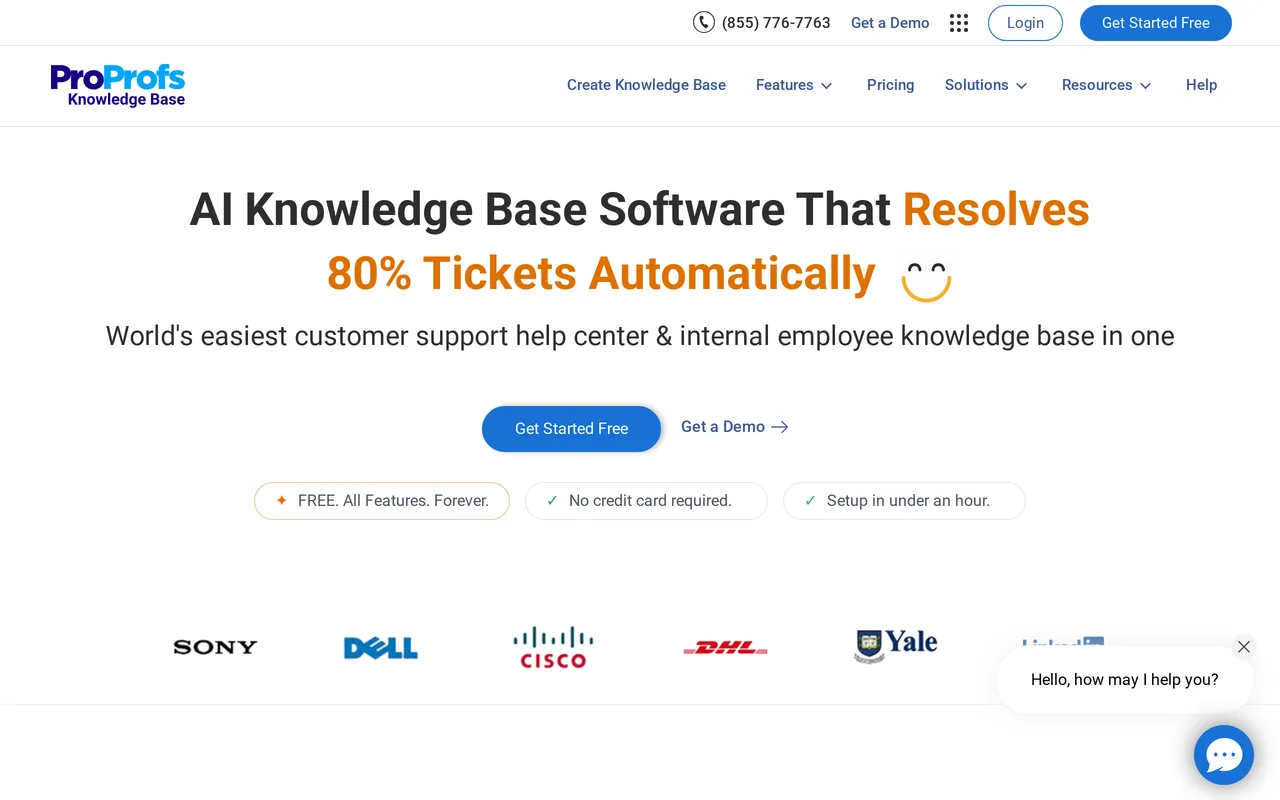
ProProfs Knowledge Base is a standalone help center tool with two things that are rare at this end of the market: published prices you can buy online, and a free forever plan rather than a trial. It’s pleasant for non-technical authors, with 25+ templates, 600+ fonts, and a drag-and-drop homepage builder. The thing to read carefully is the plan structure, because it bills per author and a lot of what teams eventually need sits on the top Business Complete Elite tier. Note also that ProProfs Help Desk and Live Chat are separate products, not part of this one.
Pros
- A real free forever plan: 1 author, up to 25 pages, unlimited public views, the help widget, and revision history.
- Prices are published and self-serve: $49/author/mo on Essentials, $69 on Business, $79 on Business Complete Elite, at annual rates as of July 2026.
- AI Writer, AI Search, and AI SEO are in the subscription from Essentials up, with no separate add-on to buy and no credit meter.
- Extras you don’t often see on a tool this cheap: Active Directory and SCIM user sync, and Swagger and OpenAPI spec import to generate API reference docs. Unlimited separate branded sites on the top plan is another genuine edge.
Cons
- Per-author billing means the bill grows with every writer: five authors is roughly $245 to $395/mo, and a custom domain plus removing the “Powered by ProProfs” mark is a separate $300/year add-on on any plan.
- The API, webhooks, SSO, SCIM, audit logs, and the full draft-to-review-to-approval workflow are all Business Complete Elite only, so Essentials and Business have no API at all.
- Don’t buy on the top-tier AI. The Enterprise Intelligence block covering the AI chatbot, AI agents, self-healing knowledge base, and deflection analytics is labeled Coming Soon as of July 2026. Custom JavaScript is explicitly disallowed, and custom HTML is limited to the header area.
Starting price: $0 (free forever, 1 author and 25 pages), then $49/author/mo billed annually Best for: a solo author or two-person team who need a help center online cheaply and can live with the plan gates. Head to head: HelpDocs vs ProProfs
How to choose, in the order that actually matters
If you have read this far and still cannot decide, work through it in this order rather than comparing feature tables.
Start with the category, not the tool. Go back to the four jobs above and pick one. If you need ticketing, you are shopping for a help desk and most of this list is irrelevant. If your writers are engineers and your docs live in a repo, you are shopping docs-as-code. Getting this right eliminates most of the list in a minute.
Then look at the shape of the price, not the number. Per agent, per seat, per author, per resolution and flat all behave differently as you grow. Per-agent pricing punishes hiring. Per-resolution AI pricing punishes success, because a month where deflection works beautifully is also a month with a surprising invoice. Flat pricing is boring, which is the point.
Then check where the essentials live. SSO, permissions, audit trails, custom domains and white-labelling are frequently on the top plan or sold as add-ons. Price the plan you will actually need, not the one on the left of the pricing page.
Then test with your own content. Every tool here looks good with a vendor’s demo content. Import a hundred of your real articles and see what the formatting does, how search behaves, and whether your team can find anything. Most of these offer a trial or a free tier, so this costs you an afternoon and saves you a year.
Finally, ask what happens if you leave. Check for an export or an API before you commit, not after. A tool with a real importer coming in usually has a sane way out too.
Where each tool wins, in one line
If you want the whole thing compressed: pick HelpDocs for a standalone, branded help center with pricing that does not move when you hire. Pick Zendesk Knowledge or Help Scout if you need ticketing in the same purchase, Help Scout for simplicity and Zendesk for scale. Pick Intercom if your plan is an AI agent on the front line rather than customers reading documentation.
Pick Document360 when compliance, versioning or API references are in the requirements, and Helpjuice when bespoke theming across languages is the whole point. Pick Bloomfire for internal knowledge across a large company, especially with a lot of video. Pick GitBook when your docs belong next to your code, and Slite or Notion when you need a good internal wiki and a small team writing for itself. Pick Confluence if your work already lives in Jira, and ProProfs if a published low price and a real free tier matter most.
And the honest negative case for us, since a roundup without one is just an advert: if you need ticketing, a shared inbox, live chat, SCIM provisioning, full white-labelling or a free forever plan, HelpDocs does not do those things and several tools above do. We would rather you found that out here than in month two.
Keep reading



