
Best Help Scout Alternatives (2026)
Almost nobody leaves Help Scout because the inbox let them down. They leave because Docs is the junior half of the product, and their help center outgrew it. Here's what to move the articles to, and when to stay put.
We built HelpDocs because we kept running into teams who were jumping around customer support platforms and constantly fighting to migrate their knowledge base. So we built one that does one thing really well: being a wonderful knowledge base, not a bundled suite. Help Scout is a tool we genuinely like, so we've tried to be specific about where it's strong and narrow about where it isn't.
Help Scout Standard is about $25 per user per month, and AI Answers is billed on top at $0.75 for every question the AI resolves. By support platform standards that’s cheap, which is why almost nobody types “help scout alternative” into Google because of the price. They type it because Docs, the help center half of the product, was never the half Help Scout was really building, and their content finally outgrew it.
So let’s be fair to Help Scout before anything else, because it’s genuinely well liked and pretending otherwise would waste your time. The shared inbox is excellent, and it’s the reason people stay. It’s dramatically simpler than Zendesk, with roughly a tenth of the administrative surface area, and teams who move to it tend to describe the experience as relief.
The pricing is reasonable and published. If what you want is one vendor for conversations and docs, one login, one bill, one thing to learn, Help Scout is a strong buy and we’d tell you to buy it.
The honest complaint is narrower than that. Docs is deliberately simple, and that simplicity has a ceiling.
Theming stops at colors, fonts, and layout basics with no control of the underlying template. Content structure is collections and categories, which is fine at fifty articles and starts to bite at five hundred. Versioning is basic revision history with no side-by-side diff. And AI Answers sits outside your subscription at $0.75 per resolution, on top of per-user seats, which is an odd shape if per-seat billing is already what you’re watching.
Scope, so nobody wastes an afternoon: this page is about replacing Help Scout Docs, the knowledge base. It is not about replacing the inbox. If the inbox is your problem, HelpDocs is not the answer, and we’re not going to pretend it is, because we don’t do ticketing, shared inboxes, or live chat at all. Skip to We integrate with IntercomIntercom and Zendesk below, which are the two tools here that actually take on conversations. Everyone else on this list, us included, is a help center.

What actually matters when you’re replacing Docs
Feature lists are mostly noise at this stage, because everything here can store an article and put a search box on top. Three things genuinely separate one piece of knowledge base software from another, and they map neatly onto the three places Docs runs out.
The first is how far the branding goes before you hit a wall. Every vendor says “fully customizable” and then hands you a color picker. What you want to know is whether you can touch the actual template, and the range across this list is wide: full HTML and Liquid access at one end, a hosted page you cannot really change at the other.
Docs sits closer to the second end than most people realize until they try. If this is your sore spot, help center design is worth reading before you shortlist anything.
The second is whether the tool still works at several hundred articles. This is the unglamorous one and it’s the one that actually decides whether your help center rots. Bulk editing, real category and navigation management, version history you can audit, failed-search reporting that tells you what people looked for and didn’t find. A tool that’s pleasant at thirty articles can be genuinely painful at four hundred.
The third is the shape of the pricing, not the headline number. Per user, per seat, per resolution, or flat changes what happens to your bill when you hire two writers or have a good month for AI deflection. Help Scout’s shape is per user plus per resolution, so both dimensions move. Some tools here fix one of those and not the other.
Everything below is as of July 2026, taken from each vendor’s own pricing page, except Document360, which no longer publishes prices.
The shortlist at a glance
We build HelpDocs, so we’ve put ourselves first rather than performing neutrality about it. What we have also done is say plainly who each of the others is genuinely better for, since matching the wrong category of tool to your situation costs far more than picking the wrong vendor within the right one. All seven can hold your articles. Only two of them, Intercom and Zendesk, also replace the inbox, and that’s the distinction that should shape your shortlist before price enters it.
| Tool | Best for | Starting price | Pricing model | Free trial |
|---|---|---|---|---|
| HelpDocs | A standalone knowledge base your docs team owns outright | $129/mo | Flat monthly per tier, readers free | 14-day trial |
| Document360 | Versioned, audited documentation and rendered API references | Quote only | Per project, quote only | 14-day trial |
| Helpjuice | Bespoke theming across several languages, done for you | $249/mo | Flat monthly, capped by logins | 14 days, no card |
| KnowledgeOwl | Granular reader-group permissions in a long-established help center | $100/mo | Flat monthly, 1 author, $25 per extra | 30 days, no card |
| Intercom | Putting an AI agent on the front line instead of docs | $29/seat/mo | Per seat, plus $0.99 per Fin resolution | 14 days, no card |
| Notion | Early-stage teams already writing everything in Notion | $0 | Per seat, free plan available | Free plan |
| Zendesk | Outgrowing Help Scout’s inbox, with a deeply themeable help center attached | $55/agent/mo | Per agent, plus AI add-ons | 14 days, no card |
Best for a standalone knowledge base your team owns: HelpDocs
We make HelpDocs (hey! 👋), so we might be a little biased. But we’ve tried to be as honest as possible to make things easier for you, and you can check anything that matters against the pricing page. The positioning is simple: HelpDocs is for teams who want a standalone, best-in-class knowledge base, without paying for a support suite around it.
That’s the entire design, and it’s the specific gap Docs leaves. Branding runs from no-code colors and fonts through custom CSS on every plan to custom JavaScript and full HTML template control on Bloom and up, so you stop where you choose rather than where the vendor chose. The V5 templates score 100/100 for SEO and accessibility in PageSpeed, which matters because a help center that ranks is a help center that deflects. On the “several hundred articles” problem, you get version history with side-by-side diff, category and nested navigation management, failed-search reporting, article ratings, and contributor reports, plus an audit trail on Bloom and up and permission groups on Harvest.
Two more things that come up in this particular switch. AI is per-feature and the credits are in the plan, so Ask AI, AI drafting, rewrites, meta descriptions, and style enforcement on Bloom come out of your subscription rather than arriving as a per-resolution line item. And multilingual is built in rather than bolted on, with 100+ languages, bulk machine translation, and translation status tracking.
Pricing is flat and published, from $129/mo ($99 billed annually) for 5 editors, $299/mo for 15, and $499/mo for 25. Anonymous readers of a public help center are unlimited and free on every plan, so the outcome you actually want, more people answering their own questions, never shows up as a bigger invoice. There’s a read/write REST API too, so your content stays portable.
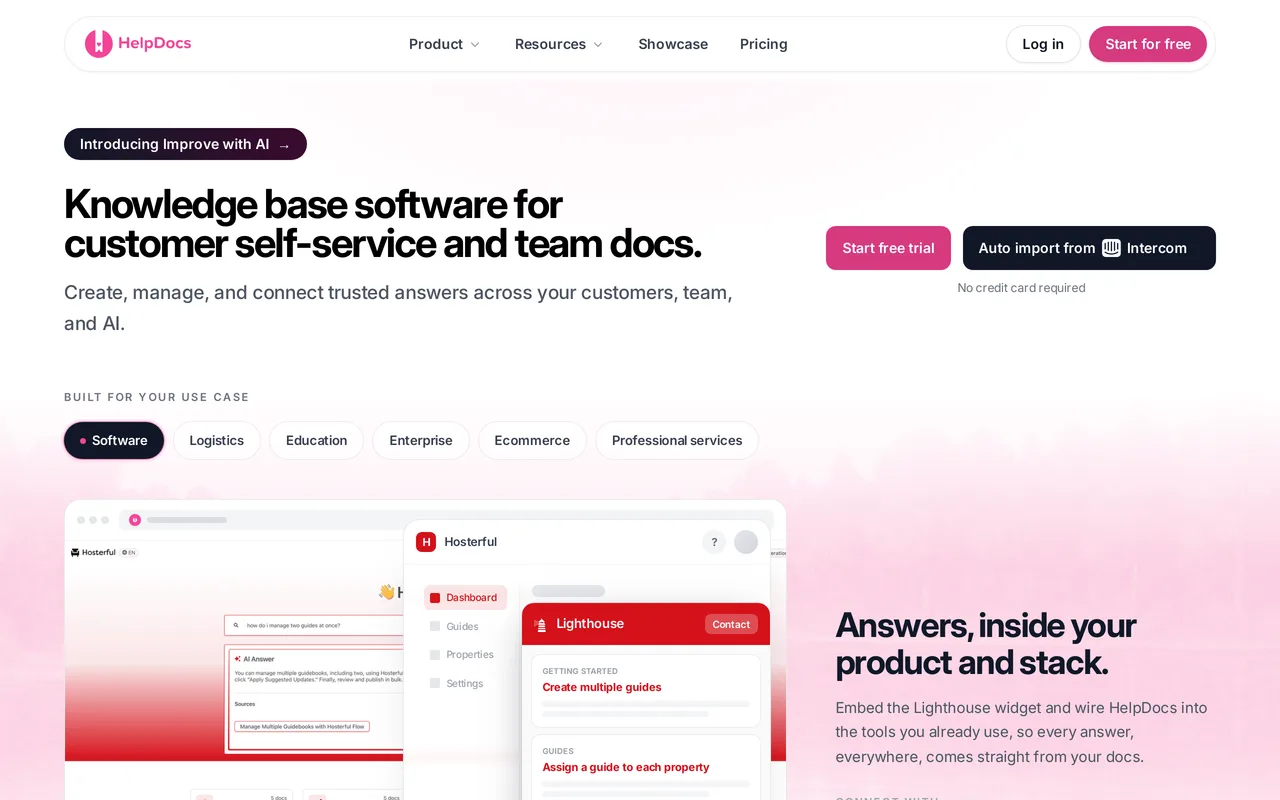
The catch: we are not a help desk and we’re not trying to become one. No shared inbox, no ticketing, no live chat, and no AI agent that runs a conversation end to end. If you’re leaving Help Scout because of the inbox, this is the wrong page and we’d rather lose the sale than the afternoon. There’s also no free tier, only a 14-day trial, which matters more here than usual since Help Scout’s free plan does include a Docs site. We have limited SCIM provisioning, which is occasionally a hard no from IT, and no white-labeling or multi-brand help centers, where Help Scout’s multiple Docs sites are genuinely ahead of us. HelpDocs vs Help Scout goes through the docs halves feature by feature.
Best for teams who want a dedicated knowledge base, not a bundled one. Flat $129/mo, readers free. Start a free trial or see pricing.
Best for versioned, audited documentation: Document360
Document360 treats documentation as an engineering artifact, and that framing is the whole reason to look at it. Deep version and diff tooling, a workflow builder that can hold an article until the right person signs off, separate projects and workspaces per product, and native OpenAPI reference rendering, so an API reference and a help center can sit in one product instead of two. If your docs get audited, or a legal team cares who changed which sentence and when, this is built for exactly that, and very little else in the category is.
It’s also the least help-center-ish tool on this list, which is the trade you’re making. Coming from Help Scout Docs the culture shock is real: you’re leaving the simplest tool in the category for close to the most involved one. You’d choose it because your documentation has compliance attached, not because your support team will enjoy maintaining it.
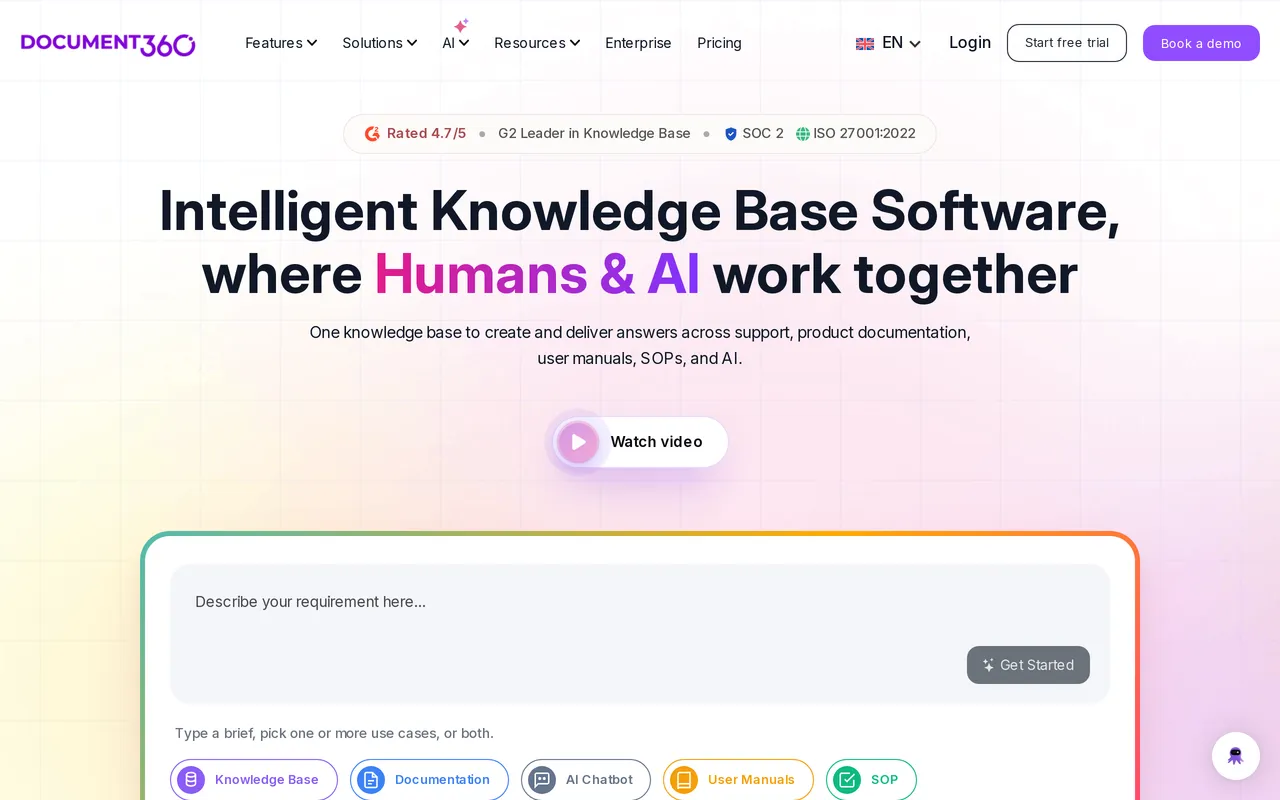
The catch: you cannot find out what it costs. Pricing is quote-only and charged per project, so evaluating it means a sales conversation before you see a number, and another one if you later want a second docs site. Third parties report roughly $199-249/mo for Professional, $399-499/mo for Business, and $799+/mo for Enterprise, but those are reported quote ranges rather than list prices. Its Ask Eddy AI is a paid add-on on top of the base subscription, so if metered AI is part of why you’re leaving Help Scout, read that carefully. HelpDocs vs Document360 has the detail.
Best for regulated, heavily versioned docs and API references. Quote only, per project.
Best for heavily branded, multilingual help centers: Helpjuice
If the thing Docs wouldn’t let you do was make the help center genuinely yours, theming is where Helpjuice spends its effort, and it goes further there than most tools in this category. You get the theme files, plural: HTML, CSS, JavaScript, and Liquid templates, editable per language, with a visual editor for anyone who wants none of that. Their team will also hand-skin your help center when you sign up and run the migration as a service with free migration hours, redirects and re-uploaded images included. If you want the outcome without doing the work yourself, that’s a rare thing to get from a vendor and it’s worth a conversation.
Localization and AI article translation are available on every tier including the cheapest, which is genuinely unusual, because multilingual is normally the lever vendors pull to move you up a plan.
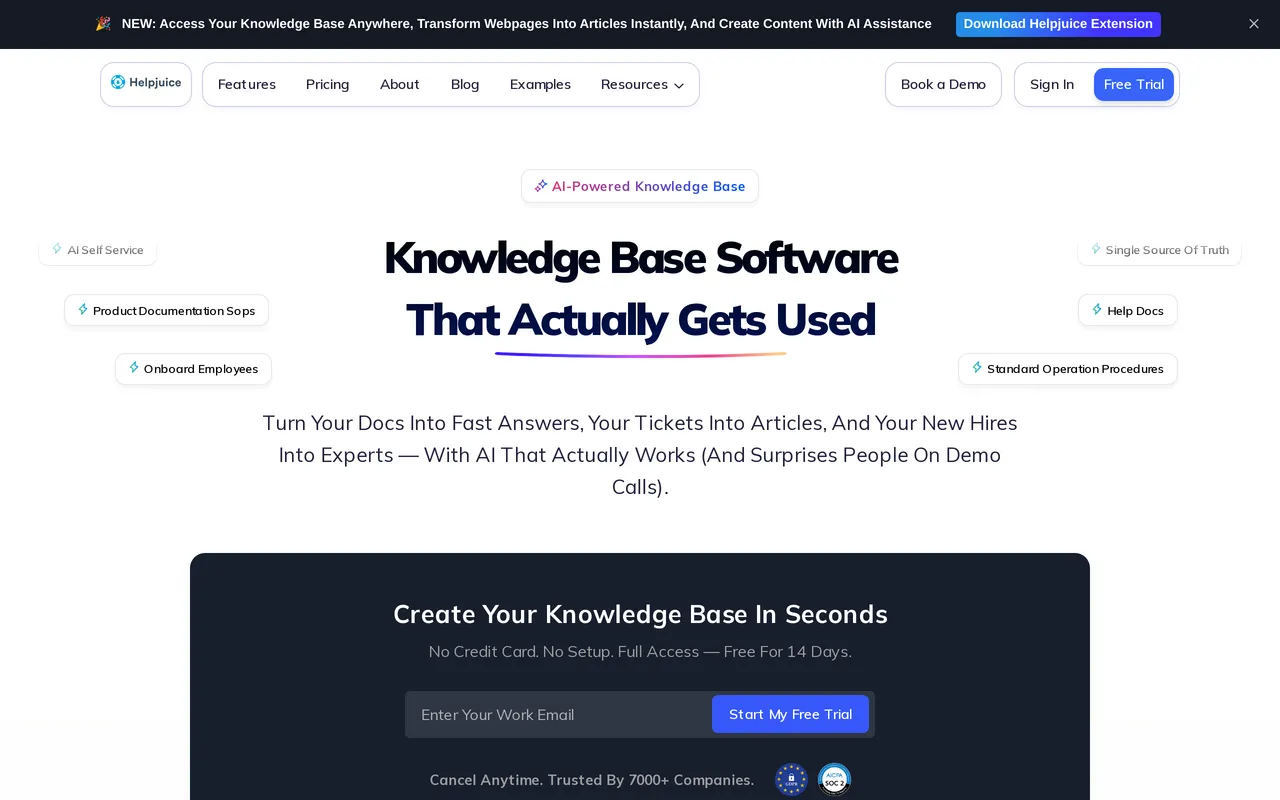
The catch: the whole range is a step up in price from Help Scout, and the entry plan is built for a smaller team that wants the theming rather than the AI, so work out which tier you need before you compare headline prices. $249/mo covers 30 logins with no SSO and no AI features, AI search and the chatbot start on $449/mo, roughly an 80 percent increase, with unlimited logins at $799/mo. Only monthly pricing is published, with no annual discount shown anywhere, and there’s a 14-day trial with no card but no free tier to sit on.
Best for brand-heavy, multilingual help centers with a done-for-you migration. From $249/mo flat.
Best for a mature help center with granular reader permissions: KnowledgeOwl
KnowledgeOwl has spent well over a decade building dedicated knowledge bases and nothing else, and it’s the kind of product where the awkward edge cases have already been thought about. Its readergroups are the headline: permissions run down to the individual article and category, so a single help center can serve customers, resellers and internal staff without splitting into separate sites. If theming was your sore spot, Pro and up hand over editable HTML, CSS and JavaScript themes rather than a palette, alongside content snippets, a glossary, PDF export and an embeddable contextual help widget. Every plan includes recurring 1:1 onboarding and support calls, and the trial runs 30 days with no credit card, which is plenty of room to judge it on your own content.
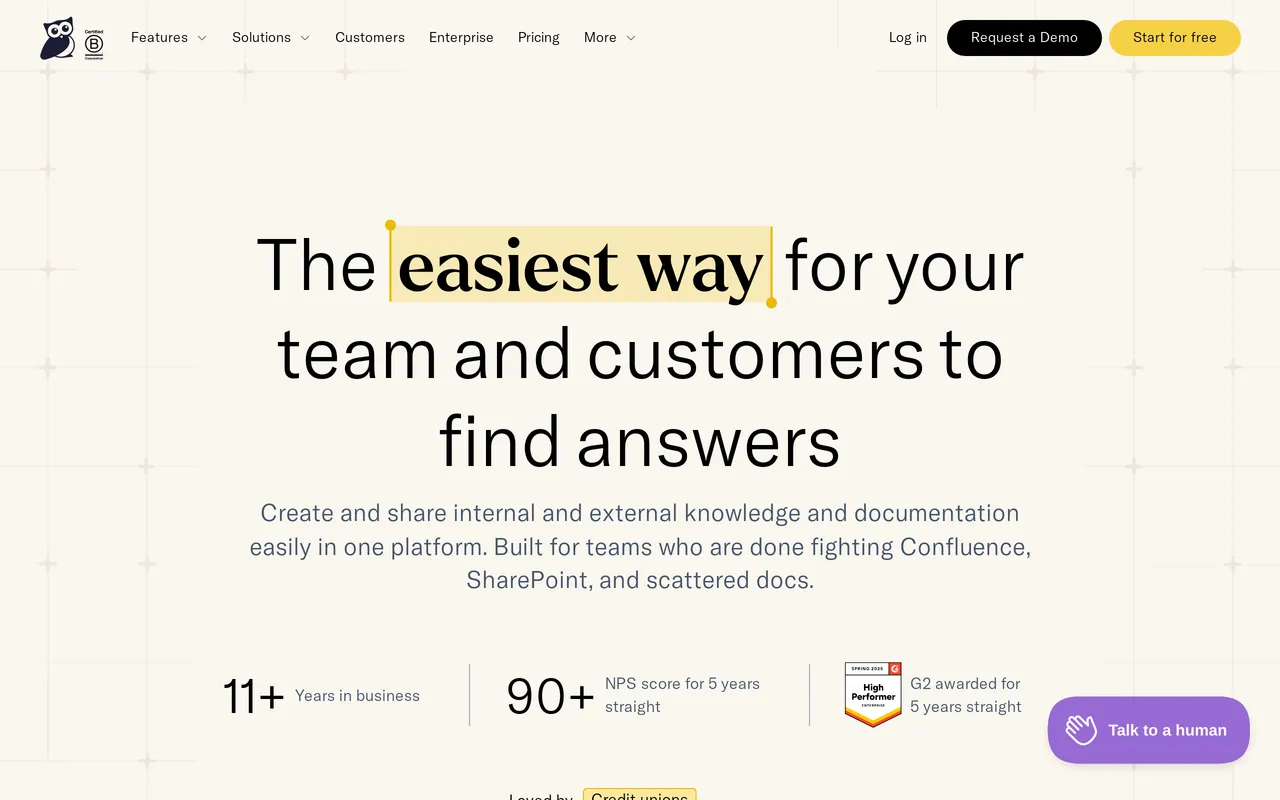
The catch: the pricing is per author on top of a flat base, which is a different shape from what you’re used to rather than a straightforwardly cheaper one. Basic is $100/mo and includes a single author, extra authors are $25/mo each and a second knowledge base is another $50/mo, so a five-writer team sits around $200/mo. The features people usually come looking for are further up the range: custom domain, the public API and HTML theme access begin on Pro at $250/mo, and SAML SSO on Business at $500/mo. AI is bundled rather than charged per resolution, but the allowance is small, 25 credits a month on Basic and 250 on Business with no rollover (pricing as of July 2026).
Best for granular reader-group permissions in a long-established help center. From $100/mo, one author included.
Best for teams betting on an AI agent front line: Intercom
Intercom is one of the two tools here that replaces the inbox as well as the docs, and it has bet the company on We integrate with FinFin. Articles is now largely the fuel supply for the AI agent. That focus is the reason to pick it: if your plan for reducing ticket volume is an agent handling conversations end to end rather than customers reading docs and leaving satisfied, this is the most complete version of that idea you can buy, and it’s a genuinely different theory of support rather than a worse one: the agent takes the first conversation, and the articles exist largely to feed it. The messenger, the articles, and the agent behave like one system instead of three products with integrations between them.

Going from Help Scout to Intercom is a genuine step up in capability and a genuine step down in simplicity. That’s the deal, and most teams who make the move know it going in.
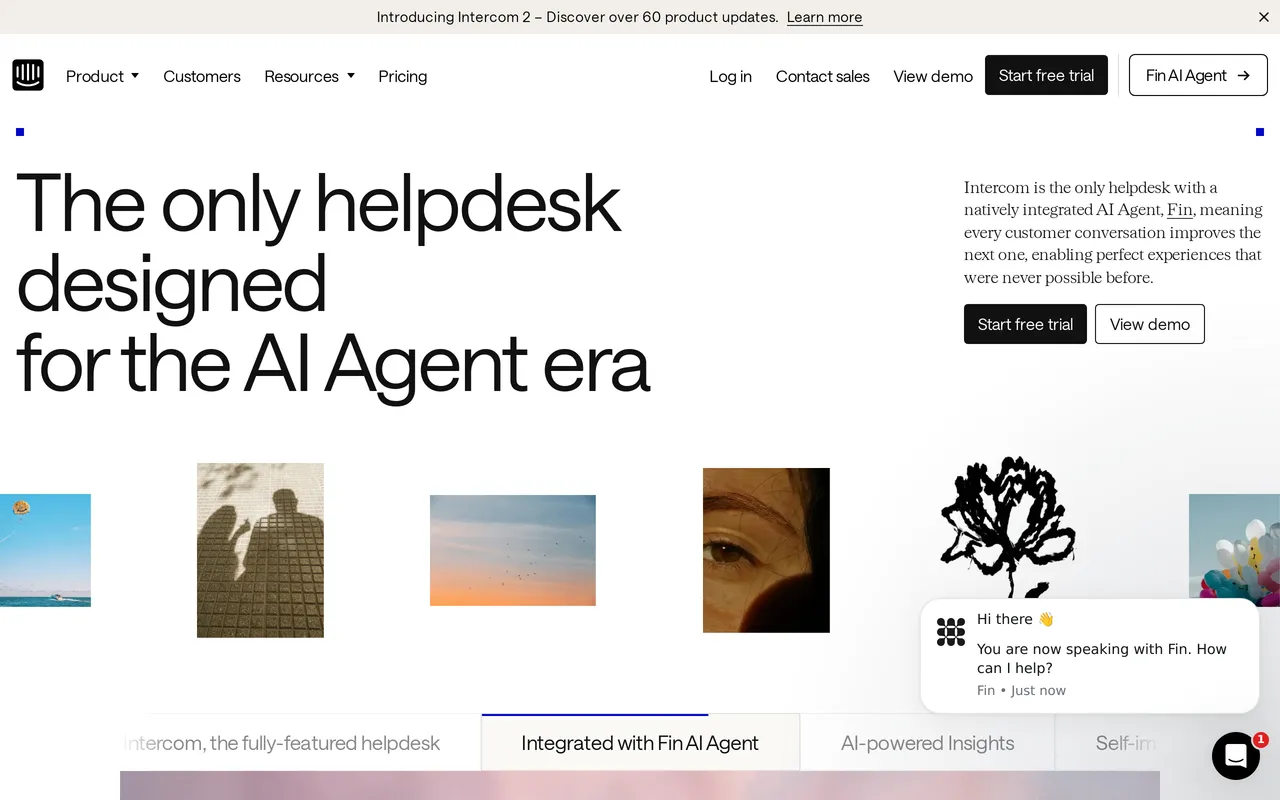
The catch: the bill has two dimensions and both move, which is the same complaint you may already have about Help Scout, just larger. Seats run $29, $85, and $132 per seat per month billed annually, and Fin is $0.99 per resolution on top with a 50-resolution monthly minimum. A month where deflection works beautifully is also a month with a surprising invoice, and forecasting it means forecasting your own ticket volume. If $0.75 per AI Answer already bothered you, $0.99 per Fin resolution will not fix that. HelpDocs vs Intercom covers the trade-off.
Best for AI-agent-first support in-product. From $29/seat/mo plus $0.99 per resolution.
Best for early-stage teams already writing in Notion: Notion
If your team already writes everything in Notion, publishing what’s there costs almost nothing and takes an afternoon, and for a ten-person company that’s very often the right call. It’s a lovely writing tool, the free plan is real rather than a trap, and there’s no migration project because there’s nothing to migrate. Plenty of good companies ran their docs this way for two years, and that beats overbuying a platform you can’t fill yet.
Be clear about what you’re shipping, though. You’re publishing a wiki page that customers can read, which is a different product from a help center, and in one specific way it’s a step backwards from Docs: Help Scout at least gives you failed-search reporting and article ratings.
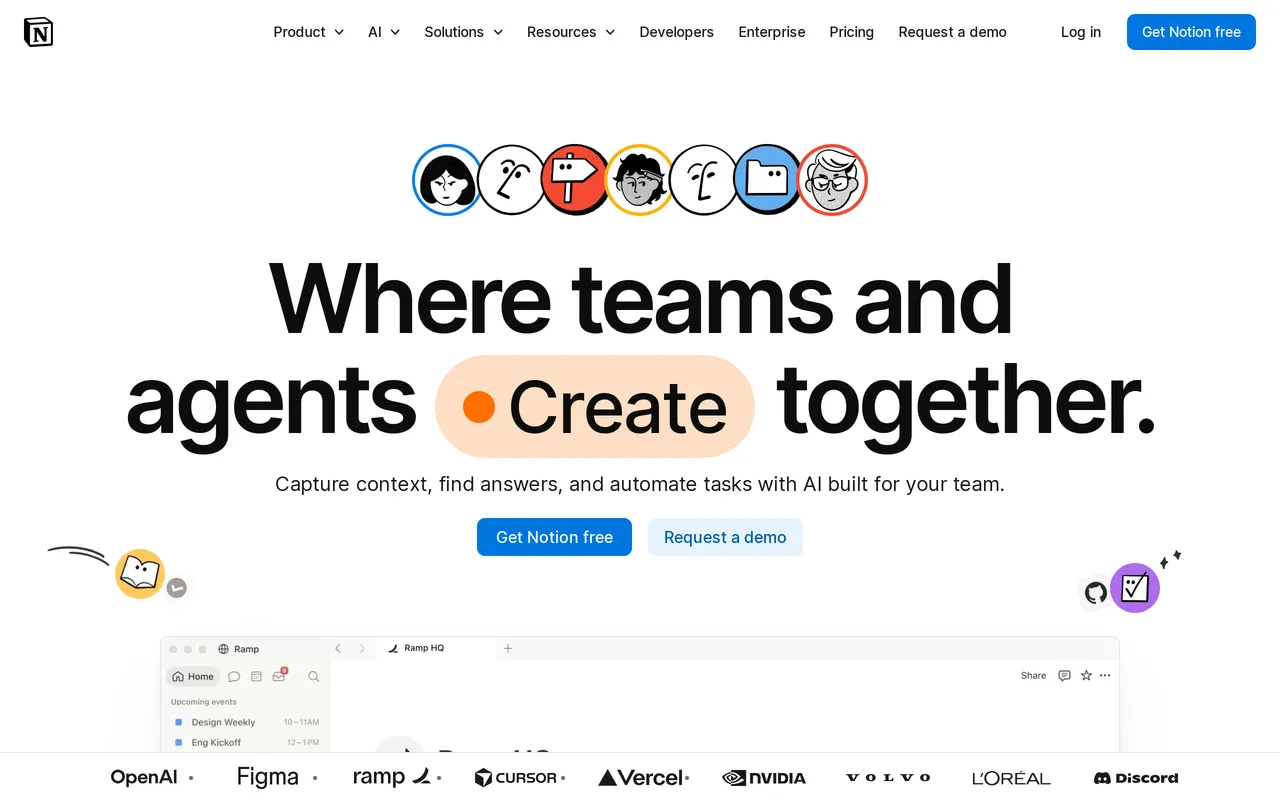
The catch: search is the weakest of anything here, and search is how people actually use a help center, so the deflection you were hoping for mostly will not arrive. Publishing to your own domain is a paid Notion Sites add-on, there’s no custom CSS or template control, and you get none of the operational feedback loop. No failed-search reporting, no article ratings, no deflection analytics, so you won’t know what isn’t working. Paid tiers are $10/seat/mo on Plus and $20/seat/mo on Business, where full Notion AI lives. HelpDocs vs Notion has the specifics.
Best for early-stage teams already living in Notion. Free, paid tiers from $10/seat/mo.
Best for outgrowing the inbox, not only the docs: Zendesk
Zendesk is the awkward entry on this list, so here’s the honest framing. Nobody leaves Help Scout for Zendesk to get a nicer writing experience. You go there when the support operation has outgrown a shared inbox: SLAs that matter, skills-based routing, side conversations, workforce management, a QA process. At that scale very little else does all of it as thoroughly, and the teams who need it rarely complain about the bill.
Worth being straight about a second thing, since this page is about docs. Zendesk Knowledge, formerly Guide, is more capable than Help Scout Docs on exactly the axis people complain about. Guide themes use Curlybars templating with full HTML and CSS control, which is one of Guide’s real strengths and something Help Scout Docs does not offer, and multi-brand help centers are available from the Growth plan up. If your only problem with Help Scout is theming and you happen to be growing into a bigger support operation anyway, Zendesk solves both at once.
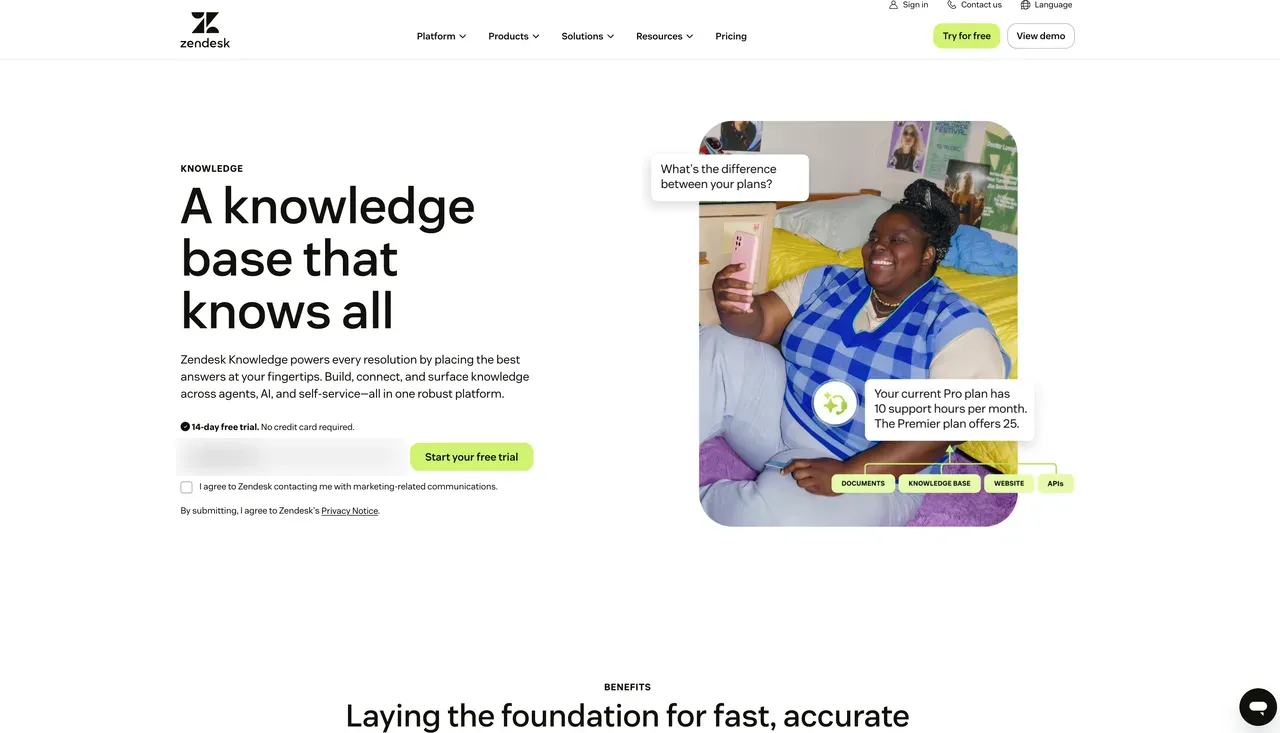
The catch: it’s the most expensive way to fix a docs problem that exists. Suite Team is $55 per agent per month, Growth $89, and Professional $115, billed annually, with Enterprise quote-only and the Advanced AI (Copilot) add-on around another $50 per agent per month before metered automated resolutions. A five-person team on Professional is deep into four figures monthly before anyone writes an article. You’re also taking on the administrative weight that made Help Scout feel like relief in the first place. If tickets are fine and only the help center is failing you, this is the wrong tool. HelpDocs vs Zendesk compares the two directly.
Best for teams outgrowing a shared inbox entirely. From $55/agent/mo, plus AI add-ons.
Top Help Scout competitors, grouped by what they replace
If you’re still orienting yourself, the Help Scout competitors worth your time fall into three groups, and picking the wrong group is how people end up on a third demo call in a week.
There are the full-platform replacements, Intercom and Zendesk, which take on conversations, chat, and docs together. Both are more powerful than Help Scout and both are heavier, and both keep the per-seat billing shape while adding metered AI. Moving here is a decision about your support operation, not your documentation.
Then there are the knowledge base specialists, HelpDocs, Document360, Helpjuice, and KnowledgeOwl, which do the help center and nothing else. This is where teams land when the inbox is fine and Docs is the part that stopped keeping up. It’s also, in our experience, where most people reading a page like this actually belong.
And there are the general-purpose tools pressed into service, Notion and Confluence. Cheapest by a distance, and least like a help center by a similar distance. If you’re earlier in the process, our learning resources cover how to structure a help center before you go shopping for one.
If you only need to replace Help Scout Docs
This is the most common version of the question, and it changes the answer completely, so it’s worth being explicit.
Docs is not sold separately. It comes with the platform, so every user seat you pay for includes it whether anyone touches it or not, and the number of Docs sites you get is a function of which plan you’re on. Plenty of teams are perfectly happy with the Help Scout inbox and only frustrated by the help center. If that’s you, a full platform migration is the wrong project and an expensive way to solve the wrong problem.
Keep Help Scout for the inbox and Beacon, move the articles to something that treats the help center as its whole product, and point your help center domain at the new one. HelpDocs, Document360, Helpjuice, and KnowledgeOwl all support that split, and HelpDocs connects to the tools you already run so support keeps working the way it does today.
The honest cost is two tools, two bills, and one integration to watch. What you get back is a help center that’s somebody’s entire product instead of a bundled feature. If you’re not sure which half is actually causing your pain, knowledge base vs help desk is ten minutes well spent before you book a single demo.
Moving your articles off Help Scout Docs
Getting out of Docs is easier than people expect. Help Scout Docs is a built-in migration source in HelpDocs, so you pick it under Settings > Migrations, authorize access, and your articles, collections, and images come across with formatting intact.
Your Help Scout content is untouched while it runs, so you can leave the old help center up and compare the two honestly rather than committing on faith. Most teams are done in about a day. Helpjuice will do the same job as a hands-on service if you’d rather someone else owned it.
Two things are worth planning for whichever way you go. Redirects matter more than anyone expects: if your Docs pages have picked up search traffic over the years, map the old URLs to the new ones before you move the domain, or you’ll quietly hand that traffic to nobody. And decide where “contact us” lives, because if you keep Help Scout for the inbox it’s easy to end up with two contact routes, two response-time promises, and customers finding the wrong one.
So which should you pick?
If the inbox is what’s letting you down, nothing on the knowledge base side of this list helps you, and that includes us. Go and look at Intercom or Zendesk, and go in knowing you’re trading Help Scout’s simplicity for capability you’ll then have to administer. Swapping a shared inbox that works for a knowledge base plus optimism is how support teams have a bad quarter.
If the inbox is fine and Docs is the problem, don’t move your conversations at all. Pick a specialist, keep Help Scout, and reassess in six months.
We think HelpDocs is the right call when you want a standalone knowledge base that’s live quickly, branded as far as you care to take it, and priced so that hiring writers or growing your readership never arrives as a bigger invoice. Helpjuice is the better call if bespoke theming across several languages is the whole point and $249/mo is comfortable. Document360 wins the moment compliance, versioning, or API reference rendering enters the conversation.
Two cases where you should stay exactly where you are. If you’re a small team on Help Scout Standard and the docs are merely plain rather than actually broken, $21 per user per month for an inbox, chat, and a help center together is a good deal and we’re not going to argue you out of it. And if free forever is a hard requirement, Help Scout’s free plan already includes a Docs site, which is more than we offer, because HelpDocs has no free tier.
Still weighing it up? The fastest way to settle it is to import your real articles and look at them somewhere else. Start a free trial, or see what it costs first.
