
Best Slite Alternatives (2026)
Almost nobody leaves Slite because it's bad. They leave because they need a different shape of tool: heavier internal knowledge, or a public help center Slite was never built to publish. Here's how the alternatives actually compare.
We make HelpDocs, so we've listed ourselves first rather than pretending to be neutral. We're one specific kind of Slite alternative, though: the customer-facing help center kind. If your problem is internal knowledge at scale, we've said so and pointed you at the tools that do that better than we do.
Slite Basic is $10 per member per month and Pro is $20, so a ten-person team runs about $200 a month for a wiki most people on it quite like. Almost nobody goes looking for a Slite alternative because of that bill. They go looking because the next thing they need is a different shape of tool, and no amount of tidying the wiki gets them there.
Credit where it’s due first. Slite is fast, clean, and genuinely nicer to write in than most wikis, which is not a small thing when you’re trying to get a whole team to document anything. Its Ask AI answers questions from your internal docs, and on Pro it searches across connected tools like We integrate with SlackSlack, Jira, and Linear too.

The doc verification feature, where a page gets marked verified and someone gets prompted when it goes stale, is a smarter answer to knowledge rot than most competitors manage. This is a good product.
So the reason people leave is a mismatch rather than a defect, and it comes in two flavors. Some teams outgrow Slite for internal knowledge: hundreds of people, several departments, files and video to index, governance and provisioning requirements, at which point you want something heavier like Confluence or Bloomfire. Others discover that Slite was never built to publish a polished, branded, SEO-indexable customer-facing help center, and that’s the group HelpDocs is for.
Work out which one you are before you book a single demo, because the two answers share almost no overlap. To be clear about scope: this page is about replacing Slite as a documentation and knowledge base tool, for either audience. And the answer nobody selling software wants to give: if all you need is a nice internal wiki for a small team, staying on Slite is a perfectly good answer. Come back when the reason you’re unhappy has a name.
What actually matters when you’re replacing Slite
Feature lists are mostly noise at this stage, because every tool here can store a document and put a search box on it. Three things separate one piece of knowledge base software from another when you’re coming from a wiki, and they’re the three people regret getting wrong.
The first is who the reader is, which sounds obvious and gets skipped constantly. A tool built for colleagues optimizes for writing speed, collaboration, and finding things you half remember. A tool built for customers optimizes for a stranger arriving from Google with no context, no login, and no patience. Slite is excellent at the first job and thin at the second, and most of the disappointment on this list comes from asking one kind of tool to do the other kind’s work.
The second is how far the branding and publishing go before you hit a wall. Every vendor says “customizable” and then hands you a color picker. What you want to know is whether you get the actual template, whether the site lives on your domain, and whether search engines can index it. The answers here run from full HTML template control down to a public wiki page with your logo in the corner.
The third is what happens to the bill as you succeed. Per member, per site, per project, or flat changes what growth costs you. Slite’s per-member model is fine while the audience is your team and awkward the moment the audience is the internet, because every reader who needs access is a line item. That’s worth being blunt about per tool.
Everything below is as of July 2026. Prices come from each vendor’s own pricing page, except Bloomfire and Document360, neither of which publishes any, so those are third-party reported ranges and should be treated as directional.
The shortlist at a glance
We build HelpDocs, so we’ve put ourselves first rather than performing neutrality. What we’ve also done is say plainly who each of the other five is genuinely better for, because matching the wrong tool to your situation wastes far more money than picking the wrong vendor off a list.
Only one of the six is a drop-in replacement for a collaborative team wiki. The rest are all upgrades in a specific direction, which is the distinction that should drive your shortlist. If you’re earlier in the process, our learning resources cover how to structure documentation before you pick a tool to put it in.
| Tool | Best for | Starting price | Pricing model | Free trial |
|---|---|---|---|---|
| HelpDocs | A branded, customer-facing help center on your own domain | $129/mo | Flat monthly, per editor, readers free | 14-day trial |
| Bloomfire | Company-wide internal knowledge across departments and file types | Quote only | Annual, multi-year, plus implementation | Demo or Test Drive, no trial |
| Confluence | Teams who already live in Jira and need real co-editing | $0 up to 10 users | Per user, billed annually | Free plan and trials |
| Document360 | Versioned, audited documentation and API references | Quote only | Per project, billed annually | 14-day trial |
| GitBook | Developer docs that live next to the codebase | $0 for one user | Per site, plus $12/user/mo | Free plan and trials |
| Notion | Teams who want one workspace for docs and everything else | $0 | Per seat, free plan available | Free plan |
Best for a customer-facing help center: HelpDocs
We make HelpDocs (hey! 👋), so we might be a little biased. But we’ve tried to be as honest as possible to make things easier for you, and you can check anything that matters against the pricing page. The honest positioning: HelpDocs is for teams who want a standalone, best-in-class knowledge base that customers read, rather than a wiki their colleagues collaborate in.
That distinction is the whole design. Coming from Slite, the things you notice first are the publishing ones. Your help center lives on your own domain with real branding, from no-code colors and fonts through custom CSS on Sprout up to custom JavaScript and full HTML template control on Bloom.
The V5 templates score 100/100 for SEO and accessibility in PageSpeed, which matters because a help center customers can find in Google is a help center that answers questions before anyone opens a conversation. There are AI meta descriptions and SEO helpers for the same reason, neither of which an internal wiki has any use for.
The second thing you notice is the feedback loop. Failed-search reporting tells you what people looked for and didn’t find, article ratings tell you which pages are letting you down, and AI answer and deflection analytics tell you whether any of it is working. Slite reports on internal doc activity, which is a different question. The Lighthouse widget on Bloom and up puts the same content inside your product, so people don’t have to leave to get help.
Worth naming two more. AI credits are bundled into every plan rather than metered per seat, with drafting and rewriting in the editor, Ask AI on Bloom, and style enforcement on Bloom. And multilingual is built in: 100+ languages, unlimited on Harvest, with bulk machine translation, so a second language isn’t a quarter-long project. Pricing is flat and published, from $129/mo ($99/mo annually) for 5 editors, and public readers are free and unlimited forever.
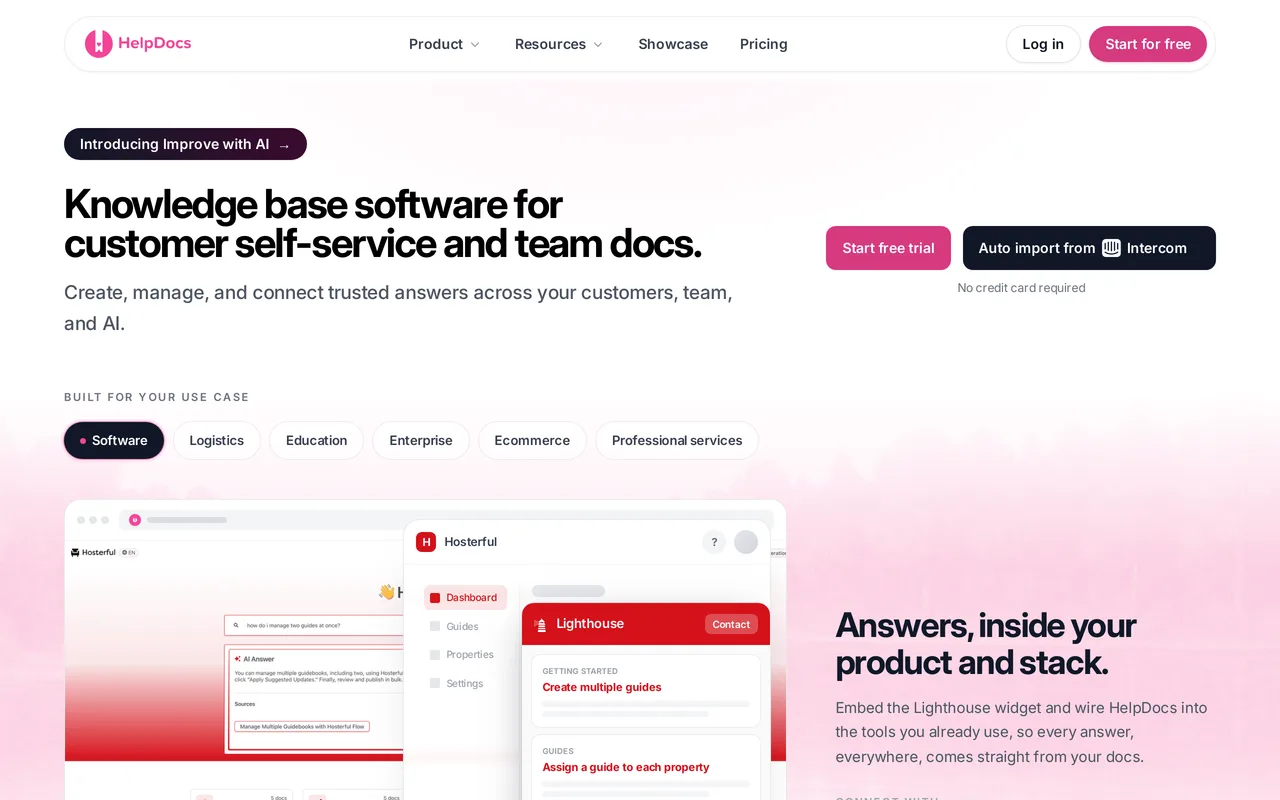
The catch: it’s not a wiki, and if what you loved about Slite was writing in it together, you’ll miss that. HelpDocs is built for authoritative single-source docs rather than free-form collaborative drafting, and it does not search across your wider internal stack, so the Slite Pro trick of asking one question and getting an answer from Slack, Jira, and Linear is something we simply don’t do. There’s no free tier, only a 14-day trial, and limited SCIM provisioning, which is occasionally a hard no from IT. We also have a read/write REST API but no general-purpose outbound webhooks. HelpDocs vs Slite sets out where Slite is the better buy.
Best for teams publishing a help center customers actually read. Flat $129/mo, readers free. Start a free trial or see pricing.
Best for company-wide internal knowledge: Bloomfire
If you’re outgrowing Slite in the internal direction and the problem is scale rather than polish, Bloomfire is built for the version of this that gets genuinely hard: hundreds of people across departments who need to find an answer that might be in a document, a slide deck, a spreadsheet, or a recording. It indexes 25+ file types and automatically transcribes video and audio, so you can search spoken words and jump to the moment they were said. Slite has no equivalent, so a recording there is only ever as findable as whatever somebody wrote down about it afterwards.
Two more pieces stand out. Knowledge connectors make SharePoint, Google Drive, Confluence, Salesforce, and Teams searchable from one place, which is the grown-up version of Slite’s connected-tool search. And the Q&A community model, where employees ask and internal experts answer, drives the kind of participation that passive reading never produces. Add SCIM alongside SAML, full white-labeling, and acknowledgement tracking for mandatory reading, and it’s clearly aimed at a company rather than a team.

The catch: you can’t find out what it costs, and you can’t try it properly. Pricing is quote-only, billed on a multi-year basis, with data migration and implementation quoted as separate fees, and third parties report an entry floor around $1,250/mo often tied to a 50-user minimum. There’s a demo or a self-guided Test Drive rather than a trial with your own content. Going from a $10-per-member wiki to a multi-year enterprise contract is a big jump, and it’s heavy machinery if what you actually wanted was to publish docs. HelpDocs vs Bloomfire has the detail.
Best for enterprise-wide internal knowledge across many file types. Quote only, multi-year, reported from around $1,250/mo.
Best for teams already living in Jira: Confluence
Confluence is the most common upgrade path when Slite stops being big enough for internal knowledge, and the reason is usually Jira. The integration is native and deep, so pages, tickets, and projects reference each other properly instead of through links you maintain by hand. Real-time co-editing and inline comments are stronger than a lot of this list, the space and page-level permission model handles internal knowledge properly, and the Marketplace has thousands of apps for whatever you need that Atlassian didn’t build.
It’s also cheap at small scale in a way that’s easy to underrate. Free for up to 10 users, then $5.42/user/mo on Standard and $10.44 on Premium, both billed annually. If you’re a 25-person team that already pays Atlassian for something else, this is a short conversation.
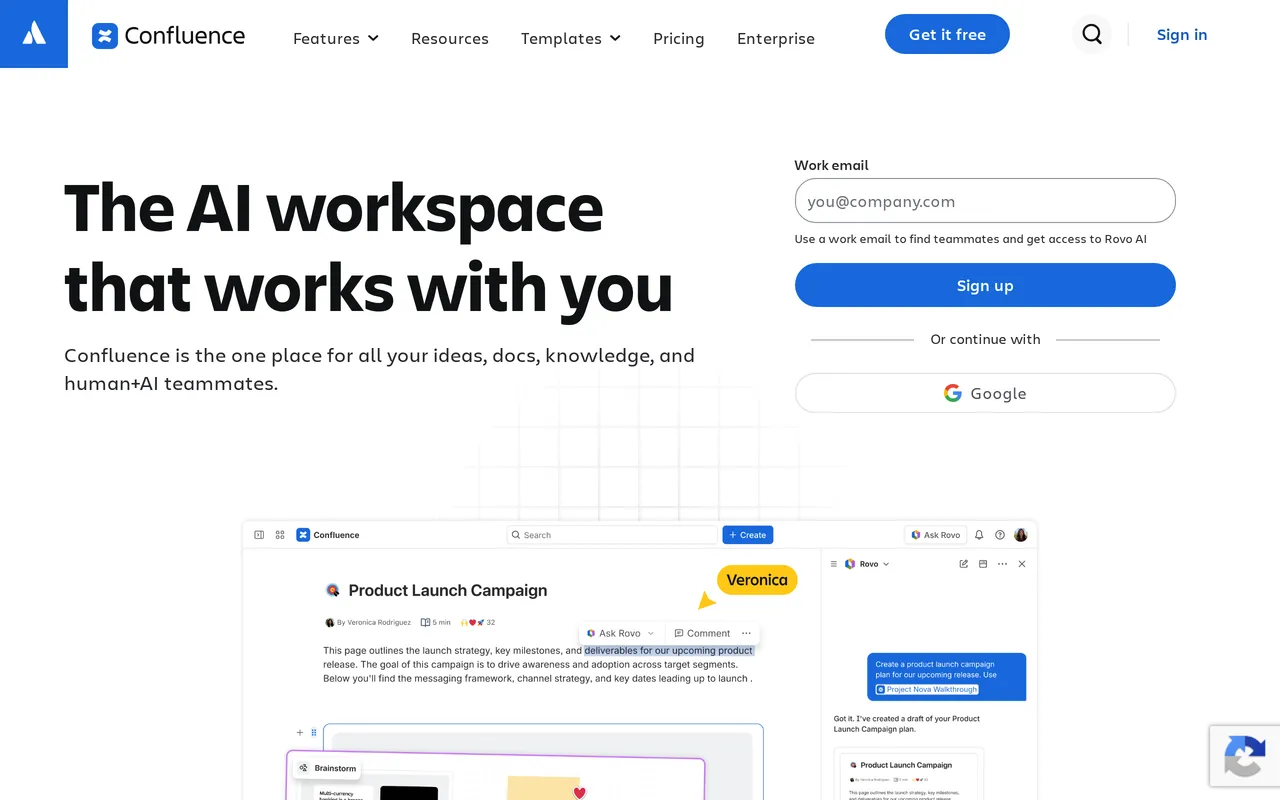
The catch: the bill scales with headcount forever, which is the same structural problem Slite has, just at a bigger company. Twenty-five people on Premium is about $261/mo and it keeps climbing with every contractor and collaborator, while We integrate with Atlassian RovoRovo AI is metered by a monthly credit allowance per user rather than included. Public sharing stays limited, so it’s not a route to a customer-facing help center, and administrative sprawl is real: Confluence rewards the teams who invest in governing it and punishes the ones who don’t. HelpDocs vs Confluence compares them directly.

Best for internal wikis inside the Atlassian ecosystem. Free up to 10 users, then $5.42/user/mo.
Best for versioned, audited documentation: Document360
Document360 treats documentation as an engineering artifact, and if your docs have compliance attached, that’s the axis that matters. It has a custom workflow builder that can hold an article in review until the named approver signs it off, so nothing goes live because one person assumed another had checked it. It runs multiple projects and workspaces for organizations with several separate docs sites, it has serious content reuse, variables, and glossary tooling for large writing teams, and it renders OpenAPI and Swagger references natively, so your API docs are generated from the spec rather than transcribed by hand.
Coming from Slite this will feel like a lot of machinery, and that’s the point. You’d pick it because a legal or audit team cares who changed which sentence and when, not because your team will enjoy the day-to-day.

The catch: you can’t find out what it costs either. Pricing is quote-only and charged per project, so evaluating it means a sales conversation before you see a number, and another one if you later want a second docs site. Third parties report roughly $199-249/mo for Professional, $399-499/mo for Business, and $799+/mo for Enterprise, with AI as a paid add-on on top. If part of why you’re shopping is that you liked knowing what Slite cost, that’s a real step backwards. HelpDocs vs Document360 covers the trade-offs.
Best for regulated, heavily versioned docs and API references. Quote only, per project.
Best for developer docs next to the code: GitBook
If the documentation you’re moving out of Slite is technical, and the people writing it would rather be in their editor, GitBook is the most coherent answer here. Docs sync with GitHub and GitLab so they’re versioned alongside the codebase, editing is Markdown-first, and changes go through branching and change requests that map onto release versions. It imports OpenAPI and Swagger and renders interactive API references that update themselves, and it ships API playgrounds so a reader can try a call without leaving the docs. For a technical audience, references that regenerate from the spec are one less thing anyone has to keep true by hand.
The free plan is real for a single user, which makes it easy to try on an actual repo before committing.
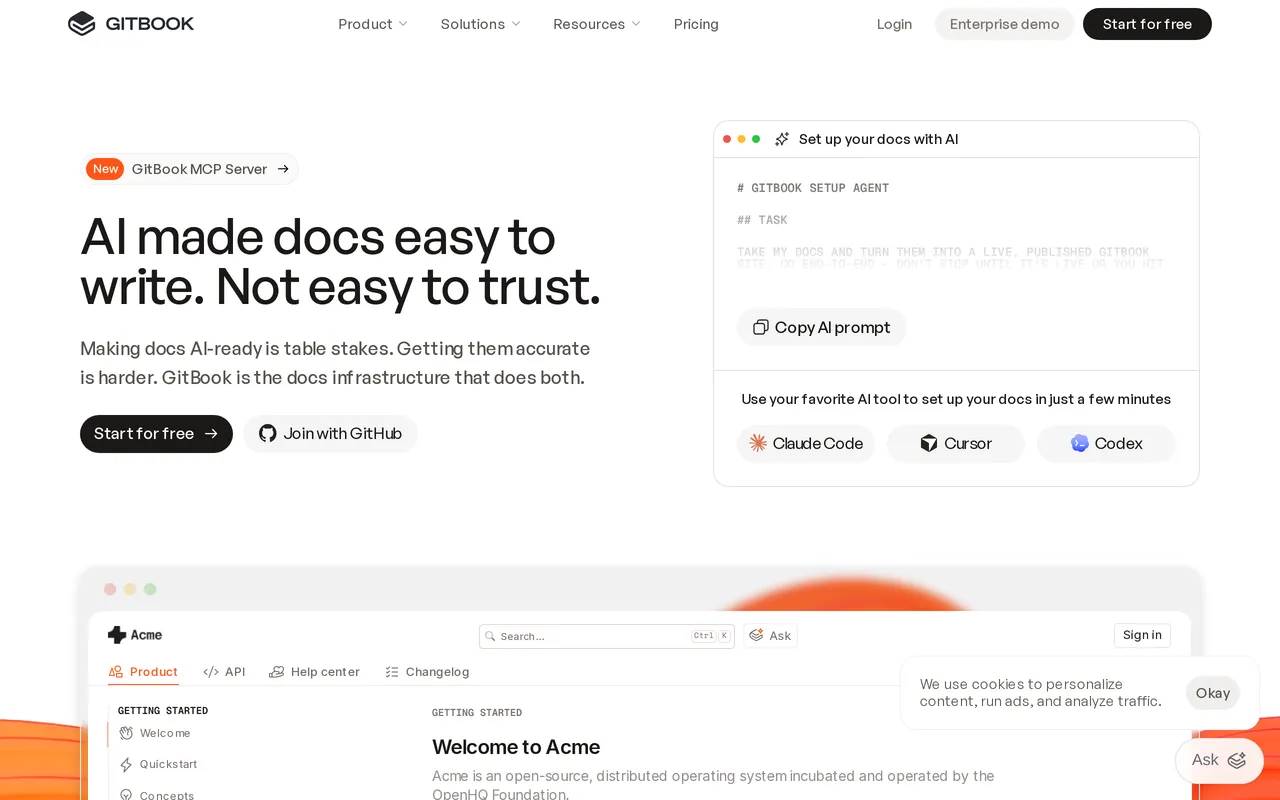
The catch: the pricing has two axes and the AI sits at the top of one. Premium is $65/site/mo plus $12/user/mo, and the AI Assistant, AI Insights, and authenticated access only unlock on Ultimate at $249/site/mo plus the same per-user charge. Run two docs sites with a handful of editors and it stops looking cheap. The Git workflow is also a genuine barrier for non-technical authors, so if your support team writes most of your articles, this is the wrong shape of tool. HelpDocs vs GitBook has the comparison.
Best for Git-synced developer and API documentation. Free for one user, then $65/site/mo plus $12/user/mo.
Best for one workspace that does everything: Notion
Notion is the closest like-for-like swap on this list, and it’s worth being upfront that moving from Slite to Notion is a sideways step rather than an upgrade. You’d do it for consolidation: databases, projects, notes, and docs in one place, a free plan that’s genuinely useful, $10/seat/mo on Plus, and a tool most new hires already know. The block editor is more flexible than Slite’s, the template gallery and integration ecosystem are enormous, and there’s a public API and webhooks if you want to build on top of your content.
If your team is already half in Notion and Slite is the odd tool out, closing that gap is a reasonable project on its own terms.
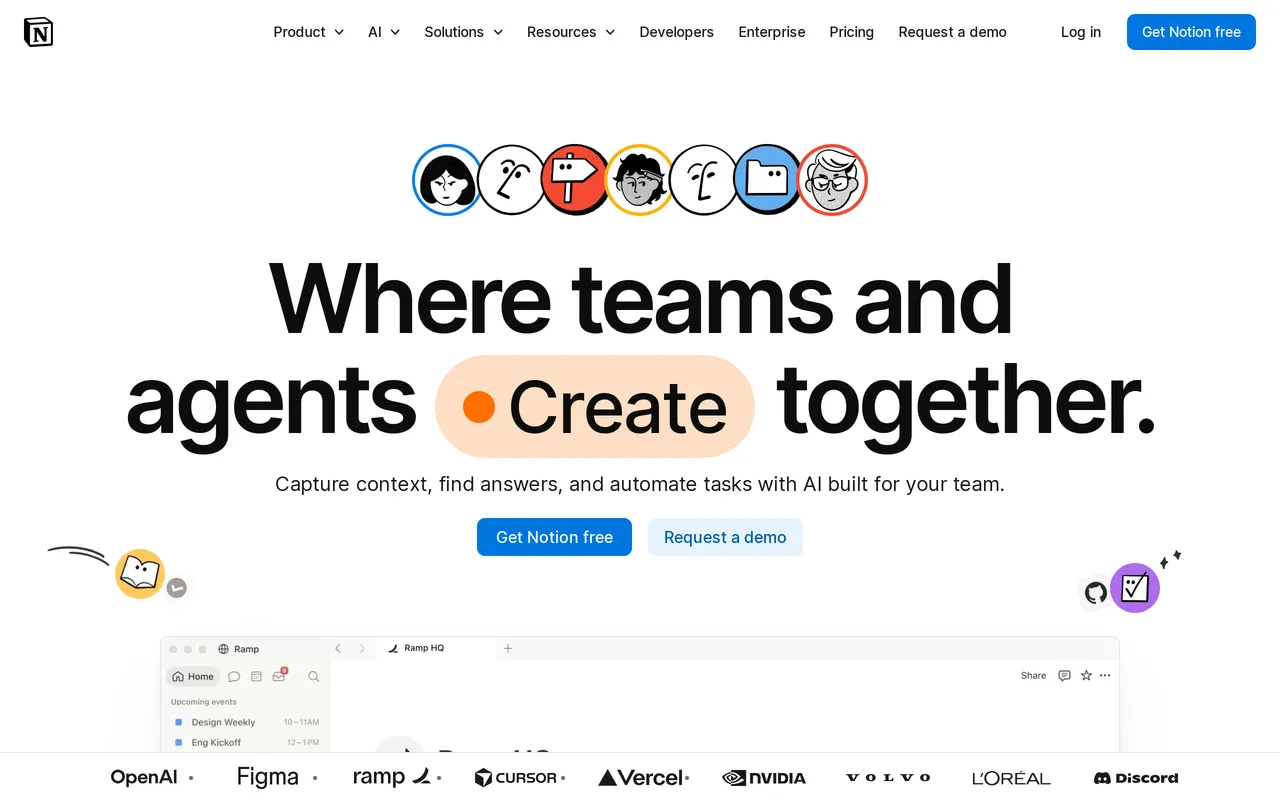
The catch: if you’re leaving Slite because the public docs weren’t good enough, Notion won’t fix it. Search is the weakest of anything here, and search is how people use a help center, so the deflection you were hoping for mostly won’t arrive. Publishing to your own domain is a paid Notion Sites add-on, full Notion AI needs Business at $20/seat/mo, and you get no operational feedback loop at all: no failed-search reporting, no article ratings, no deflection analytics. You won’t know what isn’t working. HelpDocs vs Notion has the specifics.
Best for teams consolidating docs into one workspace. Free, paid tiers from $10/seat/mo.
Slite competitors, grouped by what they replace
If you’re still orienting yourself, the Slite competitors worth your time fall into three groups, and picking the wrong group is how people end up on their third demo call of the week.
There are the internal knowledge tools, Notion, Confluence and Bloomfire, in roughly that order of weight. Notion is a sideways move, Confluence is the step up for a company that runs on Jira, and Bloomfire is where you land when knowledge is a company-wide program with a budget line. All three keep the same per-person cost shape Slite has, Bloomfire’s multi-year contract included.
Then there are the documentation platforms, Document360 and GitBook, which exist to publish structured docs to an audience. Pick these when the content is technical, versioned, or audited, and when the people maintaining it are writers or engineers rather than a whole company.
And there’s the help center specialist group, which is where HelpDocs sits. One job: a branded, searchable, indexable site your customers use instead of contacting you. HelpDocs vs Slite is the head-to-head if you’ve narrowed it to us, and the full comparison hub has the rest.
If a nicer wiki is all you actually need
This deserves its own section because it’s the answer for a decent share of people reading a page about Slite wiki alternatives.
If your team is under about twenty people, your docs are internal, and your complaint is vague dissatisfaction rather than a specific wall you hit, switching tools will not fix it. Slite is already one of the better wikis. Notion buys you flexibility and costs you focus, Confluence buys you permissions and integrations and costs you the clean writing experience your team currently doesn’t complain about, and Bloomfire is a procurement project.
The exception is when you can name the wall. “Our public docs look like a wiki”, “we can’t tell what customers searched for and didn’t find”, “compliance needs to see who approved this”, “our API reference is out of date again”: each of those is specific, and each points at a different tool above. Vague dissatisfaction points at nothing, and the honest advice is to spend that energy on your content instead. Fixing no-result searches tends to do more for a documentation problem than any migration.
Moving your content off Slite
Set expectations properly here, because Slite migrations are not the one-click kind. Slite exports documents, including Markdown, and that export is your route into every tool on this list. What none of them offer, HelpDocs very much included, is a built-in Slite importer of the sort that exists for Zendesk or Confluence. So plan on an export-and-restructure rather than a lift-and-shift.
In practice that’s less painful than it sounds. Internal wiki notes are written for people who already have context, and customer-facing articles are written for people who have none, so the content needs rewriting whichever tool you land in. Treat the move as an editing pass, not a copy job: decide what should be public, restructure it into categories, rewrite the internal shorthand, and leave the meeting notes where they are.
Two things are worth planning for. Settle the internal-versus-public split before you move anything, because doing it halfway through is how confidential detail ends up on a public page. And if your Slite public docs have been on a custom domain long enough to pick up search traffic, map the old URLs to the new ones before you switch the domain over.
So which should you pick?
If all you need is a good internal wiki for a small team, stay on Slite. That’s the honest headline, because nothing on this list is a clear upgrade for that specific job, and migrating a happy team out of a tool they like is a real cost with no guaranteed return.
If you’re outgrowing Slite internally and can name why, the direction follows the reason. Jira and co-editing point at Confluence. Hundreds of employees, video and file search, connectors across SharePoint and Salesforce, and SCIM point at Bloomfire, with a multi-year contract attached. Consolidating tools points at Notion.
If the wall you hit is that Slite was never a help center, that’s what we build. HelpDocs is the right call when you want a branded, indexable site on your own domain, flat pricing that doesn’t move as your readership grows, and analytics that tell you which articles are failing. Document360 is the better call the moment compliance, formal approvals, or API references enter the conversation. GitBook is the better call if engineers own the docs and want them in Git.
And where we’re the wrong answer: if you need free forever, we don’t have a tier for you. If you need full SCIM provisioning, ours is limited. If what you want is a collaborative wiki where the team drafts together and Ask AI reaches into Slack and Jira, that’s Slite’s actual strength and we don’t replace it. Plenty of teams run both, and that’s a sensible outcome rather than a failure to decide.
Still weighing it up? Export a few of your real Slite docs and see what they look like as a proper help center. Start a free trial, or check what it costs first.
