
Best Zendesk Alternatives (2026)
Most teams don't leave Zendesk because it's bad. They leave because it's priced and built for a full contact center. Here's what's actually worth switching to, and which half of Zendesk you probably need to replace.
We built HelpDocs because we kept running into teams who were jumping around customer support platforms and constantly fighting to migrate their knowledge base. So we built one that does one thing really well: being a wonderful knowledge base, not a bundled suite. No yearly migrations, just good self-serve support. We've tried to be honest about what each alternative actually does well.
Zendesk Suite Team starts at $55 per agent per month and climbs to $115 on Professional, with Advanced AI sold as a further per-agent add-on on top. If you have five people answering tickets, you’re into four figures a month before anyone has written a single help article. And Zendesk Knowledge, the help center your customers actually look at and the product Zendesk used to call Guide, is the bit that came free in the box and feels like it.
That’s the version of this problem most people searching for a Zendesk alternative are carrying. You didn’t outgrow Zendesk. You just never grew into most of it, and you’re tired of paying for the parts you don’t open.
To be fair to Zendesk, it earns its price for the teams it was built for. If you’re running a real support operation, dozens of agents, SLAs that matter, routing rules, side conversations, workforce management and a QA process, there’s very little that does all of that as thoroughly. Nobody gets fired for buying Zendesk at that scale, and the teams who need it rarely complain about the bill.
But that’s not most people reading this. So to be clear about scope: this page is about replacing Zendesk Knowledge, formerly Zendesk Guide, the help center half of the Suite, rather than Zendesk Support. If what you actually need is a great knowledge base, and the ticketing was always incidental, here’s how the alternatives stack up.
What actually matters when you’re switching
Feature lists are mostly noise at this stage, because every tool here can store an article and put a search box on top of it. Three things genuinely separate one piece of knowledge base software from another, and they’re the three that people regret getting wrong.
The first is how fast you can get to a help center you’re not embarrassed by. Some of these you can have live and branded in an afternoon on a card, no calls. Others need a proposal, an onboarding sequence, and a Windows machine. That gap is worth more than any feature comparison.
The second is how far the branding goes before you hit a wall. Every vendor says “fully customizable” and then hands you a color picker and a logo slot. What you want to know is whether you can touch the actual template, and the answers here range from full Liquid access to a hosted page you can’t really change.
The third is whether the pricing model still makes sense when you grow. Not the headline number, the shape. Per agent, per seat, per resolution, or flat changes what happens to your bill when you hire two people or have a bad month for ticket volume. This is the one that pushed most people onto this page in the first place, so it’s worth being blunt about it per tool.
Everything below is as of July 2026, taken from each vendor’s own pricing page.
The shortlist at a glance
We build HelpDocs, so we’ve put ourselves first rather than pretending to be neutral about it. What we’ve also done is say plainly who each of the other six is genuinely better for, because matching the wrong tool to your situation wastes a lot more of your money than picking the wrong vendor from a list.
All seven replace Zendesk Knowledge. Only two of them replace Zendesk Support as well, which is the distinction that should drive your shortlist. If you’re earlier in the process, our learning resources cover how to structure a help center before you pick one.
| Tool | Best for | Starting price | Pricing model | Free trial |
|---|---|---|---|---|
| HelpDocs | A standalone knowledge base, without paying for a support suite | $129/mo | Flat monthly, per editor, readers free | 14-day trial |
| Help Scout | Teams who need to replace Zendesk’s ticketing too, not just the docs | $25/user/mo | Per user, plus $0.75 per AI resolution | Free plan and a trial |
| Document360 | Versioned, audited documentation and rendered API references | Quote only | Per project, quote only | 14-day trial |
| Helpjuice | Bespoke theming across several languages, done for you | $249/mo | Flat monthly, capped by logins | 14 days, no card |
| KnowledgeOwl | Content-level control over who sees which articles | $100/mo | Flat monthly, 1 author, $25 per extra | 30 days, no card |
| Intercom | Putting an AI agent on the front line instead of docs | $29/seat/mo | Per seat, plus $0.99 per Fin resolution | 14-day trial, no card |
| Notion | Early-stage teams who already write everything in Notion | $0 | Per seat, free plan available | Free plan |
Best for a standalone knowledge base without the support suite: HelpDocs
We make HelpDocs (hey! 👋), so we might be a little biased. But we’ve tried to be as honest as possible to make things easier for you, and you can check anything that matters against the pricing page. Here’s the honest positioning: HelpDocs is for teams who want a standalone, best-in-class knowledge base, without paying for a bloated support suite.
That’s the whole design. Every other tool in this list is either a support suite with docs attached, or a documentation platform with different priorities. When the knowledge base is the product rather than a bundled feature, the things that get attention are different.
You can be live and branded in hours on the professional templates rather than scheduling onboarding. Branding runs from no-code colors and fonts all the way through to custom CSS, JavaScript and full HTML template control, so you stop at the point you choose rather than the point the vendor chose. The V5 templates score 100/100 for SEO and accessibility in PageSpeed, which matters because a help center that ranks is a help center that deflects.
Two more things worth naming. AI is per-feature, so you can turn on Ask AI and AI authoring where they earn their place and leave them off where they don’t, rather than accepting a whole AI layer or none of it. And multilingual is built in rather than bolted on: 100+ languages, bulk machine translation across your whole library, and translation status tracking, so shipping a second language isn’t a quarter-long project.
On pricing, it’s flat and published, from $129/mo. It doesn’t move when your support team hires, and public readers are free and unlimited forever, so the outcome you actually want, more people finding answers themselves, never arrives as a bigger invoice. There’s also a read/write REST API, so your content stays reachable and portable rather than trapped.
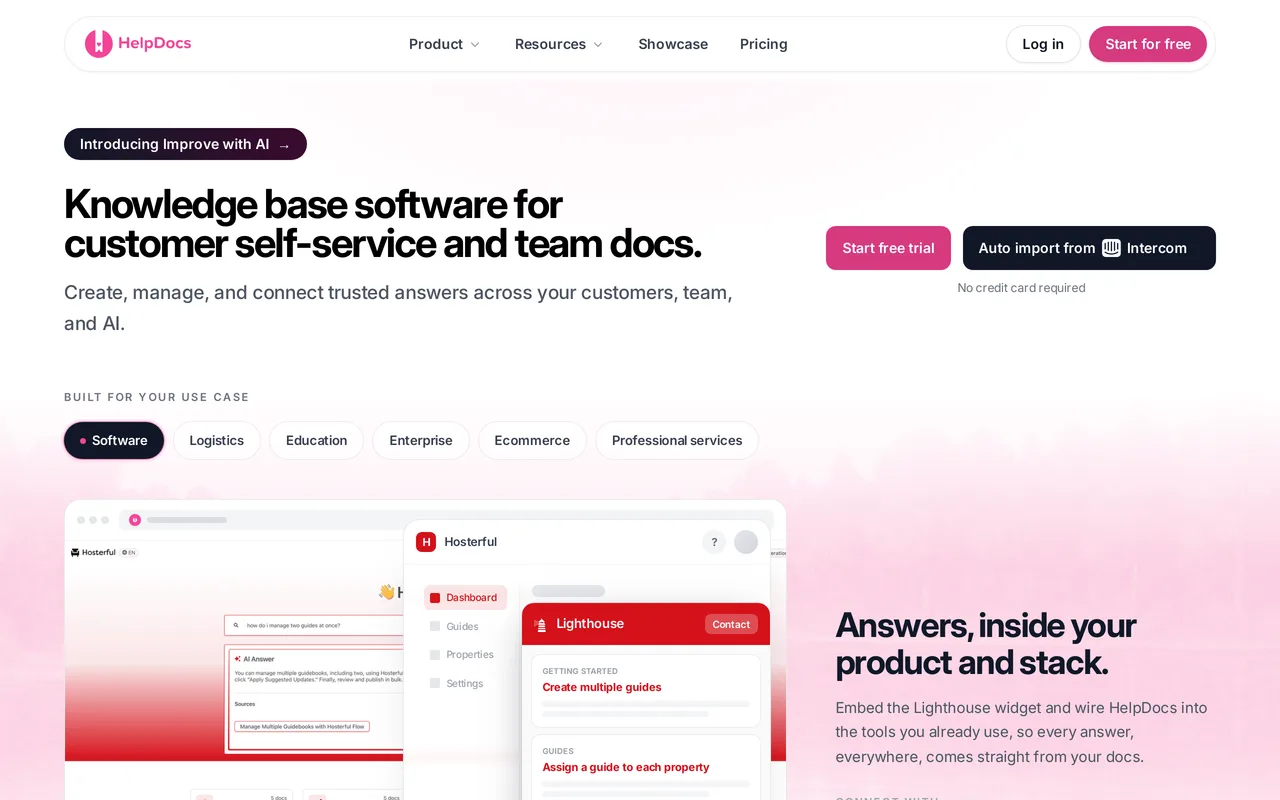
The catch: it’s not a help desk, and we’re not trying to be one. We’re trying to be the best knowledge base, period. No ticketing, no shared inbox, no live chat. If you’re replacing Zendesk Support as well as Zendesk Knowledge then you’ll be running a second tool alongside this, and for some teams that’s one integration too many. There’s also no free tier, only a 14-day trial, and limited SCIM provisioning, which is occasionally a hard no from an IT team. HelpDocs vs Zendesk sets out where Zendesk is genuinely the better buy.
Best for teams who want a standalone knowledge base, not a support suite. Flat $129/mo, readers free. Start a free trial or see pricing.
Best for small teams replacing Zendesk wholesale: Help Scout
If you need the ticketing as well as the docs, Help Scout is the closest thing to a straight swap. It does the same job as Zendesk, shared inbox, chat, and a knowledge base called Docs, with roughly a tenth of the administrative surface area. Teams who move there tend to describe it as relief. You can set the whole thing up in a morning without reading documentation about how to read documentation.
It’s the most honest “replace all of Zendesk” answer available, and if tickets are genuinely part of your problem it should be your first demo rather than your last. Go in knowing which half of the product is the strong one: the inbox is excellent, and the knowledge base is capable but deliberately plain.
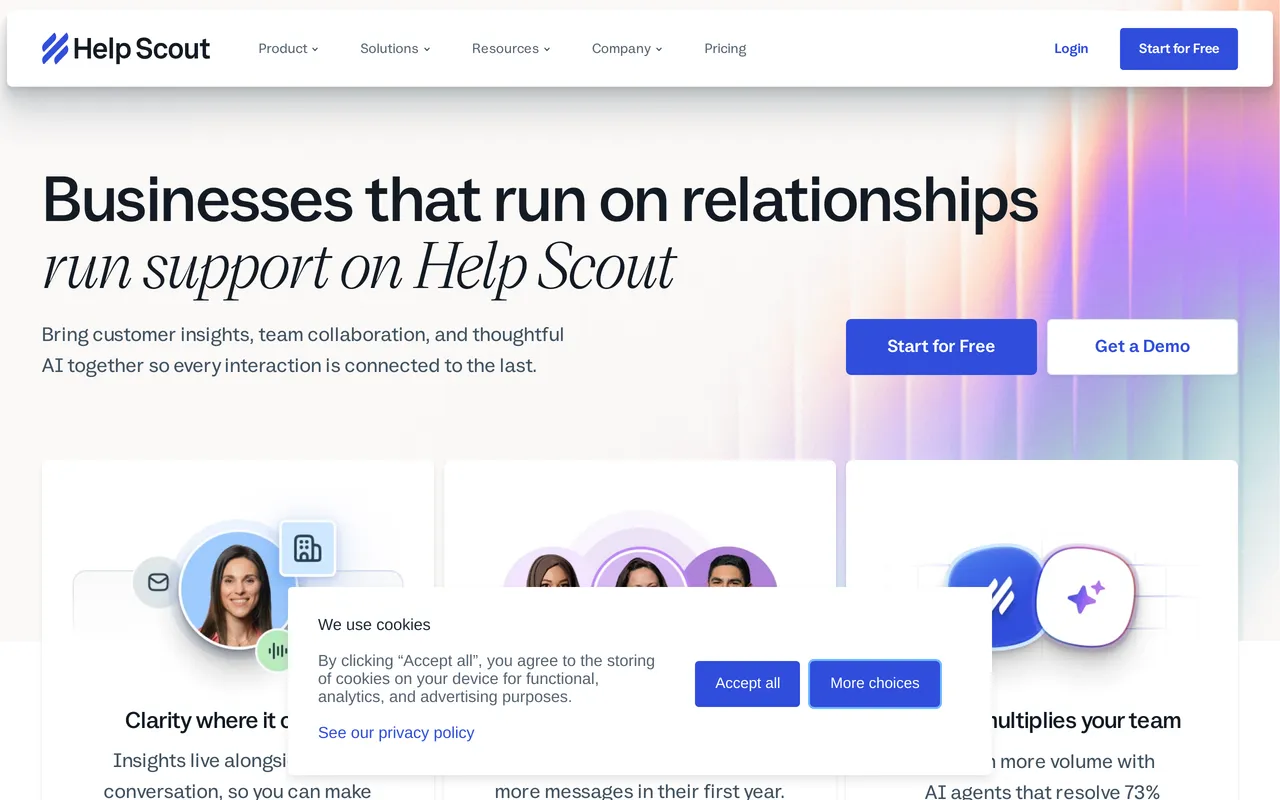
The catch: Docs is the junior partner. Theming, content structure, and the tooling for managing several hundred articles all sit behind anything built purely for help centers, and AI Answers are billed on top at $0.75 per resolution. You’re also still paying per user, so the thing that made Zendesk expensive hasn’t disappeared, it has just got cheaper. See the full HelpDocs vs Help Scout breakdown.
Best for small teams who want one vendor for tickets and docs. From $25/user/mo.
Best for versioned, audited documentation: Document360
Document360 is the tool on this list that treats documentation as an engineering artifact. Its version history and diff tooling is built for audit-heavy documentation, where somebody has to prove who changed which sentence and when. There’s a workflow builder that can hold an article until the right person has approved it, separate workspaces so each product gets its own docs site, and native rendering of OpenAPI references, so your API reference and your written guides sit in one place instead of two. If your docs get audited, or a legal team has an opinion about what your release notes said in March, that’s the reader it was designed for.
It’s also the least help-center-ish of the specialists, which is the trade. You would choose it because your documentation has compliance attached, not because you want something a support team will enjoy maintaining day to day.
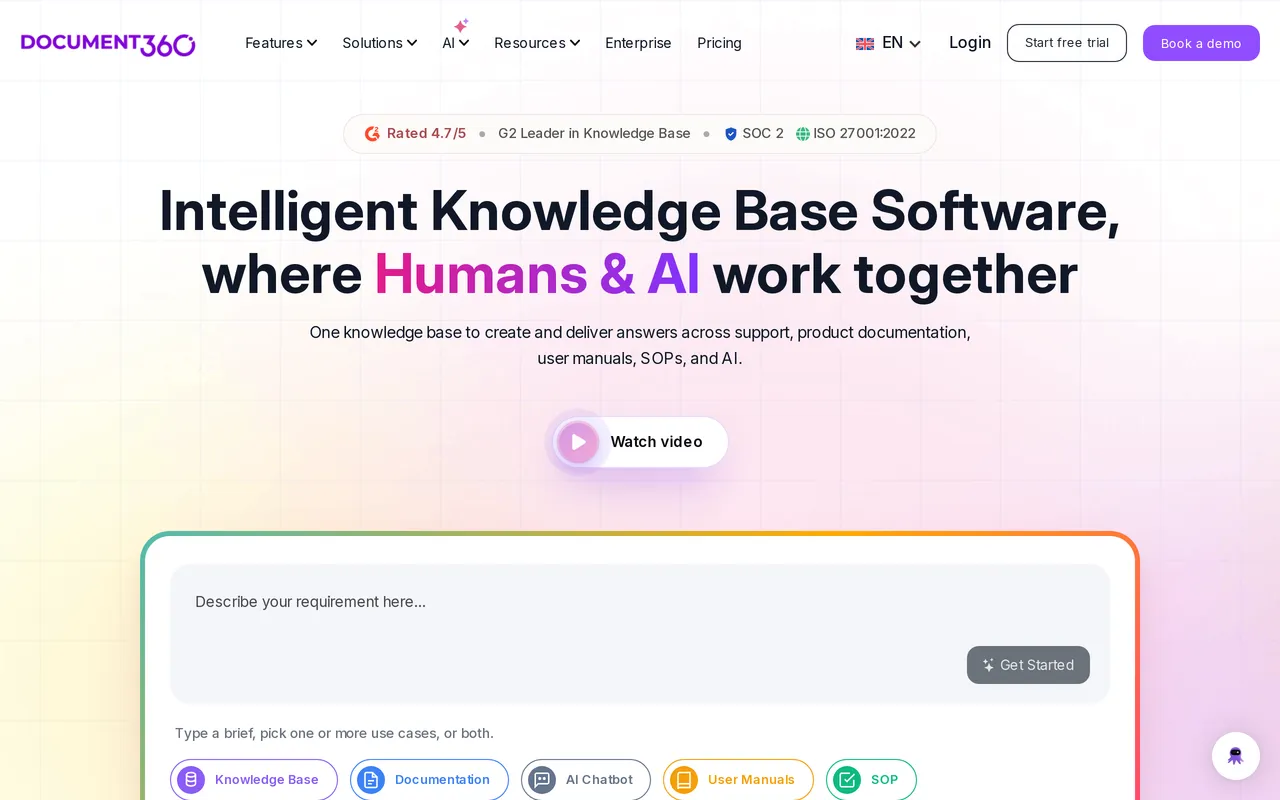
The catch: you can’t find out what it costs. Pricing is quote-only and charged per project, so evaluating it means a sales conversation before you see a number, and another one if you later want a second docs site. Its Ask Eddy AI is a paid add-on on top of the base subscription, which lands awkwardly if per-agent AI pricing is part of why you’re leaving Zendesk. See the full HelpDocs vs Document360 breakdown.
Best for regulated, heavily versioned docs and API references. Quote only, per project.
Best for heavily branded, multilingual help centers: Helpjuice
Theming is Helpjuice’s whole pitch, and it goes right down to the templates. You get the theme files, plural: HTML, CSS, JavaScript and Liquid templates, editable per language, with a visual editor for people who want none of that. On top of that their team will hand-skin your help center as part of signing up, and they will run the Zendesk import as a service with free migration hours, redirects and re-uploaded images included. If you want the finished result without doing the work yourself, that’s a real offer, and worth pricing against what a designer and a migration week would cost you.
Localization and AI article translation are on every tier including the cheapest, which is genuinely unusual, since multilingual is normally the lever vendors pull to move you up a plan.
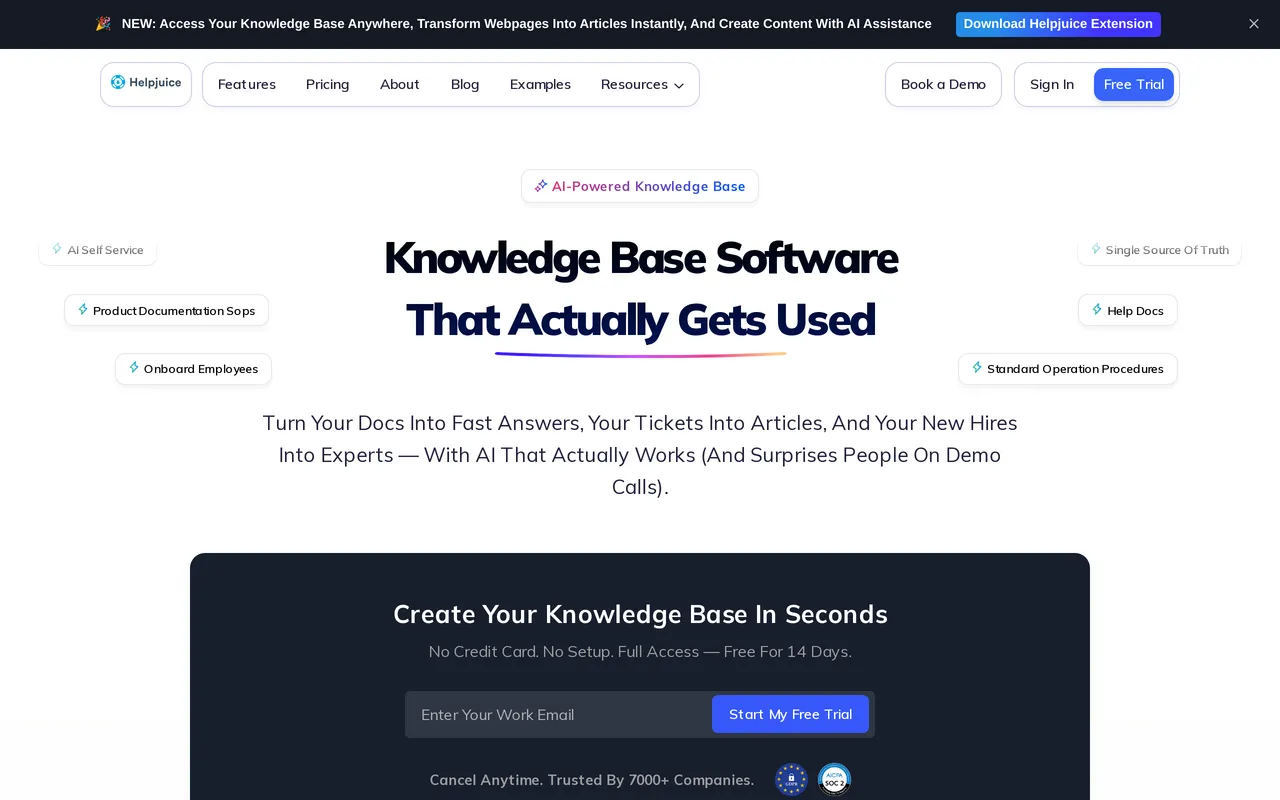
The catch: the entry plan is built for a smaller team that wants the theming rather than the AI, so work out which tier you need before you compare headline prices. $249/mo covers 30 logins with no SSO and no AI features, and AI search and the chatbot start at $449/mo, roughly an 80 percent step up. Only monthly pricing is published, with no annual discount shown anywhere, and there’s no free tier to try it on first.
Best for brand-heavy, multilingual help centers with a done-for-you migration. From $249/mo flat.
Best for granular control over who sees which articles: KnowledgeOwl
KnowledgeOwl has been building dedicated knowledge bases and nothing else for well over a decade, and the product has the settled, thought-through feel that comes with that. Its readergroups are the standout: permissions run down to the individual article and category, so one help center can serve customers, resellers and internal staff without splitting into three separate sites. Theming goes further than most tools this focused bother with, since Pro and up hand you editable HTML, CSS and JavaScript themes rather than a palette. Every plan includes recurring 1:1 onboarding and support calls, and the trial runs 30 days with no credit card, which is a generous amount of room to make your mind up in.
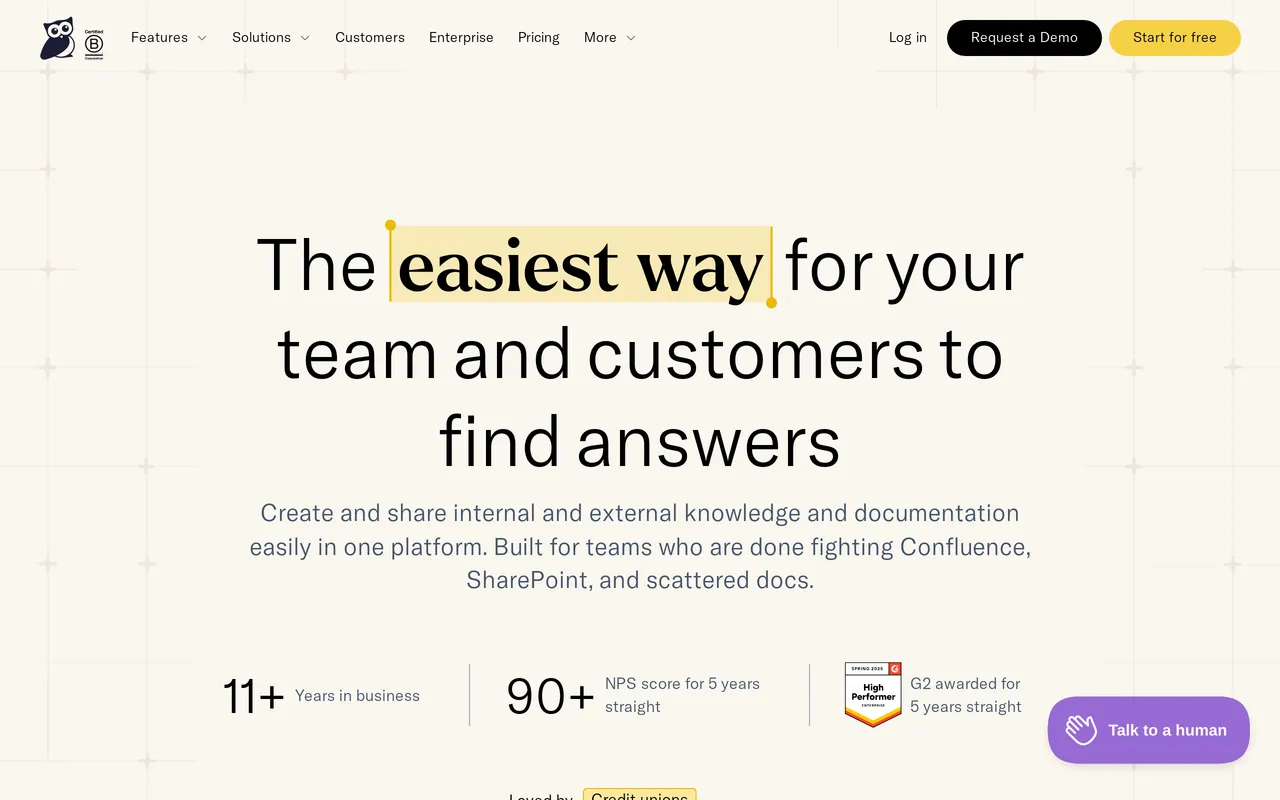
The catch: the base plan is priced per author, and it thins out faster than the headline suggests. Basic is $100/mo for a single author, extra authors are $25/mo each and a second knowledge base is another $50/mo, so a five-writer team sits nearer $200/mo. The things people usually want live further up: custom domain, the public API and theme-level HTML access all begin on Pro at $250/mo, and SAML SSO waits for Business at $500/mo. AI is bundled rather than metered per resolution, but the allowance is small, 25 credits a month on Basic and 250 on Business with no rollover, so drafting and style reviews draw on a fixed monthly pool (pricing as of July 2026).
Best for granular, content-level reader permissions in a dedicated help center. From $100/mo, one author included.
Best for teams betting on an AI agent front line: Intercom
Intercom has bet the company on We integrate with FinFin, and Articles is now largely the fuel supply for it. That focus is the reason to pick it. If your plan for reducing ticket volume is an AI agent handling conversations end to end, rather than customers reading docs and going away satisfied, this is the most complete version of that idea you can buy today.

The messenger, the articles and the agent behave like one system instead of three products with integrations between them, and that coherence is hard to reproduce by wiring separate tools together. It’s a genuinely different theory of support, so decide whether you believe in it before you price it.
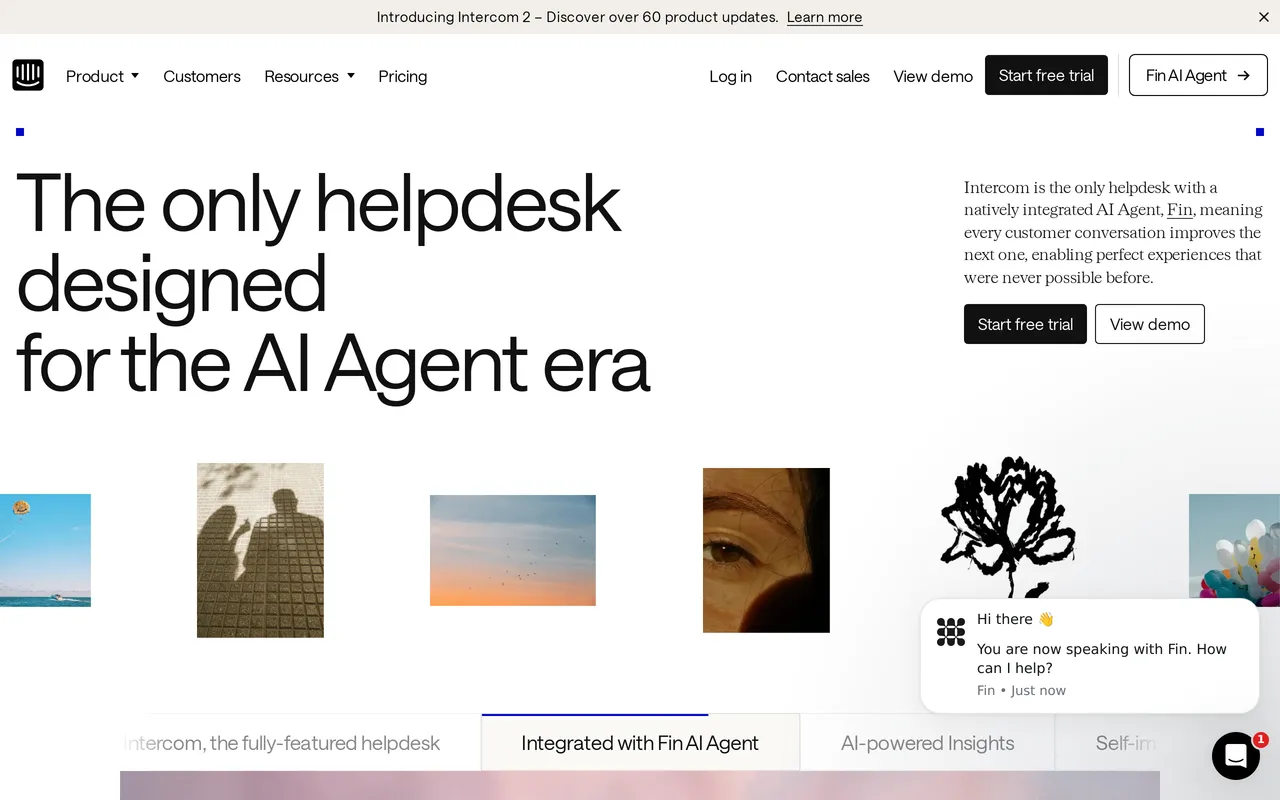
The catch: the bill has two dimensions and both move. Per seat for your team, and $0.99 per Fin resolution for the AI, so a month where deflection works beautifully is also a month with a surprising invoice, and forecasting it means forecasting your own ticket volume. If unpredictable per-agent pricing is what drove you off Zendesk, read the Fin pricing twice. See the full HelpDocs vs Intercom breakdown.
Best for AI-agent-first support in-product. From $29/seat/mo plus $0.99 per resolution.
Best for startups already writing everything in Notion: Notion
If your team already writes everything in Notion, publishing what’s already there costs nothing and takes an afternoon, and for a ten-person company that’s very often the correct call. It’s a lovely writing tool, the free plan is real rather than a trap, and there’s no migration project because there’s nothing to migrate. Plenty of good companies ran their docs this way for their first two years, and there’s no prize for buying a help center platform before you can feel the limits of the one you have.
Be clear-eyed about what you’re shipping, though. You’re publishing a wiki page customers can read, which is a different product from a help center.
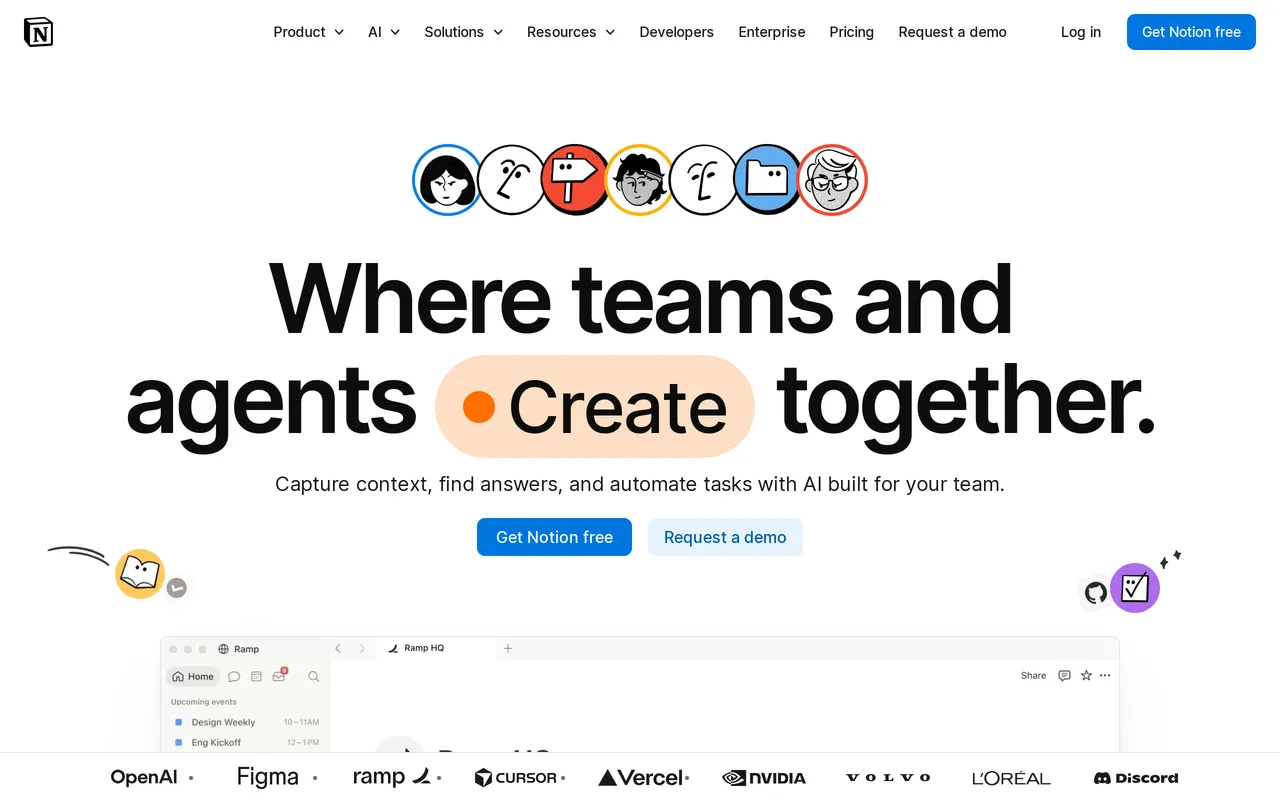
The catch: search is the weakest of anything here, and search is how people actually use a help center, so the deflection you were hoping for mostly won’t arrive. Publishing to your own domain is a paid Notion Sites add-on, and you get none of the operational feedback loop: no failed-search reporting, no article ratings, no deflection analytics. You won’t know what’s not working. See the full HelpDocs vs Notion breakdown.
Best for early-stage teams already living in Notion. Free, paid tiers from $10/seat/mo.
Top Zendesk competitors, grouped by what they replace
If you’re still orienting yourself, the Zendesk competitors worth your time fall into three groups, and picking the wrong group is how people end up on their third demo call of the week. HelpDocs vs Zendesk is the head-to-head if you’ve already narrowed it to us.
There are the full suite replacements, Help Scout and Intercom, which take on tickets, chat and docs together. They carry the same structural cost as Zendesk, in that you pay for every person on the team, there’s just less of it to pay for.
Then there are the knowledge base specialists, HelpDocs, Document360, Helpjuice and KnowledgeOwl, which do the help center and nothing else. This is where teams land when Guide felt underpowered but Support felt oversized.
And there are the general-purpose tools pressed into service, Notion and Confluence. Cheapest by a distance, and least like a help center by a similar distance.
If you only need to replace Zendesk Knowledge (formerly Guide)
This is the most common version of the question and it changes the answer completely, so it’s worth being explicit.
Zendesk Knowledge isn’t sold separately. It comes bundled with Support, which means every agent seat you pay for includes ticketing whether anyone touches it or not. A lot of teams are perfectly content with Zendesk for tickets and only annoyed by the docs, and if that’s you then a full migration is the wrong project.
Keep Zendesk Support for the inbox, move the articles somewhere that cares about them, and point your help center domain at the new one. HelpDocs, Document360, Helpjuice and KnowledgeOwl all support that split, and both HelpDocs and Helpjuice maintain Zendesk integrations precisely so the two halves keep talking.
The honest cost is two tools, two bills, and one more integration to watch. What you get back is a help center that’s somebody’s entire product instead of a bundled feature. If you’re unsure which half is causing your problem, knowledge base vs help desk is ten minutes well spent before you book anything.
Moving your articles off Zendesk Knowledge
Getting out of Zendesk Knowledge is easier than people expect. Zendesk is a built-in migration source in HelpDocs, so you pick it in Settings > Migrations and your articles, sections and images arrive with formatting intact. Your Zendesk content is untouched while it runs, so you can leave the old help center up and compare them honestly rather than committing on faith.
You run our import tool from inside your own dashboard. Helpjuice will do the same job as a hands-on service if you’d rather someone else owned it.
Two things are worth planning for whichever way you go. Redirects matter more than anyone expects: if your Zendesk help center pages have picked up search traffic over the years, map the old URLs to the new ones before you move the domain, or you’ll quietly hand that traffic to nobody. And decide where “contact us” lives, because if you keep Zendesk for ticketing it’s very easy to end up with two contact forms, two response-time promises, and customers finding the wrong one.
So which should you pick?
If you need real ticketing, stay on Zendesk or move to Help Scout. That’s the honest headline and it’s worth saying before anything else. Zendesk at scale is genuinely good, and if you have SLAs, routing rules and a QA process then nothing on this list replaces it, us very much included. Swapping a mature help desk for a knowledge base plus optimism is how support teams have a bad quarter.
If it’s the help center letting you down, don’t move your tickets at all. Pick a specialist, keep Zendesk for the inbox, and reassess in six months.
We think HelpDocs is the right call when you want a standalone knowledge base that’s live quickly, branded properly, and priced so growing your team or your readership never arrives as a bigger invoice. Helpjuice is the better call if bespoke theming across several languages is the entire point and $249/mo is comfortable. Document360 wins the moment compliance, versioning or API references enter the conversation.
If you’re pre-revenue and writing in Notion already, stay in Notion a while longer. You’ll know when you’ve outgrown it, because you’ll start wishing you could see what people searched for and failed to find.
And if your plan is for an AI agent to handle the front line rather than for customers to read anything, We integrate with IntercomIntercom is a more coherent bet than bolting AI onto a docs tool. Model the per-resolution cost at your real volume first.

Still weighing it up? The fastest way to settle it is to import your actual Zendesk articles and look at them in something else. Start a free trial, or see what it costs first.
