
Best Confluence Alternatives (2026)
Confluence is a good internal wiki and a poor help center, and most teams looking to leave have quietly outgrown the first while badly needing the second. Here's what's actually worth moving to, and which half of Confluence you should keep.
We built HelpDocs because we kept meeting teams whose documentation had been living in a wiki that nobody trusted, with customers reading a version of it nobody had updated in a year. So we built one thing that does one job well: a knowledge base people can actually find answers in. We've tried to be honest about what each alternative on this list genuinely does better than we do.
Confluence Premium is $10.44 per user per month billed annually, which puts a 25-person team around $261 a month and climbs with every contractor, designer, and support hire who needs access. That’s rarely the reason someone starts hunting for a Confluence alternative, though. The reason is usually that the wiki has quietly rotted: four thousand pages, three versions of the onboarding doc, and nobody confident which one is true. Then someone asks for a public help center and you discover Confluence was never really built to be one.
To be fair to Confluence, it’s very good at the job it was designed for. Real-time co-editing, inline comments, page trees, genuinely strong space and page-level permissions, a Marketplace with thousands of apps, and a free plan for up to 10 users. Per-user pricing is cheap at small scale, and the Jira integration is not something you replicate with a Zapier connection and good intentions.
So, scope. This page is about replacing Confluence as a documentation and knowledge base tool, not as your team’s project workspace. If your spaces are wired into Jira, holding sprint reports, specs, and release notes that engineers actually maintain, the Atlassian integration is a real reason to stay and nothing on this list matches it. Keep Confluence for that.
The pivot is this: an internal wiki and a customer-facing help center are two different products, and most teams reading this need the second one. Confluence is fine for engineers and miserable for everyone else, it has no mechanism to tell you what’s gone stale, and it publishes an Atlassian-branded page rather than a help center. That’s not a bug in Confluence. It’s a mismatch.
What actually matters when you’re leaving Confluence
Feature lists won’t help much here, because every tool below can store a document and search it. Three things genuinely separate them, and they’re the three that Confluence refugees tend to get wrong.
The first is whether the tool can actually publish. Not “has a share link”, but a custom domain, branding you control, and pages search engines index and rank. This is the axis Confluence loses on hardest, and it’s also where the alternatives differ most from each other: two tools on this list are internal-first by design, so moving to them fixes your wiki and leaves your help center problem exactly where it was.
The second is whether the tool fights content rot or just hosts it. The reason your wiki decayed isn’t that people are lazy, it’s that nothing ever told anyone a page was wrong. What you want is failed-search reporting, article ratings, and analytics that show you which content people are bouncing off.
A few tools here have real answers. Some have none at all, which is how you end up with the same problem in nicer typography.
The third is the shape of the pricing, not the headline number. Per user, per member, per site, or flat changes what happens when you hire, when you add a second docs site, or when your help center gets popular. If per-user creep is part of what pushed you onto this page, look carefully: several of these alternatives have exactly the same shape as Confluence, just cheaper.
Everything below is as of July 2026 and taken from each vendor’s own pricing page, with two exceptions. Bloomfire and Document360 no longer publish prices at all, so those figures are third-party reported ranges and we’ve flagged them as such.
The shortlist at a glance
We make HelpDocs, so we’ve put ourselves first rather than pretending to be neutral about the order. What we’ve also done is say plainly who each of the other five is genuinely better for, because matching the wrong tool to your situation costs far more than picking the wrong vendor off a list.
Only one of these six is built primarily to publish a help center to customers. Three are built for internal knowledge, two are documentation platforms, and that split should drive your shortlist more than anything else in the table. If you’re earlier in the process, our learning resources cover how to structure documentation before you pick a tool to put it in.
| Tool | Best for | Starting price | Pricing model | Free trial |
|---|---|---|---|---|
| HelpDocs | A customer-facing knowledge base, without a wiki underneath it | $129/mo | Flat monthly, per editor, public readers free | 14-day trial, no card |
| Bloomfire | Making a whole company’s files, slides, and video searchable | Quote only | Annual, billed multi-year, plus implementation | No trial, demo only |
| Document360 | Versioned, audited documentation and API references | Quote only | Per project, quote only | 14-day trial |
| GitBook | Developer docs that live in Git next to the code | $0, then $65/site/mo | Per site, plus $12/user/mo | Free plan and trials |
| Notion | Teams whose wiki content is free-form docs, not documentation | $0 | Per seat, free plan available | Free plan |
| Slite | A cleaner internal wiki than Confluence, with AI that flags drift | $0, then $10/member/mo | Per member, free plan available | 14-day trial, no card |
Best for a customer-facing knowledge base: HelpDocs
We make HelpDocs (hey! 👋), so we might be a little biased. But we’ve tried to be as honest as possible to make things easier for you, and you can check anything that matters against the pricing page. The honest positioning: HelpDocs is for teams who want a standalone, best-in-class knowledge base, without running a wiki underneath it.
That’s the whole design, and it’s the opposite of Confluence’s. Confluence optimizes for a group of people editing a page together. HelpDocs optimizes for one authoritative version of an article that a stranger can find and understand.
You can be live and branded in hours on the professional templates rather than configuring anonymous access per space. Branding runs from no-code colors and fonts, through custom CSS on Sprout, up to custom JavaScript and full HTML template control on Bloom, so you stop where you choose rather than where a Marketplace app stops you. The V5 templates score 100/100 for SEO and accessibility in PageSpeed, which matters precisely because Confluence pages don’t rank.
Two things speak directly to the rot problem. Search comes with failed-search reporting, so you get a list of what people looked for and didn’t find, which is the closest thing to a maintenance to-do list you’ll get. And AI credits are bundled into every plan rather than metered per request: 1,000 a month on Sprout, 5,000 on Bloom, 10,000 on Harvest, covering drafts, rewrites, and Ask AI.
Multilingual is built in too, with 20 languages on Bloom and unlimited on Harvest across 100+ available. It also does private and internal knowledge bases with permission groups, so if you want to move some internal content across as well, you can.
Pricing is flat and published, from $129/mo ($99/mo billed annually). It doesn’t move when you hire, and public readers are free and unlimited forever, so the outcome you actually want never arrives as a bigger invoice.
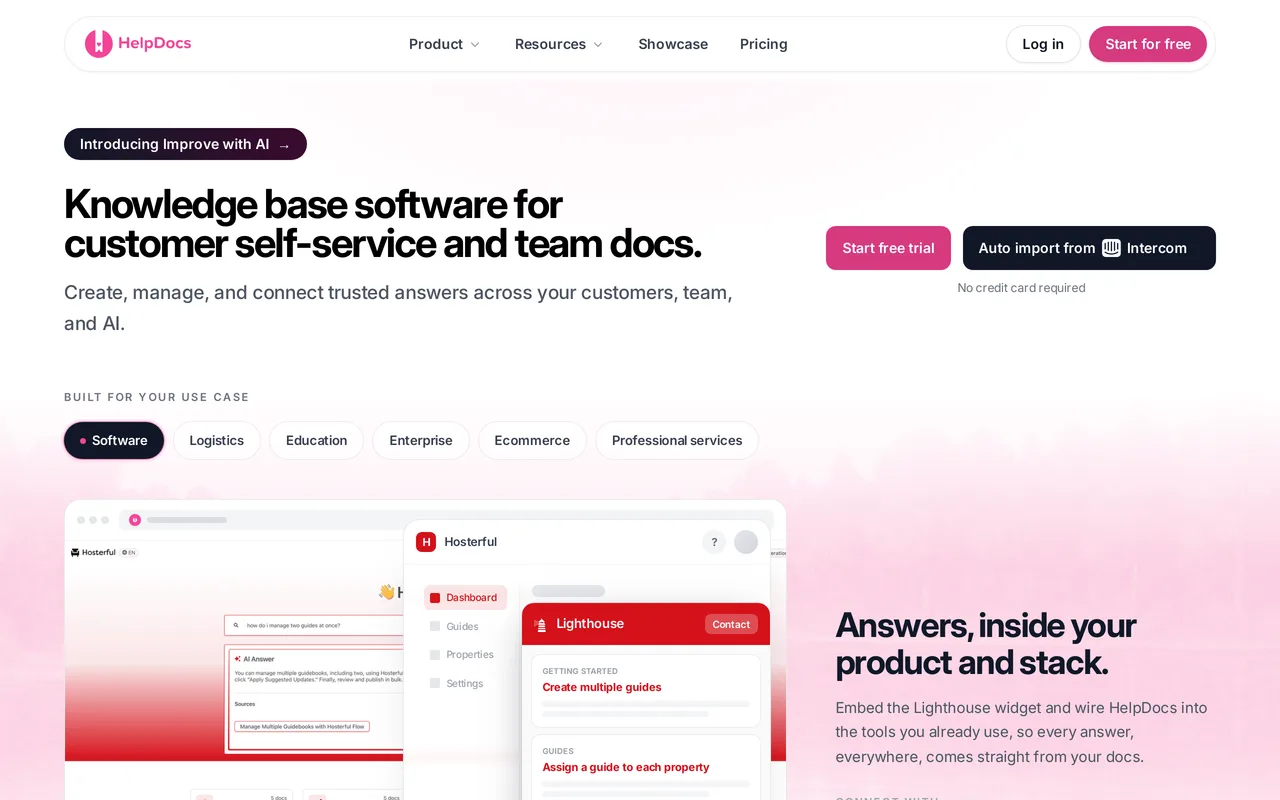
The catch: it isn’t a wiki, and we’re not trying to be one. No real-time co-editing, no Jira integration, no project spaces, no free-form page tree for meeting notes. If Confluence is your team’s workspace as well as its documentation, HelpDocs replaces one half of it and you’ll keep paying for the other. The Confluence import is also not one-click: we can bring your content in, but there’s no migration wizard like there is for some other sources, so budget a few days of editorial work. And a few flat noes: no full white-label (a small HelpDocs mark stays), no multi-brand help centers, limited SCIM provisioning, no OpenAPI reference rendering, and no free tier. HelpDocs vs Confluence sets out where Confluence is the better buy.
Best for teams who need a customer-facing knowledge base, not a wiki. Flat $129/mo, public readers free. Start a free trial or see pricing.
Best for company-wide internal knowledge: Bloomfire
If your real Confluence problem is that knowledge is scattered across five systems and nobody can find any of it, Bloomfire aims directly at that. It indexes 25+ file types and automatically transcribes video and audio, so a phrase somebody said in a recorded all-hands becomes searchable text you can jump straight to. Its connectors make SharePoint, Google Drive, Salesforce, Teams, and Confluence itself searchable from one place, so it can sit on top of the mess rather than asking you to clean it up first.
It also has the organizational machinery that big rollouts need: a Q&A community model where employees ask and experts answer, Learn and Confirm acknowledgement tracking for mandatory reading, SCIM alongside SAML, and full white-labeling with no vendor mark. If you’re rolling knowledge out to an entire company rather than publishing docs to customers, that’s a genuinely different and harder problem, and Bloomfire is built for it.

The catch: you can’t find out what it costs, and you can’t try it with your own content. Bloomfire is sales-led, offering a demo or a self-guided Test Drive rather than a trial, and its pricing page lists Team, Department, and Enterprise tiers with no numbers, billed on a multi-year basis with data migration and implementation quoted as separate fees. Third parties report an entry floor around $1,250/mo, and Vendr reports contracts from roughly $20,000 to $215,000 a year with a median near $128,000. Treat all of that as directional, not as list prices. It’s also an internal platform: there’s no SEO metadata tooling, so it won’t solve a public help center problem. HelpDocs vs Bloomfire has the detail.
Best for company-wide internal knowledge across many systems. Quote only, multi-year, plus implementation fees.
Best for versioned, audited documentation: Document360
Document360 treats documentation as an engineering artifact, and it has the tooling to back that up. Version history with diffs between revisions, a custom workflow builder that can hold an article until the right person approves it, a mature Category Manager for deeply nested trees, separate projects and workspaces for organizations running several docs sites, and native OpenAPI and Swagger reference rendering so API docs come straight from the spec. If your docs get audited, or a legal team cares who changed which sentence and when, that trail already exists rather than being something you have to reconstruct.
For Confluence refugees specifically, it’s the natural move when your wiki was already trying to be a formal documentation system and losing. You’d choose it because your documentation has compliance attached, not because a support team will enjoy maintaining it day to day.

The catch: you can’t see what it costs either. Document360 moved to quote-only pricing charged per project, meaning one knowledge base, so evaluating it means a proposal, and wanting a second docs site means another conversation. Third parties report roughly $199 to $249/mo for Professional, $399 to $499/mo for Business, and $799+/mo for Enterprise, but those are reported quote ranges rather than list prices. Its AI features are a paid add-on on top of the base subscription, which lands awkwardly if unpredictable costs are part of why you’re leaving. HelpDocs vs Document360 compares them directly.
Best for regulated, heavily versioned docs and API references. Quote only, per project.
Best for developer docs that live in Git: GitBook
If your Confluence pages are maintained by engineers and the complaint is that a wiki drags them out of their workflow, GitBook removes that detour. Git sync with GitHub and GitLab keeps docs versioned alongside the codebase, editing is Markdown-first, branching and change requests map release versions to Git branches, and pull-request-style review means docs get reviewed the way code does. It imports and renders OpenAPI references with interactive playgrounds, so an API reference stays in step with the spec rather than with somebody’s memory of it.
It’s the cleanest escape from the specific failure mode where documentation rots because updating it requires leaving the tools you actually work in. Confluence asks developers to context-switch. GitBook doesn’t.
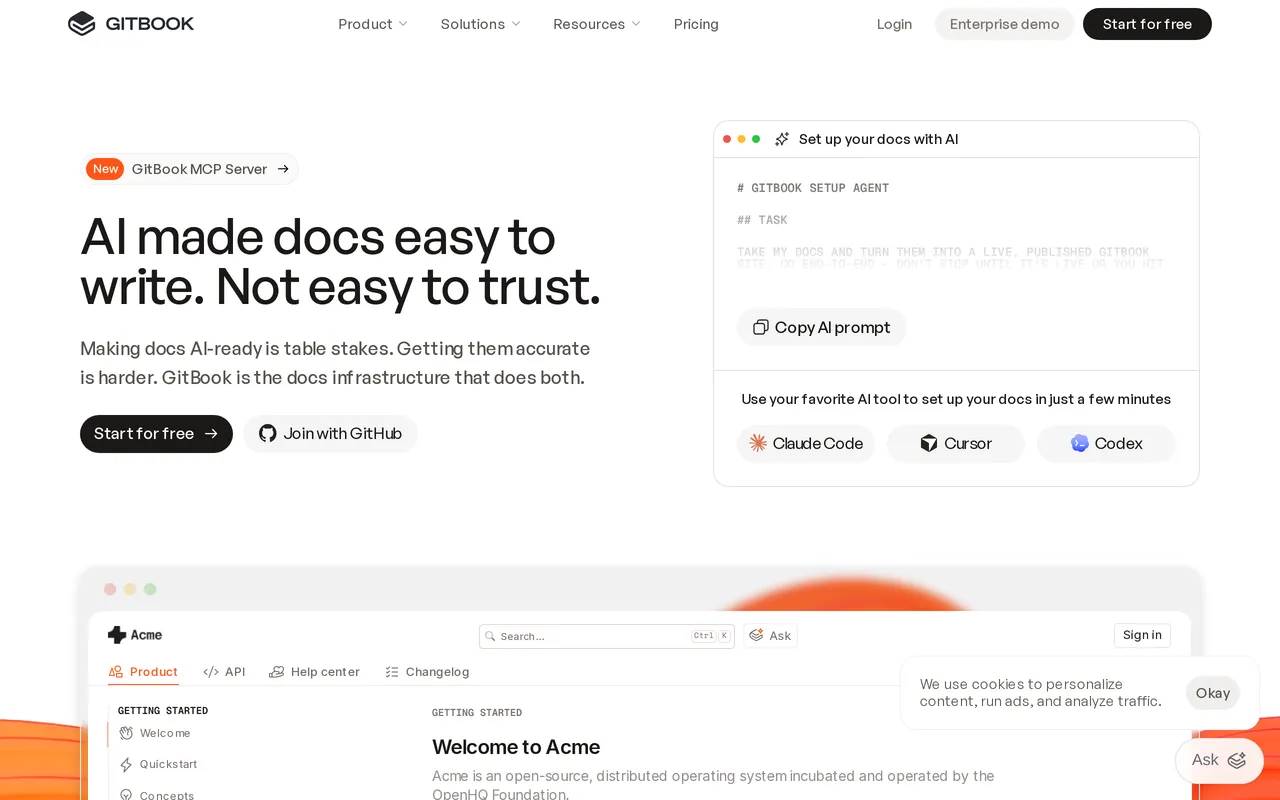
The catch: the pricing model is per site, and it adds up in two directions. Premium is $65/site/mo billed annually plus $12/user/mo, and the AI Assistant only unlocks on Ultimate at $249/site/mo (capped at 500 successful answers), so a second docs site doubles the base cost. The free plan is a single user, and lower tiers carry a “Made with GitBook” badge. Failed-search reporting isn’t a headline feature, so the content-gap loop is thinner than you might want. And the Git and Markdown workflow that engineers love is a real barrier for a support team who just want to fix a typo. HelpDocs vs GitBook covers the trade-off.
Best for Git-synced developer documentation. Free for one user, then $65/site/mo plus $12/user/mo.
Best for teams whose wiki is really just team docs: Notion
Notion is where most Confluence refugees land, and for a lot of them it’s the correct call. It’s a nicer writing tool, the block editor doubles as docs, notes, wikis, and databases, the free plan is real rather than a trap, and the template gallery means you’re not starting from a blank page. If your Confluence content is meeting notes, project docs, and half-finished thinking rather than formal documentation, Notion fits the shape of that content better than Confluence ever did.
Notion Sites will publish public pages too, so you can get something customer-readable out of it without a second tool. Just be clear-eyed that you’re publishing a wiki page customers can read, which is a different product from a help center.
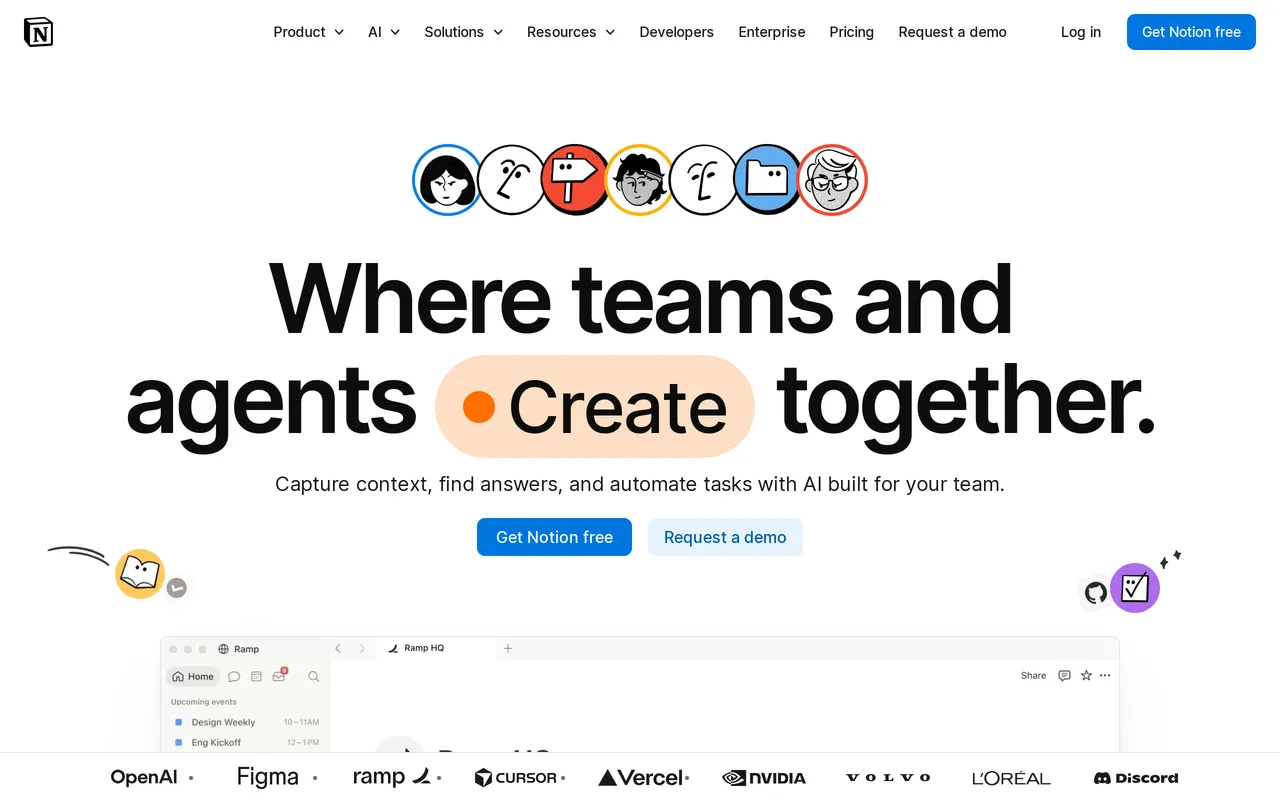
The catch: the published side is thin, and it’s exactly the side you were trying to fix. Publishing on your own domain is a paid Notion Sites add-on at around $8/mo per domain, public Sites search is basic with no failed-search reporting, and removing the “Made with Notion” badge needs a paid Sites plan while the experience stays Notion underneath. Full Notion AI only arrives on Business at $20/seat/mo billed annually, with Custom Agents metered at $10 per 1,000 credits on top. And it’s per seat, so the pricing shape that annoyed you about Confluence hasn’t changed, it’s just a different number. HelpDocs vs Notion has the specifics.
Best for teams whose wiki content is free-form docs. Free, paid tiers from $10/seat/mo.
Best for a cleaner internal wiki: Slite
Slite is the most direct like-for-like Confluence swap on this list, and if all you want is the same job done better, start here. The writing experience is fast and clean in a way teams genuinely enjoy, Ask AI answers questions from your internal docs and, on higher plans, from connected tools like We integrate with SlackSlack, Jira, and Linear, and there’s doc verification so pages carry an explicit “someone confirmed this is still true” state.

The Slite Agent deserves specific credit: it flags knowledge drift and drafts updates when internal docs go stale. That is the single most Confluence-shaped problem on this page, and Slite is one of the few tools here that actively hunts for stale pages instead of waiting for a reader to notice. Slite connects to 12+ tools so search spans your wider stack, and setup for a private team wiki takes almost no configuration.
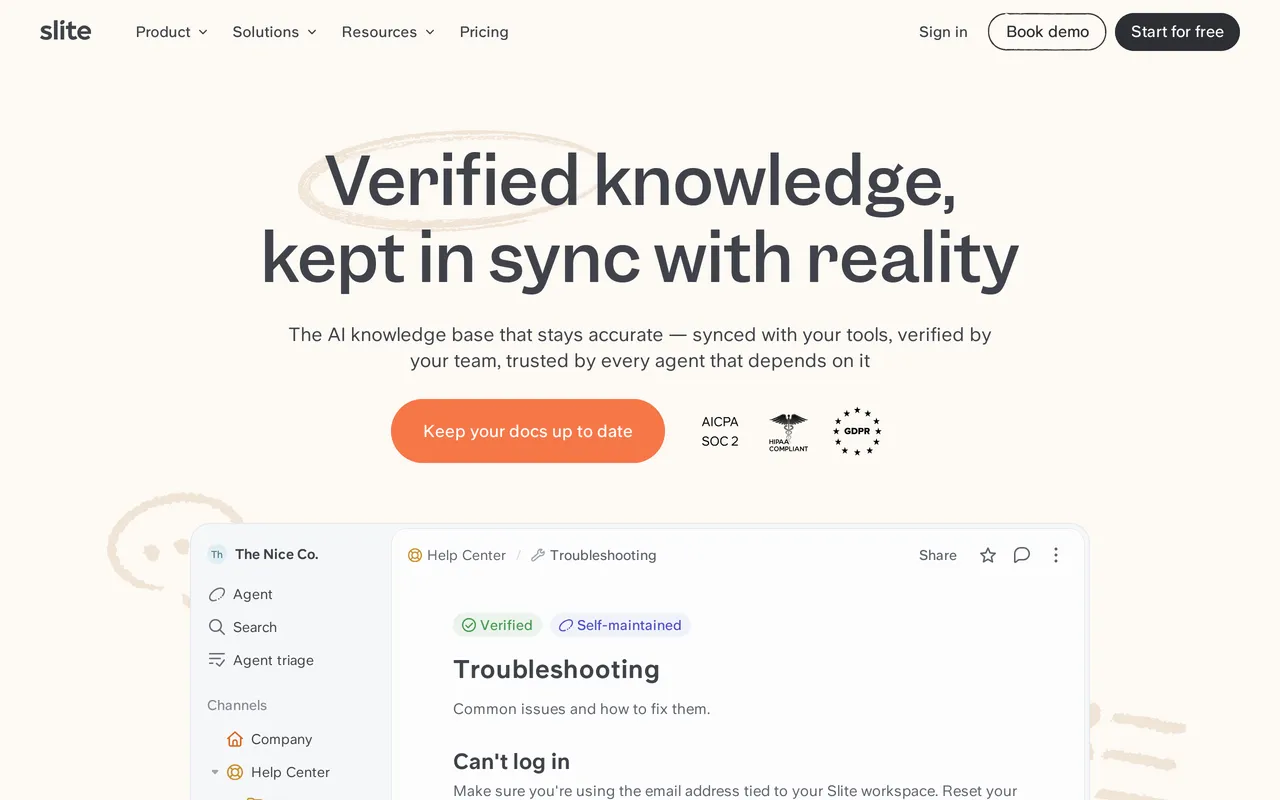
The catch: it’s an internal wiki on purpose, so it doesn’t solve the help center half at all. A custom domain for public docs is only on the higher plans, branding is reduced rather than removed, there are no SEO helpers because public ranking isn’t the goal, and there’s no failed-search reporting. Ask AI is capped at roughly 30 questions per seat per month on Basic at $10/member/mo, with the Agent and wider search on Pro at $20/member/mo, both billed annually. The free plan stops at around 50 docs. And like Confluence, you pay per member, so cost still tracks headcount. HelpDocs vs Slite compares them.
Best for replacing Confluence with a better internal wiki. Free plan, then $10/member/mo.
Top Confluence competitors, grouped by what they replace
If you’re still orienting yourself, the Confluence competitors worth your time fall into three groups, and choosing from the wrong one is how teams end up migrating twice.
There are the better internal wikis: Slite, Notion, and Bloomfire at company-wide scale. These do the job Confluence was designed for, more pleasantly. They carry the same structural cost, in that you pay per person, and none of them will hand you a public help center.
There are the documentation platforms: GitBook and Document360. This is where you go when the wiki was already straining to be a formal docs system. GitBook if engineers own the content, Document360 if auditors do.
And there’s the dedicated help center category, which is where HelpDocs sits and where most people searching for an alternative to Confluence actually need to end up. If your documentation has an audience outside the company, this is the group, and HelpDocs vs Confluence is the head-to-head.
If Confluence is fine internally and the problem is your public docs
This is the most common version of the question, and it changes the answer completely.
Confluence Cloud can technically publish. Anonymous access is configured per space, though, and it’s effectively all-or-nothing, so publishing one page means opening a whole space. Public pages carry Atlassian branding you can’t fully remove, custom CSS is heavily restricted and usually needs a Marketplace app, and there are no SEO helpers because search ranking was never the design goal. Then there’s the part that quietly costs you the most: no failed-search reporting, so you never learn what customers searched for and didn’t find.
The fix is usually a split rather than a migration. Keep Confluence as the internal wiki, where the Jira links and co-editing earn their keep, and publish the customer-facing subset of your documentation in a tool built for publishing. Your Confluence instance is untouched by this, so it isn’t a bet, and you can run both for as long as you like.
The honest cost is two tools and two bills. What you get back is an internal wiki that stays useful to engineers and a help center that’s somebody’s entire product rather than a share setting. If you’re not sure where the line falls, internal vs external knowledge base is ten minutes well spent before you book any demos.
Moving your documentation off Confluence
Expect this to be an editorial project more than a technical one, and plan accordingly. HelpDocs supports importing Confluence content, but there’s no one-click Confluence migration wizard the way there is for some other sources, and honestly that matters less than you’d think, because the real work is deciding what deserves to survive.
Most teams move their core content in a few days. The sequence that works: audit your spaces and mark which pages are genuinely customer-facing versus internal only, export the ones you want to publish with their images and attachments, rebuild the structure in clean categories rather than porting the page tree, then clean up Confluence macros and restricted raw HTML and add real titles and descriptions. Point your domain at the new help center last, and keep Confluence as the internal wiki.
Two things are worth planning for whichever tool you pick. Redirects matter more than people expect: if any Confluence pages have picked up search traffic over the years, map the old URLs before you move the domain. And resist the urge to bring everything. A wiki with four thousand pages does not become a good help center with four thousand articles, it becomes a worse one, and knowledge base maintenance gets much harder from there.
So which should you pick?
If your Confluence spaces are wired into Jira and engineers actually maintain them, stay on Confluence. That’s the honest headline and it belongs before anything else. Real-time co-editing, project spaces, sprint documentation, and native Atlassian integration are things Confluence does well and nothing on this list replaces, us very much included. Swapping a working wiki for a help center and hoping is how a quarter goes sideways.
If the wiki is the problem, replace it with a better wiki. Slite if you want the same job done cleanly with AI that flags drift, Notion if the content is free-form team docs and you’d like one workspace for everything, Bloomfire if the real issue is that knowledge is scattered across a dozen systems at company scale and you have enterprise budget to fix it.
If your documentation is formal rather than collaborative, go to a documentation platform. GitBook when engineers own the docs and Git is the natural home, Document360 the moment versioning, approvals, or auditors enter the conversation.
And if the thing you actually need is a help center your customers use, that’s the case we’d make for ourselves: a standalone knowledge base that’s live quickly, branded as far as you want to take it, indexed and ranking, with failed-search reporting so it doesn’t rot, and flat pricing that never grows with your audience. But do the audit first. If it turns out you have eighty customer-facing articles and three thousand internal ones, the right answer is a split, not a migration.
Still weighing it up? The fastest way to settle it is to publish a handful of your real Confluence pages somewhere else and see how they look. Start a free trial, or see what it costs first.
