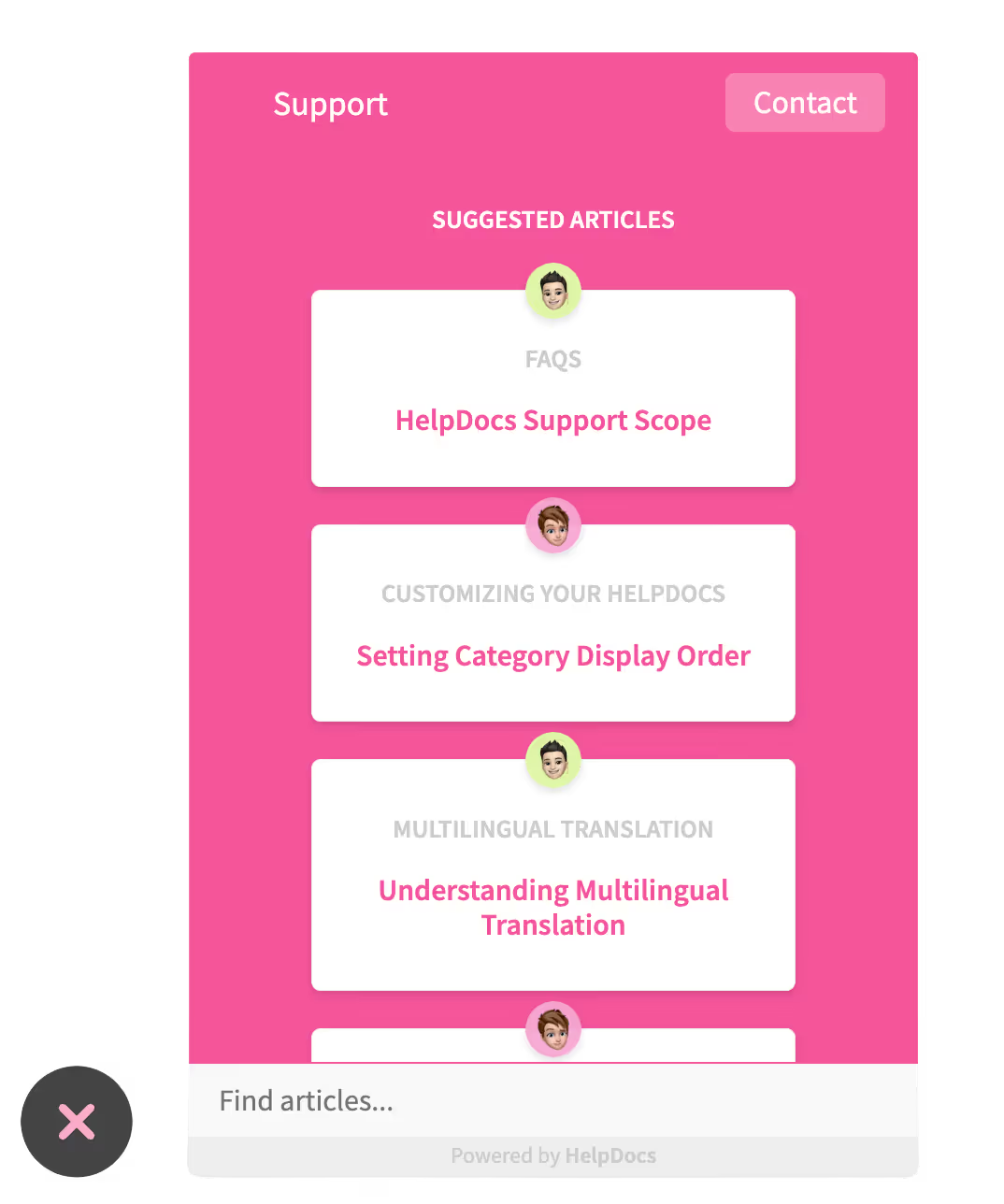
Help inside your product
The Lighthouse widget puts search, suggested articles, and a contact form in your app, so a stuck user never leaves to find the answer.
HelpDocs is knowledge base software built for product companies: help inside your app, AI answers drawn from your own articles, and a help center on your domain in every language you sell in.
 Opened “Import your data” inside the appLighthouse
 Shared “Getting started” in live chatIntercom
 Answered from “API authentication”ChatGPT
 Resolved a chat from “Billing and invoices”Fin
A SaaS help center is not a one-off project. Every release adds a feature to explain and quietly makes a screenshot wrong, and the people paying for that gap are your support team and your trial users.
WHAT MATTERS FOR SAAS
Inside the product, in the languages you sell in, and in the assistants your customers now ask first.
The Lighthouse widget puts search, suggested articles, and a contact form in your app, so a stuck user never leaves to find the answer.
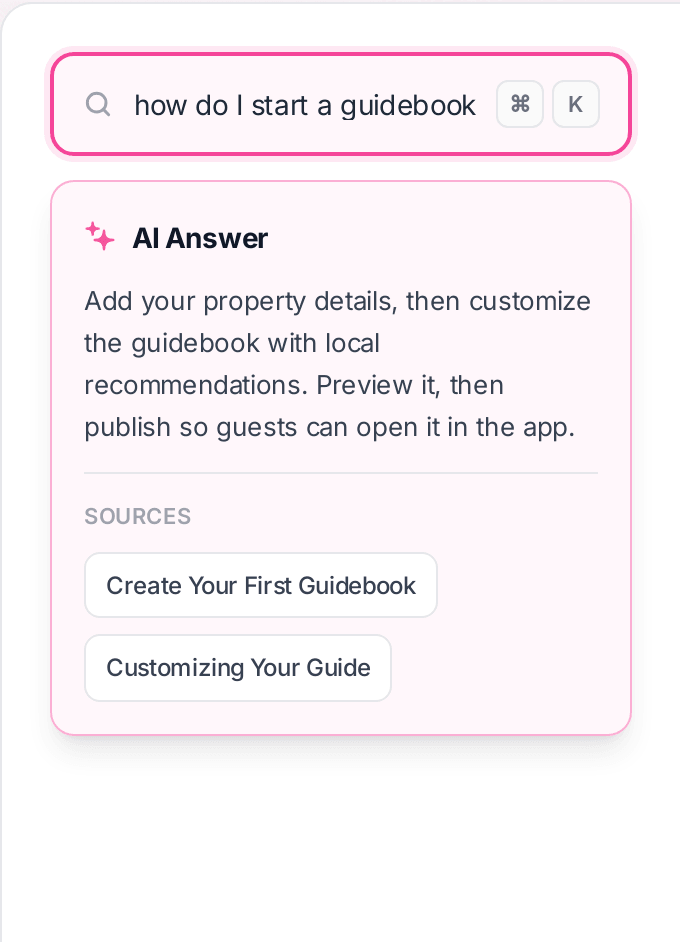
Ask AI answers the question in the reader's own words and lists the articles it drew on, so nobody has to trust it blindly.
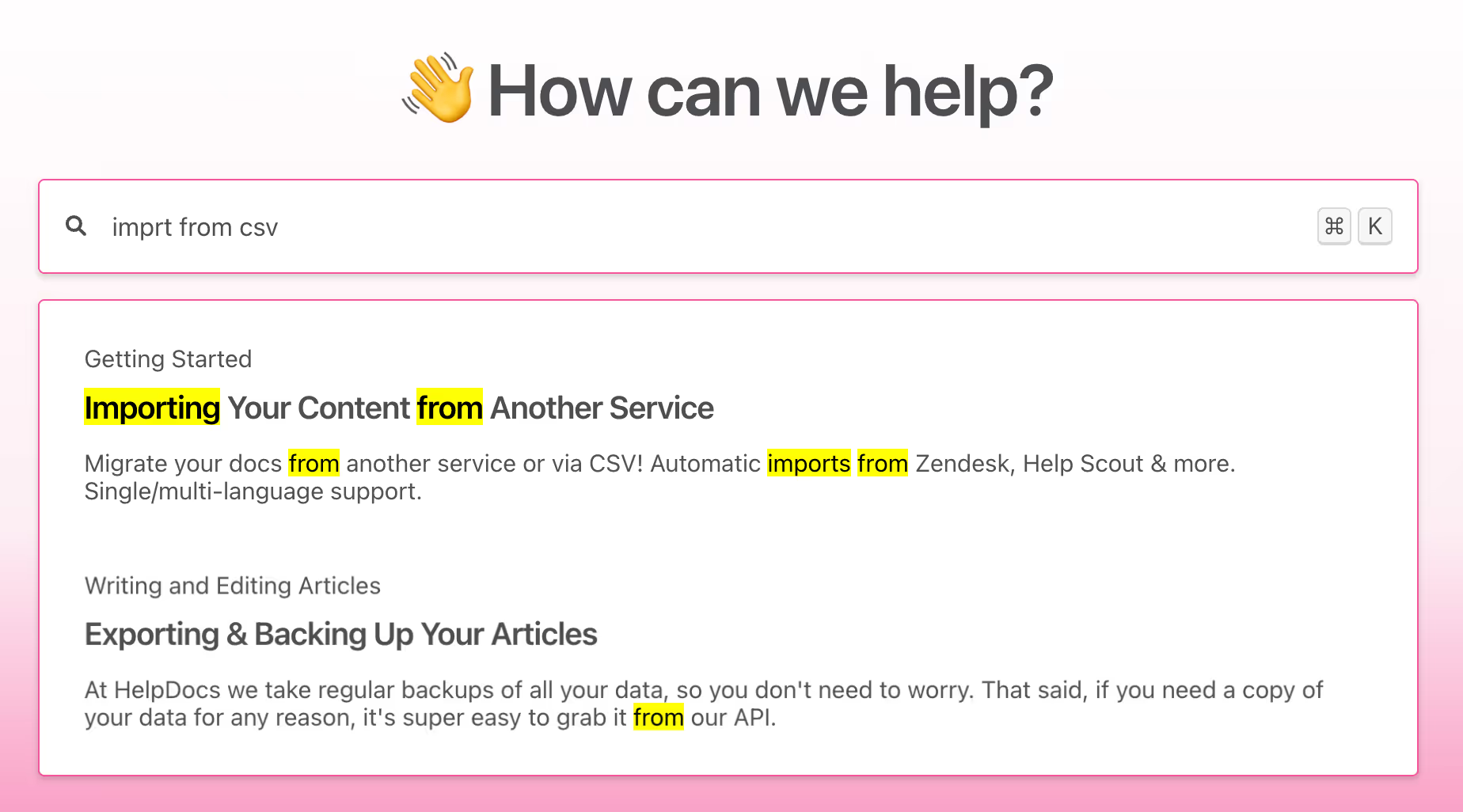
Matches inside the body, not just the title, with the matching passage highlighted so people can see at a glance which result is theirs.
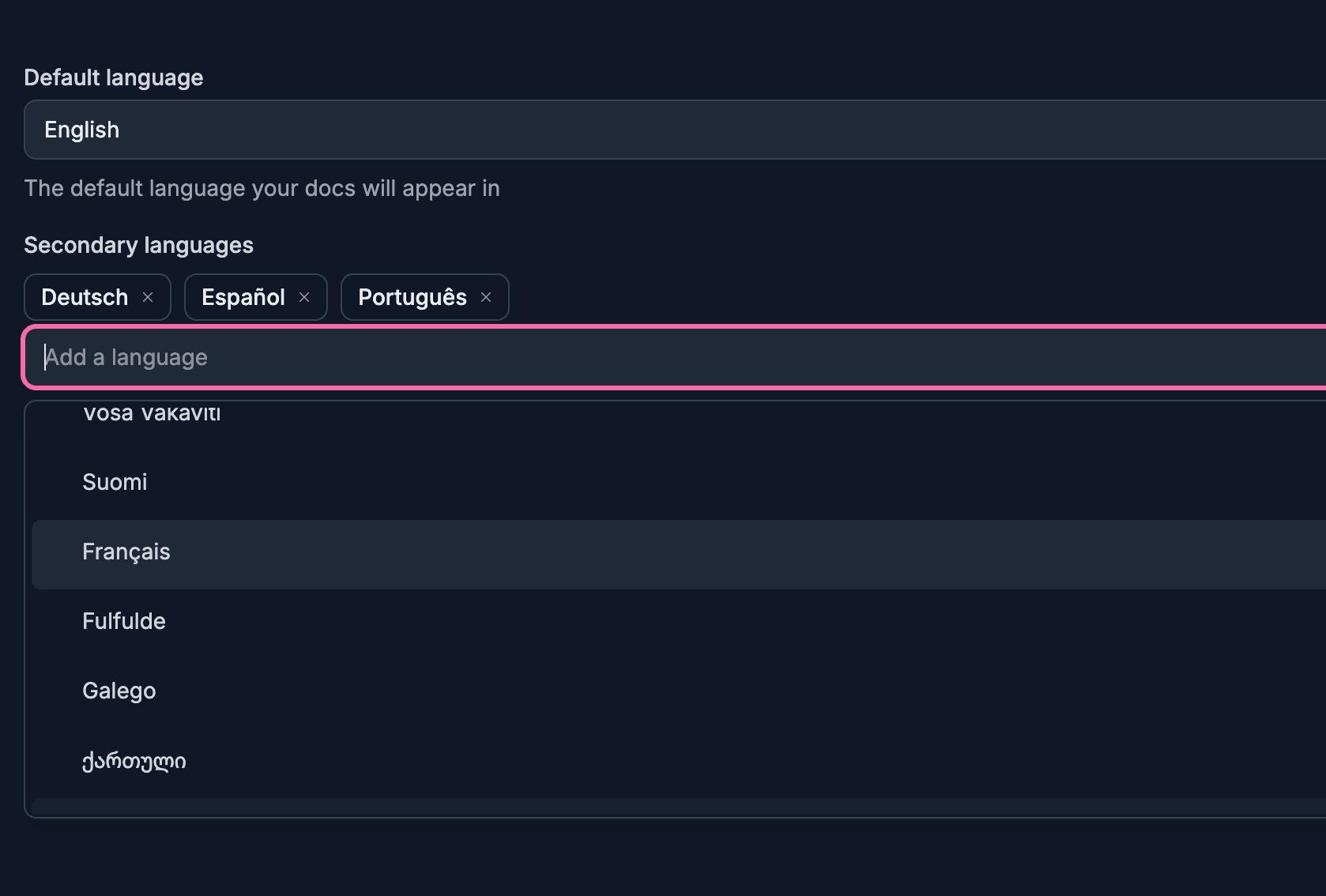
Add a language and translate the help center as you expand, instead of running a separate knowledge base per market.
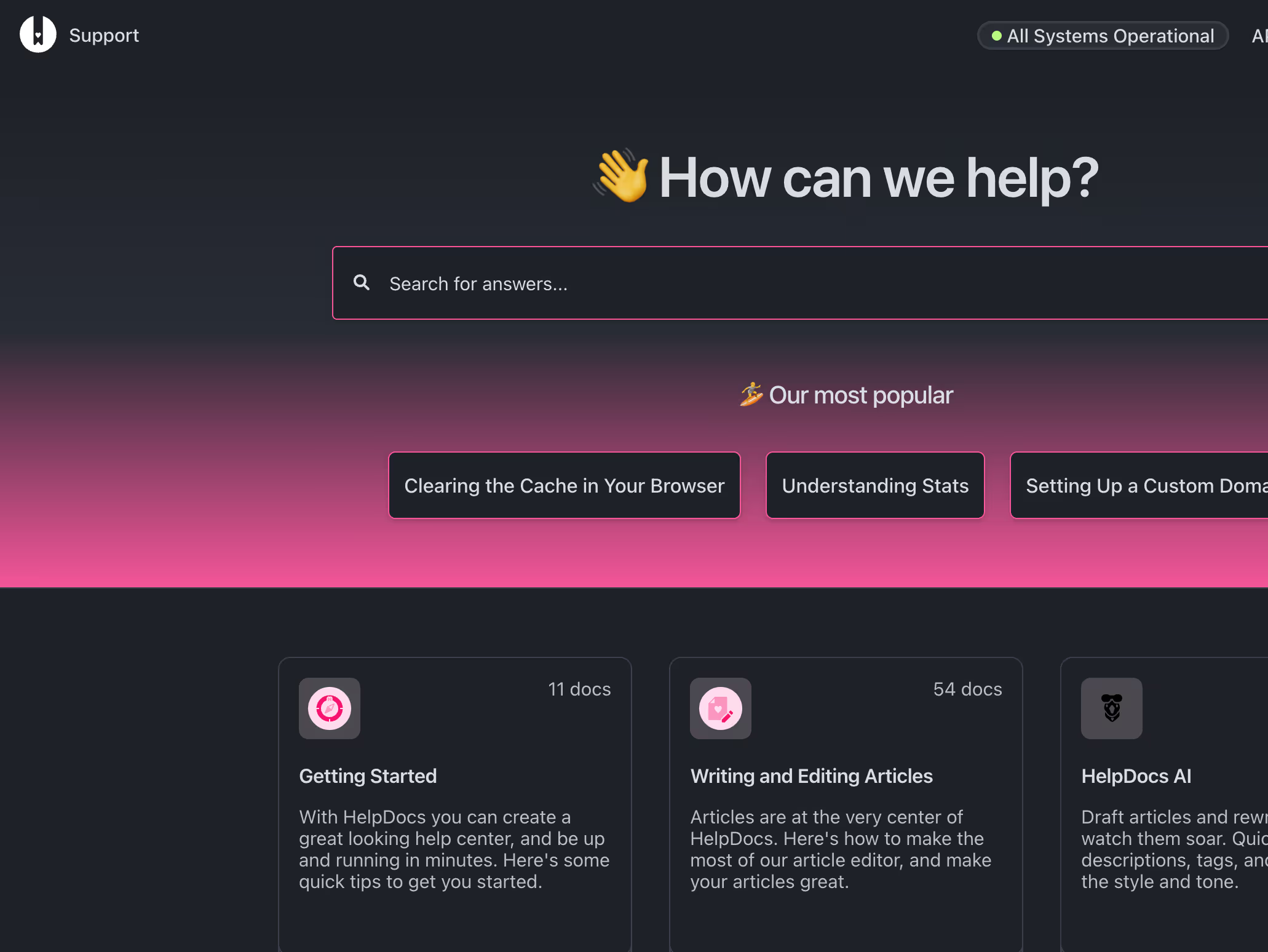
Publish at help.yourdomain.com or a subfolder, styled to match your product down to dark mode, so the SEO lands on your domain rather than a vendor's.
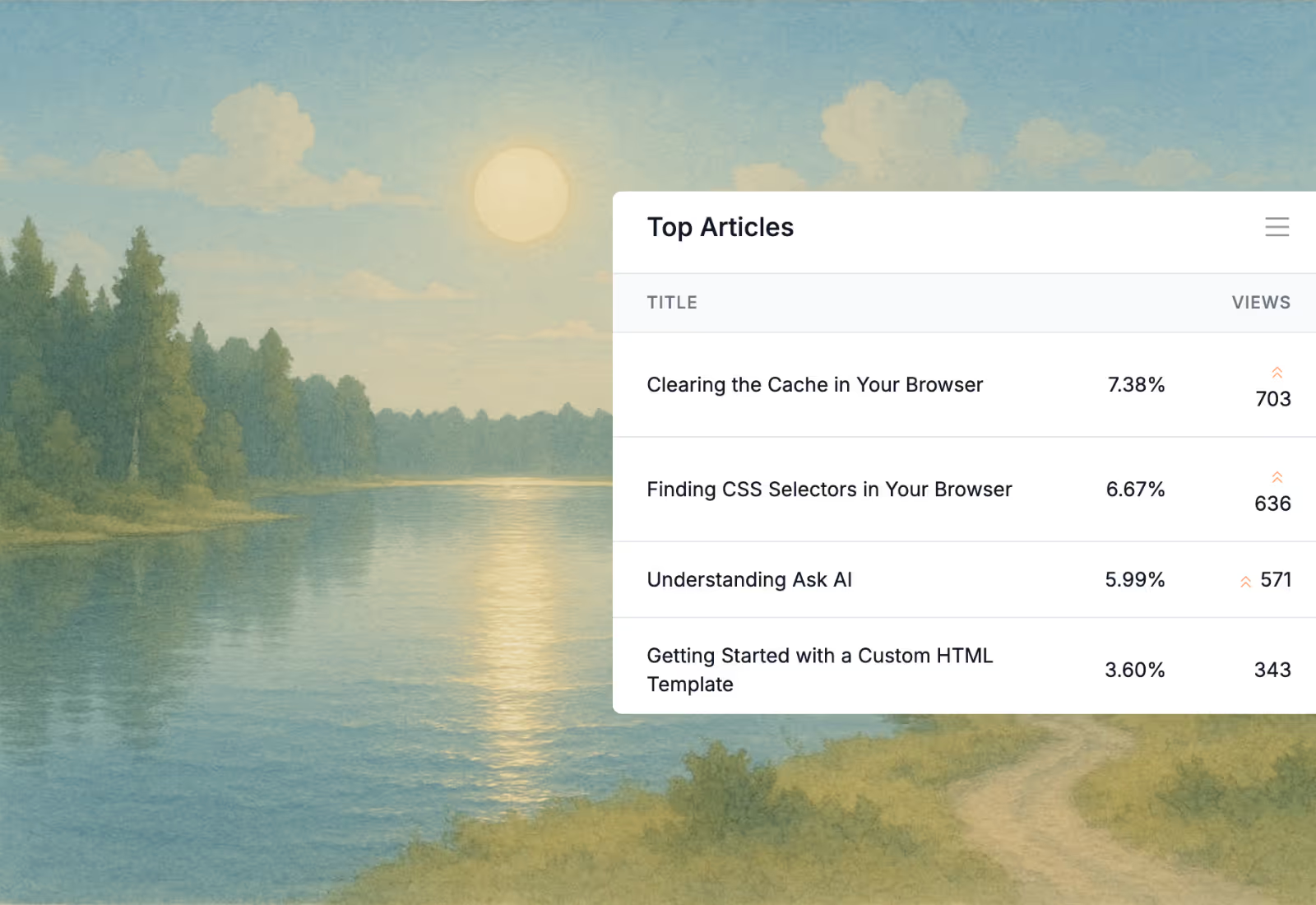
Top articles by views, alongside the searches that returned nothing. Together they are the cheapest roadmap of what to write next.
A growing share of your customers ask an assistant before they open your help center. See which AIs are visiting, which articles support them, and how many of those visits were real customer queries.
Explore analyticsMost help centers are organized the way the product team thinks, not the way a customer arrives. This order tends to survive contact with real traffic.
Getting started, the first workflow that proves the product, and the three things people get wrong in week one.
Importing data, inviting a team, connecting the integrations that make it stick.
The workflows support answers most often, written so somebody can follow them without a call.
Seats, invoices, plan changes, and cancellation. Dull, high-traffic, and usually the last thing written.
The errors your inbox sees weekly, by symptom rather than by cause, because that is how people search.
Release notes with a consistent shape, so customers can tell whether an update affects them.
Docs rot because updating them is a separate job nobody owns. Tie it to the release and it stops being one.
Paste what shipped and let AI turn it into a release note in your existing shape, then edit rather than write.
Stale flags surface the articles that quietly stopped being true when a screen moved or a setting was renamed.
Queries that returned nothing tell you which article the release still owes people, without anyone having to guess.
Plugs into the stack you already run
Browse all integrationsThe blank page is the hard part. Every template ships with an AI prompt you can open straight in Claude or ChatGPT.
Templates
FAQ
Start a free trial, import your existing articles, and put help inside the product where people get stuck.
No credit card required.