Best AI Knowledge Base Software (2026)
Every knowledge base claims AI now. This compares ten of them on what actually matters: whether the AI answers from your own content, what it costs when people use it, and whether you can turn it off.
Every knowledge base has an AI feature now. That is the problem. The badge on the pricing page tells you nothing about whether the thing answers your customers correctly, what it costs when it gets used, or whether you can switch it off when it starts confidently making things up.
So this roundup ignores the badges. It compares the ten tools teams actually shortlist in 2026 on the four questions that decide whether their AI is worth paying for: does it answer from your content, how is it charged, which job does it actually do, and can you turn it off. We make HelpDocs (hey! 👋), so we might be a little biased. We have tried to be as honest as possible anyway, including about the AI we don’t have.
What is an AI knowledge base?
An AI knowledge base is a knowledge base where a language model sits between your reader and your articles. Instead of matching keywords and handing back a list of ten links, it reads the question, finds the relevant passages in your own content, and writes an answer.
The important word is grounded. A general chatbot answers from whatever it absorbed during training, which is how you get replies that sound right and are wrong about your refund policy. A grounded AI knowledge base retrieves your articles first and answers from those, so the reply reflects what your documentation actually says.
If a tool can’t tell you which articles an answer came from, that is the thing to interrogate in the demo. We go deeper on the mechanics in how AI uses your knowledge base and what is an AI knowledge base.
There are really three separate AI products being sold under one name, and conflating them is how teams end up disappointed:
- AI that answers readers. A search box or widget that returns a written answer with sources. This is what most people mean, and it is the one that deflects contacts.
- AI that helps authors. Drafting, rewriting, tone enforcement, translation, meta descriptions, auto-tagging. It doesn’t touch your customers. It changes how fast a small team can keep four hundred articles current.
- An AI agent that handles conversations. A bot that takes the whole exchange end to end, asks clarifying questions, and escalates. This is a different product with a different price tag, usually metered per resolution.
What is AI knowledge management?
AI knowledge management is the same idea pointed inward: using AI to capture, organize, surface and maintain what your own team knows, rather than what your customers need. The reader is an employee, the content is scattered across documents and recordings and chat, and the win is that somebody finds the answer without interrupting a colleague. AI knowledge management covers the discipline in full.
It matters here because several tools on this list are built for that job rather than for a public help center, and their AI reflects it. An AI that searches transcripts of your all-hands recordings is genuinely useful and completely irrelevant to a customer looking for your refund policy. Work out which audience you’re serving before you compare features, because the two use cases barely overlap.
How we evaluated the AI
Six things, all of which you can check in a trial rather than taking on faith.
Is it grounded in your content, and does it show sources? Retrieval from your own articles, with citations you can click. Without sources you can’t audit a wrong answer, and you will get wrong answers.
How is the AI charged? Included, add-on, per resolution, or credits. Per-resolution pricing means a month where deflection works beautifully is also a month with a bigger invoice, which is a strange incentive to sign up for. Credits are more predictable but run out. Add-ons mean the price on the pricing page is not the price.
Which AI job does it actually do? Reader answers, author tooling, or a conversational agent. Several vendors market all three and ship one well.
Can you turn it off? Per feature ideally. AI drafting might earn its place while an AI answer widget on your billing docs does not, and you want that to be your decision.
Does it tell you when it failed? Deflection reporting, unanswered questions, and failed searches. An AI you can’t measure is an AI you can’t improve, and the failed questions are the best content plan you will ever be handed.
Does it work in more than one language? If you publish multilingual docs, check whether AI answers and AI translation cover every language you ship or only the primary one.
The 10 best AI knowledge base tools in 2026
Ten tools, and the AI pricing model spelled out, because that is the column that changes your bill.
| Tool | AI does this best | AI pricing model | Starting price | Grounded in your content |
|---|---|---|---|---|
| HelpDocs | Reader answers plus author drafting, included | Credits in every plan | $129/mo | Yes, with sources |
| Intercom | An agent that resolves conversations end to end | Per resolution, $0.99 | $29/seat/mo | Yes |
| Zendesk Knowledge | AI across a full support operation | Paid add-on, $50/agent/mo | $55/agent/mo | Yes |
| Document360 | AI on versioned, audited documentation | Included in the plan (Ask Eddy) | Quote only | Yes |
| Helpjuice | AI bundled once you’re past the entry tier | Included from the middle tier | $249/mo | Yes |
| Bloomfire | AI search across documents, video and audio | Quote only | Quote only | Yes, internal content |
| Help Scout | AI answers alongside a shared inbox | Per resolution, $0.75 | $25/user/mo | Yes |
| Notion | AI over an internal workspace | Credits, $10 per 1,000 | $0 | Internal only |
| Slite | AI search across connected internal tools | Included, capped on entry tier | $10/member/mo | Yes, internal content |
| ProProfs Knowledge Base | AI authoring at a low published price | Included from the middle tier | $0 | Yes |
Best for AI that’s included rather than metered per answer: HelpDocs
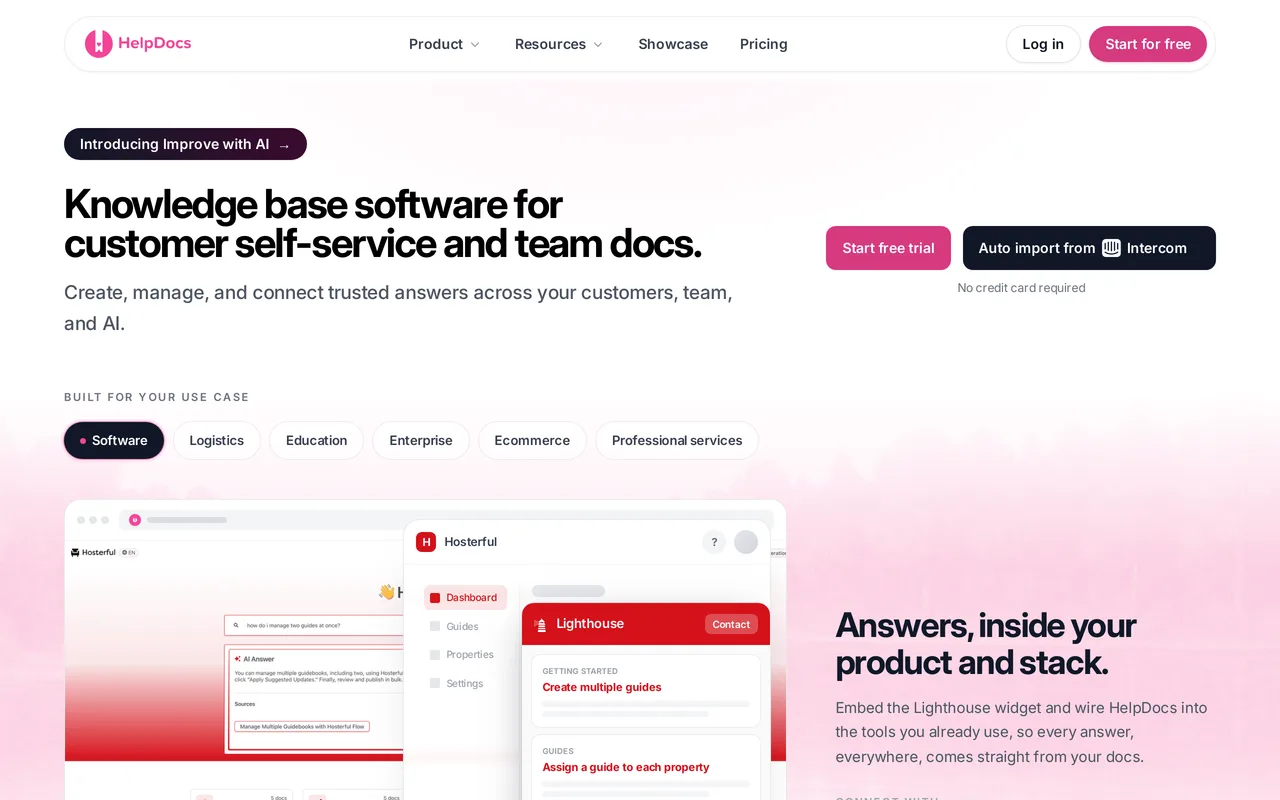
We make HelpDocs (hey! 👋), so we might be a little biased. HelpDocs AI runs across the whole content lifecycle rather than sitting in one box: drafts and rewrites in the editor, bulk metadata (meta descriptions, search tags, alt text), a Taxonomy Assistant for AI tagging, agentic search with cited answers, and Ask AI, which answers reader questions using only your published docs, links back to the source article, and won’t invent an answer that isn’t in there.
The packaging is the part worth reading: AI credits come with every plan, 1,000 a month on Sprout ($129/mo), 5,000 on Bloom ($299/mo) and 10,000 on Harvest ($499/mo), 20 percent off annually, with extra workspace credits available any time and no per-resolution charge. Control is per feature, so you can enable or disable each AI feature individually and set a monthly AI search budget, running Ask AI for readers while the authoring AI stays off. Reporting covers AI usage statistics and an AI-generated Insights tab, next to failed-search and deflection reporting.
Pros
- AI is in the subscription and metered in credits you already have, from 1,000 a month on Sprout to 10,000 on Harvest, so a month where Ask AI works hard is not a month with a bigger invoice.
- Ask AI is grounded only in your published knowledge base, not the open web, and cites the source article, including inside the Lighthouse widget in your own product.
- AI can be switched on or off per feature, with a monthly AI search budget cap, plus usage statistics and an Insights tab so you can see what the AI is doing.
Cons
- There’s no AI agent that resolves live conversations, and we’re not building one. Ask AI answers questions on your docs; it doesn’t take over a chat or a ticket thread.
- Credits are finite: 1,000, 5,000 or 10,000 a month by tier, and bulk work like drafting a batch of articles or generating metadata across a whole library eats into that, after which you’re buying more. Bulk machine translation is capped at 10, 100 or 500 a month by tier, and Improve with AI plus AI style enforcement aren’t on Sprout.
- There’s no free tier, only a 14-day trial, though the trial includes 50 AI credits so you can try Ask AI and the authoring tools on your own content before paying.
AI pricing: Included in every plan as monthly AI credits: 1,000 on Sprout ($129/mo), 5,000 on Bloom ($299/mo), 10,000 on Harvest ($499/mo), 20 percent off annually. Extra workspace credits can be added at any time. No per-resolution or per-agent AI charge. Best for: Teams who want reader-facing AI answers and AI authoring on a bill that doesn’t move when traffic does.
Best for an AI agent that resolves live conversations: Intercom
Intercom’s knowledge base is called Articles, and it increasingly exists to feed We integrate with FinFin, We integrate with IntercomIntercom’s AI agent. Fin is doing a different job from an answer box on a docs page: it resolves live chat and ticket conversations end to end, and it answers from the content you connect to it, so your Articles content is the grounding.


Pricing has two dials. Seats are $29/seat/mo on Essential, $85 on Advanced and $132 on Expert billed annually, and Fin bills separately at $0.99 per resolution on top, with a 50-resolution monthly minimum. Because the meter only ticks when Fin resolves something, a month where deflection works beautifully is also a month with a bigger invoice, so forecasting the AI cost means forecasting your own conversation volume. Reporting covers Fin resolution rates, and Messenger, Articles and Fin behave as one system rather than three products with integrations between them.
Pros
- Fin resolves live conversations end to end, grounded in the content you’ve connected to it, which is a genuinely different product from AI search on a help center.
- Messenger, Articles and Fin share one content source, so in-product help, chat and the AI agent stay consistent, with AI-powered semantic search and 64 languages behind them.
- Fin resolution rates are reported, so the AI’s contribution shows up as a number you can put next to the invoice.
Cons
- Fin is metered per outcome on top of per-seat pricing, at $0.99 a resolution with a 50-resolution monthly minimum, and SMS, WhatsApp and phone are extra. Your AI spend rises with volume you don’t control.
- The author-side AI is thin next to the reader-side agent: drafting and rewriting inside the editor is limited, and meta descriptions are set manually with no AI helper, so the AI budget goes to answering rather than writing.
AI pricing: Metered add-on. Fin is $0.99 per resolution on top of any seat plan, with a 50-resolution monthly minimum. Seats are $29, $85 and $132 per seat per month billed annually (July 2026). Best for: Teams betting on an AI agent as the support front line who can model their conversation volume before they sign. Head to head: HelpDocs vs Intercom
Best for AI across a whole support operation: Zendesk Knowledge
Zendesk Knowledge is the help center module inside Zendesk Suite, the product Zendesk used to call Guide, and its AI is bought as a suite-wide capability rather than a knowledge base feature. Reader-facing answers are grounded in your published content, since Zendesk’s AI agents and answer bots draw on your Guide articles, with semantic search on top. The cost has three layers, which is the thing to model before a demo: a per-agent Suite seat ($55/agent/mo on Suite Team, $115 on Suite Professional, billed annually, with Suite Enterprise quote-only), the Copilot add-on at $50/agent/mo paid yearly for generative writing and intelligent triage, and overage on automated resolutions once you spend the dollar allowance each plan includes. Zendesk publishes no per-resolution rate.
Reporting is a real strength, since Explore covers automated resolutions and deflection alongside search dashboards. Tone can be adjusted in generated replies, though no house writing style is enforced across the knowledge base, and article meta descriptions stay manual.
Pros
- AI agents answer from your Guide content and can resolve conversations, so the same article library serves both self-service search and the ticket queue.
- Explore reports automated resolutions and deflection next to search dashboards and contributor activity, which means you can see where AI answers failed, not just where they worked.
- The Copilot add-on extends AI past the help center into triage and agent assistance, so one AI purchase covers the whole support workflow.
Cons
- The AI is priced per agent and then metered: $50/agent/mo on top of a $55 to $115/agent/mo seat, plus overage once you spend the plan’s monthly resolution allowance. A 10-agent team adds about $500/mo for the add-on before a single metered resolution.
- You pay the AI add-on per agent whether that agent uses it or not, and the knowledge base gets the thinner half of it: generative writing needs the add-on, there are no AI meta description or SEO helpers, and no house style enforcement across articles.
AI pricing: Per-agent add-on plus metering. Copilot is $50/agent/mo paid yearly on top of a Suite seat ($55/agent/mo on Suite Team, $115 on Suite Professional, billed annually), and every plan includes a monthly automated-resolution allowance in dollars ($2/agent/mo on Suite Team, $5 on Professional, $10 on Enterprise, capped at $5,000 a year) with overage billed monthly. Zendesk publishes no per-resolution rate, and Suite Enterprise is quote-only with no published per-agent price (September 2026). Best for: Large support orgs already running ticketing on Zendesk who want one AI purchase covering tickets, chat and the help center. Head to head: HelpDocs vs Zendesk
Best for AI answers on versioned, audited documentation: Document360
Ask Eddy is Document360’s AI, and it answers from your own project content rather than the open web, so reader answers are grounded in the documentation you’ve published, including inside the embeddable knowledge base widget. What matters commercially is that core Eddy AI is included in the plan as of September 2026 rather than sold as a paid add-on, though its AI search draws from an AI credit pool on Business and up.
The base price is itself quote-only as of July 2026 and charged per project, meaning one knowledge base. There’s no AI agent for live conversations here, which is consistent with it being a documentation platform.
Pros
- Ask Eddy answers from your own documentation and powers semantic search in both the help center and the embeddable widget, so the AI and the docs stay in one product.
- The AI covers writers as well as readers: drafting, rewriting, and generated meta descriptions and SEO fields, rather than reader answers alone.
- AI-drafted articles still pass through Document360’s version history, diffs and multi-step approval workflow, so AI output can be held until a named reviewer signs off. That combination is rare.
Cons
- Nothing about the AI cost is knowable before a sales call. Core Eddy AI is in the plan as of September 2026, but the base subscription is quote-only and priced per project, and Ask Eddy AI search credits only start on Business and up, so what AI you get is settled in the same negotiation as the price.
- There’s no AI agent for live chat or tickets, which is consistent with Document360 being a documentation platform rather than a support suite.
AI pricing: Core Eddy AI is included in the plan rather than sold as an add-on (September 2026), and Ask Eddy AI search draws from an AI credit pool on Business and up. Base plans are quote-based, priced per project. Best for: Documentation teams who need AI answers over audited, versioned content and have the procurement patience to negotiate for a number. Head to head: HelpDocs vs Document360
Best for AI search on a heavily themed multilingual help center: Helpjuice
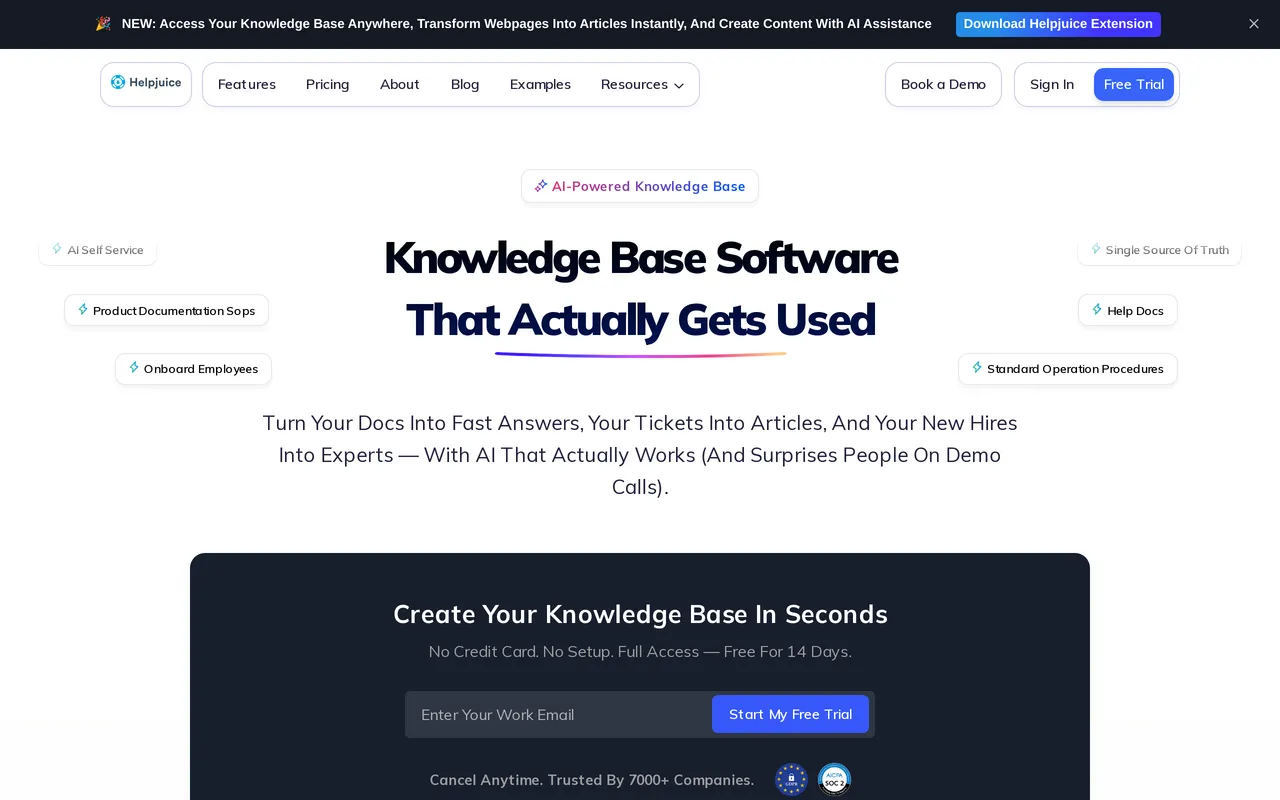
With Helpjuice the AI decision is a tier decision rather than an add-on negotiation, and the published prices make that unusually easy to check. The entry plan is aimed at a smaller team that wants the theming rather than the AI, so the useful move is to settle which tier you need before comparing headline prices. The $249/mo entry plan includes no AI features at all, along with 30 logins and no SSO, so AI search and the AI chatbot start on the $449/mo tier, roughly an 80 percent step up, and unlimited logins are $799/mo. Only monthly pricing is published, with no annual discount shown anywhere, and there’s a 14-day trial with no card but no free tier underneath it.
What the AI sits inside is the interesting part: you get theme files per language (HTML, CSS, JavaScript and Liquid), so the search experience and the chatbot live in a help center you control down to the markup, and localization with AI article translation is on every tier rather than being the thing you upgrade for. Helpjuice describes the AI Suite as included at no additional cost once you’re on one of those tiers, which is a genuinely different posture from the add-on and per-resolution models elsewhere on this page. What isn’t published is whether usage inside a tier is metered or capped, so treat that as unclear and worth pinning down in writing before you commit.
Pros
- The AI arrives as a published tier price rather than a quoted add-on, so you can work out what AI will cost you before you talk to anyone.
- Theme file access per language (HTML, CSS, JavaScript, Liquid) means AI search results and the chatbot sit inside a help center a designer has fully controlled, not a vendor template.
- Localization and AI article translation are included on every tier, including the entry plan, so a multilingual help center isn’t a second upgrade on top of the AI one.
Cons
- The AI lives a tier up, so work out which tier you need before comparing headline prices. The $249/mo entry plan has no AI features at all, and AI search and the chatbot mean $449/mo, roughly an 80 percent step up, with no annual discount published to soften it.
- It’s unclear whether AI usage is metered or capped once you’re on a tier that includes it. Helpjuice says the AI Suite comes at no additional cost, but publishes no limits either way, so ask for the ceiling in writing.
AI pricing: Tier-gated rather than an add-on. The $249/mo entry plan includes no AI; AI search and the AI chatbot start on the $449/mo tier; unlimited logins are $799/mo. Helpjuice describes the AI Suite as included at no additional cost on those tiers, though it publishes no usage limits, so whether it is metered is unclear. Monthly pricing only, with no annual discount published (July 2026). Best for: Brand-led teams running a heavily themed multilingual help center who are willing to buy the mid tier to get AI search and a chatbot. Head to head: HelpDocs vs Helpjuice
Best for AI search across internal files, video, and audio: Bloomfire
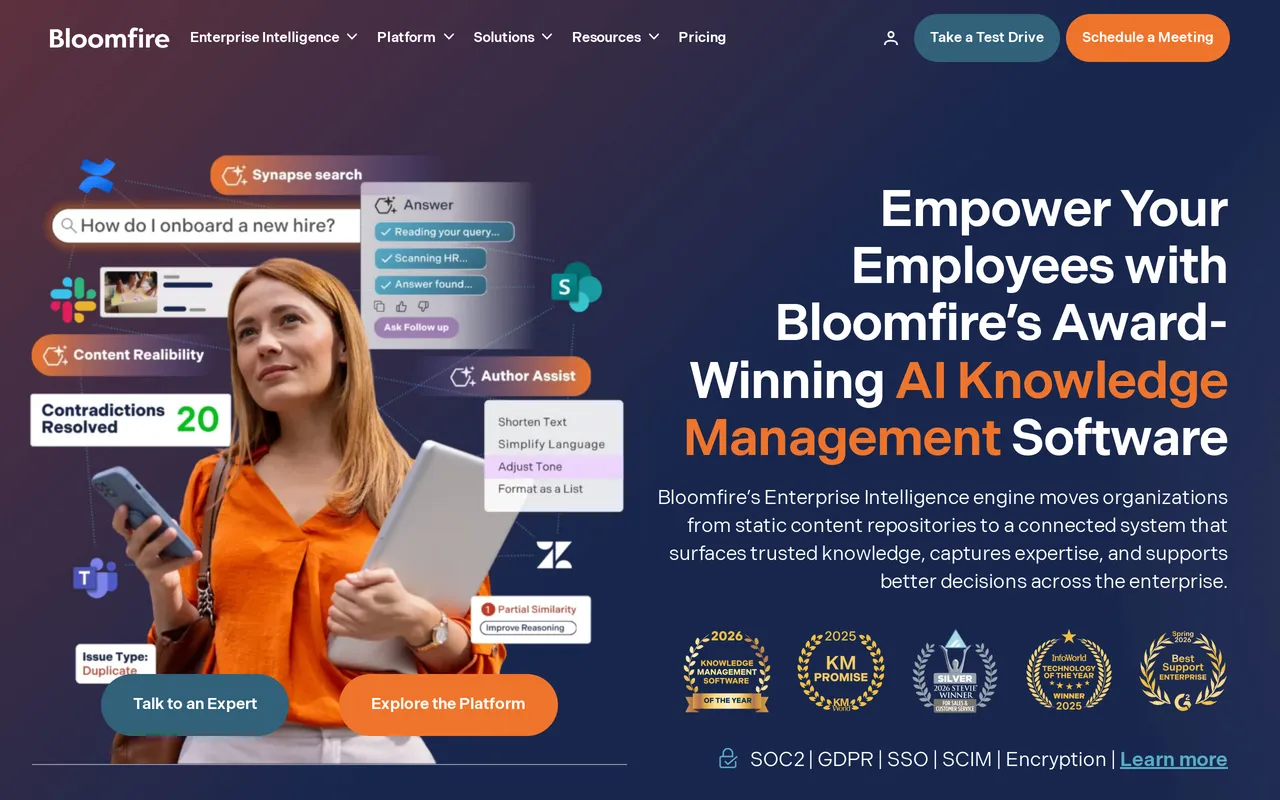
Bloomfire’s AI is aimed at employees rather than anonymous customers, and search is the part it does best: it deep-indexes 25+ file types and automatically transcribes video and audio, so a phrase somebody said out loud in a recording is findable and you can jump to the moment they said it. Its conversational AI returns sourced answers with hallucination detection, so replies are grounded in the material you loaded rather than improvised.
On the authoring side, AI drafts and summarizes content and auto-tags it on upload, which is how a large library stays navigable without anyone hand-tagging thousands of files. Analytics report queries, answer engagement, source clicks, follow-up questions, and content gaps, so you can see which questions the AI keeps failing. The one number you can’t see is the price: Bloomfire doesn’t publish one, so what AI your contract includes is settled in negotiation.
Pros
- Answers cite their sources and run through hallucination detection, so you can check where a claim came from.
- AI search covers 25+ file types plus transcribed video and audio, which is a harder indexing problem than searching articles.
- Auto-tagging on upload and AI summaries keep a large library usable without manual curation.
Cons
- No published AI price. The AI arrives inside a quote-only, multi-year contract with implementation and data migration billed separately, so you can’t budget it before a sales call.
- It’s built for internal discovery, with no AI SEO or meta description helpers, so it won’t help your answers get found in public search.
AI pricing: Not published. Bloomfire publishes no price for any tier as of September 2026 and quotes by scope on a multi-year contract, so what AI your contract includes is negotiated alongside the price. Implementation and data migration are quoted on top. Best for: Enterprises whose knowledge lives in documents, decks, and recordings rather than articles, and whose readers are employees. Head to head: HelpDocs vs Bloomfire
Best for AI that resolves questions inside a support widget: Help Scout
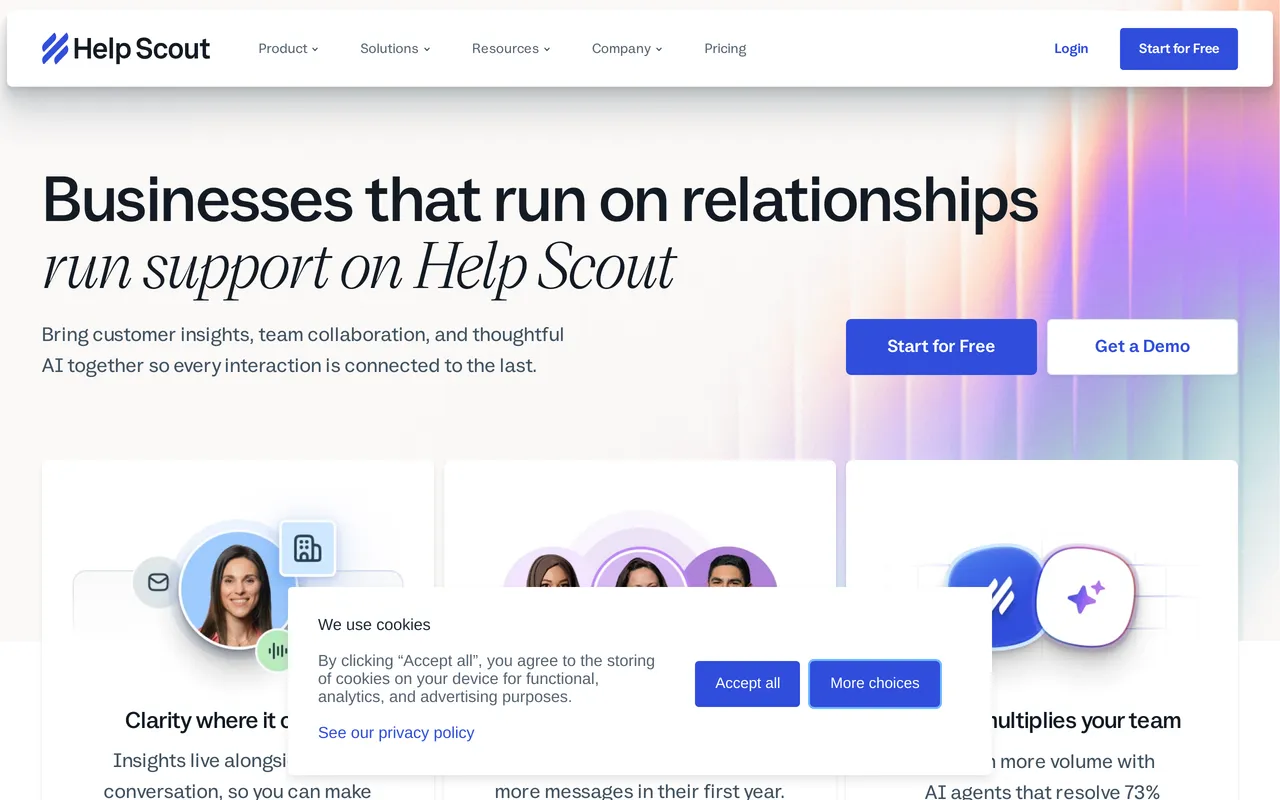
Help Scout’s Envoy AI agent, formerly AI Answers, replies to visitors from your Docs content inside the Beacon widget, so the AI is grounded in articles you published and it’s pointed at customers rather than staff. The semantic search that powers it comes with the Envoy add-on rather than the base plan, which is worth knowing if you assumed better search would arrive with your seats. The author-side AI is a different product aimed elsewhere: AI Drafts and AI Assist write and rework inbox replies, not Docs articles, and AI Drafts needs Plus or above rather than Standard.
Charging is the decisive detail. Envoy is metered at $0.75 for every question it resolves, on top of per-user seats, so a month where deflection works well is also a month with a bigger invoice. Help Scout does report Envoy resolutions, so you can at least see what you paid for.
Pros
- Answers are drawn from your own Docs content and delivered in the Beacon widget where customers already are.
- Available on every plan including Free, so you can test the AI without moving up a tier first.
- Resolution reporting shows how many questions the AI closed, which makes the metered cost auditable.
Cons
- At $0.75 per resolution the AI bill scales with your success at deflection, and forecasting it means forecasting your own ticket volume.
- The drafting AI works on inbox replies rather than articles, so it won’t help you write the knowledge base, and Docs meta fields stay manual.
AI pricing: $0.75 per Envoy resolution, metered monthly on top of per-user seats (Standard is $25/user/mo, about $21 billed annually). AI Drafts sits on Plus and up, AI Assist is included from Standard, and Envoy starts on Standard and isn’t on Free. Best for: Small support teams who want customer-facing AI in a widget and are comfortable with a usage-based bill. Head to head: HelpDocs vs Help Scout
Best for AI across an internal workspace: Notion
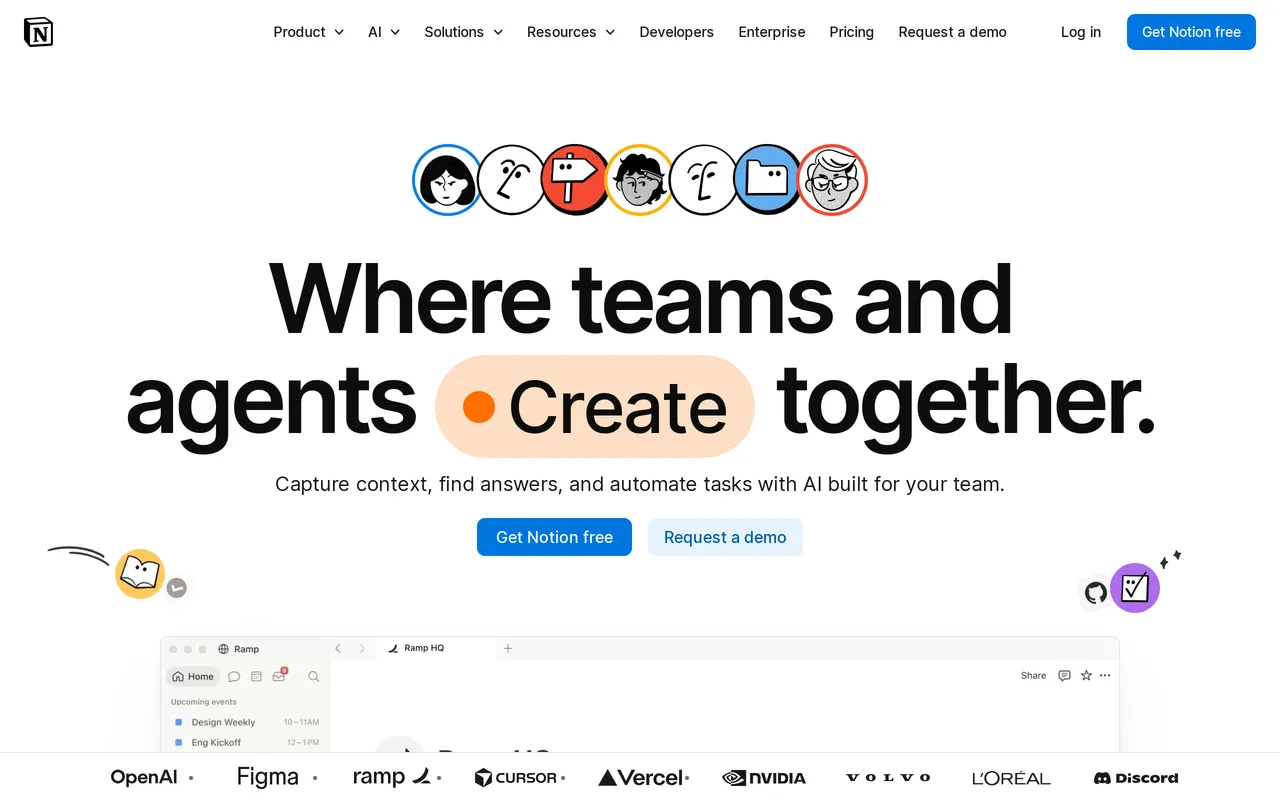
Notion’s AI answers from your workspace, so it’s grounded in your own pages, but it’s aimed at members rather than public help center visitors, which makes it a colleague tool rather than a deflection tool. Notion Agent and Enterprise Search are gated to Business at $20/seat/mo billed annually ($24 month-to-month), while Free and Plus get a limited trial and nothing more. That gate matters because a plan tier is a whole-workspace price, so switching AI on for the two people who need it means upgrading everyone.
Notion AI also drafts and rewrites inline in the editor and can change tone on request, although it can’t hold you to a documented style guide. Custom Agents are metered separately at $10 per 1,000 credits on top of seats, so the seat price isn’t the ceiling.
Pros
- Notion Agent is grounded in the workspace your team already writes in, so there’s no content to load or connect first.
- Drafting and rewriting happen inline in the editor, which suits teams whose authoring already lives there.
- Enterprise adds zero data retention for AI, which helps when a security review is part of the purchase.
Cons
- The AI answers members, not public visitors, and Notion has no ticket deflection or AI answer analytics, so you can’t tell whether it saved anyone a support conversation.
- AI unlocks at the plan level rather than per person, so getting it means putting the whole workspace on Business, and Custom Agents meter on top of that.
AI pricing: Bundled into Business at $20/seat/mo billed annually ($24 month-to-month), which is where full Notion AI (Notion Agent, AI Meeting Notes, and Enterprise Search) unlocks. Free and Plus get a limited trial only. Notion AI Custom Agents are metered separately at $10 per 1,000 credits. Best for: Teams whose knowledge already lives in Notion and who want AI answers for colleagues, not customers. Head to head: HelpDocs vs Notion
Best for AI that keeps internal docs from going stale: Slite
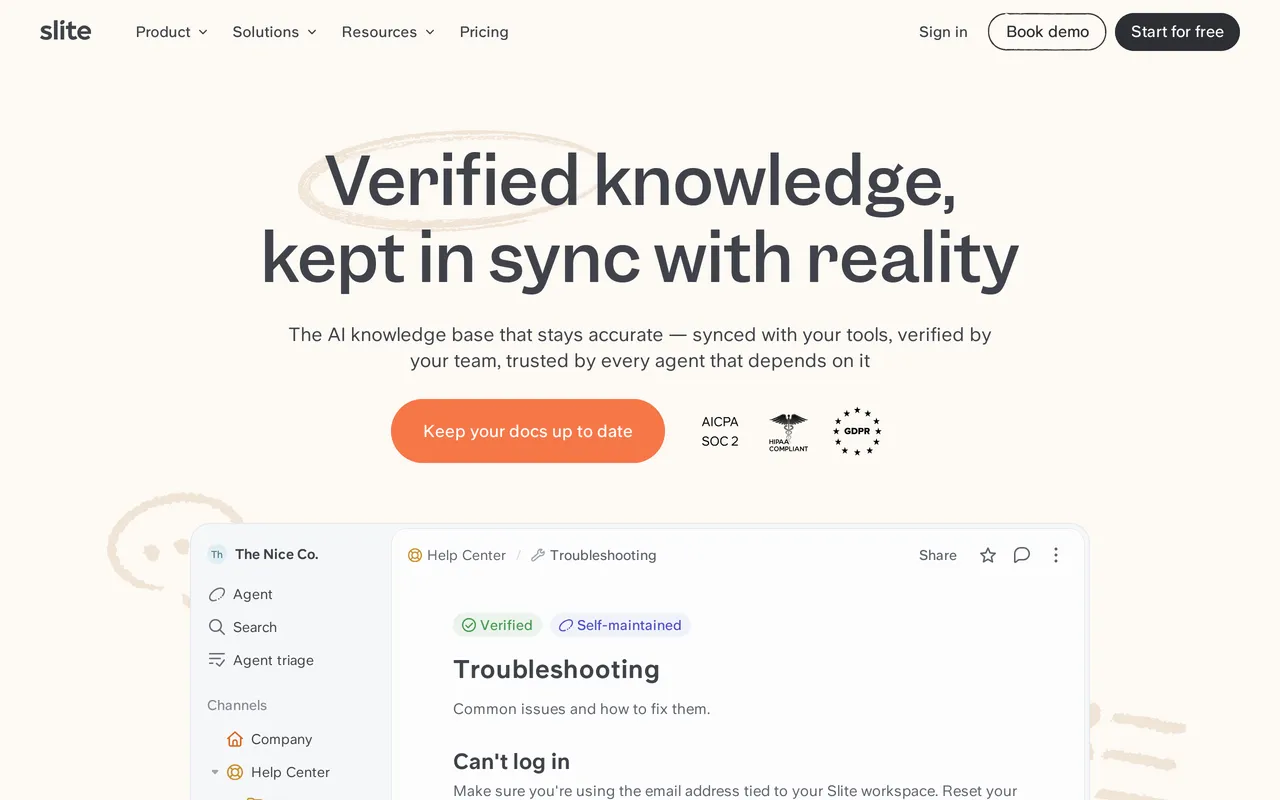
Slite’s Ask answers questions from your internal docs, and on Pro it reaches across 12+ connected tools like We integrate with SlackSlack, Jira, and Linear, so the grounding is your own material plus whatever you connect. The more distinctive piece is the Slite Agent, which flags knowledge drift and drafts updates when a doc goes stale, so the AI job here is content upkeep as much as answering readers. There’s also an AI writing assistant for drafting and editing, and Ask’s semantic search is how most people find things day to day.

Charging is by capped credits inside the seat price: Basic at $10/member/mo billed annually limits Ask to roughly 30 questions per seat per month, and Pro at $20/member/mo raises the allowance and adds the Agent plus connected-tool search. All of it is internal, so nothing in this set is built to answer a customer.
Pros
- The Slite Agent actively chases stale content, which is a maintenance problem most AI features ignore entirely.
- Ask on Pro searches Slack, Jira, and Linear as well as your docs, so one question covers the wider stack.
- AI sits inside the seat price, with no separate add-on to buy and no per-resolution meter to watch.
Cons
- Roughly 30 Ask questions per seat per month on Basic is easy to exhaust, so real usage effectively puts you on Pro at double the seat price.
- Ask has some reporting but no failed-search view, so you can’t see the questions your docs are failing to answer.
AI pricing: Included in seats with capped credits. Basic is $10/member/mo billed annually with Ask limited to about 30 questions per seat monthly; Pro at $20/member/mo adds more AI credits, the Slite Agent, and search across connected tools. There’s no free plan, just a 14-day trial with no credit card (checked September 2026). Best for: Small internal teams who want AI to maintain the wiki as much as search it. Head to head: HelpDocs vs Slite
Best for AI writing tools bundled into the subscription: ProProfs Knowledge Base
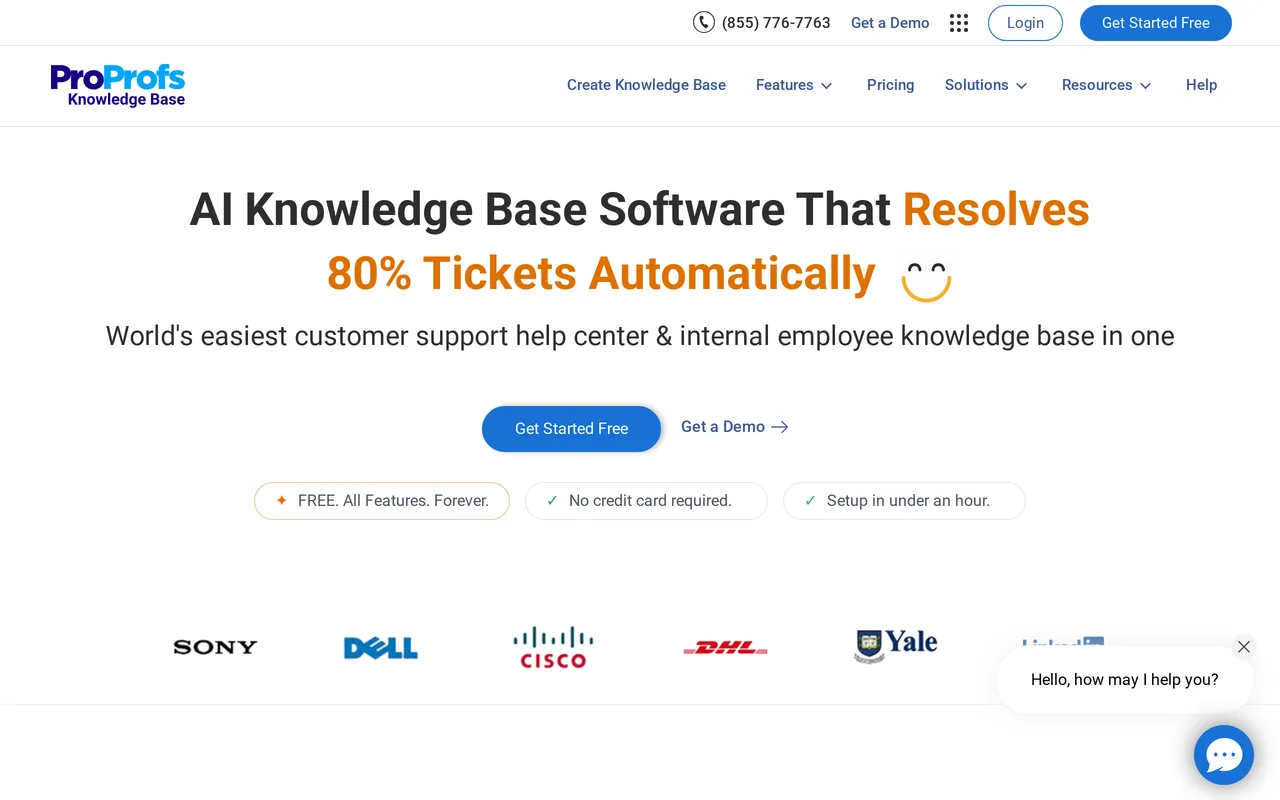
ProProfs is the clearest of these on packaging: there’s no separate AI add-on and no credit meter, and AI Search returns a synthesized answer from your own content. The authoring set is the bulk of what you’re buying. AI Writer drafts, rewrites, expands, and summarizes, AI import pulls content in from a URL or a document, AI SEO generates titles, tags, and meta descriptions, and AI translation is included, all from the $49/author/mo Essentials plan up ($588 per author billed annually).
Tone, grammar, and spelling checks start on Essentials, while the AI Style Guide that enforces brand voice and terminology waits for Business at $69/author/mo. Two limits matter before you commit: the free plan has no AI Writer or AI Search at all, and because plans are billed per author, the AI cost climbs with every person who writes.
Pros
- AI is in the plan price with no add-on and no per-resolution or per-credit meter, so the AI line is just the plan line.
- Unusually complete authoring AI: drafting, rewriting, summarizing, import from a URL or document, and AI-generated SEO metadata.
- AI Search answers natural-language questions from your own content from the entry paid tier onward.
Cons
- The AI chatbot, AI agents, self-healing knowledge base, and Deflection Analytics dashboard all sit under an “Enterprise Intelligence (Coming Soon)” heading on the top plan as of July 2026, so don’t buy on the strength of those.
- Per-author billing means the AI cost scales with the number of writers, and the free plan includes no AI at all.
AI pricing: Included in the subscription with no add-on and no credit meter, but only from Essentials at $49/author/mo ($588 per author billed annually). The AI Style Guide starts on Business at $69/author/mo, and Business Complete Elite is $79/author/mo. The free plan has no AI Writer or AI Search. Best for: Solo authors and very small docs teams who want AI writing help without a usage meter. Head to head: HelpDocs vs ProProfs
Which tools we left out, and why
Two tools that appear on our general knowledge base roundup are missing here on purpose. GitBook’s full AI Assistant is real but sits on its Ultimate tier and is aimed at developer documentation rather than customer answers. Confluence’s AI arrives through We integrate with Atlassian RovoAtlassian Rovo, which is priced and provisioned as an Atlassian-wide capability rather than a knowledge base feature, so comparing it row by row here would mislead more than it helped.

Neither omission is a judgement on the products. If you’re already in the Atlassian estate or writing docs-as-code, both belong on your shortlist, just not on this particular axis.
How to choose an AI knowledge base
Decide whose questions the AI is answering. Customers or staff. Public help center or internal wiki. This single answer removes most of the list, because the internal-facing tools index recordings and chat while the customer-facing ones index articles and report on deflection.
Then model the AI cost at your real volume, not your current one. Take last month’s contact count, assume the AI handles a third of it, and multiply. At $0.99 a resolution that is a real number, and it grows precisely when the tool is working. Compare it against a flat or credit-based plan at the same volume before you decide which is cheaper, because the answer flips depending on scale.
Then test grounding with your worst content. Not your best article. Find the page that is slightly out of date and contradicts another page, ask the AI about it, and see what happens. Whether it cites sources, hedges, or invents a confident answer tells you more than any demo.
Then check the off switch. You will want AI drafting on and the customer-facing answer widget off for at least one section of your docs, probably your billing or security pages. Confirm that is possible before you buy.
Finally, ask what it reports. If the tool can’t show you the questions it failed to answer, you’re flying blind on the one thing that would improve your documentation fastest.
Where each tool’s AI wins, in one line
Compressed: HelpDocs if you want reader answers and author tooling included in a flat price with a per-feature off switch. Intercom if you genuinely want an agent handling the front line and can forecast the per-resolution bill. Zendesk Knowledge if the AI has to serve a large support operation and the add-on cost is acceptable. Document360 if the AI has to sit on versioned, audited documentation.
Helpjuice if you will be on the middle tier or above, where the AI suite is bundled rather than metered. Bloomfire if the content you need searched is video and audio rather than articles. Help Scout if the AI belongs next to a shared inbox. Notion and Slite if the reader is an employee rather than a customer. ProProfs if you want AI authoring at the lowest published price and can live with the entry tier having none.
If you’re specifically trying to get off one of these rather than choosing from scratch, the deeper roundups go tool by tool: Zendesk alternatives, Intercom alternatives, Help Scout alternatives, Document360 alternatives, and Slite alternatives.
And the honest limit on ours: HelpDocs has no AI agent that takes over a live conversation, so if your plan is a bot handling chat end to end, Intercom is the more coherent purchase and we would rather say that here than have you discover it in month two. Our AI credits are also finite per tier, at 1,000 a month on Sprout through 10,000 on Harvest, which is predictable but not unlimited.



