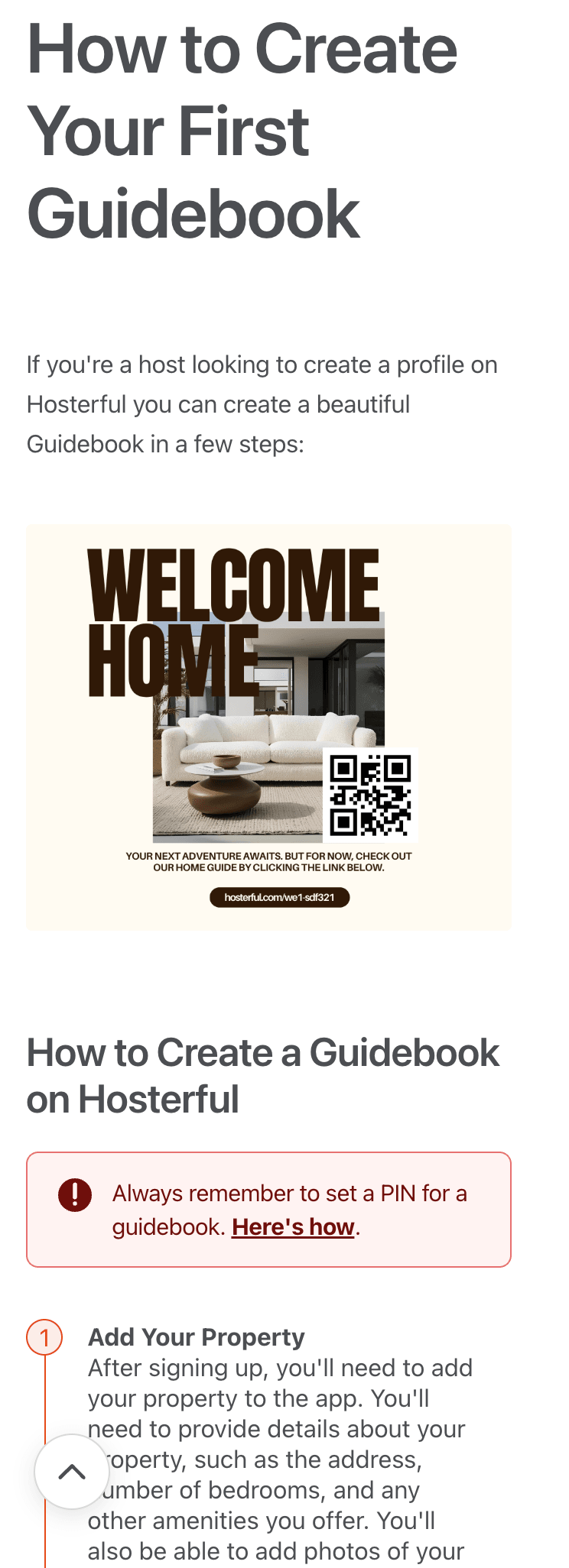





Blazing-fast accessible templates
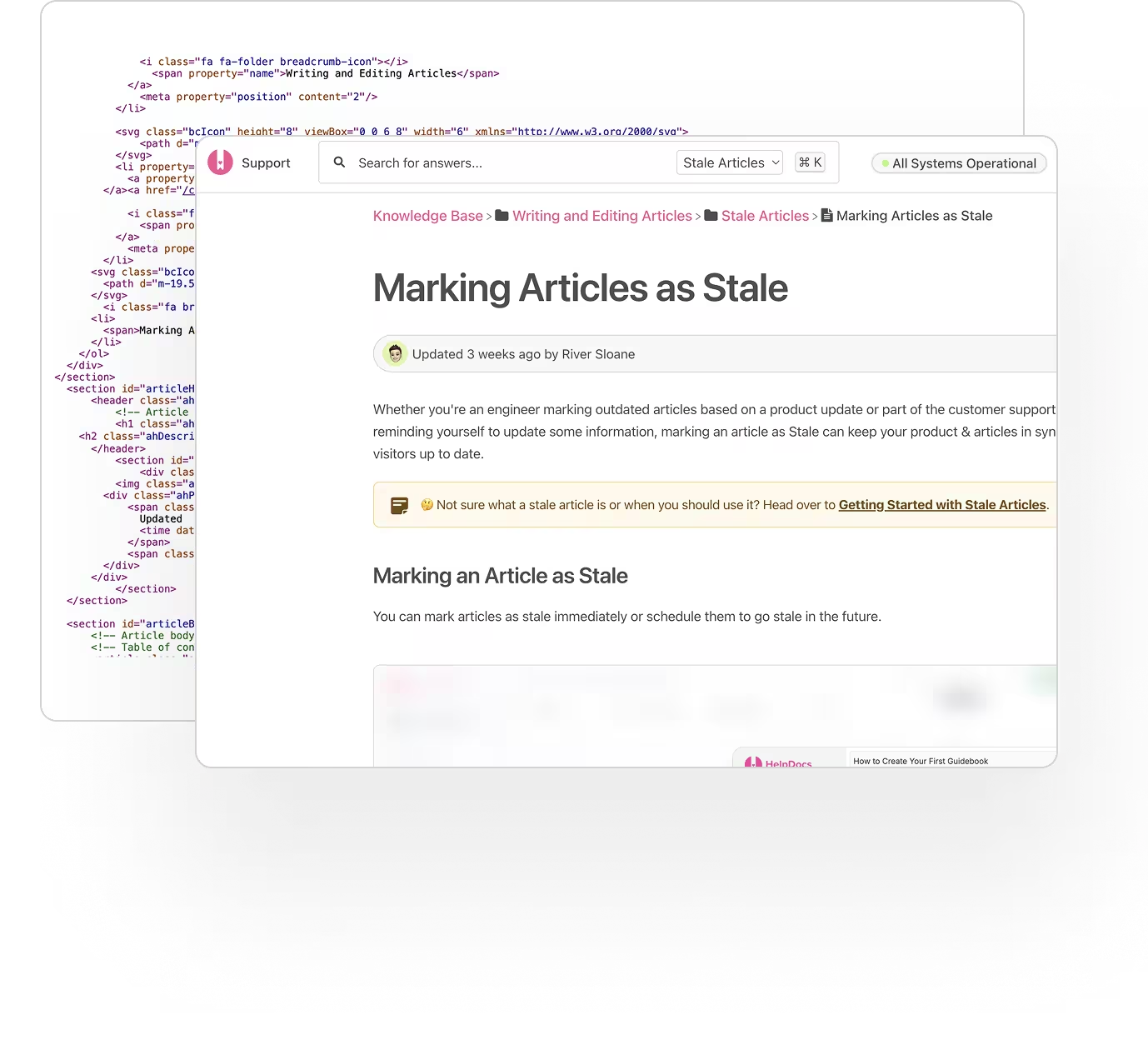
Engineered for SEO, accessibility, and speed. Our hand-crafted templates are designed to convert visitors into self-serve users.
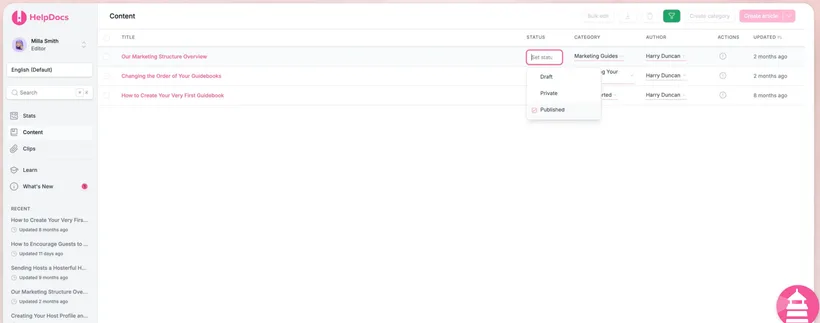
Start from a blank page, rough notes, a PDF, or HelpDocs AI . Draft, refine, organize, and publish articles in an editor built for documentation, not buried inside a support suite.
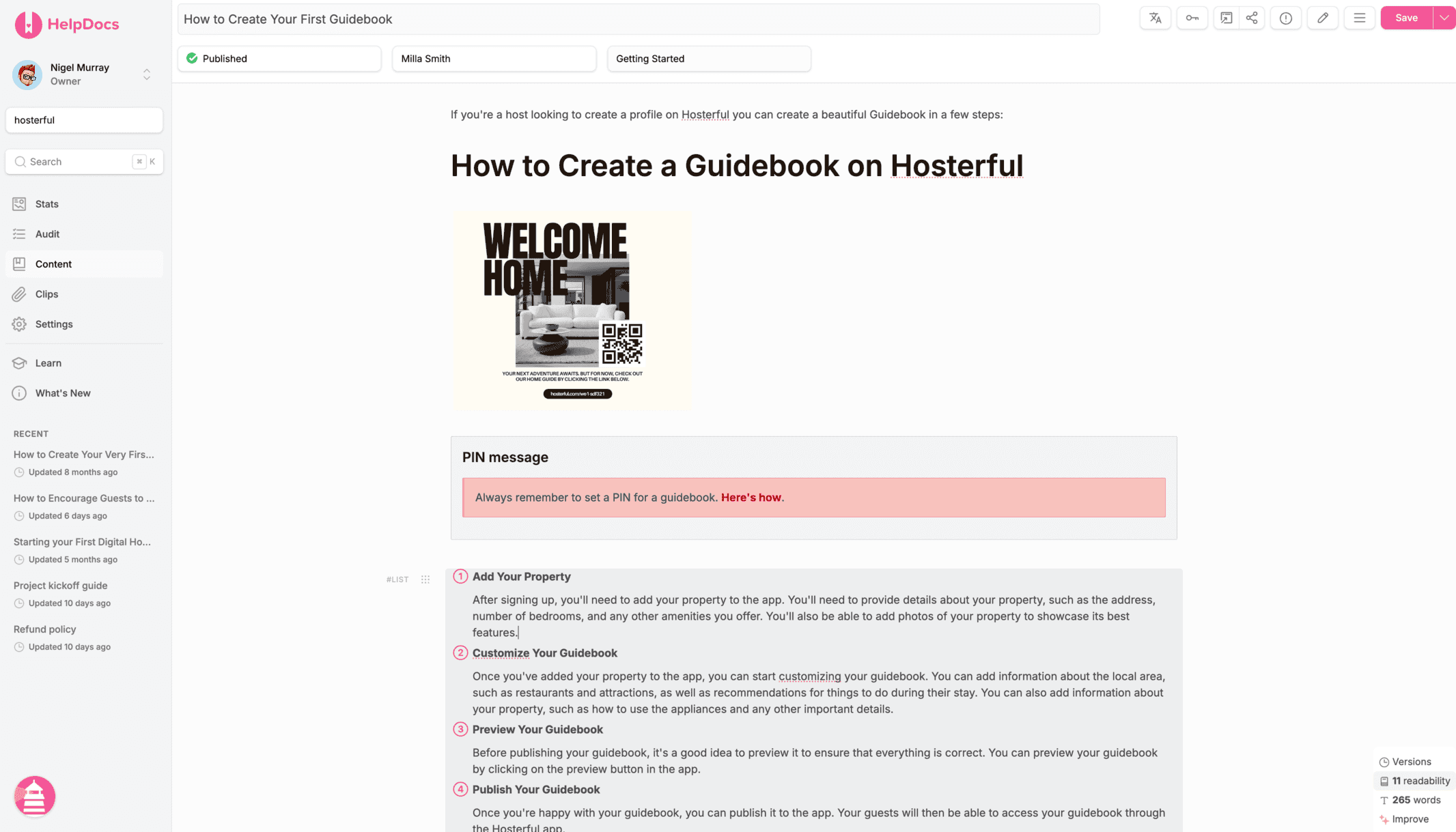
Import what you’ve already written, let HelpDocs AI shape the first version, or start fresh with a clean page. You can also use one of our options outside the platform.
Drop in a .docx, .pdf, .md, .html, .rtf, .odt, or .txt and we'll turn it into a clean work-ready article.
Write articles with structure, media, reusable elements, and formatting that keeps documentation easy to scan and maintain.
Create, transform, and reorder content with our seamless block editor. Create headings, callouts, lists, tables, media, code, embeds, HTML, and more.
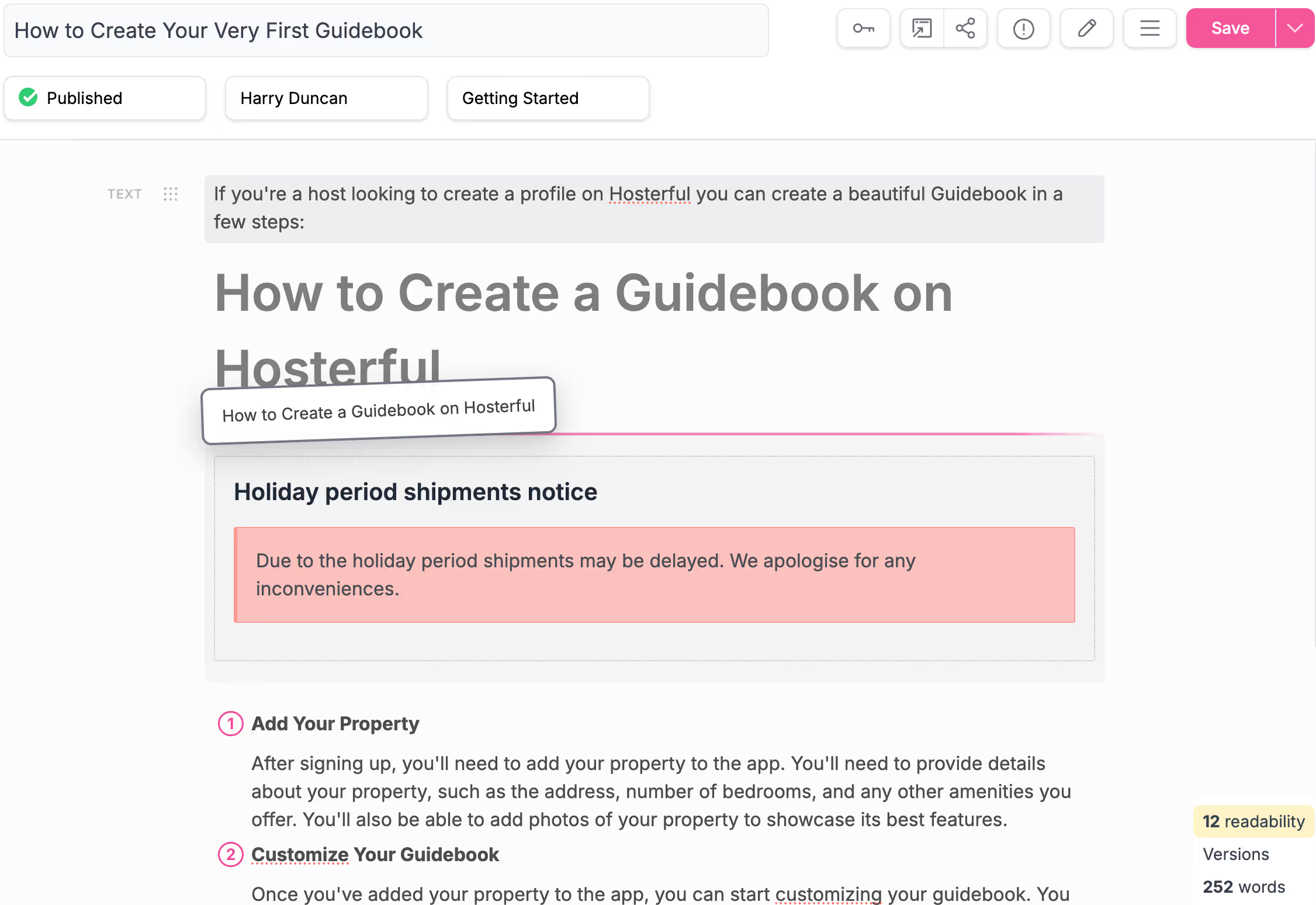
Save time by creating Clips, reusable content that's easy to drop in. Insert dynamic versions to update everywhere.
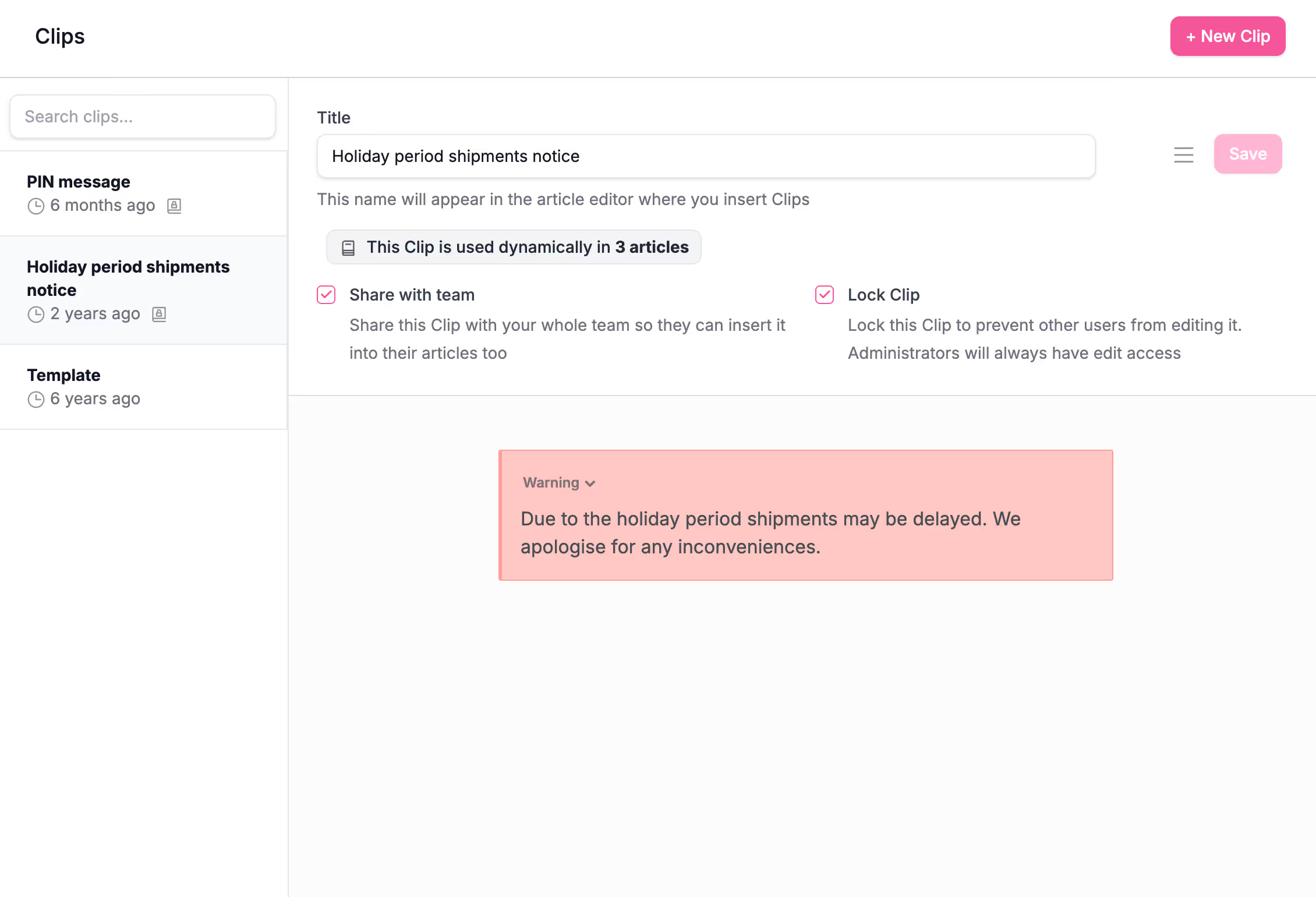
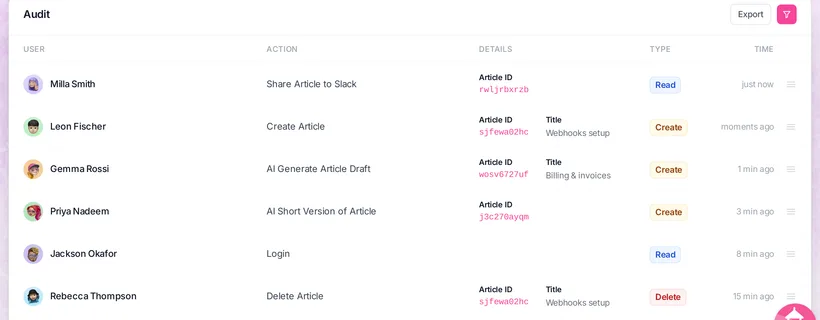
Saved over a version but didn't mean to? Don't fret, we got you. Use our powerful versioning system, including comparison analysis.
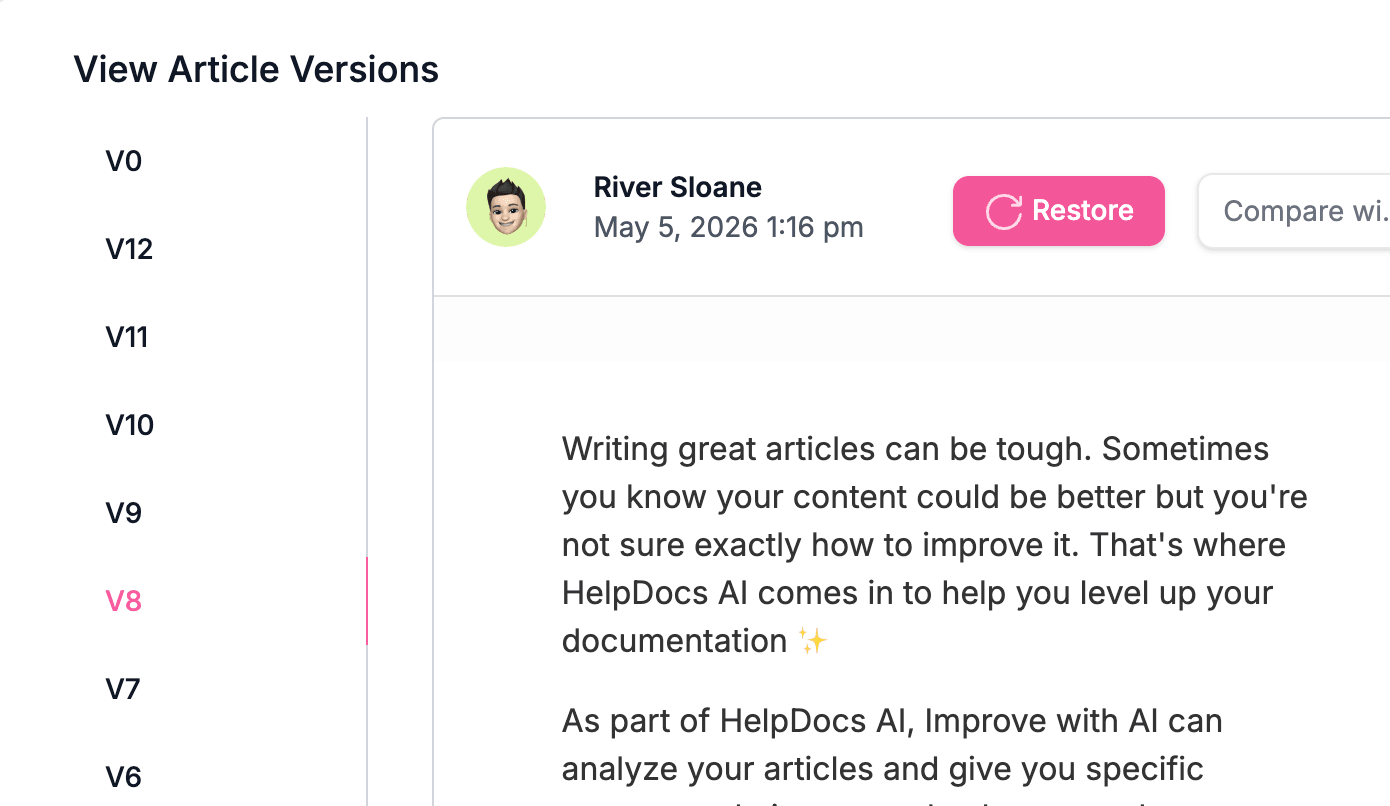
Avoid saving over your teammate's work. Our smart detection will let you know if someone else is on the article, and whether they're currently editing.
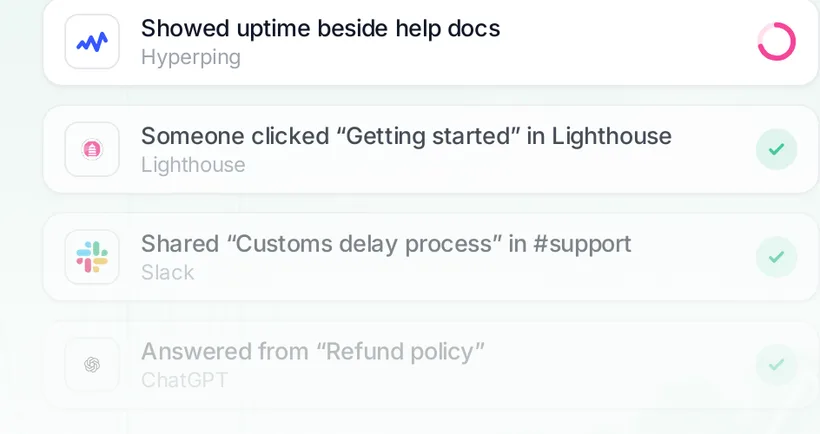
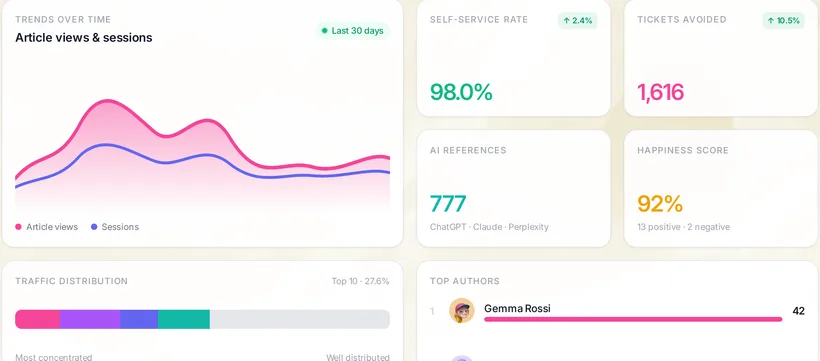
From first draft to continuous improvement, HelpDocs keeps every step moving, without the busywork.
Step 1 · Draft
Kick off from HelpDocs AI, an imported file, help.new, or a blank page. Then shape it with blocks, media, and reusable Clips.
Turn any article into a polished PDF or .docx in a click, ideal for offline sharing, sign-off, and archiving.
Automatically flag articles that haven't been touched in a while, so nothing drifts out of date without you noticing.
Type a shortcut to drop in reusable snippets, links, and boilerplate instantly, without ever leaving the keyboard.
Customize every aspect of your knowledge base to match your brand and workflow. From design to functionality, you have full control.
Engineered for SEO, accessibility, and speed. Our hand-crafted templates are designed to convert visitors into self-serve users.
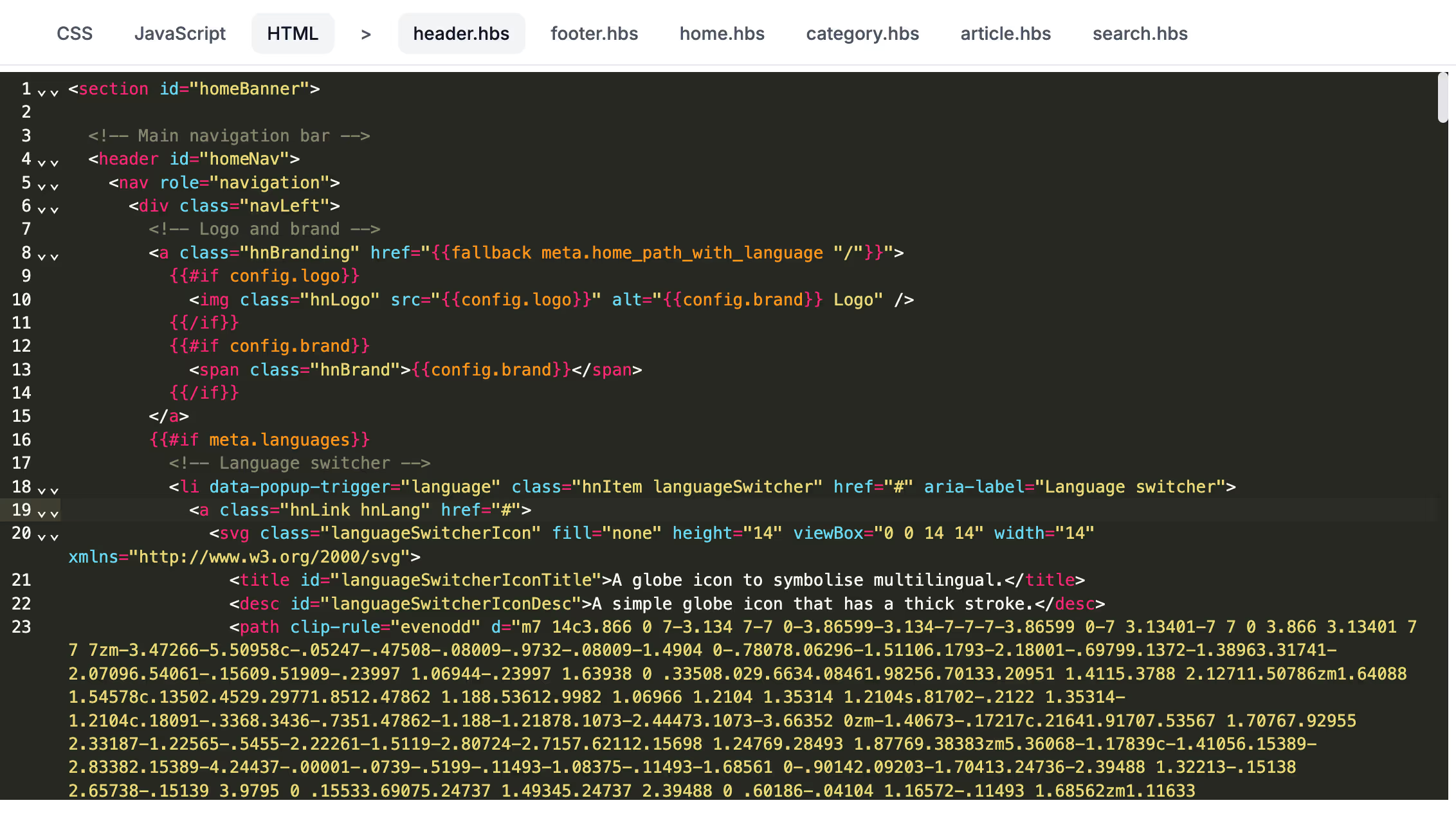
Simple styling or complete custom builds with our industry-standard HTML templating with Handlebars.
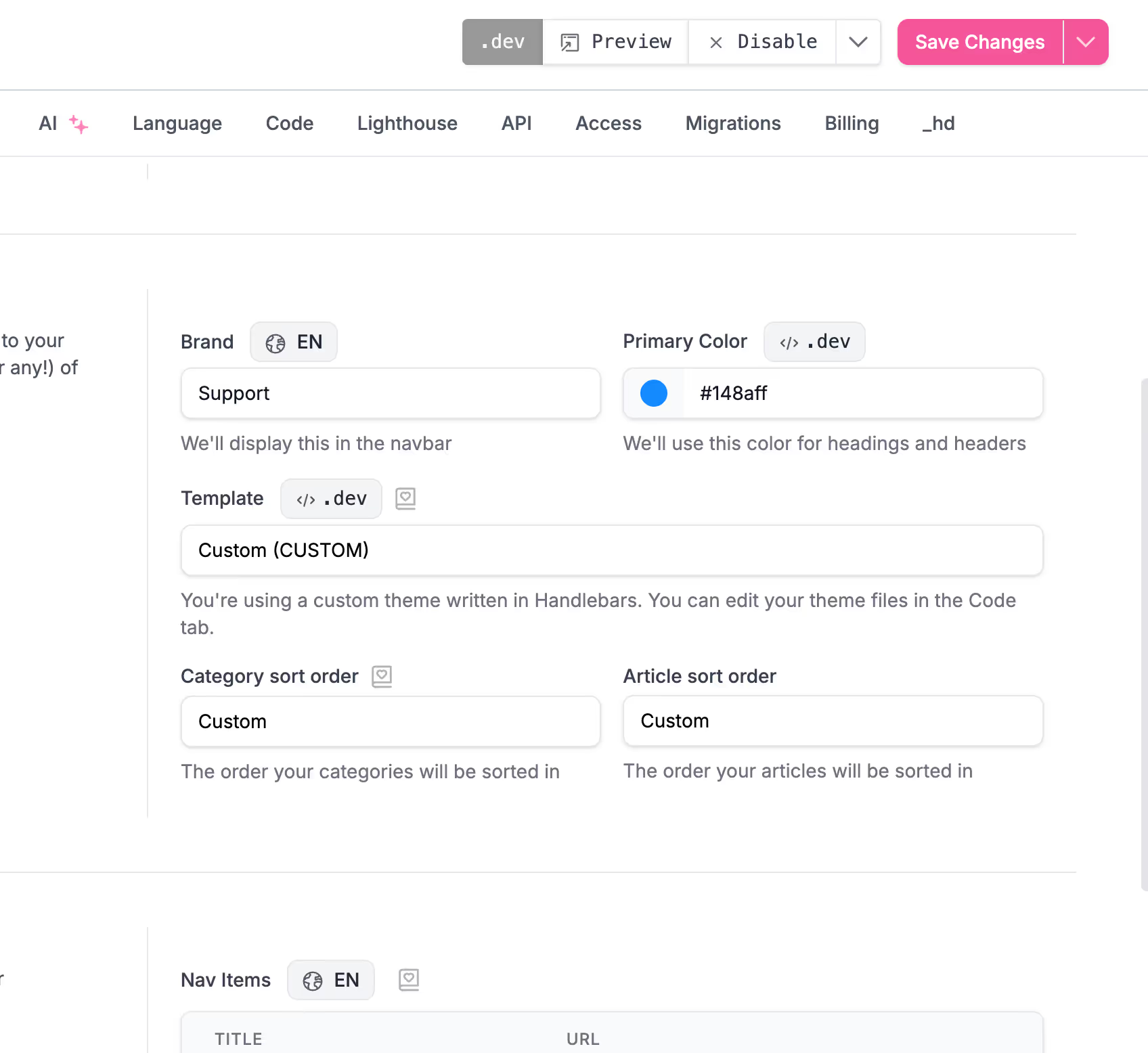
Our staging environment feature lets your developers work on your template in the background. And when you're ready, promote it live.
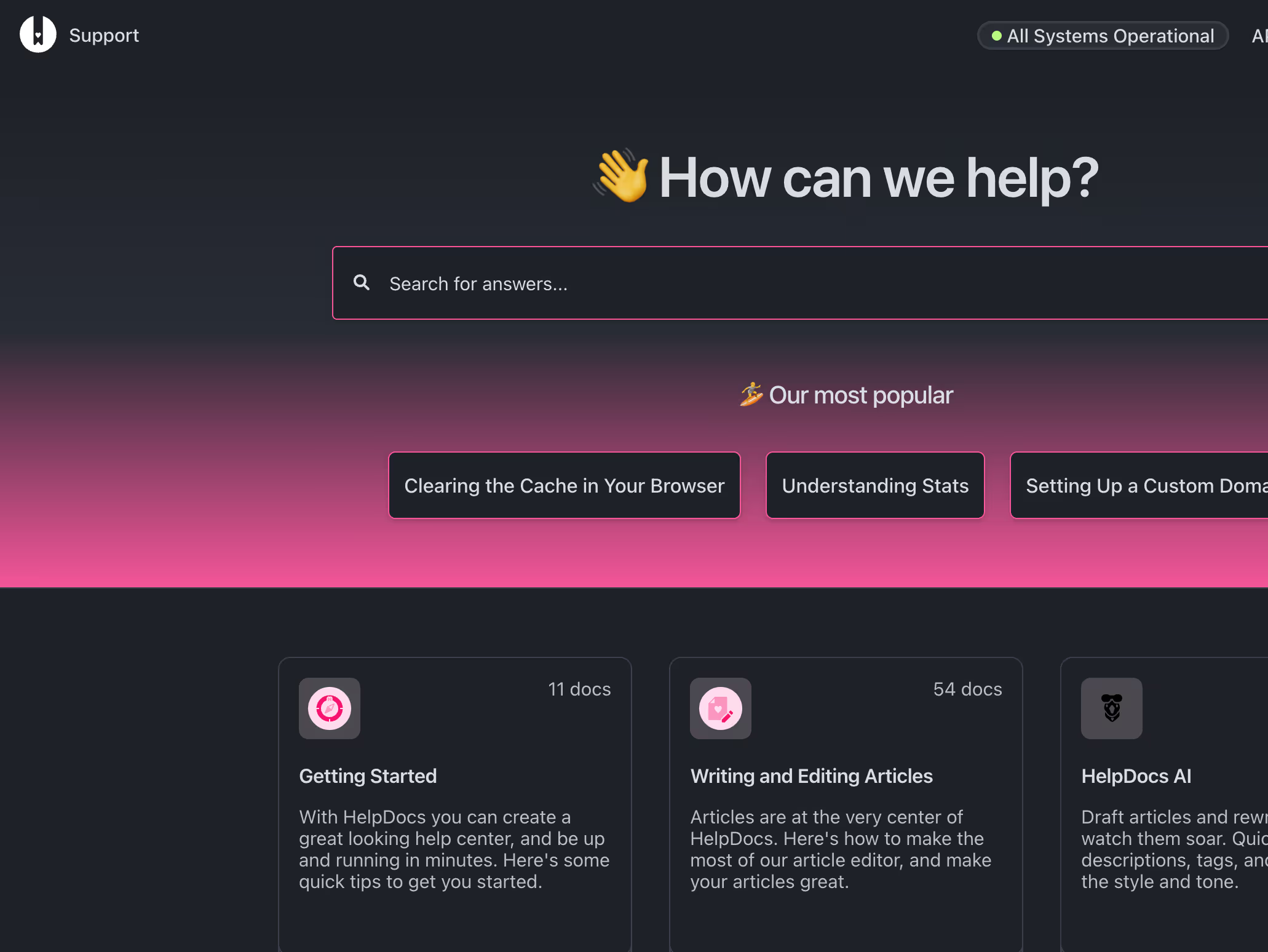
On our V5 templates, dark mode is built in by standard, preventing tired late night viewing.
Publish your knowledge base in 100+ languages with machine or manual translations. One source of truth, localized for every reader, without rebuilding a single article.
With our machine translations, you can translate your articles in a matter of seconds.
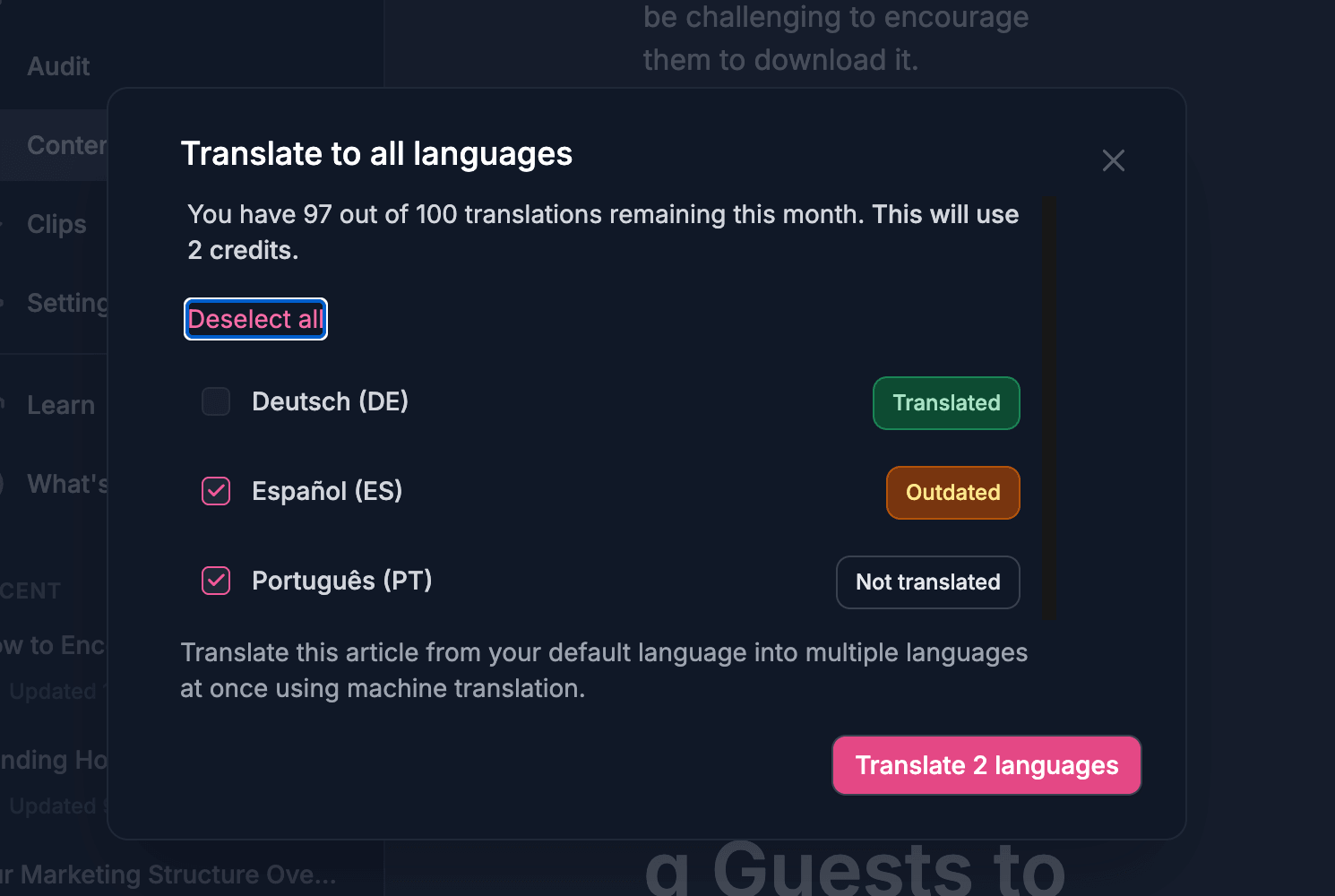
Turn any article into a new language with a single click. No copy-paste, no waiting.
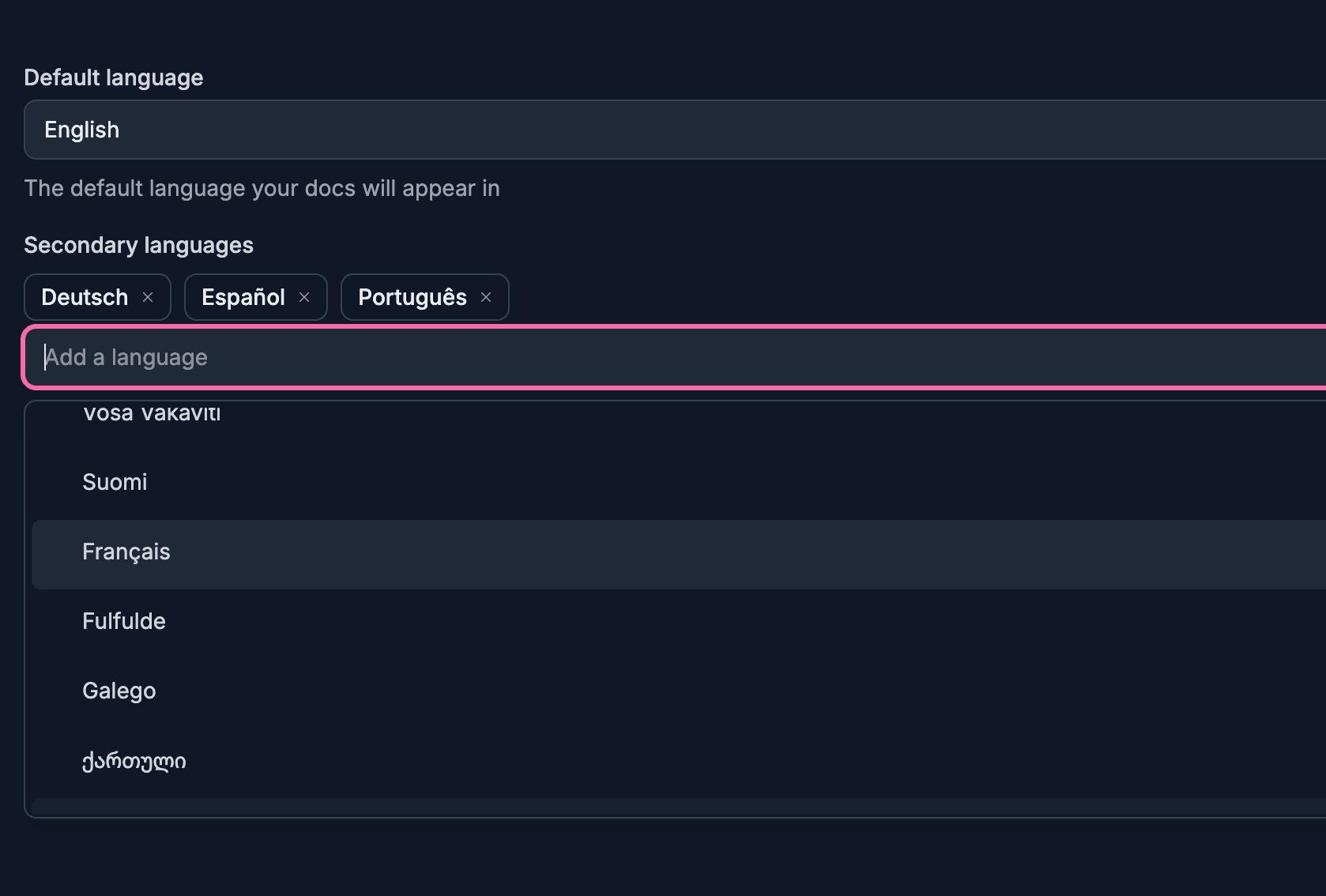
Reach readers across the globe with support for over a hundred languages out of the box.
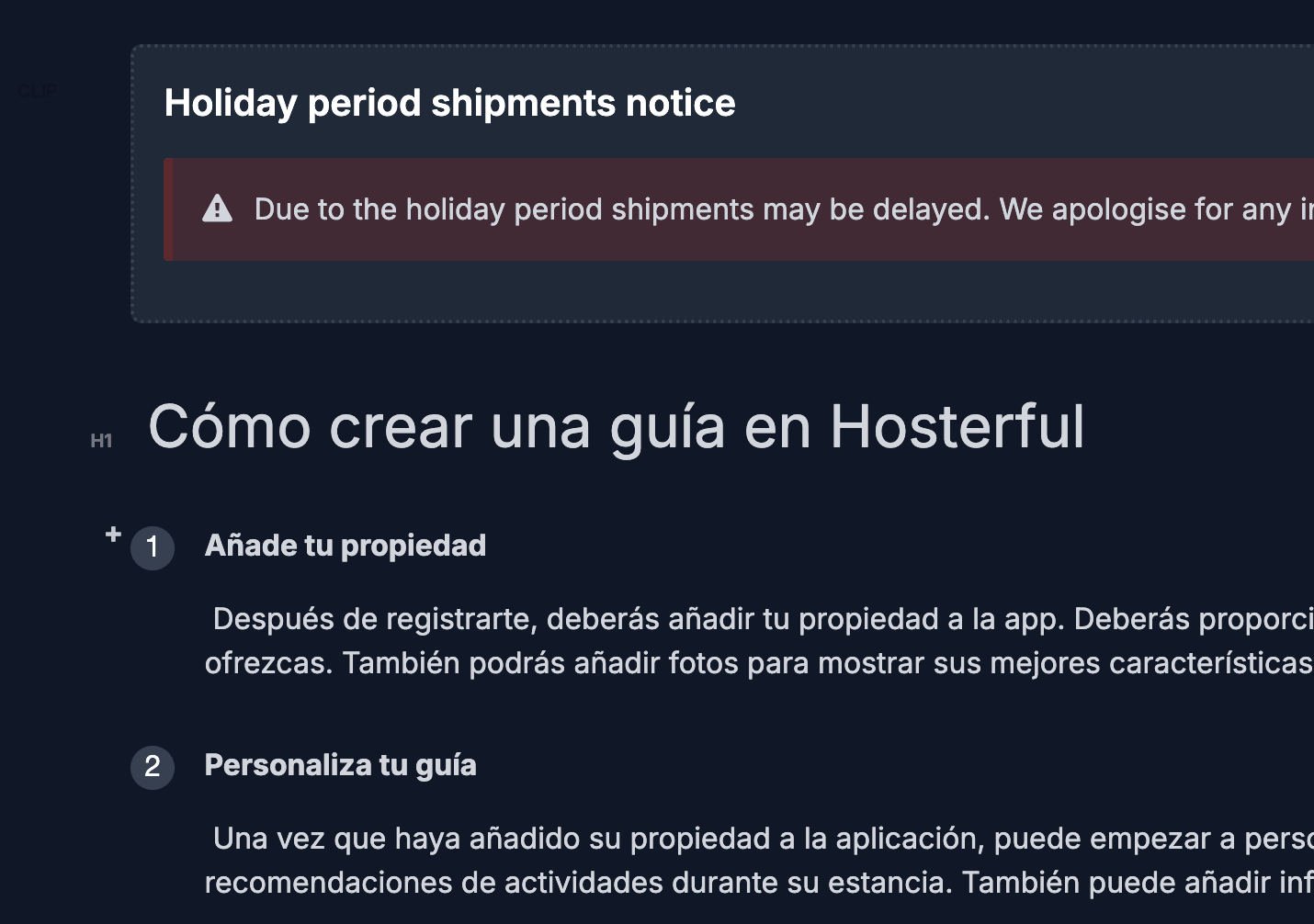
Blocks, media, callouts, and links stay perfectly intact. Translations never break your layout.
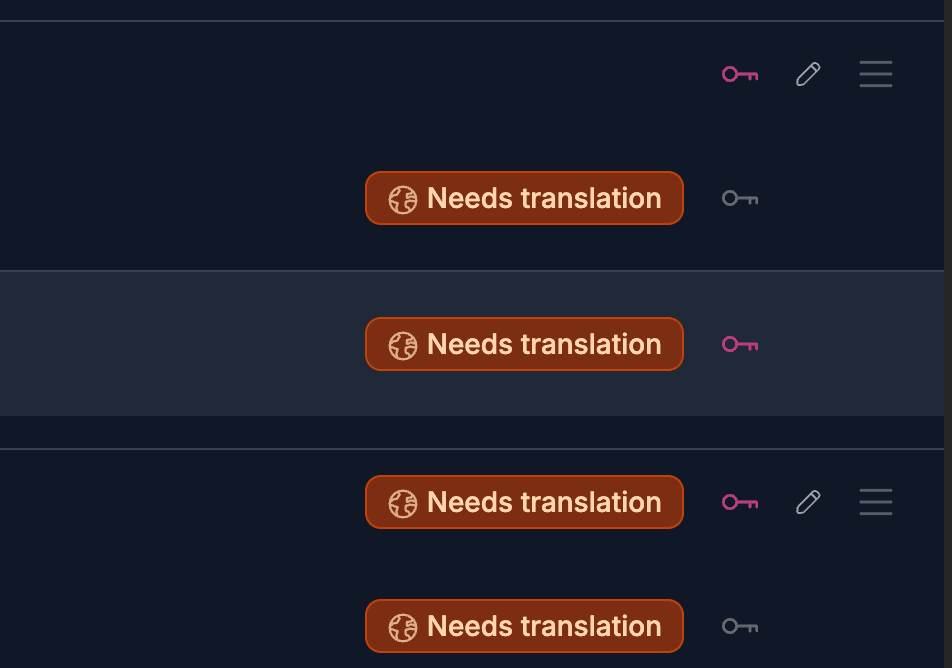
Handy tools keep every language in sync. Filter by translation status, spot gaps with badges, and update in bulk.
Create, organize, translate, and connect your docs without the admin sprawl of a support suite.
No credit card required.