Put trusted answers wherever people ask.
Host your knowledge base, embed answers in your product, connect HelpDocs to AI tools, and share docs across the stack your team already uses.
 Shared “Customs delay process” in #supportSlack
 Answered from “Refund policy”ChatGPT
 Answered from “API authentication”Claude
 Resolved a chat from “Returns & exchanges”Fin
A knowledge base that feels native to your brand.
Publish docs on your own domain or subfolder, customize the experience, and give customers a knowledge base that feels connected to your product.
Your own domain
Publish on your domain or a docs subfolder so the help center lives right alongside your product.
Subfolder hosting
Serve docs from yoursite.com/help so search engines treat them as part of your main domain.
SSL by default
Every knowledge base is served over HTTPS automatically. No certificates to buy or renew.
On-brand design
Match your colors, logo, and fonts so the help center feels like a natural part of your product.
Fast, accessible templates
Hand-crafted templates built for SEO, accessibility, and speed, so pages load and rank well.
Custom CSS, JS, and HTML
Go as far as you like with full templating control when you want a completely bespoke build.
Light the way with in-app help.
Use Lighthouse to bring HelpDocs into the places customers get stuck, so they can search, read, and self-serve without ever leaving your app. Its API lets you drive it from your own UI, open a category, jump to an article, or launch the contact form on cue.
Explore Lighthouse Lighthouse Widget API
Live on this page, try it
Lighthouse Widget API
Live on this page, try it
Go tab-less
Customers search, read, and self-serve right inside your app, with no tab-switching and no losing their place.
Style it, control it
Match it to your product, shape how it behaves, and deep-link straight to any article or category through the Widget API.
Live in minutes
Copy one snippet, paste it into your app, and you're done. Tweak the config whenever you like, no redeploys required.
Give AI something to talk about.
Connect AI agents and assistants to HelpDocs so answers come from approved, maintained documentation instead of scattered guesses.
Connect your AI

Keep support aligned in Slack and beyond.
Search and share HelpDocs articles from the tools your team already works in, so everyone gives customers the same approved answer.
#shipmentsLena · Ops
Customer’s asking why LX-8841 is stuck in customs
Maya · Support
Ok let me find the article
/hd search customs clearanceCustoms delay process
cargoflow.helpdocs.io/article/customs-clearance-issues
Bring status and systems into the answer.
Show service status, connect analytics, and use APIs to make your knowledge base part of the wider customer support system.
Live status
Surface a status page so customers can see what's up before they ask.
All systems operational

Analytics
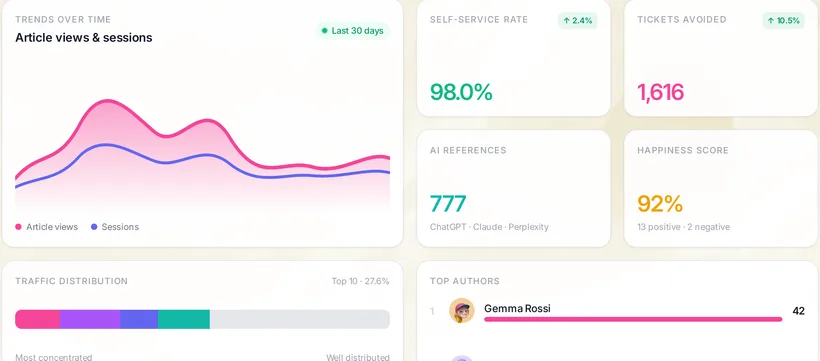
Pipe knowledge base activity into the analytics tools you already trust.



Works with the tools your team already uses.
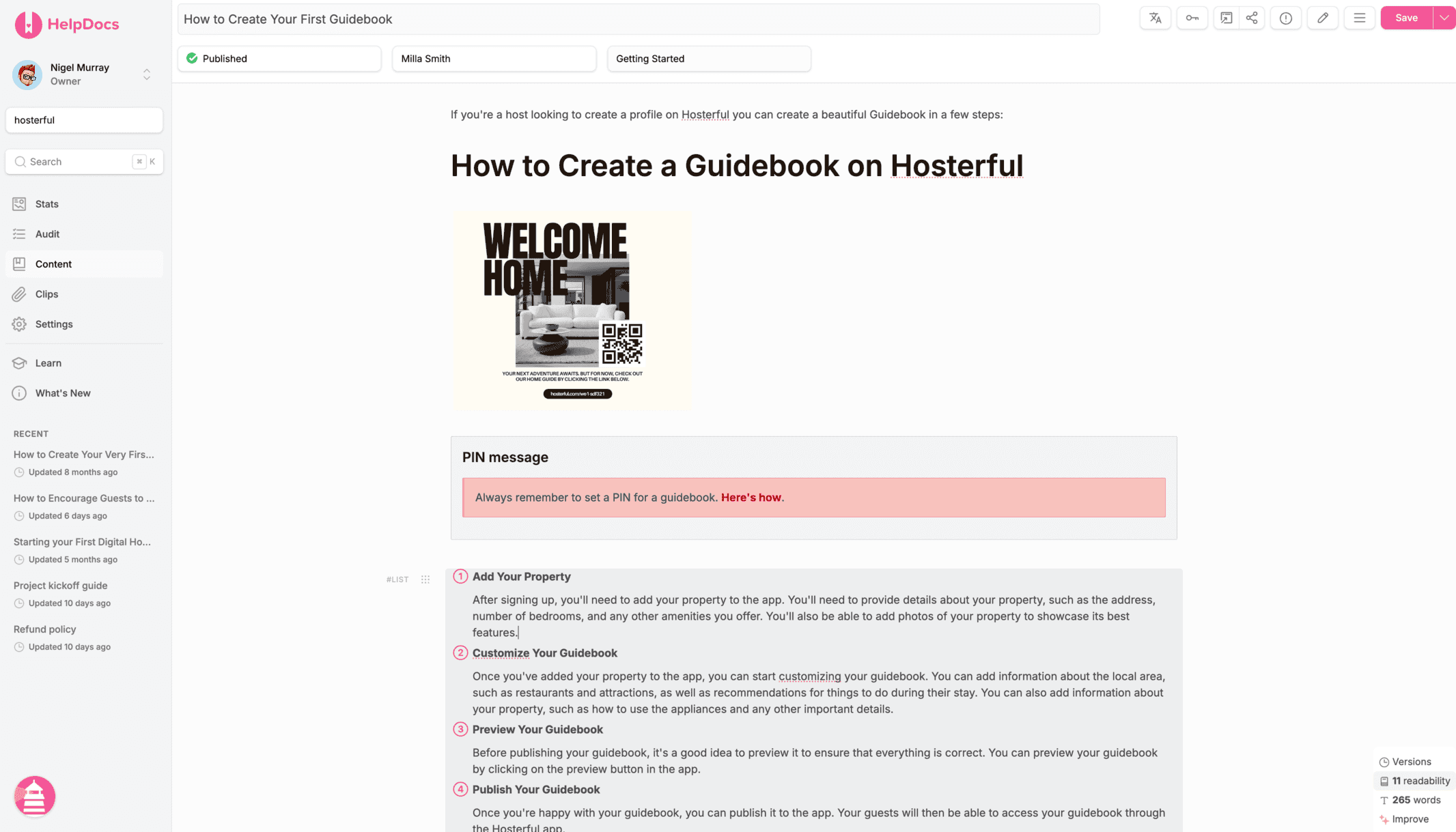
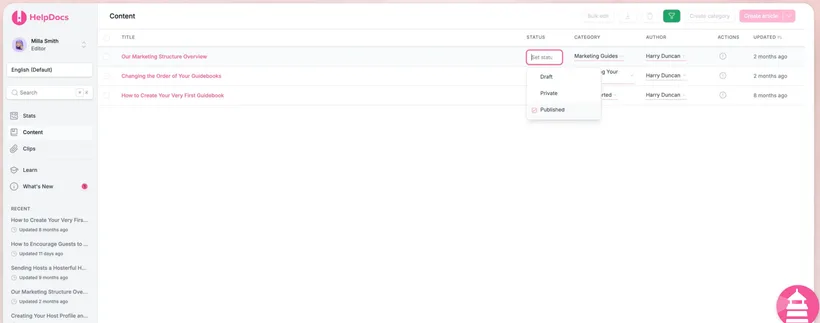
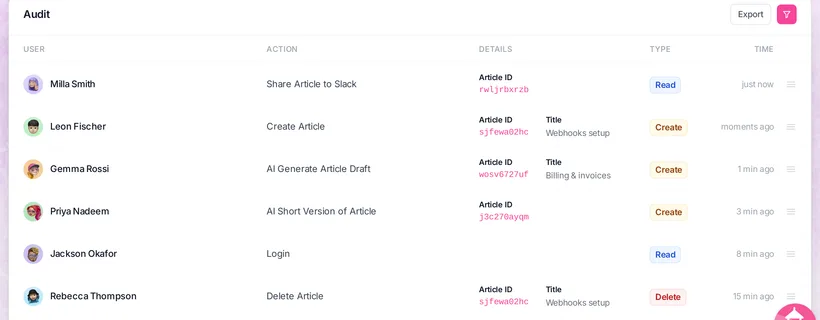
From AI assistants to team chat, support suites, analytics, and developer tools, HelpDocs slots into your stack.



Team chat
Support tools








Status & developer

Automation & API

Start building your documentation infrastructure.
Start free 14-day trialCreate, organize, translate, and connect your docs without the admin sprawl of a support suite.
No credit card required.
