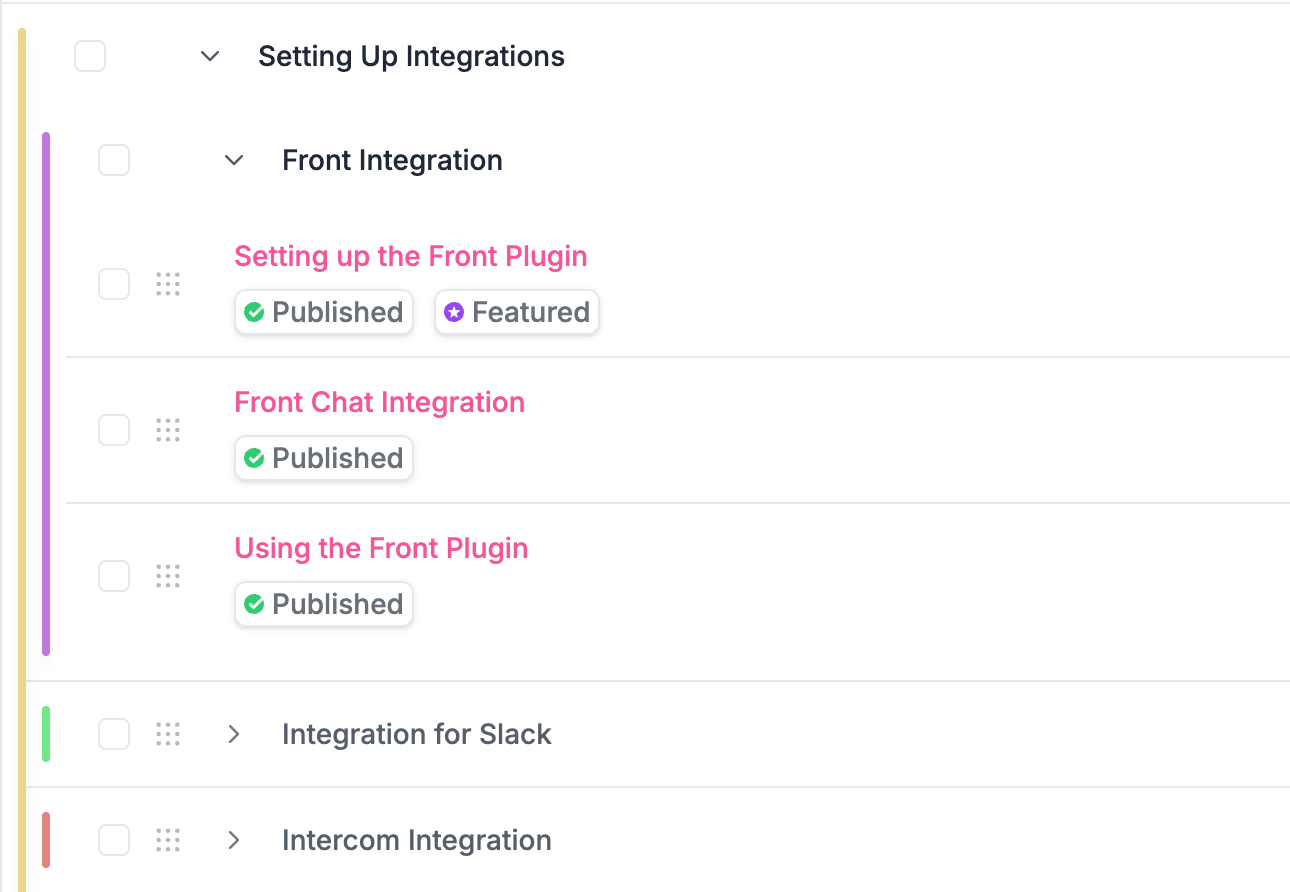
Categories and subcategories.
Group articles into clear categories and unlimited subcategories so readers always know where to look.
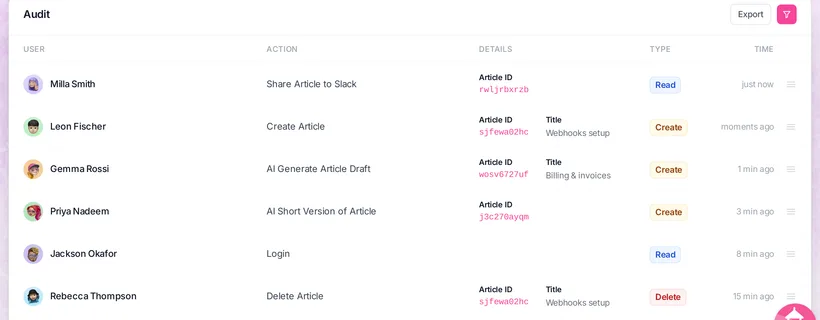
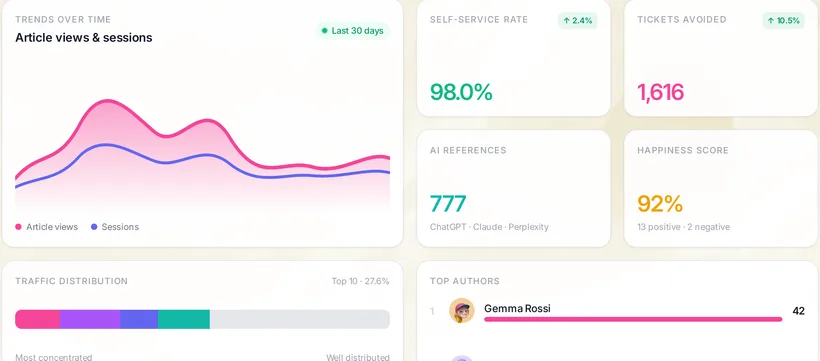
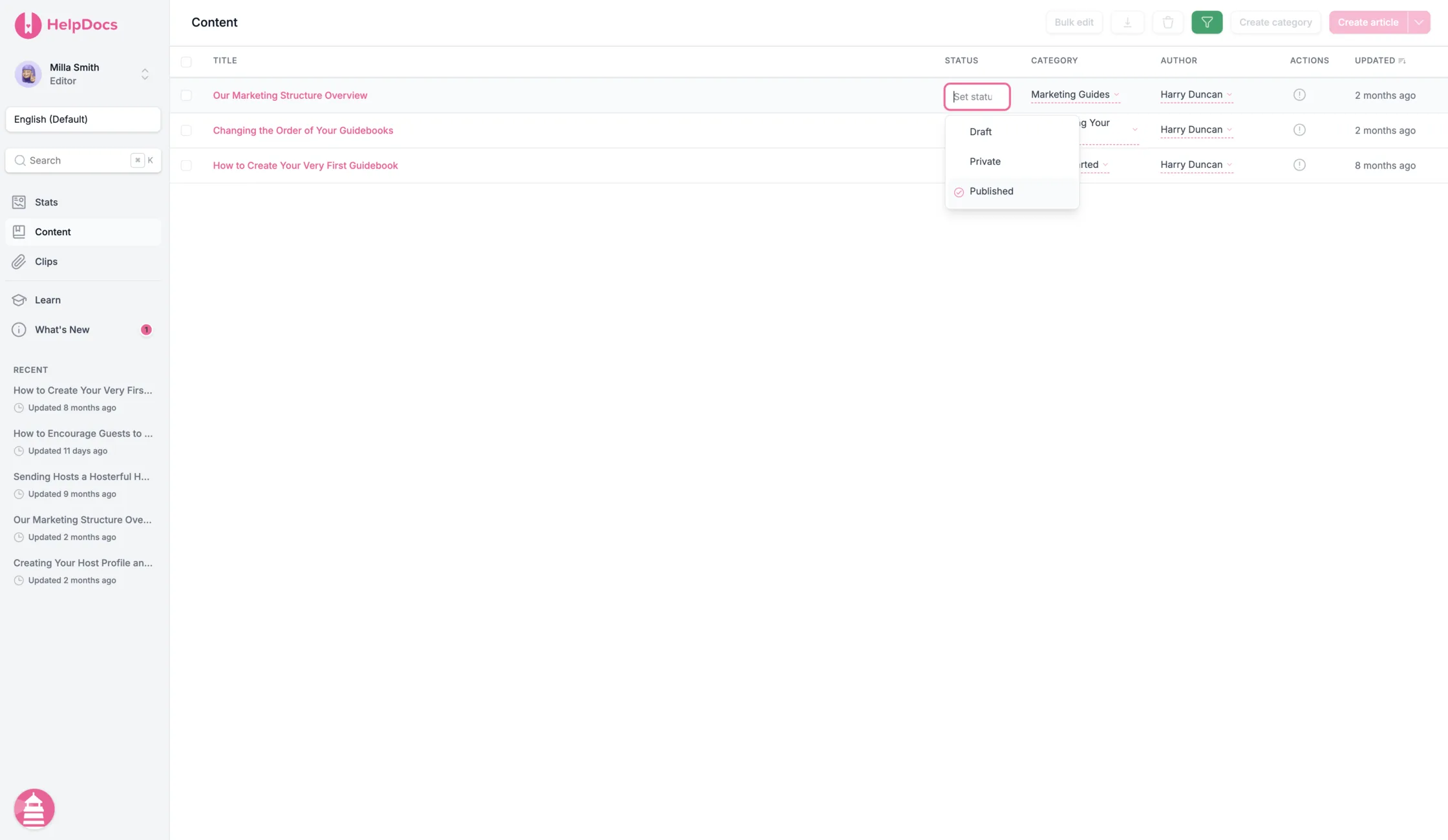
Filter articles, update content in bulk, manage languages, control access, and track changes without turning your knowledge base into an admin project.
As your docs grow, structure is what keeps them usable. Group articles into clear categories, build navigation that scales, reuse content again and again, and tidy up in bulk when things drift.
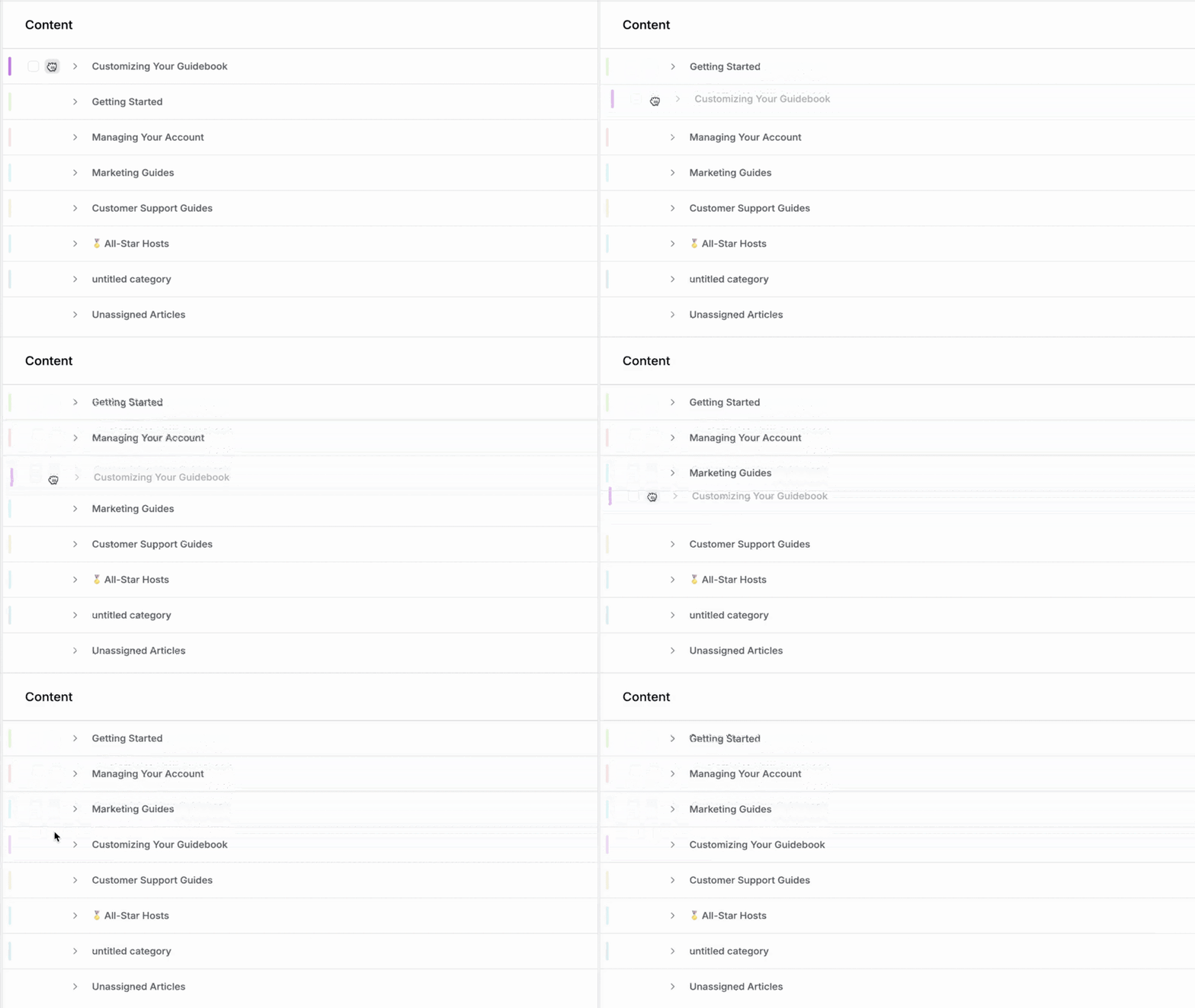
Group articles into clear categories and unlimited subcategories so readers always know where to look.
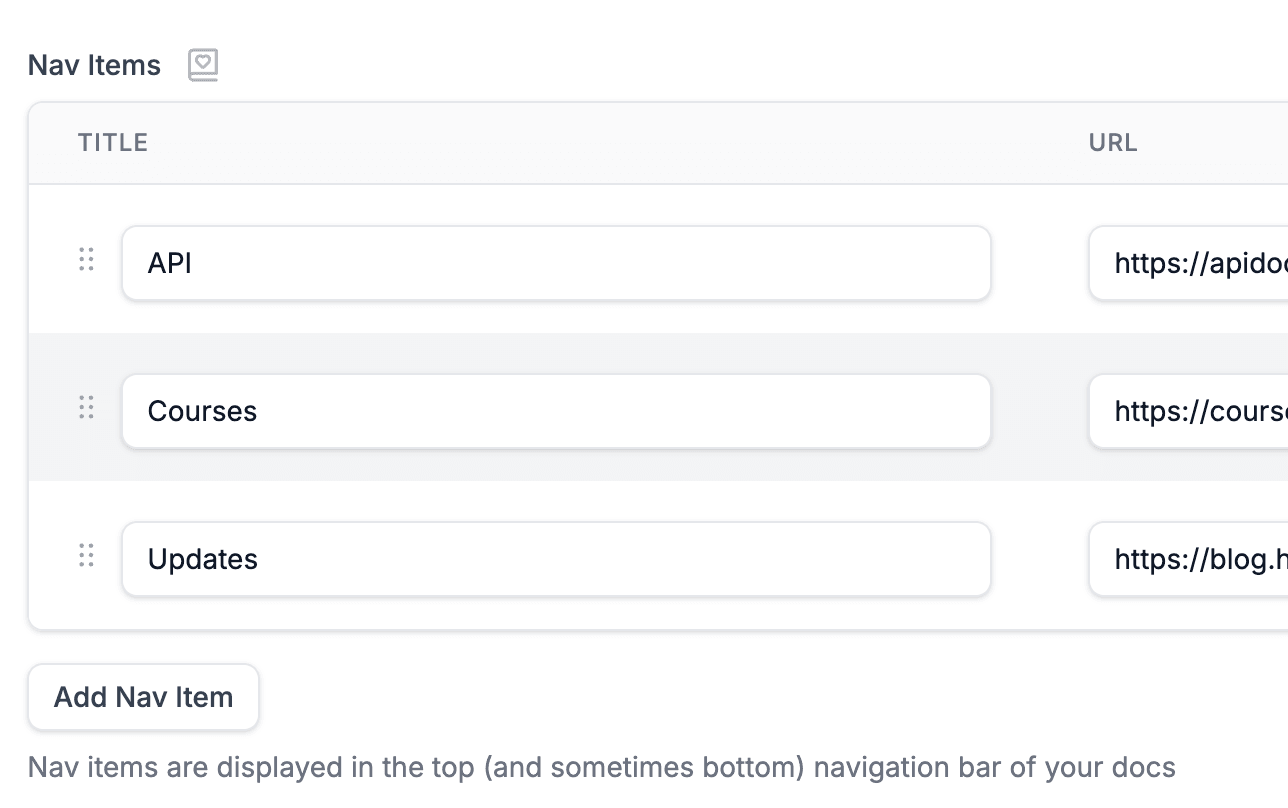
Structured sidebars and breadcrumbs keep even a huge knowledge base easy to browse.
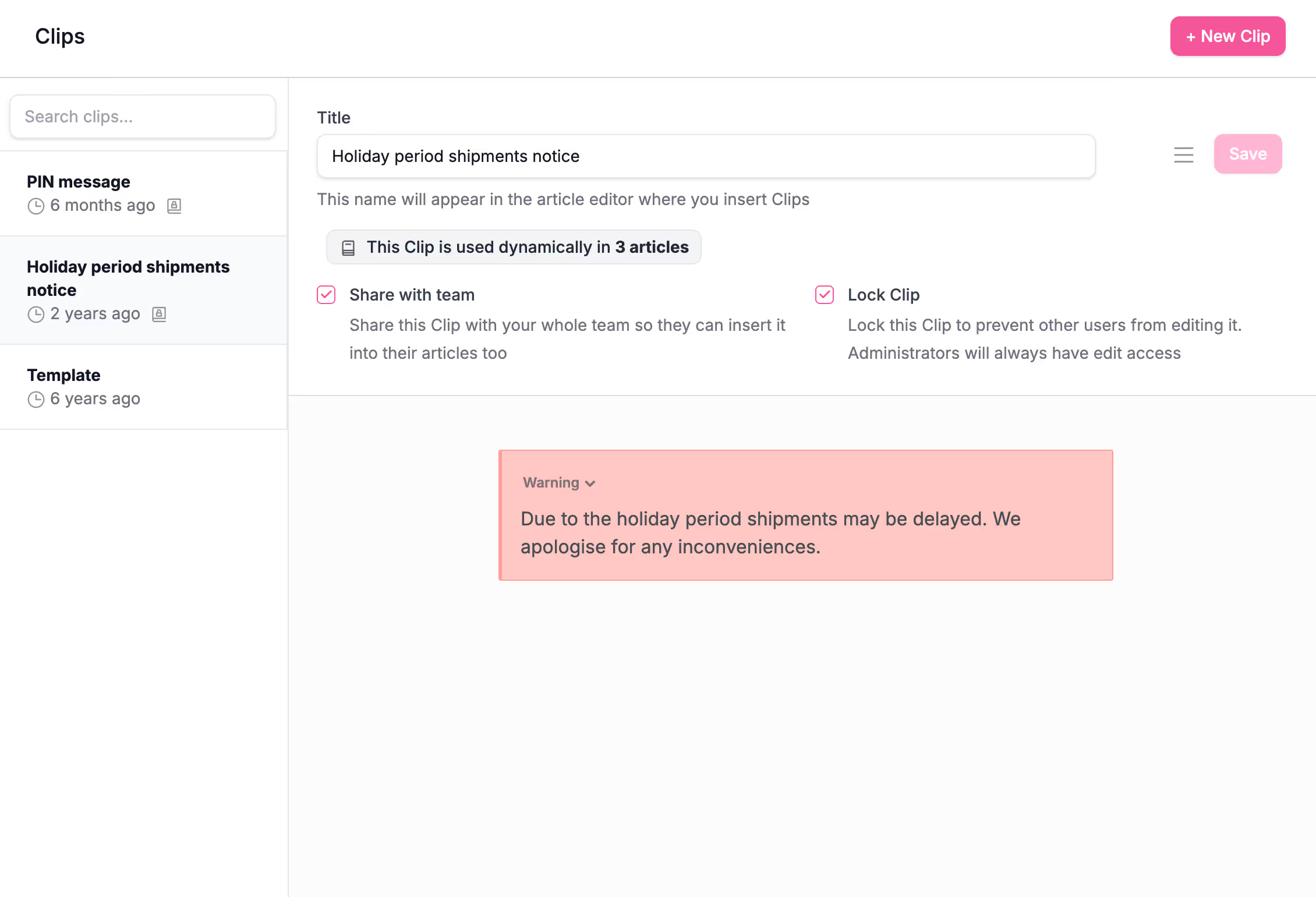
Save content once as a Clip, drop it in anywhere, and update it everywhere from one place.
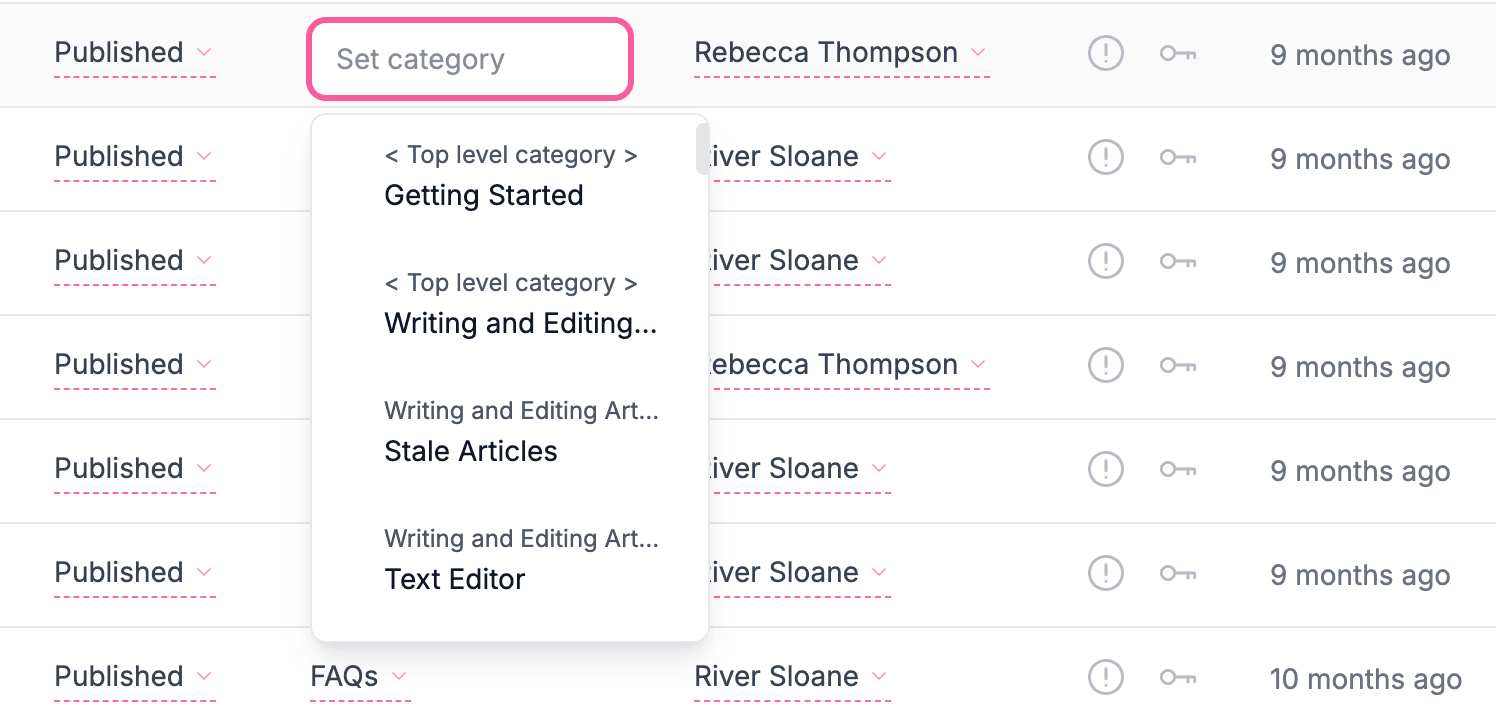
Move, retag, and reorder dozens of articles at once with bulk actions and advanced filters.
Big launch? Front-page moment? Bring it on. We look after the traffic, the servers, and the surges, so your knowledge base stays quick when everyone turns up at once. You do nothing. That's rather the point.
Every article is cached and served in a flash, so pages appear the moment readers ask for them. Our latest work made them load up to 85% faster.
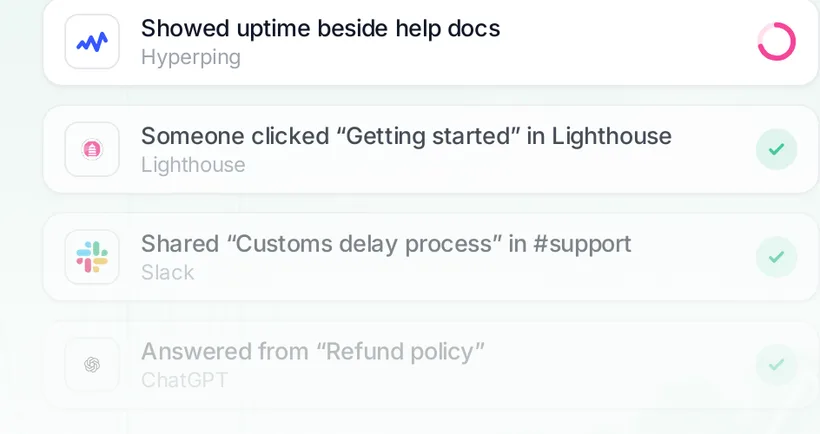
See how we made it fly99.99% uptime across everything we run, tracked right out in the open.
We've delivered billions of pageviews for knowledge bases of every size, from scrappy startups to names you'd recognize. Yours is in good company.
“We very rarely touch this system as it does just work.”
 Adam T., Krystal
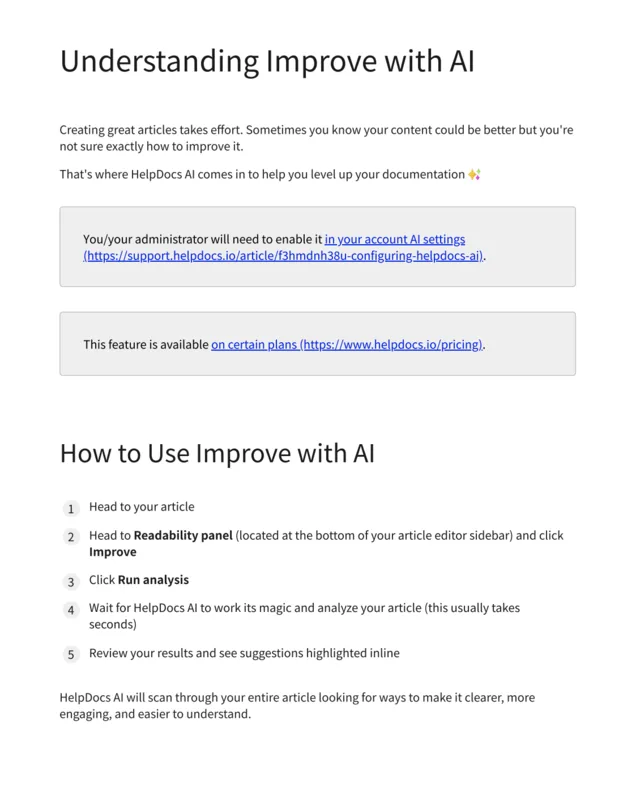
A knowledge base is never finished. HelpDocs gives you the tools to find any article fast, catch the ones going stale, and keep everything reviewed and current without the busywork.
Search titles, content, and tags from the admin, then narrow the results with filters until you land on the one you need.
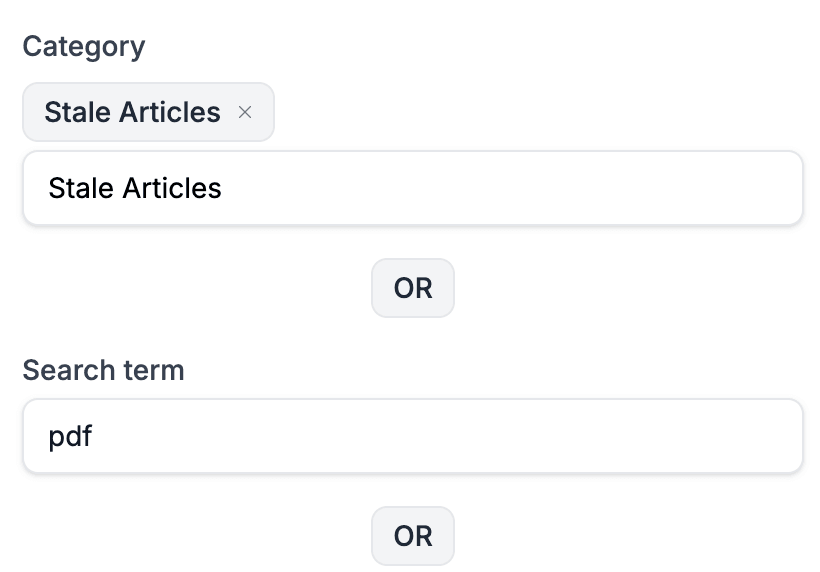
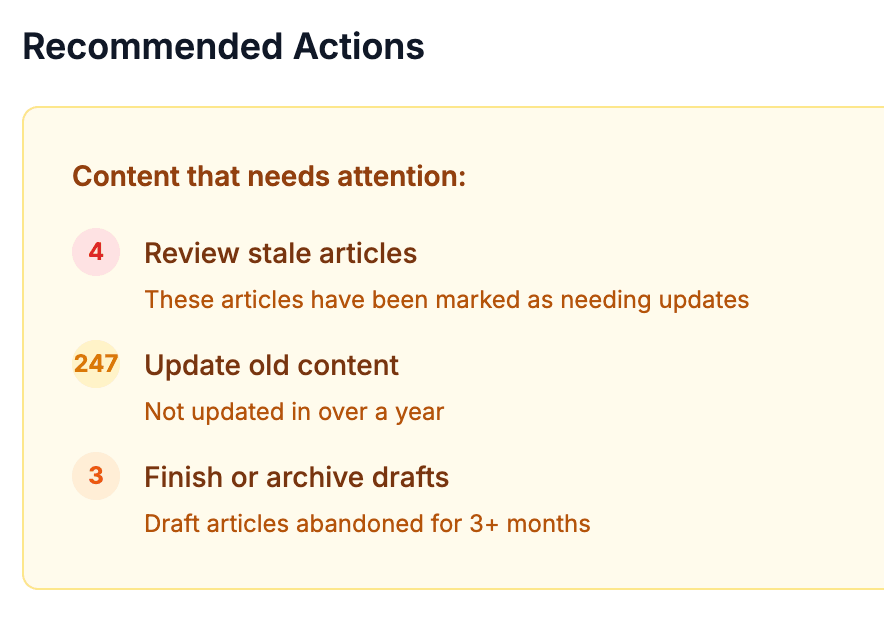
Articles that haven't been touched in a while get highlighted in Stats, so nothing quietly drifts out of date.
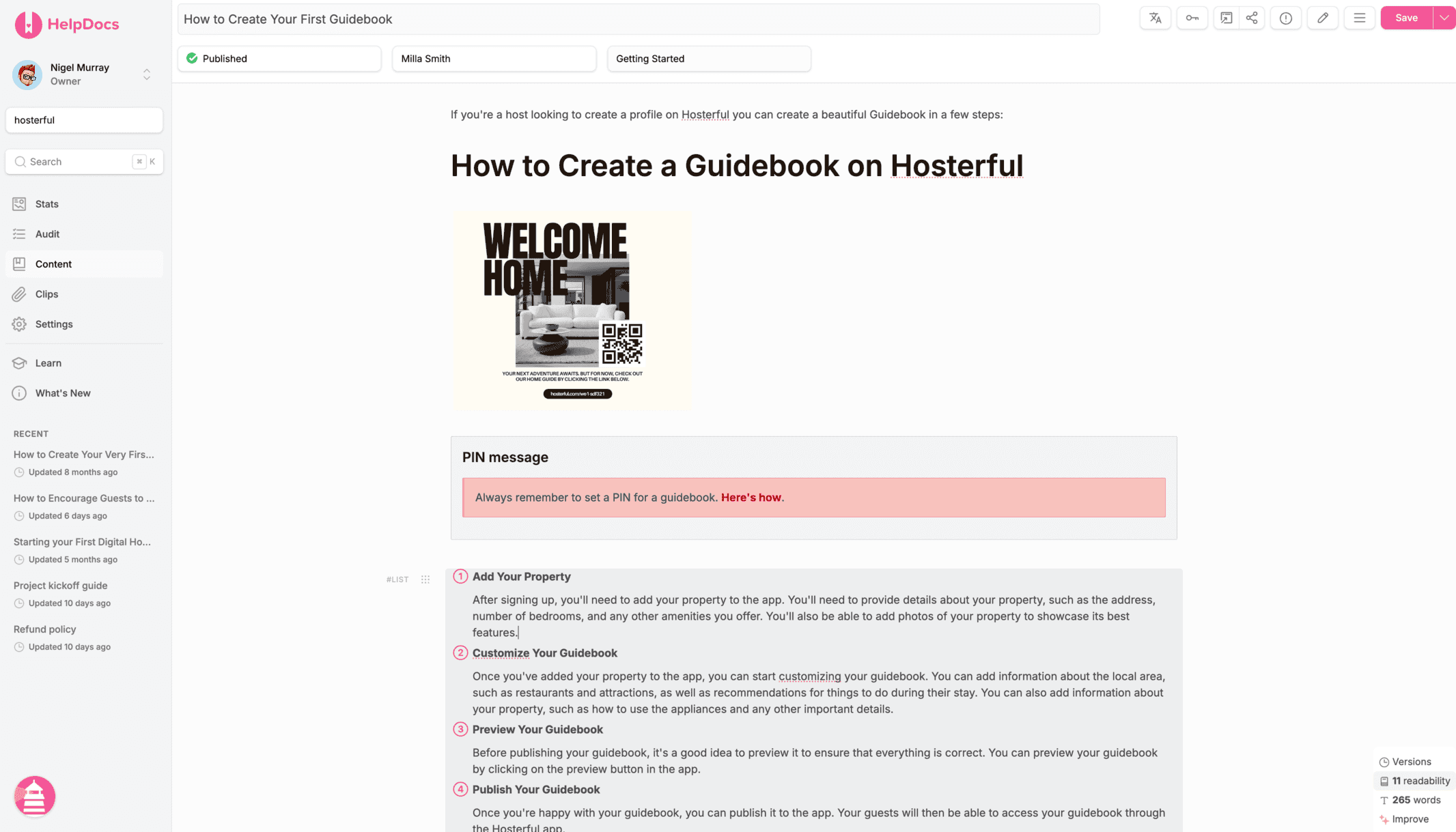
Work on changes as drafts, send them for review, and publish when you're ready.

Reorganize whole sections in bulk, and let redirects keep old links working so no reader hits a dead end.
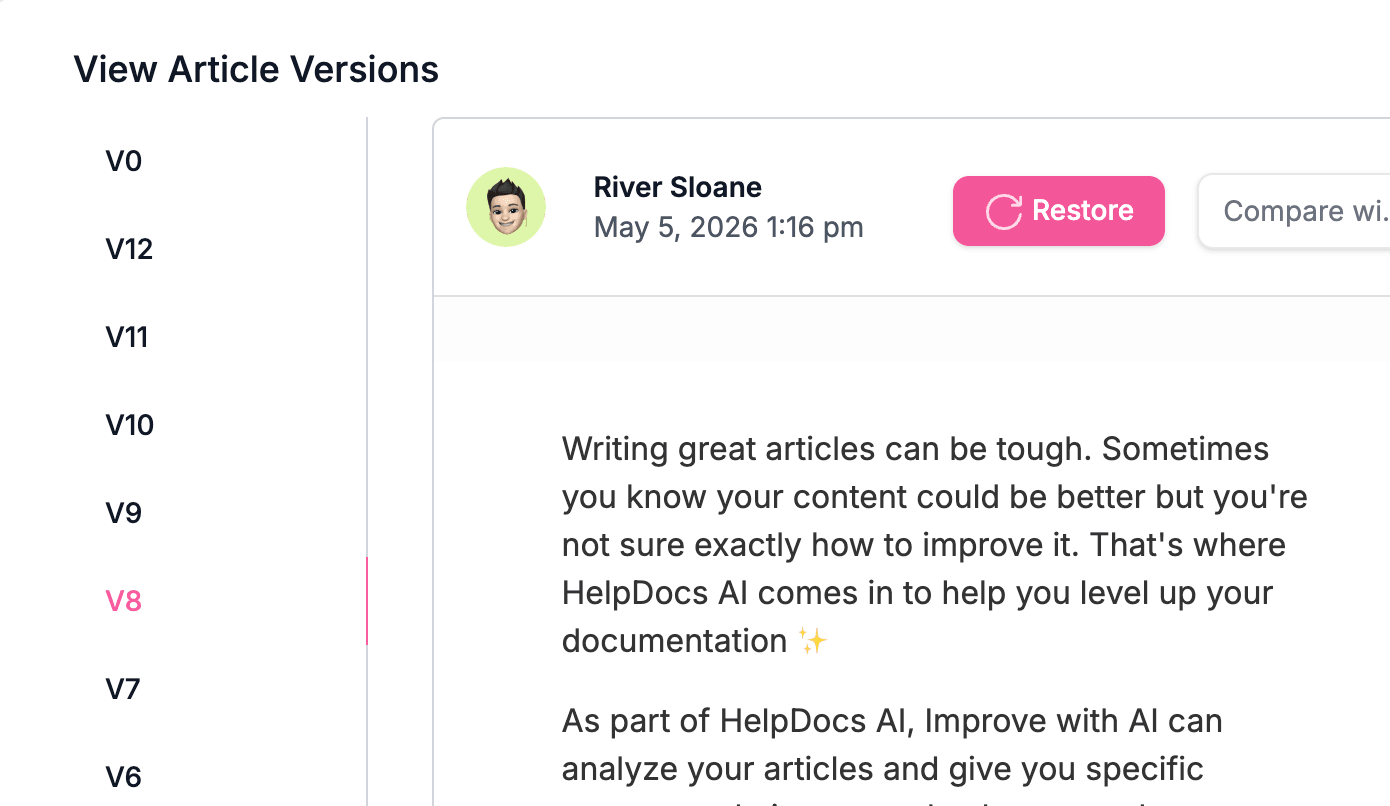
Every save is versioned, so you can compare changes and restore an earlier version whenever you need to.
Two articles or two hundred, it's the same handful of clicks. Select what you need, change it all at once, and get on with your day.
Edit in bulk
Update status, author, stale status, table of contents, category, and permission groups across every selected article at once.
Act in bulk
Translate a whole selection with machine translation, or generate titles, descriptions, and tags with HelpDocs AI. No article-by-article grind.
Press ⌘K from anywhere and just start typing. Jump to any article, fire off an action, or search your whole knowledge base without ever lifting your hands off the keyboard.
Export any article (or a group of articles) as a polished PDF or Word document in a click. For sign-off, offline reading, or the one stakeholder who still loves a printout.
Small settings make a big difference when your docs, users, and audiences start to grow. HelpDocs gives your team the controls to manage access, structure, branding, and protection without turning documentation into admin work.
*on certain plans
Create, organize, translate, and connect your docs without the admin sprawl of a support suite.
No credit card required.