One knowledge base. Different knowledge.
Permissioning, SSO, private docs, and audit trails, working quietly in the background. Everything stays in one place. Everyone sees only what's theirs.


Show the right docs to the right people.
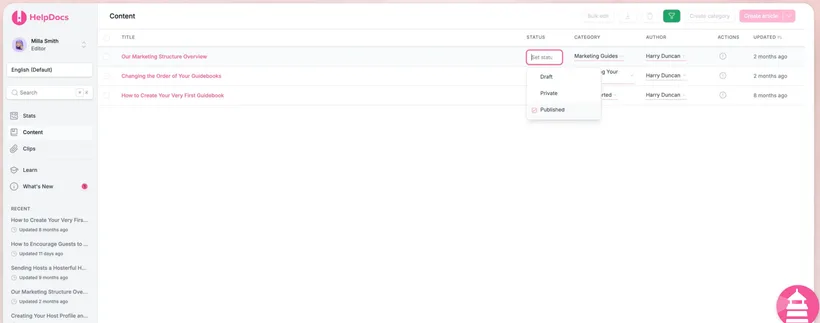
Group your audiences and control exactly who can view, edit, and publish, right down to individual categories.
Preview as




Embedded SSO with JWT.
Sign a JWT to log your own users straight into private docs, no extra accounts, no second login.
Read the JWT guideSAML, OpenID & OIDC.
Connect the identity provider your team already uses and let people sign in with their existing credentials.
See supported providersAnonymous SSO mode.
Gate content behind a login without collecting identities. Grant access while keeping readers anonymous.
Explore anonymous modePermissioning and SSO are only available on certain plans.
Let identity handle access.
Sign people in with the tools they already use, and let their identity decide what they can see. No spreadsheets of who gets what.

Single sign-on
Connect your identity provider so people sign in securely with the credentials they already use.



Embedded SSO with JWT.
Sign a JWT to log your own users straight into private docs. No extra accounts, no second login.
Logged-in-only access
Require a login to read the knowledge base, so nothing is public until you say so.
Default roles
New teammates land with exactly the right permissions, automatically.
SSO email domains
Only let people sign up through SSO if their email is on an approved domain. Leave it open to any domain, or lock it down completely.
@yourcompany.comRedirect on logout
Send people somewhere specific when they log out, like your own SSO logout URL, so signing out of your docs signs them out everywhere.
yourdomain.com/sso/logoutKnow who changed what, when.
Every edit is on the record. A complete, timestamped history keeps your documentation accountable and compliance-ready.
- Audit trail. A filterable log of all changes.
- Change history. Compare versions and roll back any time.
- Export ready. Export your audit data via CSV at any time.
Split content with ease.
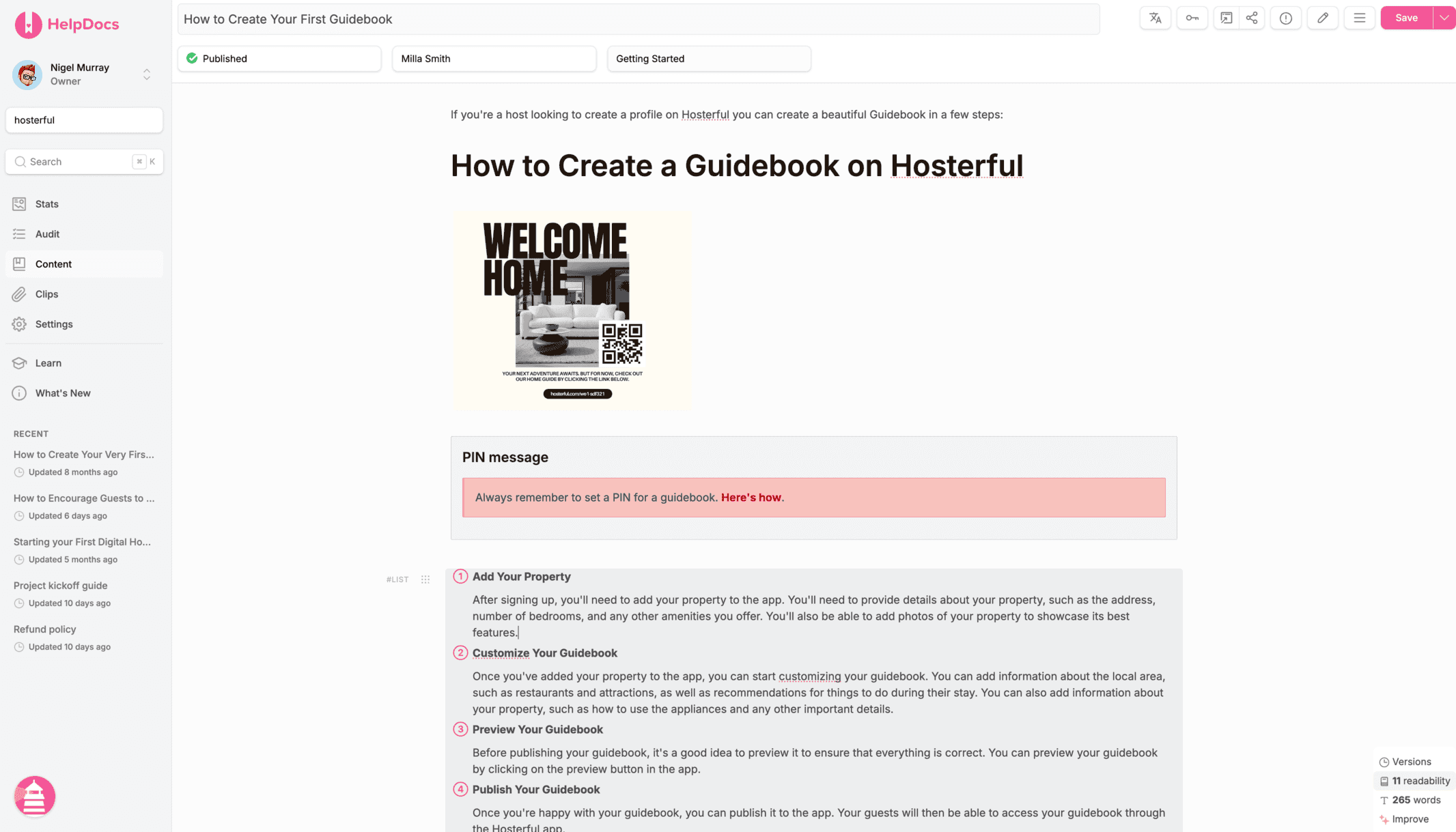
Carve one knowledge base into the right slices for every audience. Set access from the pink key on any category or article, group people, and check it before you ship.
Enforce on descendants
Save time and keep content safe by enforcing a category's permission groups on every category and article inside it.
Restrict by role
Grant access by role as well as by group, so Editors, Viewers, and Admins are covered without naming names.
Read-only group members
Add people as read-only members of a group so they can see the articles, but never edit them.
Assign groups via JWT
Add permission group info to your JWT tokens to show different content to different segments, driven by your own business logic.
More controls for growing teams.
The small settings that matter once you scale, all in one place and out of your way.
*on certain plans
Start building your documentation infrastructure.
Start free 14-day trialCreate, organize, translate, and connect your docs without the admin sprawl of a support suite.
No credit card required.
