
7 Best Salesforce Knowledge Alternatives (2026)
Almost nobody leaves Salesforce Knowledge because the articles are bad. They leave because getting those articles in front of customers turned into a platform project, and the bill scales with every person they hire.
We make HelpDocs, so read our own entry with the appropriate skepticism. We've tried to be genuinely useful about the rest, including the places where they beat us and the cases where you should stay exactly where you are.
Salesforce Knowledge is not the problem. That is worth saying first, because most roundups on this topic start by pretending the incumbent is bad.
The problem is nearly always the same two things. Getting your articles in front of customers means standing up an Experience Cloud site on top of Service Cloud, which is a build with an owner and a timeline rather than a setting you switch on. And the bill stacks: Service Cloud is per user per month, published at $25 to $550 as of September 2026, and if your readers log in the portal licenses sit on top of that, so both writing the docs and being read get more expensive as you grow.
If your agents live in the Service Console all day, none of that is a reason to leave. Knowledge sitting inside the case they are already working is genuinely better than any external tool can manage, approval processes and sharing rules are deeper than almost anything else in this category, and Agentforce answering from your own articles is a real advantage. Teams who need that should stay, and this page will say so again at the end.
This is about the other half. These pages are about replacing the knowledge base, not the CRM. If you need case management, telephony and field service, nothing here replaces Service Cloud and you should not pretend otherwise. What follows is for teams whose actual requirement is a public help center customers can find and read.
What actually matters when you’re leaving
Three things decide this, and headline price is not one of them.
Whether the help center is the product or a module. In Salesforce, knowledge is one object among hundreds and the public site is a separate build. In a dedicated tool the help center is the entire thing, which means it is live in an afternoon and a support lead can own it without filing a ticket with IT. That difference shows up in how often the content actually gets updated.
How the price scales. Per-user pricing punishes you for growing the team that writes the docs. Flat pricing costs more on day one and then stops moving. Which is cheaper depends entirely on your seat count in two years.
What you are giving up on governance. This is the one people underestimate. Salesforce’s approval processes, permission sets and sharing rules are genuinely hard to replicate. If a compliance team cares who approved which sentence, check that carefully against every option below before you fall in love with a nicer editor.
The shortlist at a glance
| Tool | Best for | Starting price | Pricing model | Free trial |
|---|---|---|---|---|
| HelpDocs | A standalone public help center, priced flat | $129/mo | Flat monthly, per editor, readers free | 14 days |
| Zendesk | The full support suite, more cheaply than Salesforce | $55/agent/mo | Per agent, AI add-on extra | 14 days |
| Help Scout | Small teams replacing the whole stack | $0 | Per user, plus per AI resolution | Free plan |
| Document360 | Versioned, formally approved documentation | Quote only | Per project, quote only | 14 days |
| KnowledgeOwl | Granular control over who sees which article | $100/mo | Flat monthly by tier | 30 days |
| Intercom | Putting an AI agent on the front line | $29/seat/mo | Per seat, plus per resolution | 14 days |
| Confluence | Internal knowledge, cheaply, at seat scale | $5.42/user/mo | Per user | Free tier |
Best for a standalone public help center: HelpDocs
We make HelpDocs (hi 👋), so weigh this section accordingly and check anything that matters against our pricing page. The positioning is narrow deliberately: HelpDocs is for teams who want the help center itself to be the product, live the same day, without a platform project attached. There is no portal to stand up and no admin required, which is the whole pitch for someone coming from Experience Cloud.
Pricing is flat and published: $129/mo on Sprout for 5 editors, $299/mo on Bloom for 15, $499/mo on Harvest for 25, with 20 percent off annually. Public readers are unlimited and free, so more customers finding their own answers never arrives as a bigger invoice. AI credits are included in every plan rather than metered, from 1,000 a month on Sprout to 10,000 on Harvest. Failed-search reporting, article ratings and deflection reporting come as standard, and the V5 templates score 100/100 for SEO and accessibility in PageSpeed.
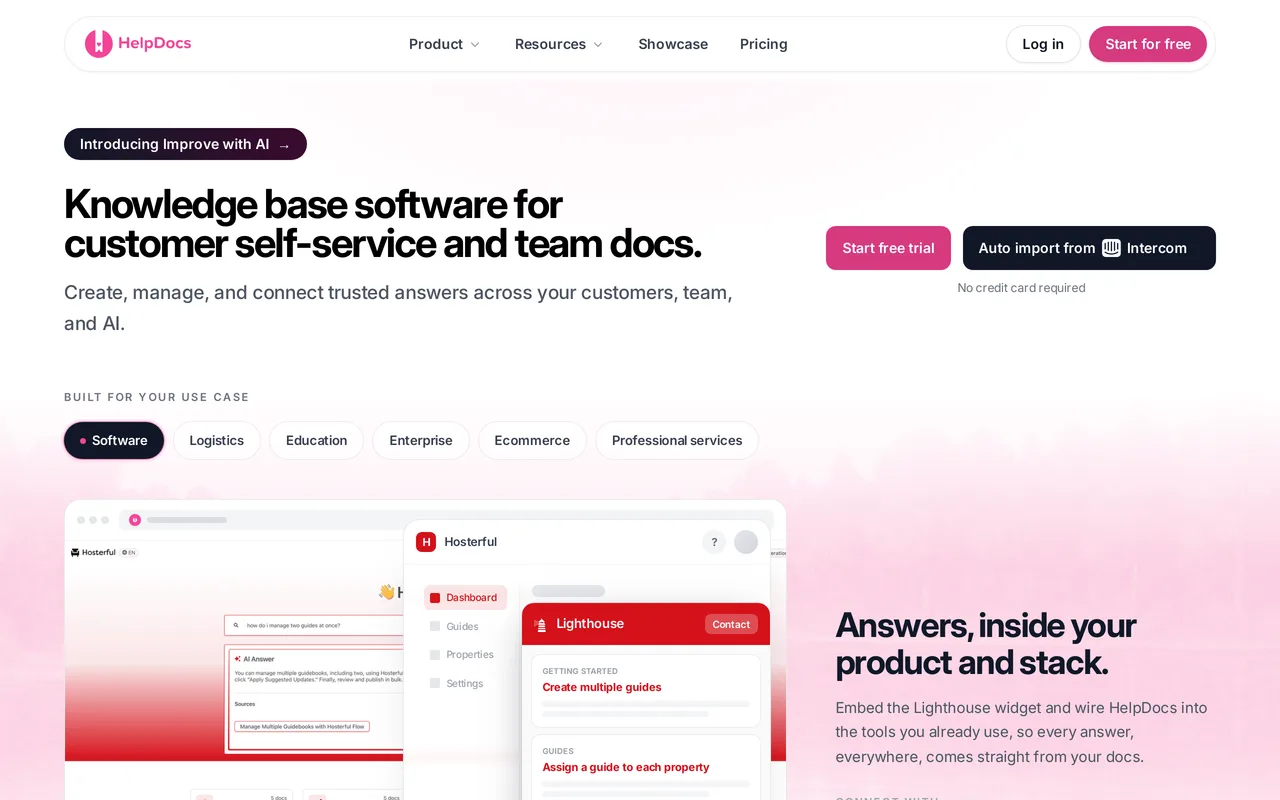
The catch: we are not a help desk and we are not trying to be. No case management, no shared inbox, no live chat, no AI agent resolving live conversations. Coming from Salesforce that is a large hole, and it means running us alongside something else. There are real gaps on an enterprise checklist too: limited SCIM provisioning, no white-labelling, and no outbound webhooks. Governance is thinner than Salesforce’s, with an audit trail and permission groups from Bloom, but nothing resembling sharing rules or configurable approval processes. And there is no free tier, only a 14-day trial.
Best for a standalone public help center, priced flat. From $129/mo, 14-day trial, no card required.
Best for replacing the whole suite more cheaply: Zendesk
Zendesk is the like-for-like swap: a full support suite with ticketing, messaging and a knowledge base, at a lower entry price than Service Cloud. Suite Team starts at $55/agent/mo, Growth $89, Professional $115, with Enterprise quote-only. For a team that genuinely needs the whole apparatus but finds Salesforce heavy to administer, it is the obvious shortlist entry, and its help center is far more of a finished product than an Experience Cloud build.
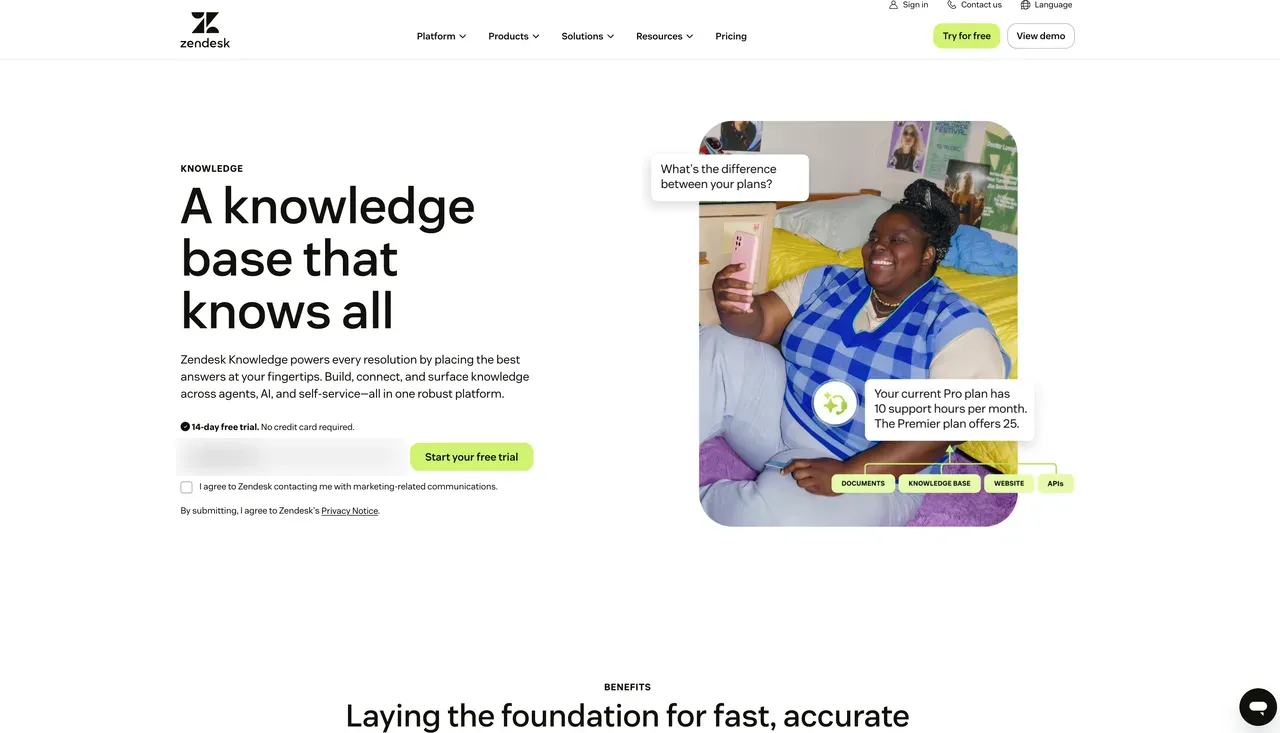
The catch: it is still per-agent pricing with an annual commitment, so the structural problem that pushed you off Salesforce follows you. Advanced AI is roughly $50/agent/mo on top, which lands awkwardly if unpredictable AI line items were part of why you went shopping. HelpDocs vs Zendesk covers the knowledge base half in detail.
Best for the full support suite more cheaply than Salesforce. From $55/agent/mo, 14-day trial.
Best for small teams replacing everything: Help Scout
Help Scout is what a small team buys when they want tickets and docs from one vendor and want it to feel calm. The shared inbox is genuinely well liked, Docs gives you a decent public help center without a build, and there is a free plan plus paid tiers at $25, $45 and $75 per user per month. For a five-person team drowning in Salesforce administration, the drop in operational overhead is the real product.
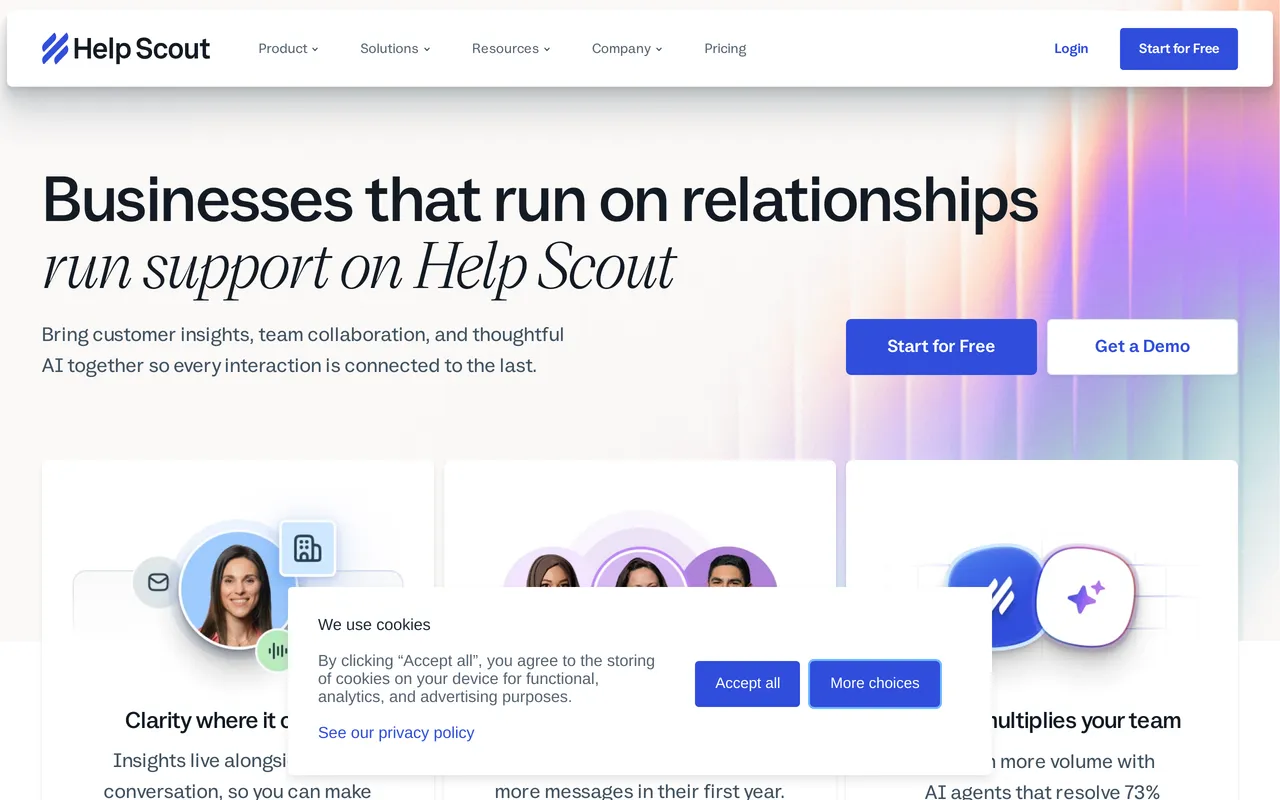
The catch: it is built for small and mid-sized teams, and it shows if you arrive with enterprise requirements. Governance is nowhere near Salesforce’s, and AI Answers is billed at $0.75 per resolution, so your bill moves with your ticket volume rather than staying still. HelpDocs vs Help Scout has the comparison.
Best for small teams replacing the whole stack. Free plan, paid from $25/user/mo.
Best for versioned, formally approved documentation: Document360
If what you actually valued in Salesforce was the governance, this is the entry to look at hardest. Document360 treats documentation as an engineering artifact: deep version history and diffs, a configurable multi-step approval workflow that holds an article until the named reviewer signs off, a mature category manager for deeply nested trees, and separate projects and workspaces for organizations running several docs sites. It also renders OpenAPI and Swagger references natively, so an API reference and a help center can live in one product.
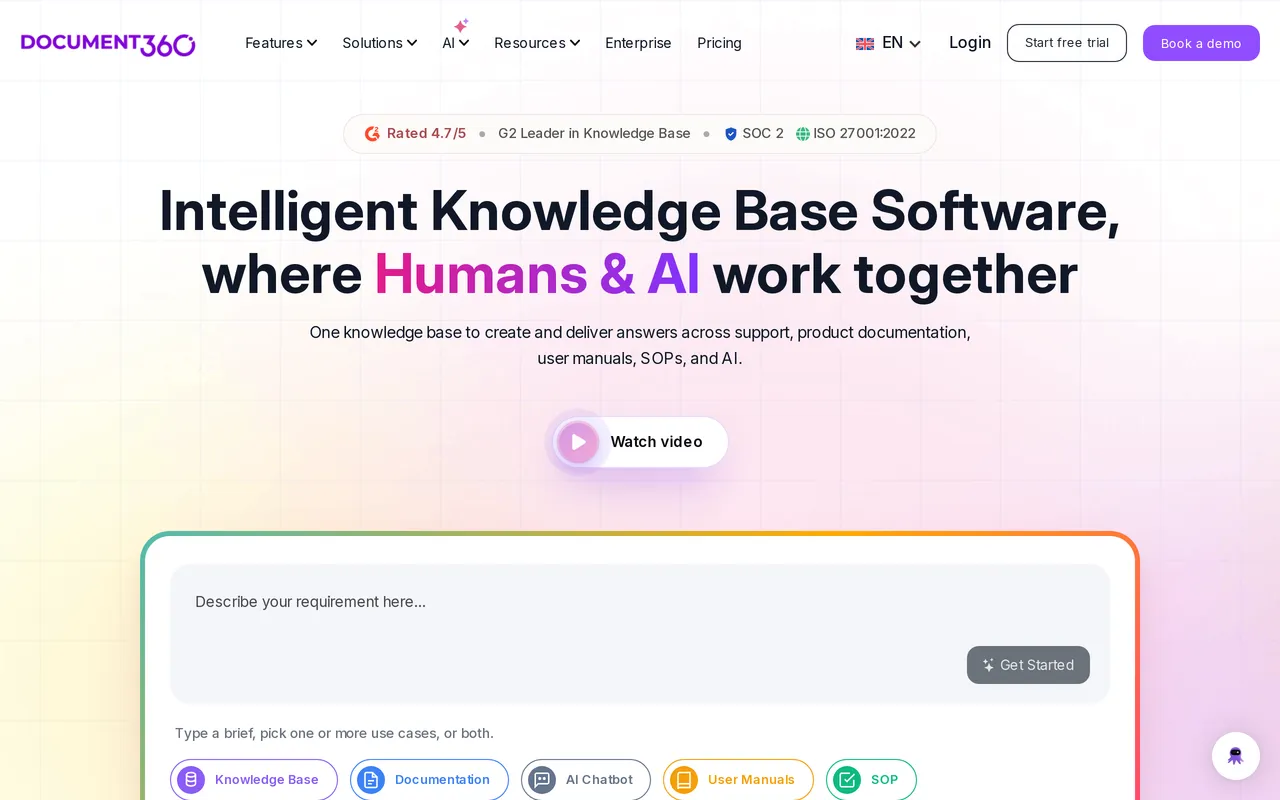
The catch: you cannot find out what it costs. As of July 2026 pricing is quote-only and charged per project, meaning one knowledge base, so evaluating it takes a sales conversation and another one if you later want a second docs site. If escaping procurement was part of the appeal of leaving, that is worth knowing before you book the call. Its Ask Eddy AI is also a paid add-on on top of the base subscription. HelpDocs vs Document360 goes deeper.
Best for documentation that gets audited or formally approved. Quote only, 14-day trial.
Best for granular control over who sees which article: KnowledgeOwl
KnowledgeOwl is the closest thing on this list to Salesforce’s permission depth in a dedicated knowledge base. Reader groups, per-article and per-category restrictions, and multiple reader logins let you run a public help center, a partner portal and an internal handbook from one place without the whole thing collapsing into either fully public or fully private. Pricing is flat by tier at $100, $250 and $500 a month, which suits teams who want the bill to stop moving.
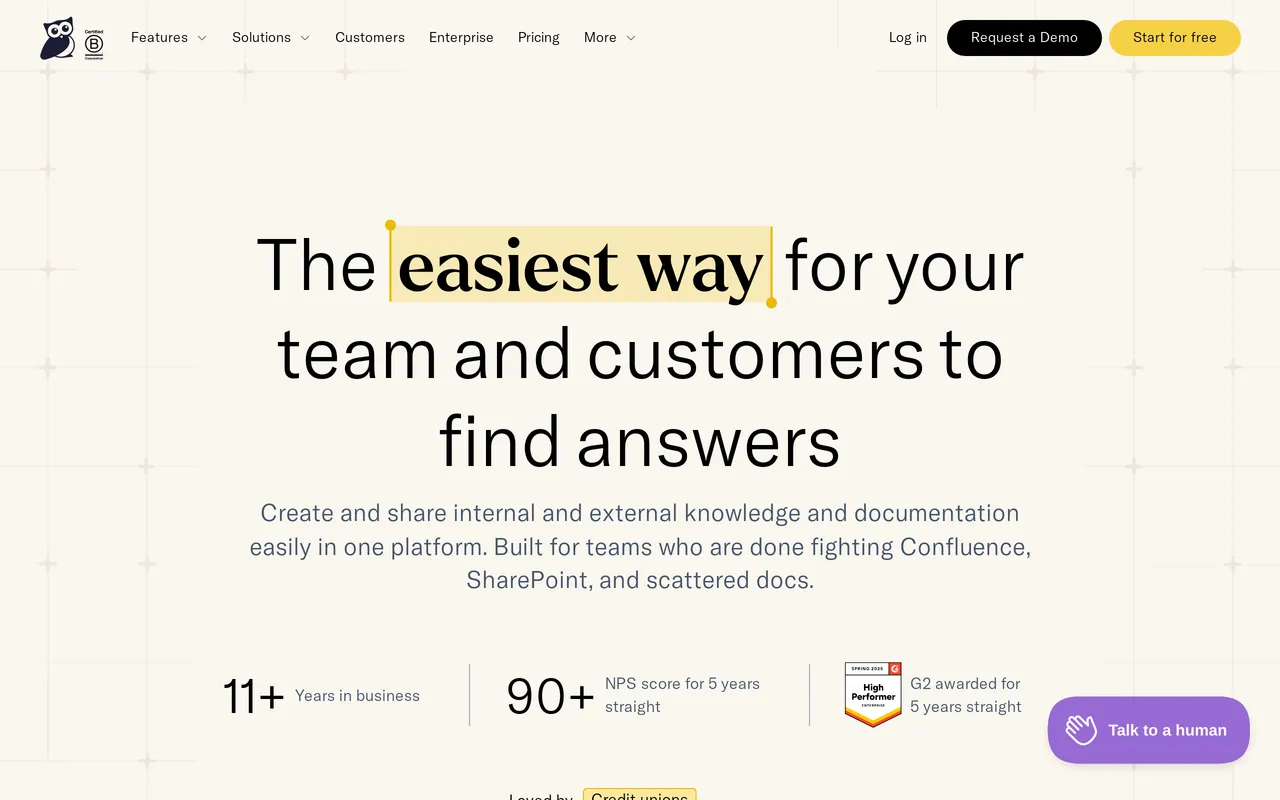
The catch: the interface looks and feels older than most of this list, and that matters more than it should because it is what your writers see every day. AI capability is thinner than the newer entries, so if you were hoping to replace Agentforce with something comparable you will be disappointed. HelpDocs vs KnowledgeOwl sets the two side by side.
Best for granular reader permissions. From $100/mo flat, 30-day trial.
Best for putting an AI agent on the front line: Intercom
If the part of Salesforce you were most attached to was Agentforce resolving conversations, Intercom is the closest equivalent you can buy without the CRM. We integrate with FinFin resolves conversations end to end, answering from your help center content, and it is genuinely the most mature product of its kind in this category. Seats are $29, $85 and $132 per month across Essential, Advanced and Expert, with Fin billed separately at $0.99 per resolution.

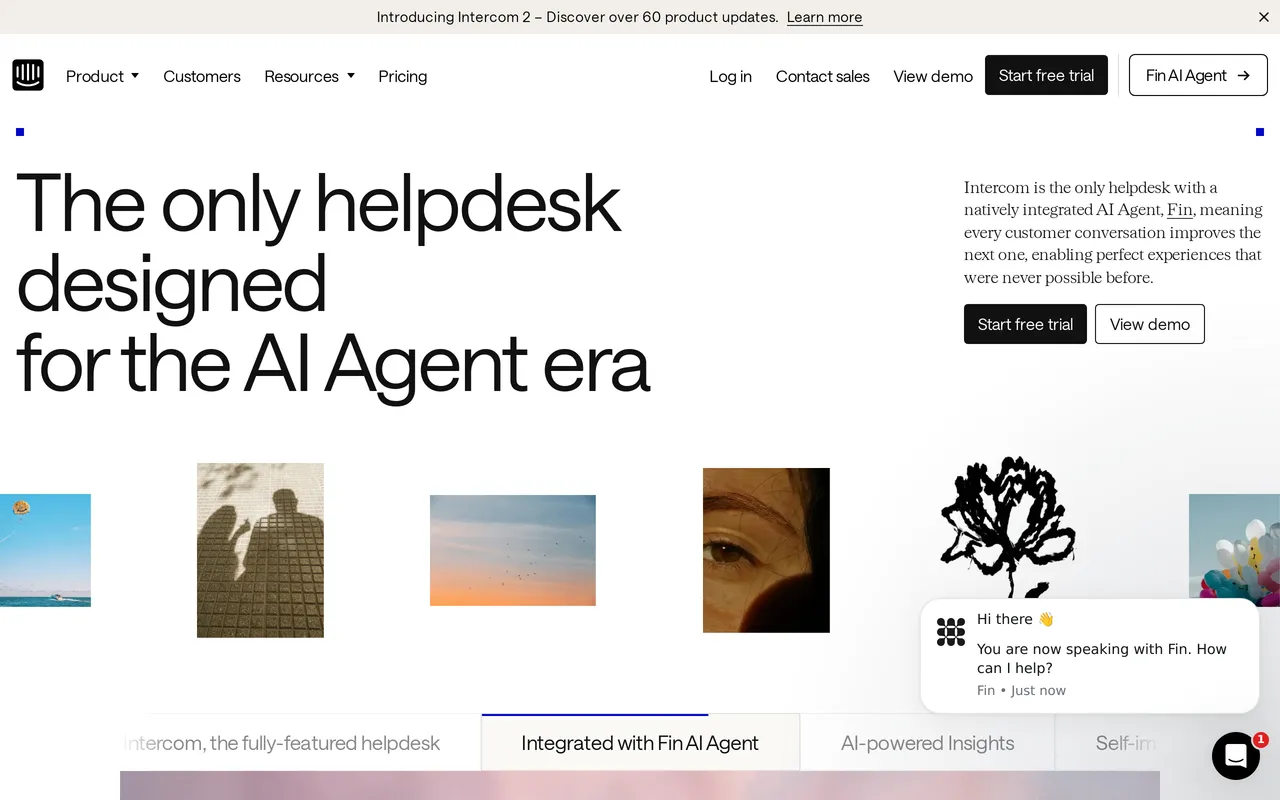
The catch: the per-resolution model means your best month is also your most expensive one, and forecasting it takes real care. The help center itself is the weaker half of the product, clearly built to feed Fin rather than to be a destination customers browse, so if organic search traffic to your docs matters this is not the entry for you. HelpDocs vs Intercom compares them properly.
Best for an AI agent on the front line. From $29/seat/mo plus $0.99 per resolution, 14-day trial.
Best for internal knowledge at seat scale: Confluence
If the knowledge you are moving is mostly internal, and the reason you are leaving is the per-seat bill, Confluence is very hard to beat on price. Standard is $5.42/user/mo and Premium $10.44/user/mo, with a free tier up to 10 users, and if your team already works in Jira the integration is the deciding factor rather than a bonus.
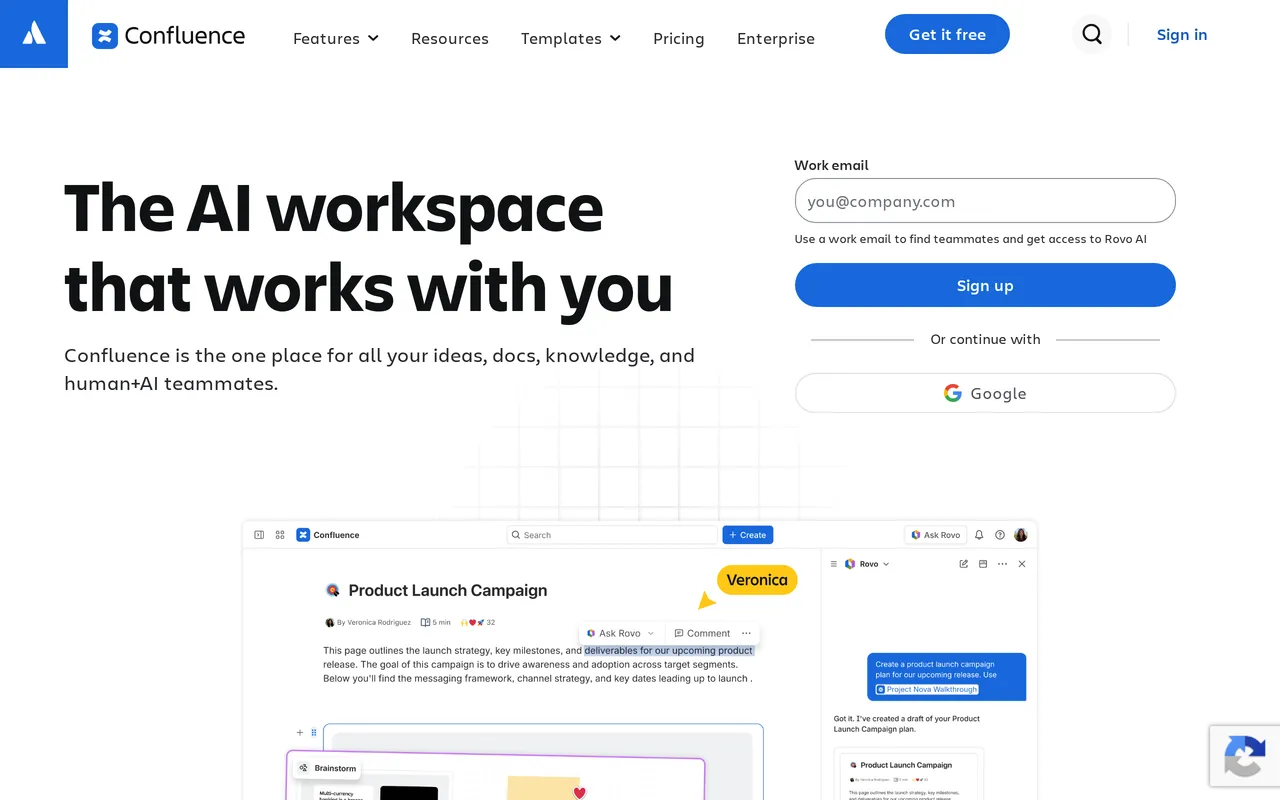
The catch: it is an internal wiki, and a public Confluence space looks like one to a customer. Public sharing is possible but the reading experience, branding control and SEO are not what a customer-facing help center needs, which is the same trap as publishing from Experience Cloud without design work. HelpDocs vs Confluence and our Confluence alternatives roundup both cover this.
Best for internal knowledge at seat scale. Free to 10 users, paid from $5.42/user/mo.
Salesforce Knowledge competitors, grouped by what you’re replacing
It helps to be precise about which half you are moving, because the shortlist changes completely.
Replacing only the customer-facing help center. HelpDocs, Document360 and KnowledgeOwl. Agents keep working in Salesforce, internal runbooks stay put, and the public site moves to something built for readers. This is the most common path and the least disruptive.
Replacing the whole support operation. Zendesk or Help Scout. Zendesk if you need the full apparatus, Help Scout if the appeal is having less of it.
Replacing the AI. We integrate with IntercomIntercom, realistically, and only if you accept per-resolution pricing.

Moving internal knowledge to cut the seat bill. Confluence, especially if Jira is already in the picture.
Moving your articles off Salesforce Knowledge
The content is the easy part. Articles are records, so Data Loader or the REST API will get them out along with their data category assignments.
The decisions take longer. Sort your articles into genuinely customer-facing and internal agent runbooks first, because that split determines whether you are migrating or splitting. Data categories usually need rebuilding as something simpler rather than copied across, since most category trees exist to control agent visibility rather than to help a customer navigate.
Then the step people skip: map every old Experience Cloud article URL to its replacement and put redirects in place before you move the domain. Those pages have earned search rankings over years, and switching without redirects throws that away. Leave the Experience Cloud site up until you have verified the redirects resolve.
So which should you pick?
Stay on Salesforce Knowledge if agents work cases in the Service Console all day, if Agentforce answering from your articles is doing real work, or if approval processes and sharing rules are load-bearing for a compliance team. Nothing on this list replaces those, and moving would be a downgrade dressed up as a simplification. If that is you, stop reading and go and improve your Experience Cloud site instead.
Pick Zendesk or Help Scout if you are replacing the entire support operation rather than the knowledge base. Zendesk for the full suite, Help Scout for less of it. Neither solves per-seat pricing, so go in knowing that.
Pick Document360 or KnowledgeOwl if governance or granular permissions were what you valued most, and a nicer editor is secondary.
Pick Intercom if AI-first resolution is the point and per-resolution billing is acceptable.
Pick us if what you actually need is a public help center that is live this week, priced flat, owned by the support team rather than by IT. And genuinely do not, if you need ticketing, live chat, white-labelling, or full SCIM provisioning, because we do not have them and we would rather you found that out here than three weeks into a trial.



