Knowledge Base Software for Customer Service (2026)
Support teams buy a knowledge base for one reason: fewer of the same tickets. This compares seven tools on the things that actually move contact volume, including which ones bundle a help desk and what each one really costs.
Open last week’s tickets and count how many were the same question asked six different ways. That count is the whole argument for knowledge base software for customer service: not tidier documentation, but fewer contacts arriving in the first place. It’s a different purchase from general knowledge base software bought by a docs team, because you’re not shopping for an editor. You’re shopping for deflection, and the features that produce it are not the ones on the front of most pricing pages.
So this roundup judges seven tools support teams shortlist in 2026 on the things that move contact volume: search that finds the answer, reporting that tells you when search failed, a widget that catches people inside your product, and a contact form that suggests an article before it submits a ticket. We make HelpDocs (hey! 👋), so we might be a little biased. We’ve tried to be honest anyway, including about what we don’t do.
What support teams need that other buyers don’t
A documentation team buys an editor. A support team buys an outcome, and four capabilities do most of the work.
Failed-search reporting. Every search that returns nothing is a customer about to contact you, and it’s also the single best content brief you’ll ever get. A tool that shows you the queries people typed, which results they clicked, and which came back empty hands you your writing queue in priority order. If a platform only reports pageviews, you’re guessing. We wrote about how to work through them in no-result searches.
Deflection and self-service reporting. Article views tell you people read something. They don’t tell you whether anyone avoided opening a ticket. What you want is a metric that connects reading to not contacting, and reporting on how many questions your AI answers resolved, so you can put a number next to the invoice.
An in-app widget. Most people who are stuck are stuck inside your product, not browsing your help center. A widget that surfaces search, suggested articles, and answers in context catches them at the moment of friction, which is when deflection is cheapest.
A contact form that suggests first. This is the least glamorous feature on the list and often the highest-yield one. As a customer types their problem, relevant articles appear, and a meaningful share of them read one and close the form. Editor polish, by contrast, matters much less here than it does for a docs team. Nobody ever deflected a ticket with a nicer markdown toolbar.
Knowledge base or help desk? The distinction matters here
These two get blurred constantly, and it costs money. A help desk is the ticketing tool your agents work in: a shared inbox, queues, assignment, SLAs, macros. A knowledge base is the library your customers read to solve the problem themselves.
They’re complementary, not interchangeable. The knowledge base sits in front of the help desk and removes the repetitive contacts, so the queue that reaches your agents is smaller and harder. Nothing on this page replaces a ticketing system, and a ticketing system with a docs module bolted on is not automatically a good knowledge base. Knowledge base vs help desk untangles the two properly.
The practical version of the question is this: do you need one vendor for conversations and content, or do you already have somewhere for conversations to live? Answer that before you compare anything else.
How we evaluated these
We started from search, because it’s the part customers touch first and the part vendors describe most vaguely. Full-text search with typo tolerance is table stakes now, so the differentiator is what happens after a search fails and whether the tool tells you it did.
Then we looked at where answers can appear. A help center on a subdomain is the minimum, and the tools that also put search, suggested articles, and AI answers inside your product and inside your contact form have more chances to prevent a ticket.
Pricing got read as a shape rather than a number. Per-agent seats, per-author seats, flat tiers, and metered AI resolutions all behave differently as your team and your traffic grow, and one of those shapes charges you more in exactly the months deflection works well. We’ve stated the model alongside the headline price for every tool, using each vendor’s own published pricing as of July 2026, and said plainly where a vendor doesn’t publish one. The Help Scout figures were re-checked in October 2026, and the Zendesk and Document360 figures in September 2026.
Finally we asked what each tool bundles. Ticketing, live chat, and an AI agent that runs conversations are real capabilities with real value, and for a support reader they change the calculation rather than being footnotes. Where a tool has them, we say so.
The 7 best knowledge base tools for customer service in 2026
Seven tools, with the pricing model and the ticketing question in the table, because those two columns decide most shortlists.
| Tool | Best for | Starting price | Pricing model | Ticketing included |
|---|---|---|---|---|
| HelpDocs | Deflection reporting on a flat bill | $129/mo | Flat monthly by editor count, AI credits included | No |
| Zendesk Knowledge | A whole support operation on one vendor | $55/agent/mo | Per agent, plus an AI add-on and metered resolutions | Yes |
| Help Scout | Docs beside a shared inbox | $0, then $25/user/mo | Per user, Envoy AI metered per resolution | Yes |
| Intercom | An AI agent as the front line | $29/seat/mo | Per seat, Fin metered at $0.99 per resolution | Yes |
| Document360 | Support docs that need versions and approvals | Quote only | Per project, core Eddy AI in the plan | No |
| Helpjuice | A heavily branded multilingual help center | $249/mo | Flat monthly, capped by logins | No |
| ProProfs Knowledge Base | The lowest published entry price | $0, then $49/author/mo | Per author, custom domain as an add-on | No |
Best for deflection reporting without buying a support suite: HelpDocs
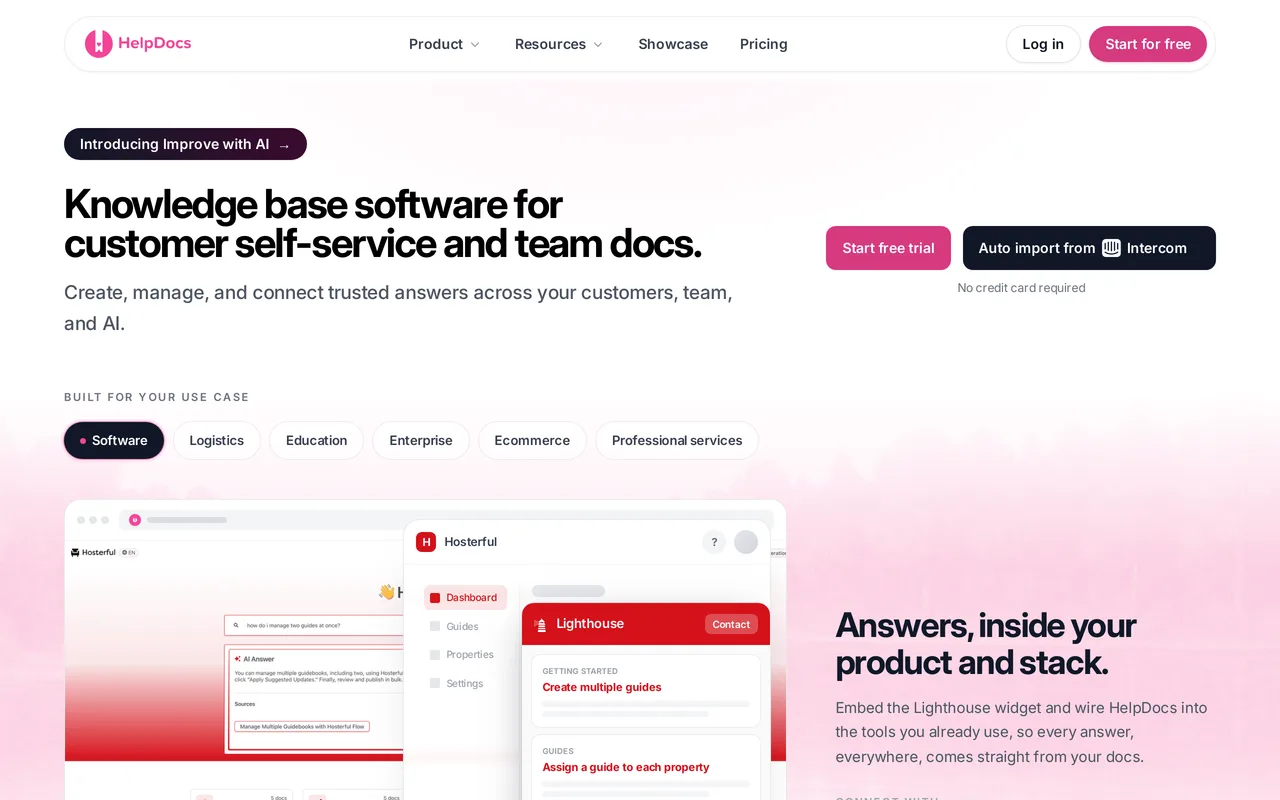
We make HelpDocs, so read this with the appropriate skepticism. It’s a standalone knowledge base aimed squarely at customer-facing self-service, which means the reporting is built around whether contacts went down rather than whether documents got written. Search is full-text, typo-tolerant, and intent-aware, with top searches and no-results tracking, search analytics covering queries and click-through, and custom per-article search keywords when a term needs forcing.
The analytics side includes two purpose-built metrics, Self-Service Rate and Deflection Efficiency, plus AI usage statistics, an AI-generated Insights tab, content health metrics for stale or incomplete articles, feedback analytics, a bot versus human traffic split, and CSV export. The Lighthouse widget is the in-product half: in-widget search, suggested articles, category browsing, cited Ask AI answers, multi-language support, and a contact form that suggests replies as the customer types their ticket.
Pricing is flat by editor count. Sprout is $129/mo for 5 editors, Bloom $299/mo for 15, Harvest $499/mo for 25, all with 20 percent off billed annually, unlimited free public viewers, a custom domain with SSL, and monthly AI credits (1,000, 5,000, and 10,000 respectively). One-click migrations cover Zendesk Knowledge, Intercom Articles, Help Scout Docs, ProProfs, Readme, and Helpjuice, so moving a library off a suite is usually a day rather than a project.
Pros
- Deflection is measured, not assumed: Self-Service Rate and Deflection Efficiency metrics, no-results tracking, search click-through, and an AI Insights tab, on every plan rather than behind an analytics upgrade.
- The Lighthouse widget puts search, suggested articles, cited Ask AI answers, and a suggest-first contact form inside your own product, where stuck customers already are.
- Flat pricing with unlimited free public viewers and AI credits in the plan, so a month of heavy help center traffic or heavy Ask AI use doesn’t change the bill.
Cons
- No ticketing, no shared inbox, no live chat, and no AI agent that resolves live conversations. It’s the layer in front of your help desk, not a replacement for one, so you’re running two tools.
- The Lighthouse widget is on every plan, including Sprout at $129/mo, so in-product deflection does not need an upgrade. What Bloom at $299/mo adds is AI style enforcement, an audit trail, permission groups, SSO, and 20 languages.
- Contact form submissions are capped by tier at 1,000, 5,000, and 25,000 a month, different content per brand means a second account (extra branded domains can front one set of articles), and there’s no free tier, only a 14-day trial with no card.
Starting price: $129/mo (Sprout, 5 editors, $99/mo billed annually), $299/mo (Bloom, 15 editors), $499/mo (Harvest, 25 editors, with extra editors at $25 each). Unlimited free public viewers and monthly AI credits on every plan. Best for: Support teams who already have a help desk and want a knowledge base that reports on deflection, with a bill that doesn’t move when traffic does.
Best for a support operation that already runs on Zendesk: Zendesk Knowledge
Zendesk Knowledge is the help center module inside Zendesk Suite, the product Zendesk used to call Guide. Its reason to exist for a support team is proximity: the same articles feed help center search, the Web Widget, and Zendesk’s AI agents, which resolve chat and ticket conversations end to end. If your agents already live in the Zendesk agent workspace, the knowledge base is a tab away rather than a tool away.
Reporting is where it earns its place for this reader. Explore covers automated resolutions and deflection alongside search dashboards and contributor activity, so you can see which searches failed and which AI answers closed a conversation in the same place you already track ticket volume. Theming uses Curlybars templates for full HTML control, and multi-brand help centers arrive from Suite Professional up.
The cost has three layers and you should model all three. Suite seats are $55/agent/mo on Suite Team and $115 on Suite Professional billed annually, with Suite Enterprise quote-only, and the Copilot add-on is $50/agent/mo paid yearly. Every plan includes a monthly automated-resolution allowance in dollars ($2/agent/mo on Suite Team, $5 on Professional, $10 on Enterprise, capped at $5,000 a year), overage is billed monthly, and Zendesk publishes no per-resolution rate. There’s a 14-day trial without a credit card.
Pros
- Deflection reporting sits next to ticket reporting: Explore shows automated resolutions and deflection alongside search dashboards, so self-service performance lands in the dashboards your team already reads.
- AI agents answer from your Guide content and can resolve whole conversations, which means one article library serves search, the widget, and the queue.
- Curlybars theming gives full HTML template control, and multi-brand help centers from Suite Professional up handle several products or regions from one account.
Cons
- There’s no standalone Guide plan, so the knowledge base requires per-agent Suite seats. A 10-agent team on Professional is about $1,150/mo before add-ons, roughly $500/mo more with Copilot, then resolution overage on top.
- Authoring help is thin unless you buy the add-on: generative writing needs Copilot, there are no AI meta description or SEO helpers, and no house style enforcement across articles.
- The audit log arrives only on Enterprise, and Enterprise pricing is quote-only, so governance requirements push you into a sales conversation.
Starting price: $55/agent/mo (Suite Team, billed annually), $115 (Suite Professional), Suite Enterprise quote-only. Copilot is $50/agent/mo paid yearly on top, and each plan carries a monthly dollar allowance for automated resolutions with overage after it (September 2026). Best for: Larger support orgs already running ticketing, chat, and phone on Zendesk who want the help center inside the same reporting and the same login.
If you’re weighing the swap the other way, HelpDocs vs Zendesk goes through it feature by feature.
Best for small teams who want docs beside the shared inbox: Help Scout
Help Scout is a shared inbox first, and Docs is the knowledge base that comes with it. For a small support team that combination is the pitch: email, chat, and the help center in one product that’s known for being quick to learn, with one bill and one login. Docs organizes content into collections and categories, collects reader ratings, and includes a failed-search report, which is the reporting a support team actually acts on.
The Beacon widget is the deflection engine. It bundles Docs search, the Envoy AI agent, live chat, and messages into one thing on your site or in your app, so a stuck customer gets self-service and a human path in the same place. Envoy, the AI agent formerly called AI Answers, replies from your Docs content inside Beacon, and Help Scout reports how many questions it resolved.
Pricing is per user with a free plan underneath. Free covers up to 5 users, 100 contacts a month, 1 Docs site capped at 10 articles, and 1 Beacon. Standard is $25/user/mo (about $21 billed annually) for up to 25 users with 2 Docs sites, Plus is $45/user/mo with 3 Docs sites, AI Drafts, and unlimited Beacons, and Pro is $75/user/mo with unlimited users (10 minimum) and 5 Docs sites. Envoy is metered separately at $0.75 per resolution on any paid plan.
Pros
- Docs, the Beacon widget, live chat, and the shared inbox are one product, so self-service and the conversation that follows it aren’t two integrations away.
- Envoy, the AI agent formerly called AI Answers, works from Standard up, and resolutions are reported, so you can test customer-facing AI without moving to Plus or Pro first.
- Genuinely affordable for a small team: five people on Standard is about $105/mo billed annually, inbox and chat included, and the tool is easy enough that agents actually use it.
Cons
- Envoy is metered at $0.75 per resolution, so the months when deflection works best are also the months with the bigger invoice, and forecasting it means forecasting your own ticket volume.
- Semantic search arrives with the Envoy add-on rather than the base plan, so better search isn’t something your seats already paid for.
- Docs customization is light (some custom styling, no full HTML template control), Docs sites are public by default with limited access restriction, and every editor is another per-user seat.
Starting price: Free for up to 5 users and 1 Docs site of up to 10 articles, then $25/user/mo (Standard, about $21 annually), $45 (Plus, where AI Drafts starts), $75 (Pro, 10-user minimum). The Envoy AI agent is $0.75 per resolution on top of any paid plan (re-checked October 2026). Best for: Small support teams who don’t have a help desk yet and want the inbox, the chat widget, and the help center from one vendor.
HelpDocs vs Help Scout has the side-by-side if you’re only replacing Docs.
Best for teams betting on an AI agent as the front line: Intercom
Intercom’s knowledge base is called Articles, and it increasingly exists to feed We integrate with FinFin, Intercom’s AI agent. That’s the reason a support team picks it. If your plan for cutting contact volume is an agent handling conversations end to end rather than customers reading docs, this is the most complete version of that idea you can buy today, and Fin answers from the content you connect to it.

The coherence is real. Messenger, Articles, and Fin behave as one system rather than three products with integrations between them, with AI-powered semantic search, 64 languages, and Fin resolution rates reported so the AI’s contribution shows up as a number. Private and multilingual help centers start on Advanced, and multi-brand help centers on Expert.
Pricing has two dials that move independently. Seats are $29/seat/mo on Essential, $85 on Advanced, and $132 on Expert billed annually, and Fin bills separately at $0.99 per resolution with a 50-resolution monthly minimum, with SMS, WhatsApp, and phone extra. There’s a 14-day trial with no credit card.
Pros
- Fin resolves live conversations end to end, grounded in your connected content, which is a materially different deflection mechanism from a search box on a docs site.
- Messenger, Articles, and Fin share one content source, so in-product help, chat, and the AI agent stay consistent instead of drifting apart.
- Fin resolution rates are reported, and semantic search plus 64 languages come with the platform rather than as a separate purchase.
Cons
- Two variable costs stacked: per-seat pricing plus $0.99 per Fin resolution with a 50-resolution monthly floor, so the AI line rises with volume you don’t control.
- Help center customization is limited: no custom JavaScript, no full HTML template control, and CSS control is partial, so a heavily branded help center is hard to build here.
- Author-side help is thin next to the reader-side agent, with limited drafting in the editor and manual meta descriptions, and a private help center waits for the Advanced plan.
Starting price: $29/seat/mo (Essential, billed annually), $85 (Advanced), $132 (Expert). Fin is $0.99 per resolution on top of any seat plan with a 50-resolution monthly minimum (July 2026). Best for: Support teams whose deflection strategy is an AI agent on the front line, and who can model their conversation volume before signing.
HelpDocs vs Intercom covers the case where you keep Intercom for chat and move Articles out.
Best for support docs that double as versioned product documentation: Document360
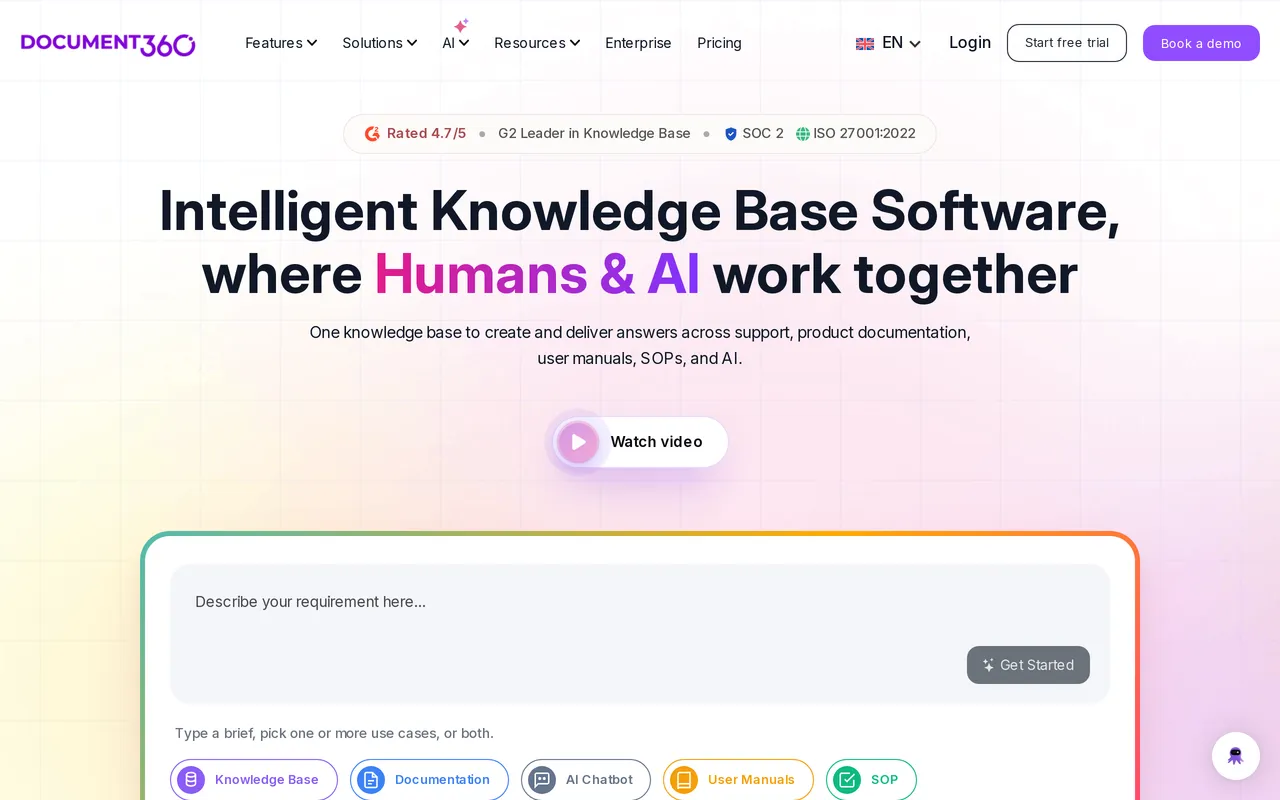
Document360 is a documentation platform that a lot of support teams end up in when their help center has to serve two audiences at once. If your articles cover a product with versions, or your content has to pass a reviewer before it goes public, its machinery is the reason to look: deep version history with side-by-side diffs, a review and approval workflow builder, content reuse and a glossary, and a Category Manager that handles deep trees and bulk operations.
For self-service specifically it includes full-text search with failed-search reporting, article views and engagement, reader ratings, and an embeddable knowledge base widget for search and articles. It also renders OpenAPI and Swagger references properly, which matters if half your support load is developer questions. White labeling is available on higher tiers, and multiple projects and workspaces handle separate docs sites.
The commercial shape is the hard part. As of July 2026 Document360 doesn’t publish prices and quotes per project, meaning per knowledge base, so the only way to get a number is to request a quote.
Core Eddy AI is included in the plan as of September 2026 rather than sold as an add-on, and its AI search draws from an AI credit pool on Business and up. There’s a 14-day trial.
Pros
- Version history with side-by-side diffs plus a real approval workflow, so support content about a versioned product can be held until a named reviewer signs off.
- Content reuse, a glossary, and a Category Manager built for deep trees and bulk operations, which is what a library of several hundred articles needs.
- Renders OpenAPI and Swagger references natively, so a help center that also serves developers doesn’t need a second tool.
Cons
- You can’t find out what it costs. Pricing is quote-only and charged per project, so evaluating it means a sales conversation, and a second docs site means another one.
- The AI you get still depends on the tier you negotiate: core Eddy AI comes with the plan as of September 2026, but Ask Eddy AI search credits only start on Business and up, so the entry tier gets less of it.
- No ticketing, no shared inbox, no live chat, and no AI agent for live conversations, and reader accounts can factor into the quote rather than being free.
Starting price: Quote only, priced per project. Core Eddy AI is included in the plan rather than sold as an add-on (September 2026). Best for: Support teams whose help center is also the product documentation, with versions, approvals, and API references in the mix.
HelpDocs vs Document360 is the detailed comparison.
Best for a heavily branded multilingual help center: Helpjuice
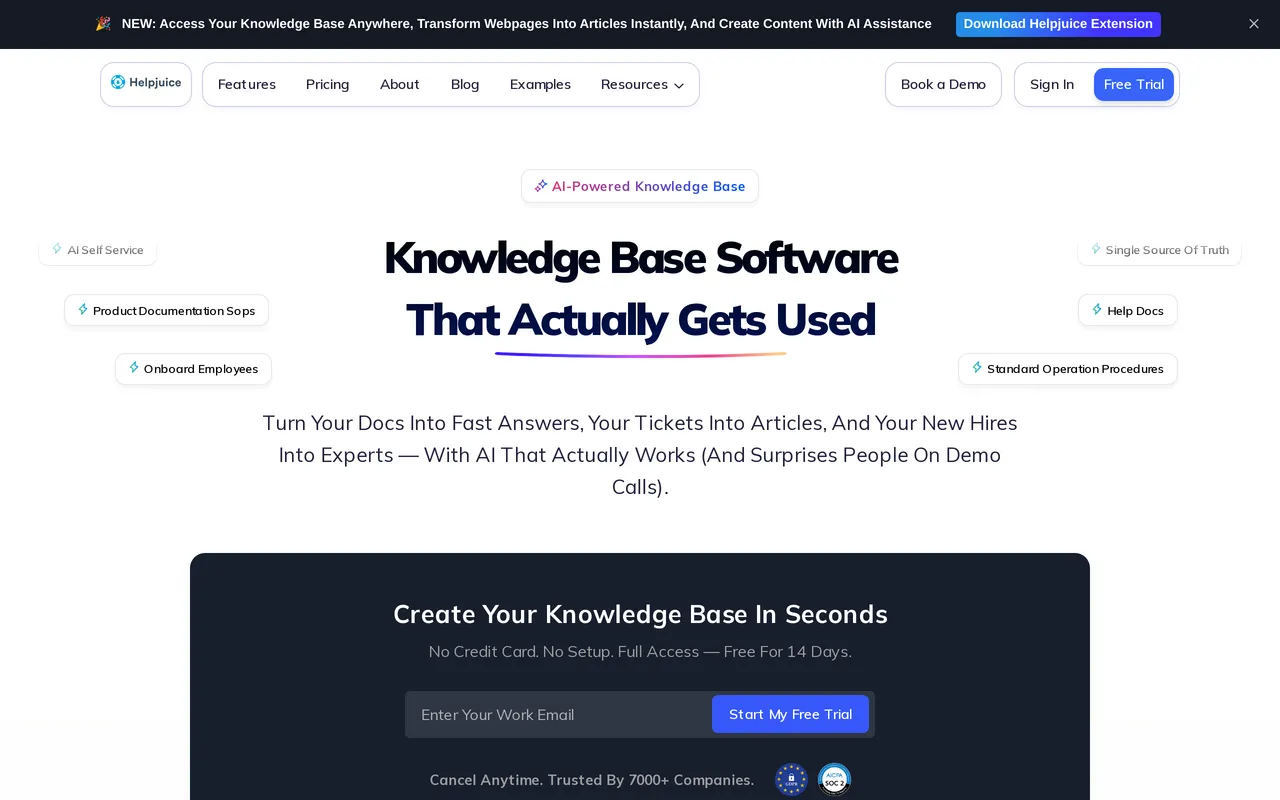
Theming is Helpjuice’s whole pitch, and for a support team whose help center has to look like the product, that’s a legitimate reason to buy. You get the theme files, plural, HTML, CSS, JavaScript, and Liquid, editable per language, with a visual editor for people who want none of that. Their team will also hand-skin your help center as part of onboarding and run the migration as a service with free migration hours, redirects and re-uploaded images included, so a team with no front-end time still ends up with something bespoke.
Localization is the other distinctive piece. It’s on every tier including the cheapest, with AI article translation alongside it, which is genuinely unusual because multilingual is normally the lever vendors pull to move you up a plan. If you support customers in several languages and each one needs its own themed help center, that combination is hard to assemble elsewhere at a flat price.
Pricing is published, flat, and capped by logins rather than agents. $249/mo is the entry tier, $449/mo adds AI search and the AI chatbot, and $799/mo gives unlimited logins. Only monthly pricing is published, with no annual discount shown anywhere, and there’s a 14-day trial with no card.
Pros
- Full theme file access per language (HTML, CSS, JavaScript, Liquid) plus a visual editor, so the help center can match your product rather than a vendor template.
- Done-for-you setup and migration: their team skins the help center and runs the import as a service, which is worth pricing against a designer plus a migration week.
- Localization and AI article translation are included on every tier, including the cheapest, so a multilingual help center isn’t a second upgrade on top of the first one.
Cons
- The entry plan is aimed at a smaller team that wants the theming rather than the AI, so work out which tier you need before comparing headline prices: $249/mo covers 30 logins with no SSO and no AI features at all, AI search or the chatbot means $449/mo, roughly an 80 percent step up, and unlimited logins is $799/mo.
- Only monthly pricing is published, with no annual discount shown anywhere, and there’s no free tier to sit on after the trial.
- No ticketing, no shared inbox, and no OpenAPI rendering, so conversations and API references both have to live somewhere else.
Starting price: $249/mo flat, capped at 30 logins with no AI. AI search and the chatbot start at $449/mo, unlimited logins at $799/mo, monthly billing only (July 2026). Best for: Support teams whose help center is a brand surface in several languages, and who’d rather someone else built and migrated it.
Best for the lowest published entry price: ProProfs Knowledge Base
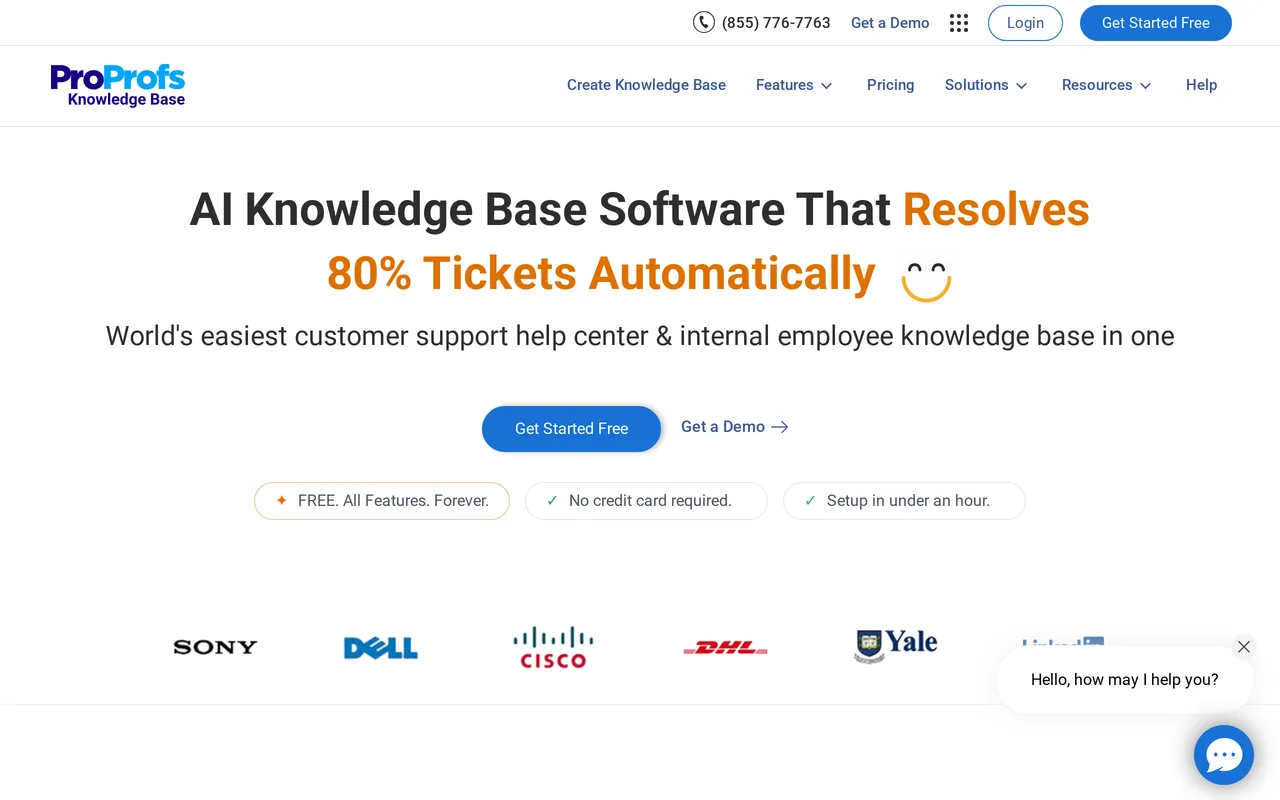
ProProfs Knowledge Base is the cheapest legitimate way onto this list, and it’s genuinely aimed at self-service rather than internal docs. There’s a free forever plan for 1 author and up to 25 pages with unlimited public views and the help widget, and paid plans start at $49/author/mo. For a one-person support function that needs a help center this month, that’s a real option.
The self-service tooling is more complete than the price suggests. Search trends and failed searches are on every plan, with deeper query-level Search Analytics from Business, and AI Search returns a synthesized answer from your own content from Essentials up. The help widget is on every plan, alongside tooltips, lightboxes, and pop-ups for contextual in-page help, and the knowledge base includes ticket forms with deflection, plus ticket deflection suggestions from Business.
Pricing is per author, billed annually: Essentials $49/author/mo (1 site, 300 pages), Business $69 (3 sites, 500 pages, AI Style Guide, version control, 60+ languages), and Business Complete Elite $79 (unlimited sites and pages, API, webhooks, SSO, SCIM, audit logs, approval workflow). A custom domain and white labeling is a separate $300/year add-on on any plan. There’s a 15-day trial with no credit card.
Pros
- A free forever plan with unlimited public views and the help widget, then $49/author/mo, which is the lowest published entry point here for a customer-facing help center.
- Failed searches and search trends on every plan, and AI Search answering natural-language questions from Essentials up, so the deflection basics aren’t tier-gated.
- Contextual help beyond the docs site: a help widget on every plan plus tooltips, lightboxes, and pop-ups, with ticket forms and deflection built in.
Cons
- Per-author billing means the bill grows with every person who writes, so five authors is roughly $245 to $395/mo and ten is roughly $490 to $790/mo, before the $300/year custom domain and white-label add-on.
- The Deflection Analytics dashboard, AI chatbot, and AI agents all sit under an “Enterprise Intelligence (Coming Soon)” heading on the top plan as of July 2026, so don’t buy on the strength of those.
- The API, webhooks, SSO, SCIM, and audit logs are all reserved for the top Business Complete Elite tier, and the shared inbox is ProProfs Help Desk, a separate product bundled only in the $499/mo suite.
Starting price: Free for 1 author and 25 pages, then $49/author/mo (Essentials), $69 (Business), $79 (Business Complete Elite), billed annually. Custom domain and white label is $300/year extra (July 2026). Best for: Solo support writers and very small teams who need a working help center at the lowest possible starting price.
HelpDocs vs ProProfs has the full breakdown.
How to test deflection before you buy
Trials get used to check whether the editor feels nice, which tells you almost nothing about contact volume. Here’s a better two weeks.
Start with your ten most common tickets. Write those ten articles in the trial, publish them, and then search for each one using the words your customers actually use rather than the words in your article titles. If the right article isn’t the top result for at least eight of the ten, the search is going to fail you at scale.
Then break it on purpose. Search for something you haven’t documented, confirm the tool records that as a failed search, and check you can find that report without an add-on. A knowledge base that can’t tell you what it failed to answer will never tell you what to write next.
Next, install the widget in a staging build of your product and open your own contact form. Type a question you’ve documented and watch whether an article surfaces before you can hit send. That single interaction is the highest-leverage deflection moment in most support stacks.
Finally, price the whole thing at next year’s volume, not this month’s. Multiply seats by the people you’ll have hired, and multiply any per-resolution AI charge by the contacts you expect to deflect. The cheapest tool at 200 contacts a month and the cheapest at 2,000 are often not the same tool, and knowledge base analytics explains what to watch once you’re live.
So which should you pick?
Compressed, by situation. HelpDocs if you already have somewhere for conversations to live and you want a knowledge base that reports on deflection, at a flat price with unlimited readers. Zendesk Knowledge if your support operation already runs on Zendesk and you want self-service reporting in the same dashboards as ticket volume. Help Scout if you’re small, don’t own a help desk, and want the inbox, chat, and docs from one vendor.
Intercom if your deflection plan is an AI agent handling conversations end to end and you can forecast the per-resolution bill. Document360 if your help center is also versioned product documentation with approvals and API references. Helpjuice if the help center is a brand surface in several languages and you want it built for you. ProProfs if you’re one person and $49/author/mo or the free plan is what the budget allows.
Now the part we’d rather say here than have you find out in month two. If what you actually need is a help desk, don’t buy us. HelpDocs has no ticketing, no shared inbox, no live chat, and no AI agent that resolves live conversations, and we’re not building them.
If you don’t have a place for tickets to land yet, buy Help Scout or Zendesk, get the queue working, and revisit the knowledge base later. If your whole strategy rests on a bot handling the front line, Intercom is the more coherent purchase.
And if you do have a help desk, the honest pitch is narrow: a dedicated knowledge base with search, failed-search reporting, deflection metrics, and an in-product widget, on a bill that doesn’t grow with your readership. You can start a free trial and import your existing articles in an afternoon, see what each tier includes on pricing, or widen the field with our best knowledge base software roundup. If self-service is new to your team, self-service support is the place to start.



