Best Free Knowledge Base Software (2026)
Seven tools with the free part spelled out: what each free tier actually includes, the exact wall you hit, and what the first paid tier costs when you hit it. HelpDocs is not free, and we say so in the first paragraph rather than the footnotes.
You have a knowledge base to launch and no budget line to put it on. That is a completely normal place to start, and in 2026 there are real free plans that will have you published by Friday. The trouble is that “free” describes at least four different deals, and the differences only surface later, usually at the point where you have already written forty articles.
So this is a roundup of free knowledge base software with the free part spelled out: what each plan actually includes, the exact wall you hit, and what the first paid tier costs when you hit it. If you want the whole category rather than the free corner of it, our guide to knowledge base software covers how these tools work and what separates them. This page is narrower on purpose.
Seven tools, all with published prices, and every free tier described by where it stops rather than by what the pricing page leads with. Six of the seven have a genuinely free plan. HelpDocs has a 14-day trial instead, and its entry says so.
What you actually get free
Free knowledge base plans come in four shapes, and knowing which one you are signing up for is most of the decision. There is free forever with a hard cap, which on this list means ProProfs at 25 pages. There is free for a tiny team (GitBook for one user, Help Scout for five, Confluence for ten). There is free as an on-ramp to a general workspace, which is Notion, and there is genuinely generous free, which on this list means Mintlify’s Starter plan.
Then there is the fifth kind, which is a time-boxed trial of a paid product. That is what HelpDocs offers. It is worth naming because trials often get listed alongside free plans in roundups, which is how people end up building on something that expires.
Wherever the free plan sits, it tends to stop in the same five places. Seats or authors, because the cap is usually one or a handful of editors and the second writer is what triggers the upgrade. Page or doc counts, which sound generous until you count the articles you actually need. Your own domain, which is the most common thing sitting behind the paywall: Notion charges for it as a Sites add-on, ProProfs sells it as a $300/year add-on, and GitBook unlocks it on Essential.
The last two are the ones people notice too late. Branding, because a “Powered by GitBook” or “Powered by ProProfs” mark on a customer-facing help center reads differently than it does on an internal wiki. And search analytics, meaning the report that tells you which queries returned nothing, which is one of the most useful pieces of feedback a knowledge base produces. Most free plans have search, and far fewer tell you when it failed, which matters because no-result searches are how you find out what to write next.
How we evaluated these
We started from a simple filter: the free plan has to be a plan, not a trial, and the price of the next tier up has to be published. One entry breaks that filter and says so in its own section: HelpDocs, which is here because this is our page. A free tier whose upgrade path is “contact sales” is a free tier with an unknown ceiling, which is why every entry below names a published price for the tier above its free plan.
Then we looked at whether the free plan can hold a real, public, customer-facing help center. That means a custom domain, search, some way to control how it looks, and analytics that tell you whether it worked. Several free plans on this list cannot do that and are still the right answer, because the reader is a colleague rather than a customer, and internal and external knowledge bases are different jobs.
After that, where the wall is, in the specific unit the vendor uses: pages, docs, authors, users, or sites. Vendors count differently on purpose, so the useful exercise is translating each cap into your own numbers before you sign up rather than after.
Finally, what the escape costs. Every free plan is a bet that you will either stay small or pay later, so the first paid tier matters as much as the free one. We reused the competitor pricing already researched for our comparison pages, and where a figure could not be verified we say so instead of guessing. The Confluence, Help Scout, GitBook, and Notion figures were re-checked in October 2026, the Mintlify figures in September 2026, and the rest are as of July 2026.
The 7 best free knowledge base tools in 2026
| Tool | Free tier includes | Where it stops | First paid tier |
|---|---|---|---|
| HelpDocs | No free plan. 14-day trial, no credit card, 50 AI credits | The trial ends after 14 days | $129/mo (Sprout, $99 billed annually) |
| ProProfs Knowledge Base | 1 author, 25 pages, unlimited public views, help widget, revision history | No AI Writer or AI Search, and a custom domain is a separate $300/year add-on | $49/author/mo ($588 per author annually) |
| Help Scout | 5 users, 1 Docs site capped at 10 articles, 1 Beacon, 100 contacts/mo | 10 articles on the free Docs site, 100 contacts a month, and no AI or live chat on Free | $25/user/mo (about $21 annually) |
| Notion | Individuals and small teams, up to 10 guests, basic Notion Sites publishing | A custom domain and removing Notion branding are the same paid add-on, and full Notion AI is a Business feature | $10/seat/mo annually ($12 month-to-month) |
| Confluence | Up to 10 users, unlimited pages and spaces | The 10-user cap, no Rovo AI credit allowance, limited admin controls | $6.00/user/mo billed annually |
| GitBook | 1 user, block editor, GitHub and GitLab sync, API playgrounds, search, page-view analytics | One user, custom domain from Essential, and a “Powered by GitBook” link no plan can remove | $65/site/mo annually plus $12/user/mo |
| Mintlify | Full platform, 5 editor seats, custom domain, web editor, API playground, MCP server | No AI credits at all, so the assistant, writing agent, and automations are off, and white labeling is Enterprise-only | $450/mo (Pro, billed annually) |
Best for teams whose free plan has stopped working: HelpDocs
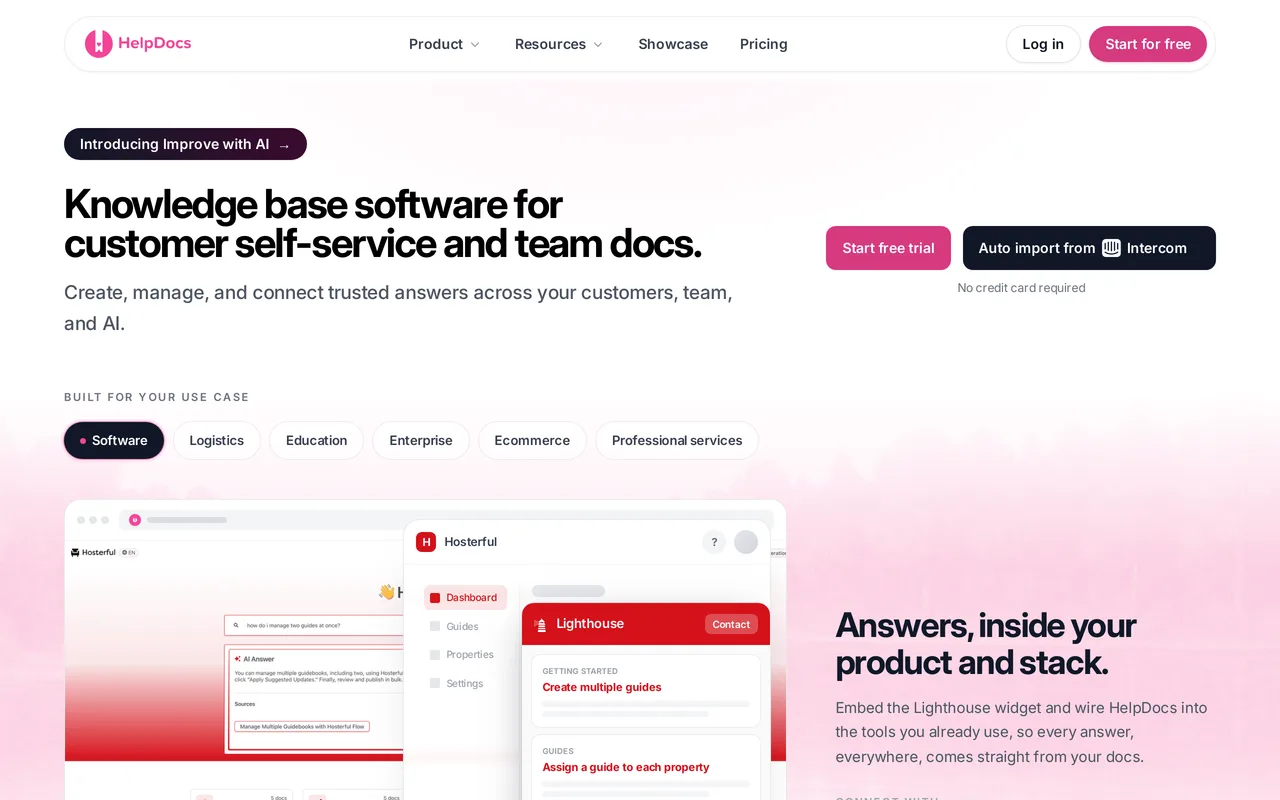
We make HelpDocs (hey! 👋), so read this with the appropriate skepticism. We do not have a free plan and we are not going to dress the trial up as one. What the trial is: 14 days of the full product, no credit card, no demo call, and 50 AI credits so you can point HelpDocs AI at your own content before you decide anything.
The reason we are worth a look on a page about free is the part of the bill that never grows. Anonymous readers of your published help center are unlimited and free on every plan, alongside unlimited articles, a custom domain, SSL, and SEO settings. Sprout is $129/mo ($99 billed annually) for 5 editors and 1,000 AI credits a month, Bloom is $299/mo ($239) for 15 editors and 5,000 credits, and Harvest is $499/mo ($399) for 25 editors and 10,000 credits. Extra editors on Harvest are $25 each per month.
If you are early, the Greenhouse program is the closest thing we have to free: companies less than three years old with five or fewer employees get 50 percent off any plan for two years, plus 3,000 bonus AI credits on enrollment. That puts Sprout at roughly $50/mo billed annually for two years. You still have to pay something, which is the honest summary of this entry.
Pros
- The trial is the whole product for 14 days rather than a feature-dripped version, with no card and 50 AI credits included.
- Nothing about publishing is held back for an upgrade: unlimited free public readers, unlimited articles, a custom domain, SSL, custom CSS, and failed-search reporting all start on Sprout.
- Editor-based flat pricing means a help center that gets popular never arrives as a bigger invoice, which is the opposite of the per-seat and per-resolution models elsewhere on this list.
Cons
- There is no free tier. If free forever is the requirement, the six genuinely free plans on this page are your shortlist and we are not on it.
- Sprout’s AI is the whole editor toolkit, not a teaser: Ask AI, drafting, rewriting, meta descriptions, alt text and search tags, with 1,000 credits a month. What Bloom adds at $299/mo is AI improve, style enforcement and HTML templating.
- A few flat noes: no full white-label (a small HelpDocs mark stays), limited SCIM provisioning, no ticketing or live chat, and no OpenAPI reference rendering.
Free tier: None. A 14-day trial, no credit card, 50 AI credits included. Paid plans are $129, $299, and $499/mo, 20 percent off annually, with 50 percent off for two years through Greenhouse if you are under three years old with five or fewer employees. Best for: Teams who have outgrown a capped free plan and want the publishing side unrestricted, with readers who never cost money.
Best for a genuinely free forever help center: ProProfs Knowledge Base
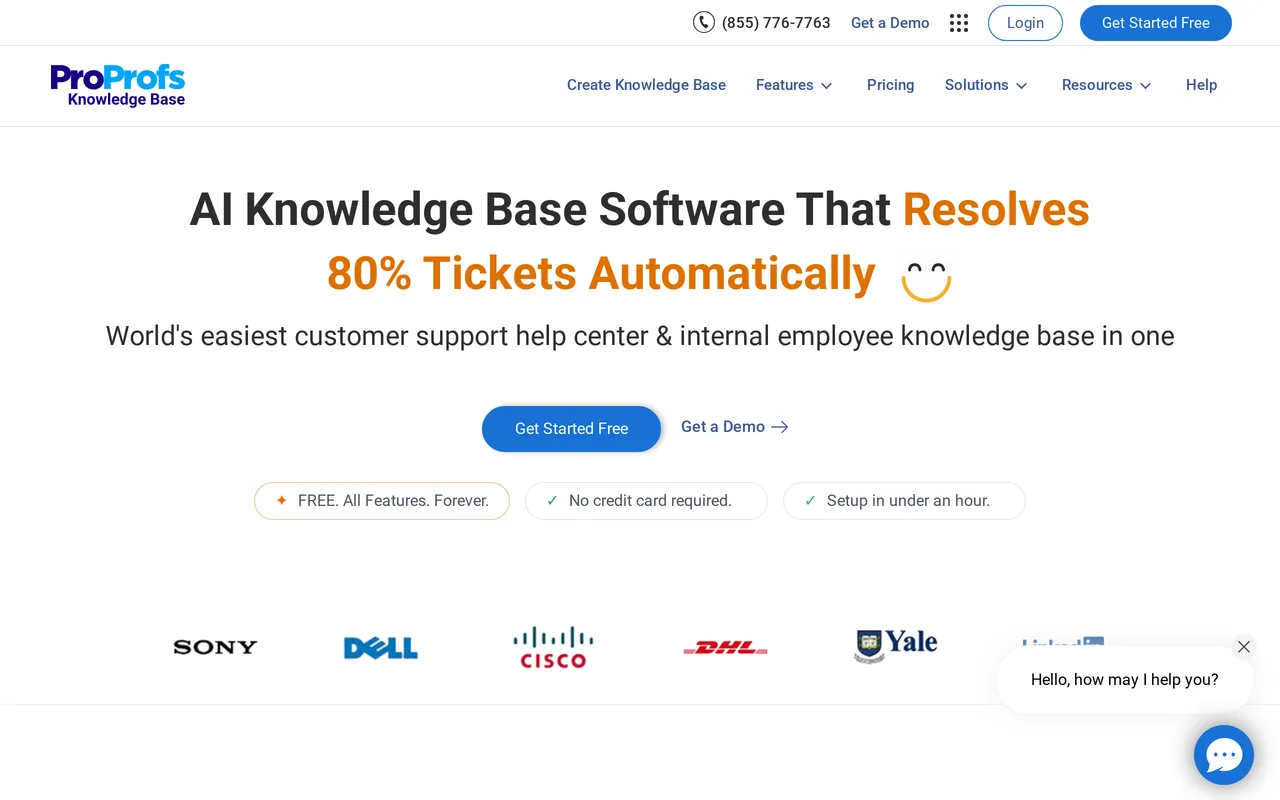
ProProfs has the most conventional free plan here, in the sense that it is a real help center rather than a wiki you point at customers. The free forever tier gives you one author, up to 25 pages, unlimited public views, a help widget, and revision history. For a small product with a tight FAQ, 25 pages is often enough for a year.
Two things make it stronger than the page count suggests. Search trends and failed searches are reported on every plan, including free, which is unusual at this price and is the feedback loop that tells you what to write next. Article performance reporting, with top and poor performers, is also on every plan.
The catch is what sits outside the plan entirely. Using your own domain and removing the “Powered by ProProfs” mark is a single Custom Domain and White Label add-on at $300/year, and it is required on any tier including the paid ones. Paid plans are billed per author from $49/author/mo ($588 per author billed annually), so the bill tracks the number of people who write.
Pros
- Free forever with unlimited public views, a help widget, and revision history, so nothing about the reader experience is metered.
- Failed-search reporting and article performance reports are on every plan including free, which most free tiers do not offer.
- Prices are published and you can buy online, so the upgrade path is knowable without a sales call.
Cons
- 25 pages and one author is a firm ceiling, and there is no AI Writer or AI Search on the free plan at all.
- Your own domain and branding removal is a $300/year add-on rather than a plan feature, so the real cost of a branded free-ish help center is $25/mo before you have paid for a single author seat.
Free tier: Free forever. 1 author, up to 25 pages, unlimited public views, help widget, revision history, no AI. Paid from $49/author/mo ($588 per author annually), plus $300/year for a custom domain and white labeling. Best for: A solo author who needs a small public help center on a real budget of zero and can live with a vendor subdomain. HelpDocs vs ProProfs goes feature by feature.
Best for a free plan that includes support tooling too: Help Scout
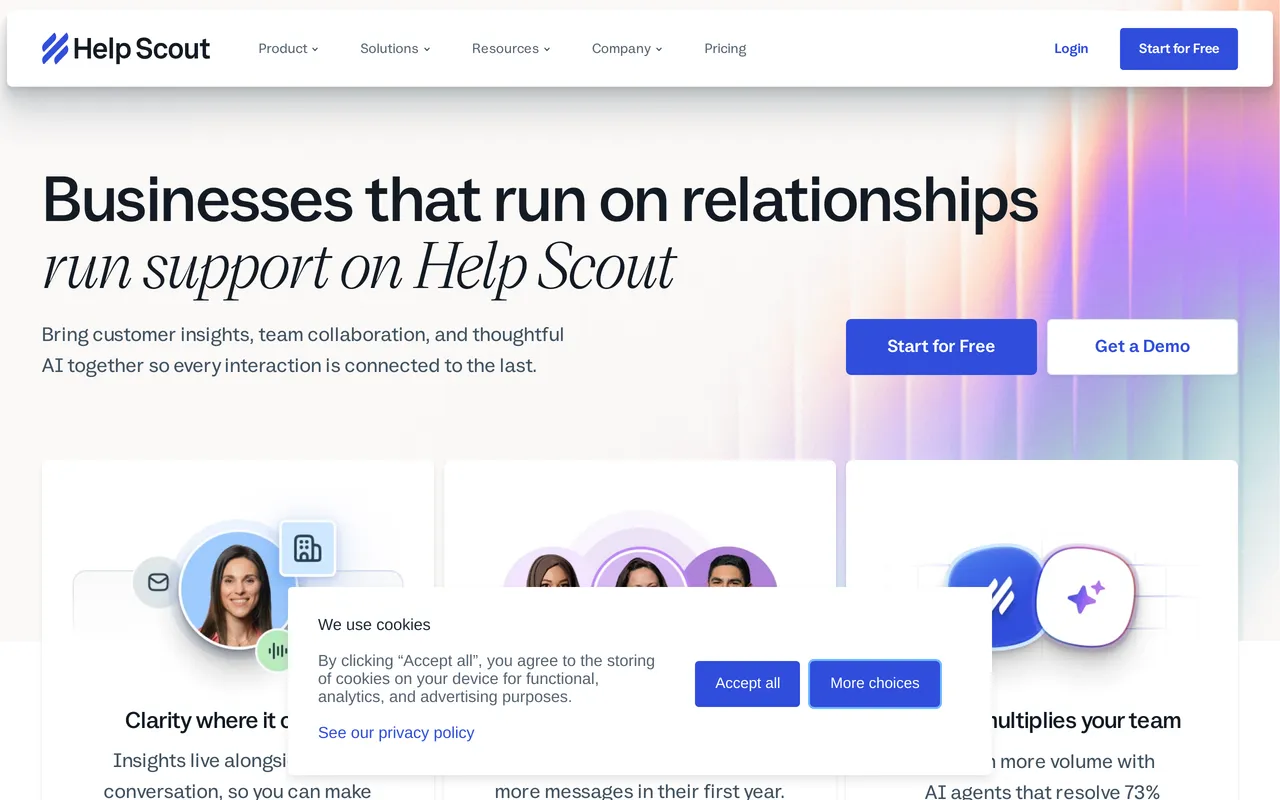
Help Scout’s free plan is the one to look at if your problem is bigger than documentation. It covers up to 5 users, 100 contacts a month, one Docs site capped at 10 articles, and one Beacon widget, so you get a shared inbox, an in-app widget, and a hosted help center in the same $0. For a small team fielding a modest volume, that combination is hard to assemble anywhere else for nothing.
The Docs half is a proper knowledge base rather than a wiki with a public toggle. Search includes a failed-search report, and article views and engagement are reported, so you can see which articles work. Envoy (formerly AI Answers), which replies to visitors from your Docs content inside Beacon, is not part of the Free plan: it starts on Standard and is billed per resolution.
The three limits worth modeling before you commit are the article cap, the contact cap, and how much of the product Free leaves out. The free Docs site holds 10 articles, 100 contacts a month is the other wall teams hit early, and the free plan includes no AI and no live chat. Standard is $25/user/mo, about $21 billed annually, and adds a second Docs site, live chat, unlimited AI Assist, and access to the Envoy AI agent at $0.75 for every question it resolves, while AI Drafts starts on Plus.
Pros
- The free plan bundles an inbox, a Beacon widget, and a real Docs site, so one $0 plan covers ticketing and self-service together.
- Docs search reports failed searches and article engagement, so the content-gap loop works on the free tier.
- Pre-built reports come with the free plan, with 30 days of history, so you can watch volume and response times before you pay anything.
Cons
- The free Docs site is capped at 10 articles and the inbox at 100 contacts a month, and passing either moves you to $25/user/mo where every additional teammate adds cost.
- Free includes no AI and no live chat: AI Assist starts on Standard, the Envoy AI agent is a paid-plan add-on metered at $0.75 per resolution on top of seats, and AI Drafts starts on Plus. Docs styling is also limited compared with full CSS control, and it is worth confirming whether custom-domain Docs hosting is available on the free plan specifically before you build on it.
Free tier: Free plan for up to 5 users, 100 contacts/mo, 1 Docs site capped at 10 articles, 1 Beacon. No AI and no live chat on Free: the Envoy AI agent starts on Standard, billed at $0.75 per resolution. Paid from $25/user/mo (about $21 annually). Best for: Small teams who want a help center and a shared inbox from the same free plan and expect low ticket volume. HelpDocs vs Help Scout compares the docs halves.
Best for teams already writing everything in one workspace: Notion
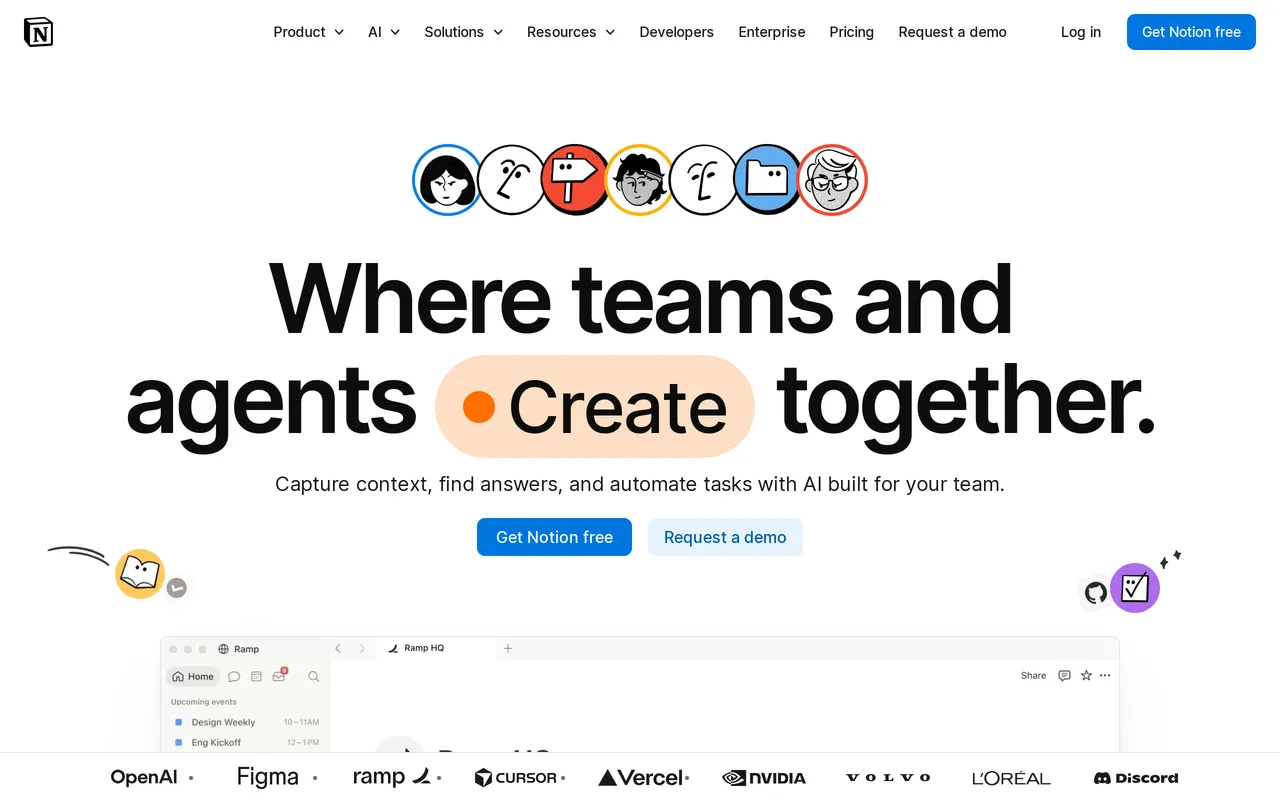
If your team already writes in Notion, the cheapest knowledge base you will ever build is the one that already exists. The free plan suits individuals and small teams, allows up to 10 guests, includes a limited Notion AI trial, and can publish basic Notion Sites. Publishing what is already written takes an afternoon and there is no migration project, because there is nothing to migrate.
What you are buying into is a general workspace, so the help center is something you assemble rather than something you configure. The block editor is genuinely excellent, nested pages and teamspaces give you a deep hierarchy, and the template gallery means you never start from a blank page. There is also a public API and webhooks if you want to build on top of your content.
The gaps show up when the audience is customers. A custom domain for a Notion Site is a paid add-on at $8/mo per domain billed annually ($10 month-to-month), removing Notion’s branding comes bundled with that same add-on, there is no custom CSS or JavaScript, and public Sites search is basic with no failed-search reporting. Full Notion AI, meaning Notion Agent, AI Meeting Notes, and Enterprise Search, unlocks on Business at $20/seat/mo billed annually, and Plus is $10/seat/mo annually ($12 month-to-month).
Pros
- The free plan is a real plan rather than a teaser, and if your docs already live there the setup cost is close to zero.
- The block editor, nested pages, and teamspaces make it a strong writing and organizing tool, with an enormous template gallery behind it.
- A public API and webhooks are available, so content can feed other systems.
Cons
- The things a public help center needs are the things that cost extra: a custom domain is a paid Sites add-on, removing Notion’s branding comes with that same add-on, and there is no custom CSS.
- Free gets a limited Notion AI trial only, guests are capped at 10, and there is no failed-search reporting or article engagement data for a published site, so you cannot see what readers could not find.
Free tier: Free plan for individuals and small teams, up to 10 guests, limited Notion AI trial, basic Notion Sites publishing. Paid from $10/seat/mo annually; full Notion AI on Business at $20/seat/mo annually. Best for: Early-stage teams whose content already lives in Notion and whose help center can sit on a Notion subdomain for now. HelpDocs vs Notion sets out the differences.
Best for a free internal wiki up to 10 users: Confluence
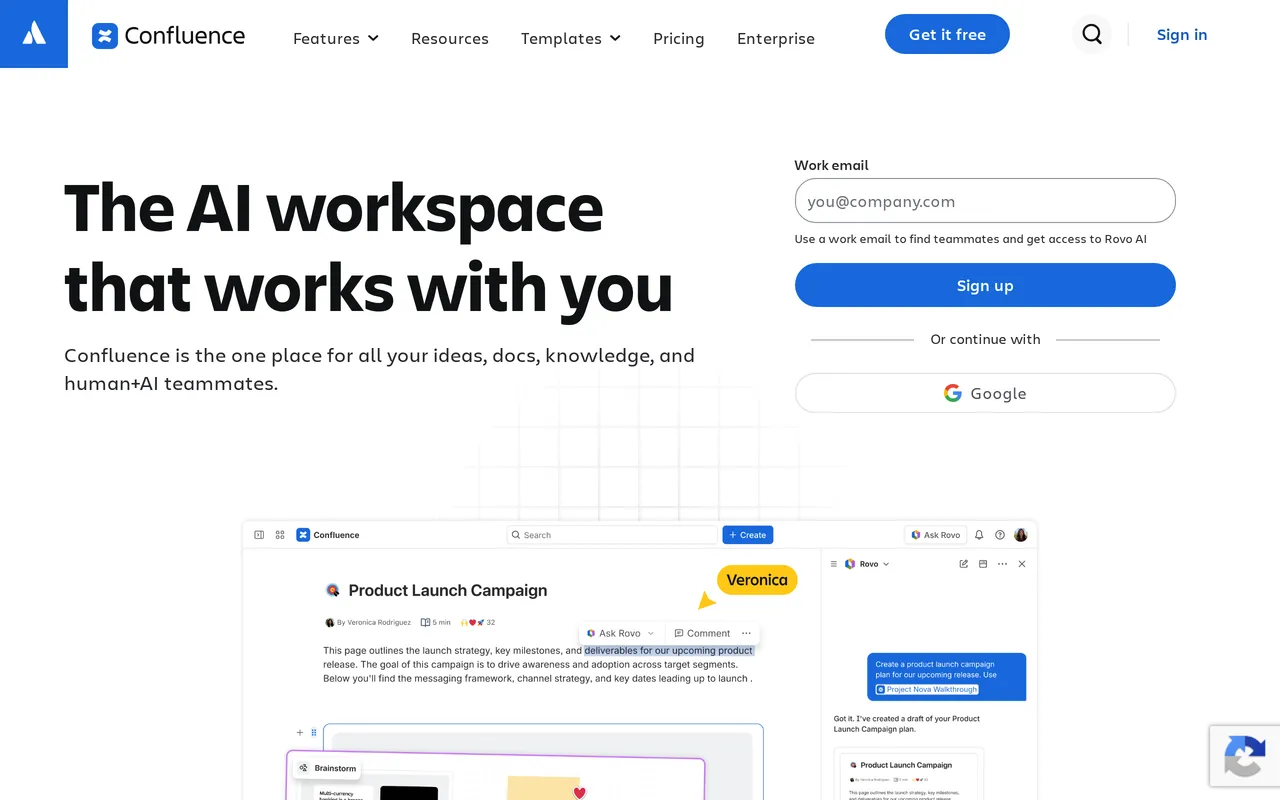
Confluence is free for up to 10 users, and unlike most caps on this list that one comes with unlimited pages and spaces. For a team of eight documenting itself, that is a lot of product for nothing. Real-time co-editing, inline comments, page trees, and strong space and page-level permissions are the core of it, and the Jira integration is not something you replicate with a Zapier connection and good intentions.
The free plan omits the AI. There is no We integrate with Atlassian RovoRovo credit allowance on Free, and admin controls are limited, so governance features arrive with Standard at $6.00/user/mo billed annually or Premium at $11.67. Page analytics show up on Premium and above.

Where it struggles is the public half. Anonymous public access exists but is all-or-nothing per space and has been restricted over time, custom CSS is heavily limited and usually needs a Marketplace app, and Atlassian branding on public pages cannot be fully removed. There is full-text search but no help-center-style failed-search reporting to show where content is missing.
Pros
- Free for up to 10 users with unlimited pages and spaces, so neither the team size nor the page count is the thing that stops you first.
- Real-time co-editing, comments, page trees, and granular space permissions make it a strong internal wiki out of the box.
- The Jira and wider Atlassian integration is a genuine reason to stay if your team already works there.
Cons
- The 11th user ends the free plan, and per-user pricing means cost tracks headcount from then on. SAML SSO and SCIM need the separate Atlassian Guard subscription on top.
- It is built as an internal wiki, so public sharing is coarse, Atlassian branding stays, custom CSS is restricted, and there is no failed-search reporting for content gaps.
Free tier: Free for up to 10 users. Unlimited pages and spaces, no Rovo AI credit allowance, limited admin controls. Paid from $6.00/user/mo billed annually; Premium $11.67/user/mo; Enterprise custom on an annual contract. Best for: Teams of ten or fewer documenting internally, especially if Jira is already in the stack. HelpDocs vs Confluence covers the public help center question.
Best for free developer docs versioned in Git: GitBook
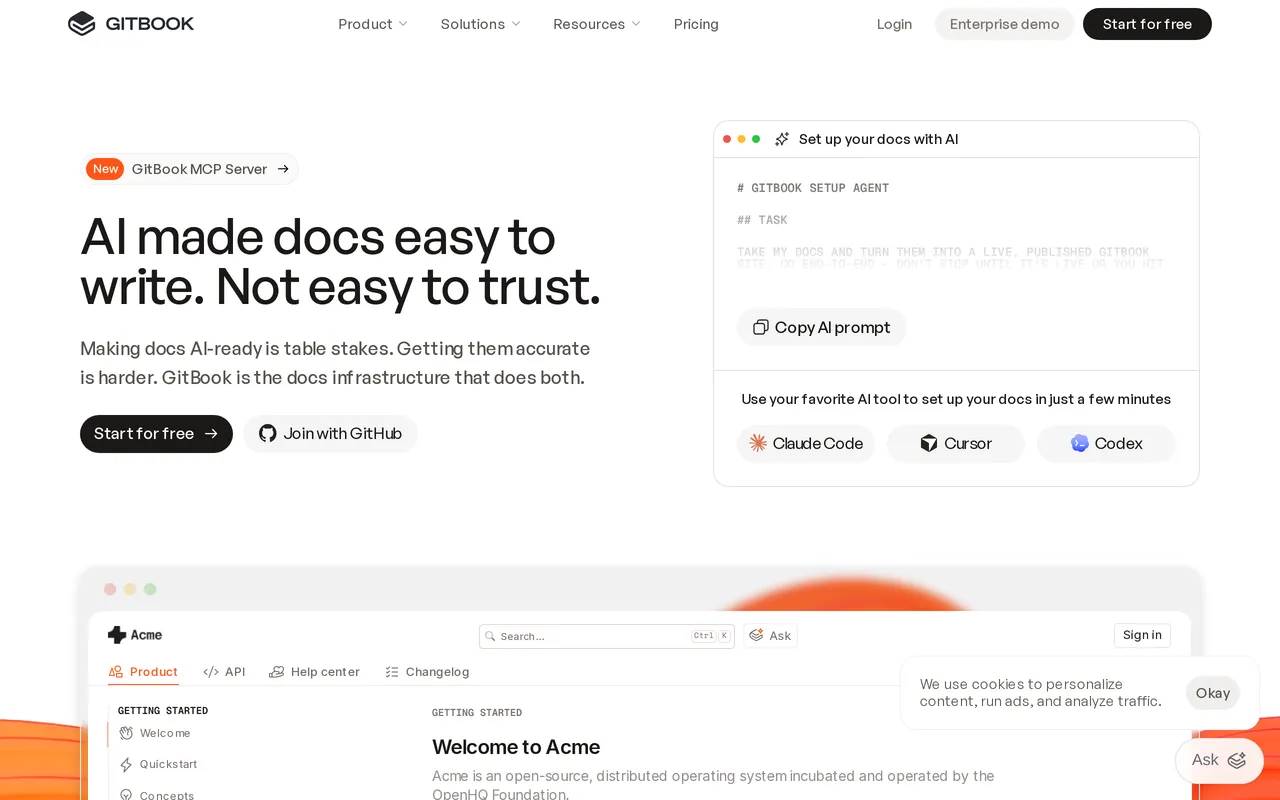
GitBook’s free plan is one user on one site, and for a solo maintainer writing docs alongside code that is a workable long-term setup rather than a trial. The free tier includes the block editor, GitHub and GitLab sync, API playgrounds, full-text search, and page-view analytics, which is a lot of real documentation tooling at $0.
The Git workflow is the point. Docs live in a repo, changes move through the same review habits as code, and engineers do not have to leave their tools to update anything. If your documentation and your codebase change together, that is a genuine advantage over anything with a web-only editor.
The pricing model is per site, and it adds up in two directions. Essential (the plan GitBook used to call Premium) is $65/site/mo billed annually plus $12/user/mo, so the second editor and the second docs site both increase the bill, and custom domains start at Essential. A small “Powered by GitBook” link stays on every plan and cannot be removed, custom CSS is not generally supported, and failed-search reporting is not a headline feature. The AI splits across the two paid tiers: AI search and AI writing and editing are included from Essential, which comes with 2,000 AI credits a month, while the reader-facing AI Assistant, embedding it in your own product, and AI Insights all need Ultimate at $249/site/mo, which comes with 10,000 AI credits a month, about 500 answers, and AI can pause when they run out.
Pros
- Free for one user with Git sync, API playgrounds, full-text search, and page-view analytics, which is real documentation tooling rather than a stripped demo.
- The docs-as-code workflow keeps documentation in the same review process as the code it describes.
- Prices for Essential and Ultimate are published, so you can calculate the upgrade before you need it.
Cons
- One user on free, and the second editor moves you to $65/site/mo plus $12/user/mo, with a custom domain only from Essential and a “Powered by GitBook” link that no plan lets you remove.
- The Git and Markdown workflow is a real barrier for a support team who just want to fix a typo, and there is no custom CSS.
Free tier: Free for one user on one site. Block editor, GitHub and GitLab sync, API playgrounds, page-view analytics, full-text search, and GitBook Agent capped at 10 messages a week. No AI search or AI writing until Essential. Paid from $65/site/mo billed annually plus $12/user/mo; Ultimate $249/site/mo. Best for: A single maintainer publishing developer docs from a repo who does not yet need a custom domain. HelpDocs vs GitBook covers the trade-off.
Best for free API documentation on your own domain: Mintlify
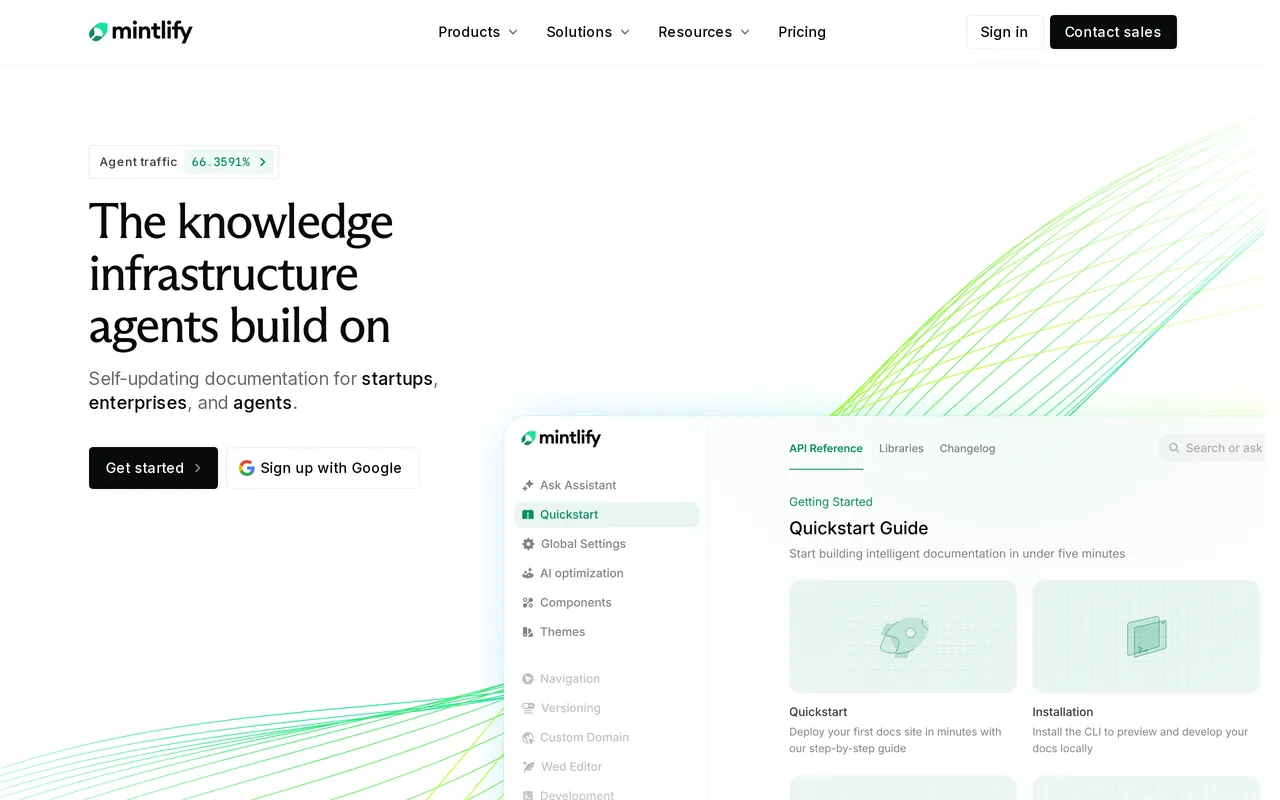
Mintlify’s Starter plan is the most generous free tier here on publishing features and the least generous on AI. Starter is $0/mo and includes the full platform, five editor seats, a custom domain, the web editor, an API playground, and an MCP server, and a custom domain at $0 is the thing nobody else here offers. What it does not include is any AI: the pricing page lists credits as not included on Starter, and Mintlify’s own FAQ says the assistant, writing agent, and automations are Pro and Enterprise features. The 14-day trial is where you test those, with up to 5,000 credits in it.
It is aimed at developer and API documentation, and the authoring model reflects that. Content is MDX and markdown, so there is a web editor but the workflow favors developers over non-technical writers. Migration is assisted, with scrapers and support for moving off GitBook, Docusaurus, and ReadMe.
The reason to be careful is the size of the step above. Pro is $450/mo billed annually, and that is what it costs the moment you need the assistant, the writing agent, automations, analytics, feedback, or the developer API. Search analytics, including the queries that came back with nothing, start on Pro too, while white labeling and advanced insights are Enterprise-only. Enterprise is quote-based, so the top tier is still a conversation.
Pros
- The free Starter plan includes a custom domain and five editor seats, which is more publishing tooling than any other free tier here gives you.
- API playground, MCP server, and full-platform access at $0 make it a serious option for shipping API reference docs without a budget.
- Assisted migration with scrapers for GitBook, Docusaurus, and ReadMe lowers the cost of moving in.
Cons
- Starter ships no AI, so the assistant, writing agent, and automations all start at Pro, which is $450/mo billed annually. Credit add-ons cost $145/mo for another 15,000 a month on top of that, and Enterprise is quote-only.
- MDX and markdown authoring suits engineers rather than support writers, white labeling is Enterprise-only, and search analytics need Pro.
Free tier: Starter, $0/mo. Full platform, 5 editor seats, custom domain, web editor, API playground, MCP server, and no AI credits. Pro is $450/mo billed annually with 10,000 AI credits/mo ($0.01 per credit over); credit add-ons from $145/mo; Enterprise is quote-only. Best for: Developer teams publishing API documentation who want a branded site at zero cost and can wait for Pro before they get any AI. HelpDocs vs Mintlify compares the two.
Which tools have no free plan at all
Worth knowing before you spend an afternoon searching. Zendesk, We integrate with IntercomIntercom, Helpjuice, KnowledgeOwl, Document360, and Bloomfire have no free tier, and neither do we. Helpjuice starts at $249/mo with a 14-day trial and no card, KnowledgeOwl starts at $100/mo, and Document360 and Bloomfire are both quote-only, so the entry price is a conversation rather than a number.

One near-miss deserves a mention: ReadMe’s Starter plan is free for one project with one admin and includes a custom domain and an interactive API reference. We left it out of the main list because it overlaps almost entirely with Mintlify and GitBook on this page’s axis, not because the free plan is not real. If you are choosing between API documentation platforms, put all three on the shortlist.
When paying starts costing less than the free plan
The honest case for paying is not “free plans are bad”. It is that free plans move the cost somewhere you are not measuring. Three situations flip the math reliably.
The second and third editor. Almost every free tier here caps authors at one or a handful, so the moment documentation becomes a team activity you are either upgrading or sharing a login. Per-seat and per-author models keep charging from there, which is why a flat editor allowance gets cheaper as the writing team grows.
Your own domain and your own branding. If the help center is customer-facing, publishing on a vendor subdomain with a vendor badge has a real cost in trust and in SEO, since links and rankings accrue to someone else’s domain. Notion charges $8/mo per domain billed annually and bundles branding removal into that same add-on, ProProfs charges $300/year for domain plus white labeling, and GitBook puts the domain behind Essential while keeping its own link on every plan.
Knowing what your readers could not find. Free plans usually give you search and rarely give you failed-search reporting, which means you are writing articles on instinct. ProProfs and Help Scout are the exceptions on this list. Everywhere else, the reporting that would tell you which content to write next arrives with a paid plan, and the workaround is guessing. How to build a knowledge base covers the loop that reporting feeds.
The workaround tax is the number to compare against a subscription. Count the hours spent maintaining a self-assembled help center, the domain add-on, the second seat, and the articles you wrote that nobody needed, then put that next to the monthly price. Sometimes the free plan still wins, and that is a fine answer.
So which should you pick?
If free forever is non-negotiable and the site is public: ProProfs Knowledge Base if 25 pages and a vendor subdomain work, Mintlify if what you are publishing is developer documentation and you want your own domain at $0. Those two are the only free plans here that produce something resembling a real help center without a paid add-on.
If free forever is non-negotiable and the readers are colleagues: Confluence up to 10 users, or Notion if your team already writes there. Both are genuinely usable, and both stop being free the moment the team grows past their cap.
If you also need to answer tickets: Help Scout’s free plan is the only one that bundles an inbox, a widget, and a help center at $0, and 100 contacts a month is the number to check against your volume.
And when not to pay us. If free forever is a hard requirement, HelpDocs is the wrong answer and one of the six free plans above is the right one. If you are one person with a twenty-article FAQ, spending $129/mo on a knowledge base platform before you can feel the limits of a free one is overbuying, and there is no prize for it. If you need a shared inbox or an AI agent that runs a live conversation, we do not build either, so Help Scout or Intercom is the more coherent purchase.
Where we are worth the money is the point at which a free plan starts costing you time: several editors, your own domain, unlimited articles, unlimited free readers, and reporting that tells you what to write next. If that is where you are, start a trial and see whether it holds up on your own content, or read the wider best knowledge base software roundup first. Our pricing is published in full, including the Greenhouse discount for teams under three years old with five or fewer employees.



