Live the same day
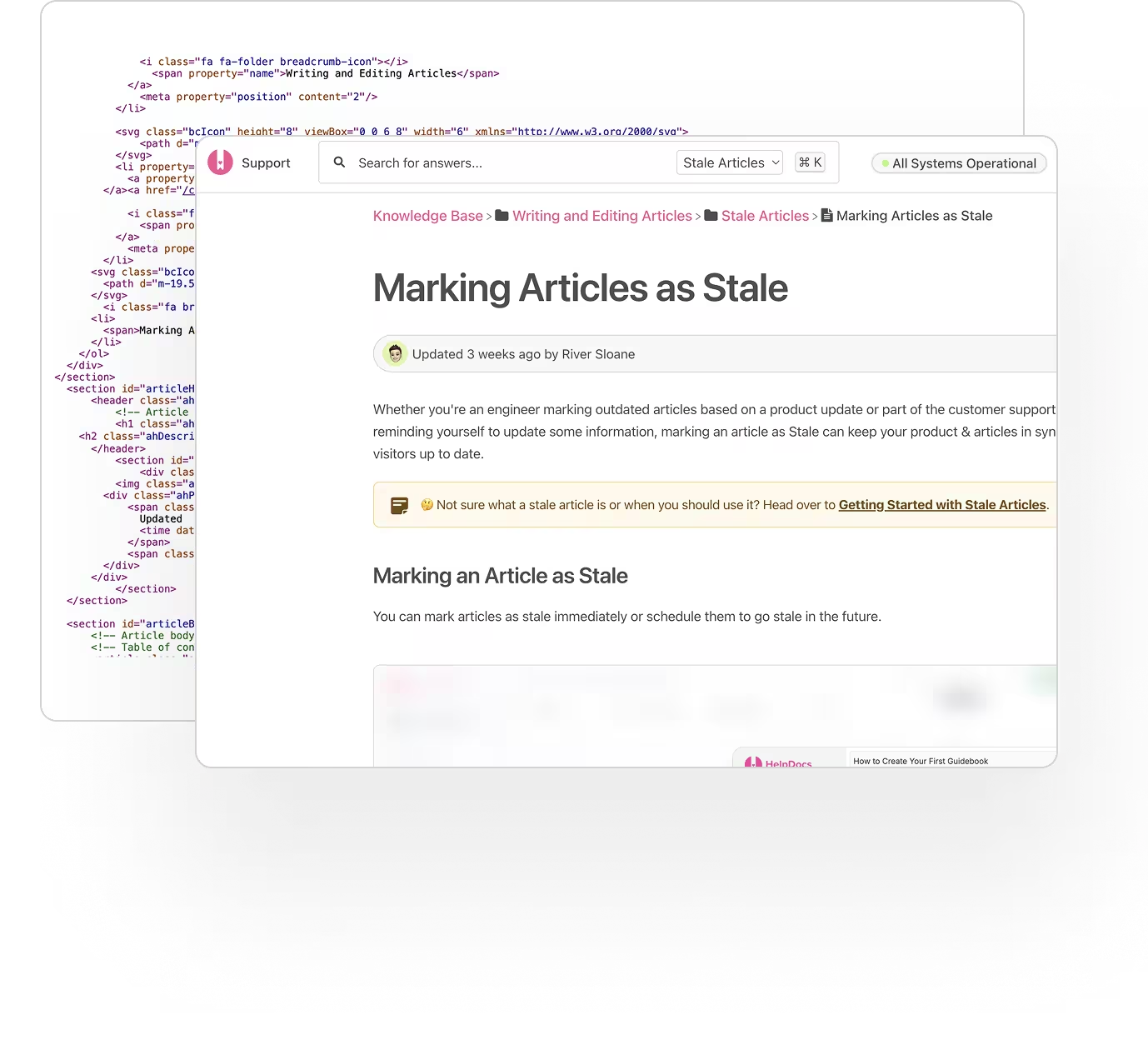
Pick a template, add your logo and colors, point it at your domain. No implementation project and nobody to book a call with.
HelpDocs is knowledge base software for teams with no documentation person and no time. Import what you have, let AI draft the rest, and be live on your own domain today.
From $129/mo. No free tier, and no credit card for the trial.
 Turned a support email into an articleClaude
 Answered “Do you ship to Ireland?” in-appLighthouse
 Shared “Opening hours” instead of retyping itSlack
 Answered from “Returns policy”ChatGPT
Small teams rarely have a documentation problem so much as a duplication problem. The same six answers get retyped every week, slightly differently each time, and none of them are anywhere a customer could find on their own.
WHAT MATTERS WHEN YOU'RE SMALL
Built for the person who is doing support, marketing, and the documentation, usually in the same afternoon.
Pick a template, add your logo and colors, point it at your domain. No implementation project and nobody to book a call with.
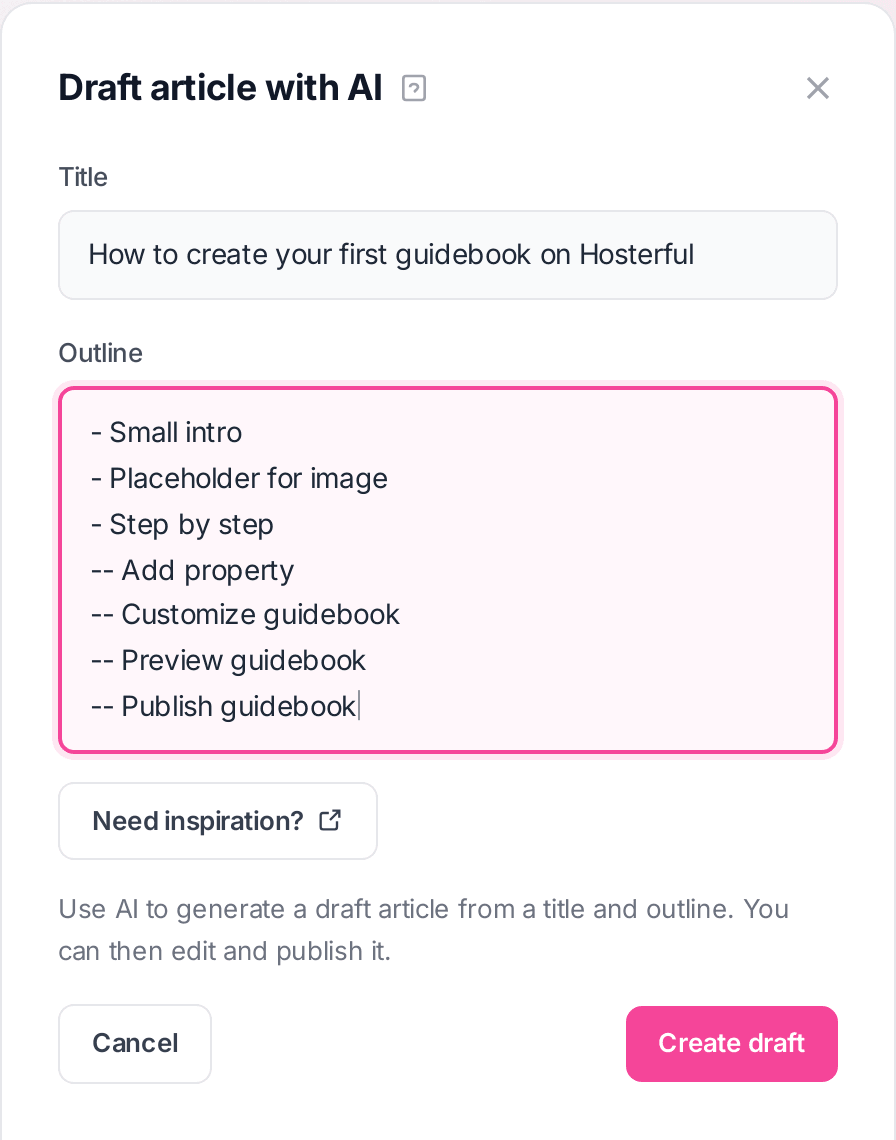
Give it a title and a few bullet points and it produces a structured article, so the answer you have typed fifty times finally gets written down once.
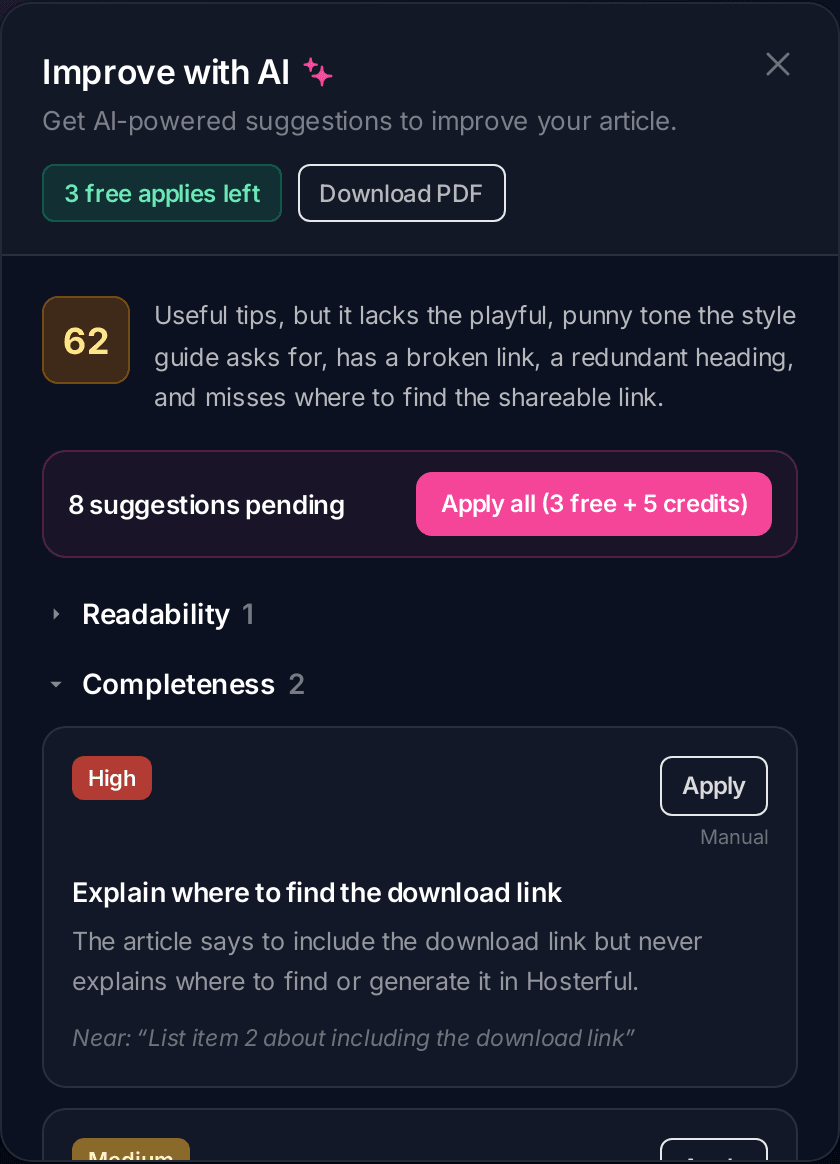
Improve with AI scores the article and lists specific suggestions: the broken link, the missing step, the bit that does not sound like you.
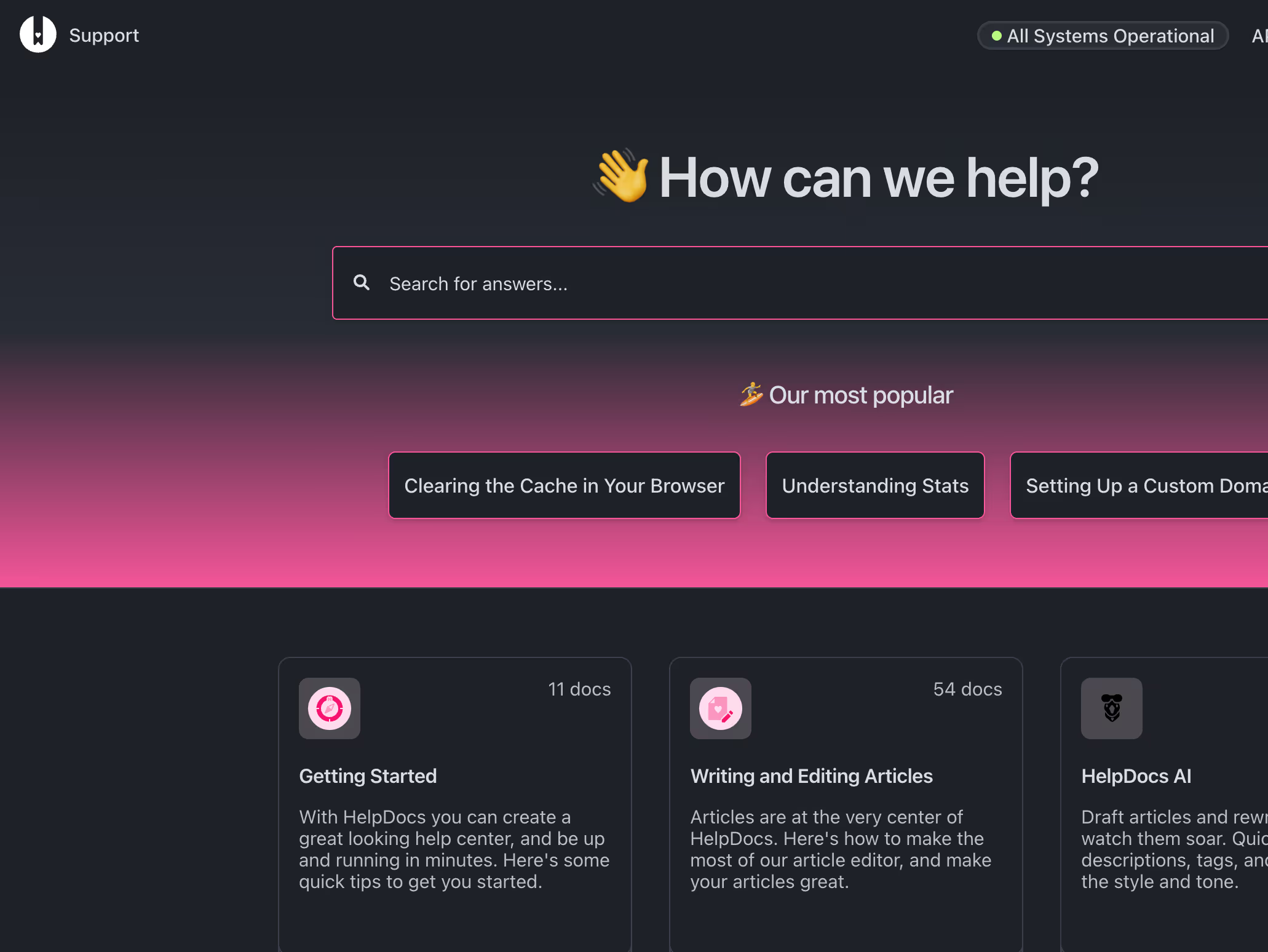
No-code colors, fonts, and layout, light and dark. Custom CSS is there on every plan for the last ten percent if you want it.
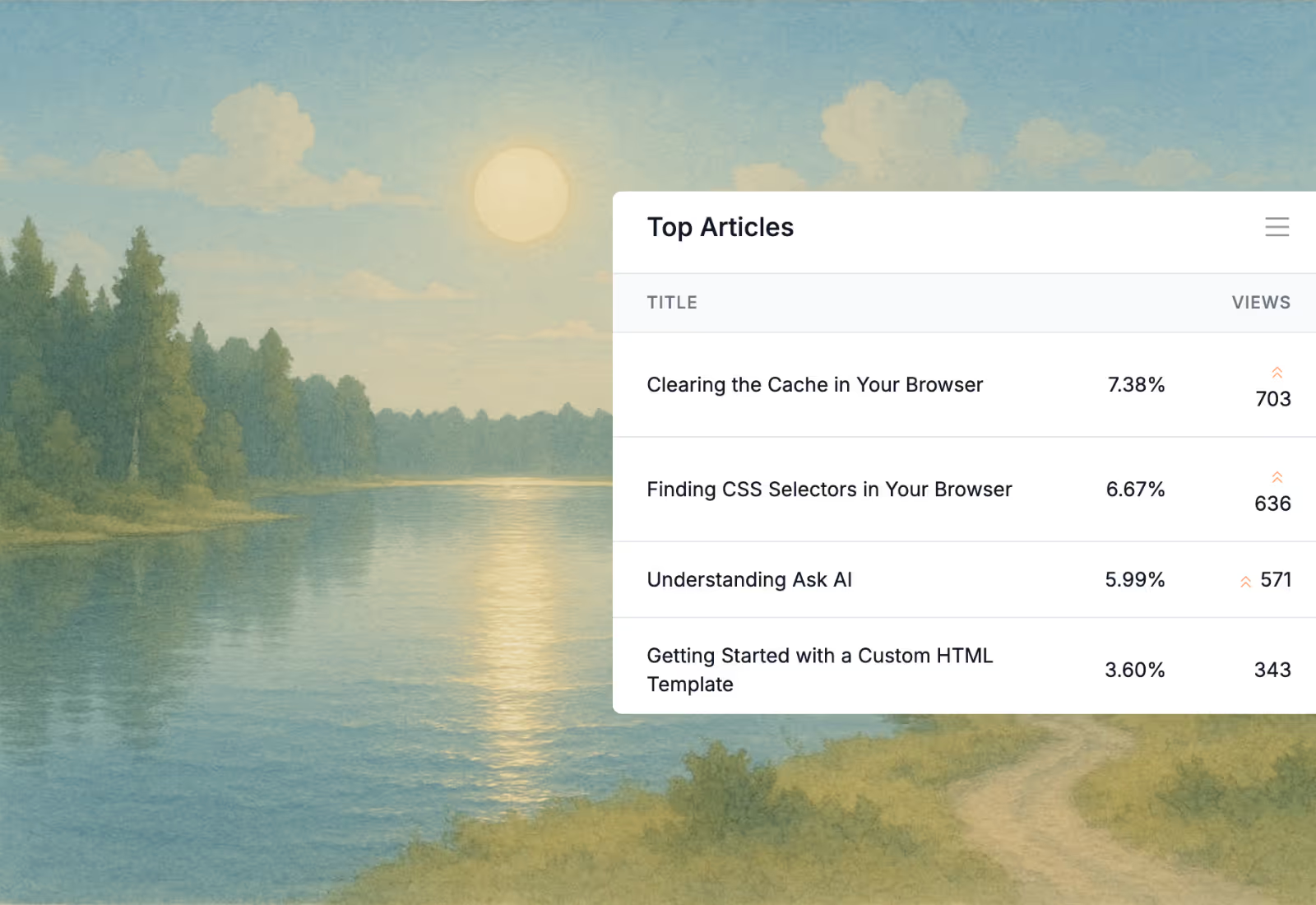
Top articles by views, so you know which answers are earning their keep and which ones nobody has ever needed.
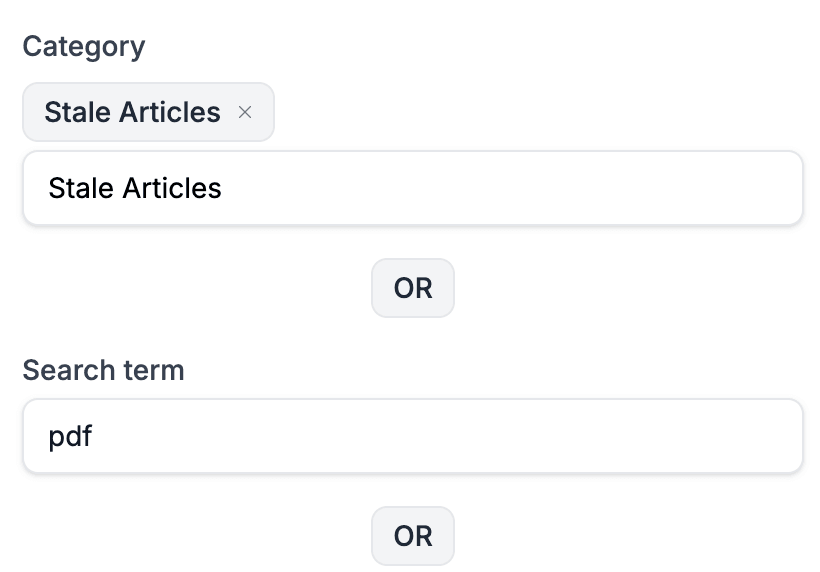
Filter by category, tag, or search term and act on the whole set at once, which matters when the person doing it is also doing four other jobs.
Give it a title and a few notes and AI writes the first pass, so the job becomes editing rather than starting. AI credits come with the plan rather than as an add-on.
Explore HelpDocs AIUse AI to generate a draft article from a title and outline. You can then edit and publish it.
Not a project plan. Three things you can finish today, which is the only version of this that small teams ever actually complete.
Bring in an existing FAQ or export, or start from the knowledge base template. Either way you are not looking at an empty sidebar.
Open your sent folder, find the answers you keep retyping, and paste each one into AI drafting to shape it into an article.
Add one DNS record, match your colors, and send the link the next time somebody asks.
HelpDocs starts at $129/mo, and there is no free tier. For some small businesses that is an easy call against the hours it saves, and for others it plainly is not. Both are reasonable.
Support is eating real hours every week, customers ask the same things repeatedly, or the answers only live with one person and that is starting to worry you.
You get a handful of varied enquiries a month, or you need free more than you need polish. Start with the free options instead.
Works with the handful of tools you run
Browse all integrationsThe blank page is the hard part. Every template ships with an AI prompt you can open straight in Claude or ChatGPT.
Templates
FAQ
Start a free trial, import the answers you have already written, and stop retyping them.
No credit card required.