
7 Best Notion Alternatives (2026)
Notion is a genuinely great place to think, and a frustrating place to keep documentation that other people depend on. Most teams shopping for an alternative have one of two different problems, and the right answer depends entirely on which one you've got.
We make HelpDocs, so read our own entry with the appropriate skepticism. We've tried to describe every other tool on this list on its own terms, and to be straight about the things they do better than we do. There's a section at the end about when you shouldn't buy from us at all.
Notion is very good at the thing it was designed for. It’s a fast, flexible place to write, and its databases let a team model almost anything without waiting on a developer. That flexibility is exactly why it spreads through a company, and also why documentation inside it tends to rot.
The pattern is consistent enough to be predictable. Pages multiply, three versions of the same onboarding doc end up in three different corners, nobody’s sure which is current, and the person who built the elegant nested structure has left. Nothing has broken, exactly. It’s just that the docs stopped being trustworthy, and once that happens people go back to asking in We integrate with SlackSlack.

The two problems people call “needing a Notion alternative”
Before you compare tools, work out which of these you actually have, because they lead to completely different answers.
You need a better internal wiki. The content stays in-house. What you want is structure that survives staff turnover, search that works, and some way of knowing whether a page is still true. You’re replacing Notion with something Notion-shaped but more disciplined.
You need a customer-facing help center. Your docs are being read by people outside the company, and Notion’s published pages aren’t holding up. You want branding you control, article-level access, analytics on what readers searched for and didn’t find, and a review process before something goes live. This isn’t a Notion-shaped tool at all. It’s a different category.
Plenty of teams need both, and the honest answer there is two tools, not one compromise. Our own take on the split is in internal vs external knowledge base.
What actually matters when you’re choosing
Three things, in our experience, and pricing is only one of them.
How your readership is billed. Per-seat pricing is fine for a wiki with twelve editors and brutal for docs read by thousands of customers. Look at what happens to the bill when readership grows rather than when the team does.
Whether the tool tells you when content is wrong. Almost every tool here can store a document. The ones that keep documentation healthy are the ones that surface stale pages, failed searches, and articles nobody reads.
Who’s allowed to publish. In a wiki, usually everyone, which is the point. For customer-facing docs, “anyone can edit the live page” is a liability rather than a feature.
Notion alternatives at a glance
Tool | Best for | Starting price | Pricing model | Free trial |
HelpDocs | A customer-facing knowledge base | $129/mo | Flat, per editor band | 14 days, no card |
Confluence | A company-wide wiki, especially on Atlassian | $6/user/mo | Per user | Free up to 10 users |
Slite | The closest thing to a tidier Notion | $10/member/mo | Per member | 14 days, no card |
Bloomfire | Large internal knowledge across departments | Quote only | Quote | Demo |
Document360 | Structured product docs with versioning | Quote only | Quote | Trial |
KnowledgeOwl | Documentation teams who want flat pricing | $100/mo | Flat base, plus per author | 30 days, no card |
GitBook | Developer docs owned in Git | $65/site/mo | Per site, plus per user | Free tier, 1 user |
Prices listed here are accurate as of October 2026. Still, verify on each vendor’s site before you lock anything in, because they shift.
Best for a customer-facing knowledge base: HelpDocs
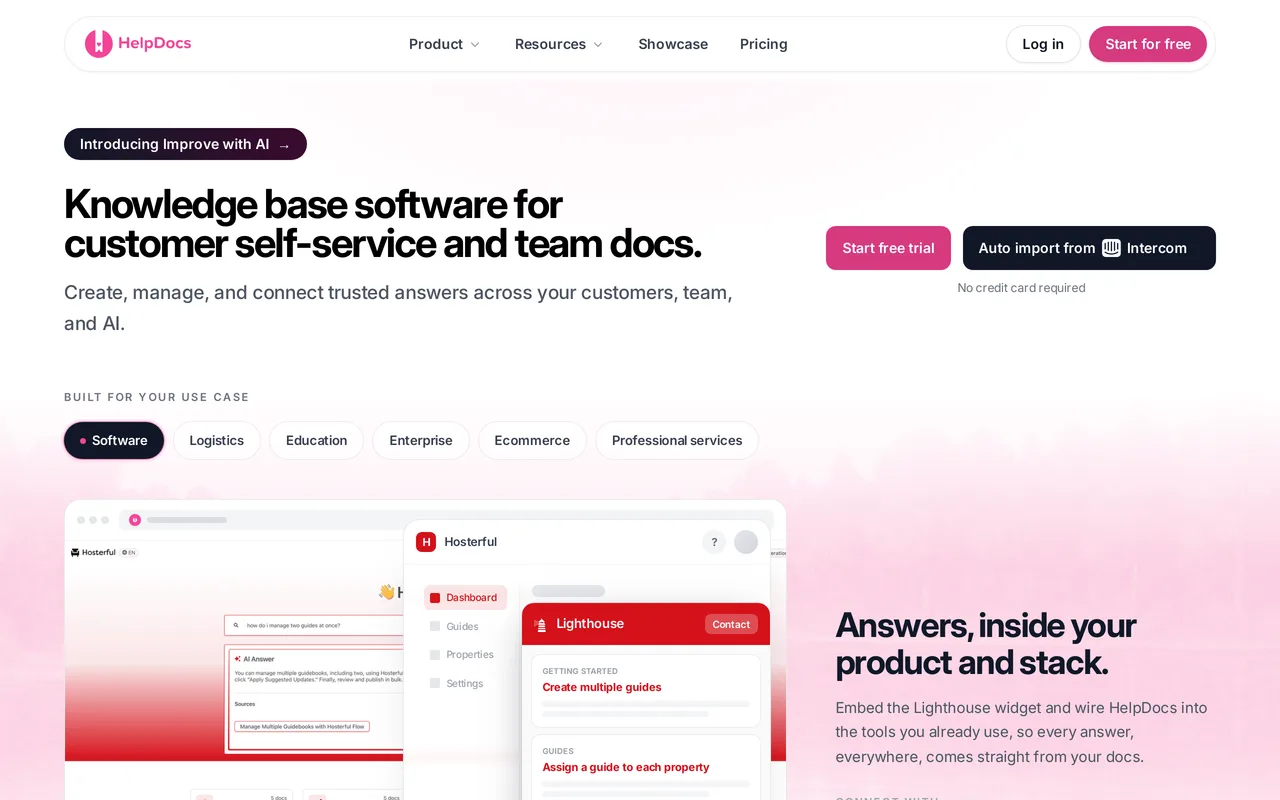
Best for teams whose documentation is read by customers, and who want a standalone knowledge base rather than a wiki they have to discipline into behaving like one.
We make HelpDocs, so treat this section as the interested party talking.
The design premise is narrow on purpose. HelpDocs does one job, which is a help center your customers can find answers in, and it assumes the readers outnumber the writers by a very long way. That’s why viewers are unlimited and free on every plan, and why the editor count is what you pay for.
Practically, the things Notion doesn’t do are the things we spend our time on. Search analytics show you the queries that returned nothing, which is the single most useful signal in documentation. Articles can be flagged stale so your team knows what to revisit.
Permission groups mean a page can be public, or restricted to logged-in customers, or internal only. AI drafts, rewrites and answers are included on every plan rather than metered per resolution.
That focus doesn’t make it lightweight. Bloom adds an audit trail and JWT SSO to those permission groups, Harvest adds SAML and OIDC SSO for teams of 25 editors and beyond, and every article keeps version history with side-by-side diffs. Our SOC 2 and ISO 27001 audits are in progress, and all of it comes off a published price page without a sales call.
The catch: we’re not a wiki, and we’re not trying to be. There’s no free tier, only a 14-day trial with no card. We don’t do ticketing, so if you want docs and a help desk from one vendor, Help Scout or Zendesk are the honest recommendations. Our SCIM provisioning is limited, there’s no white-labeling, and we don’t render an OpenAPI spec, so API reference docs aren’t our strength. For pure internal team notes at a handful of people, Notion or Slite will be cheaper and less ceremonious.
HelpDocs vs Notion
Best for a company-wide wiki: Confluence
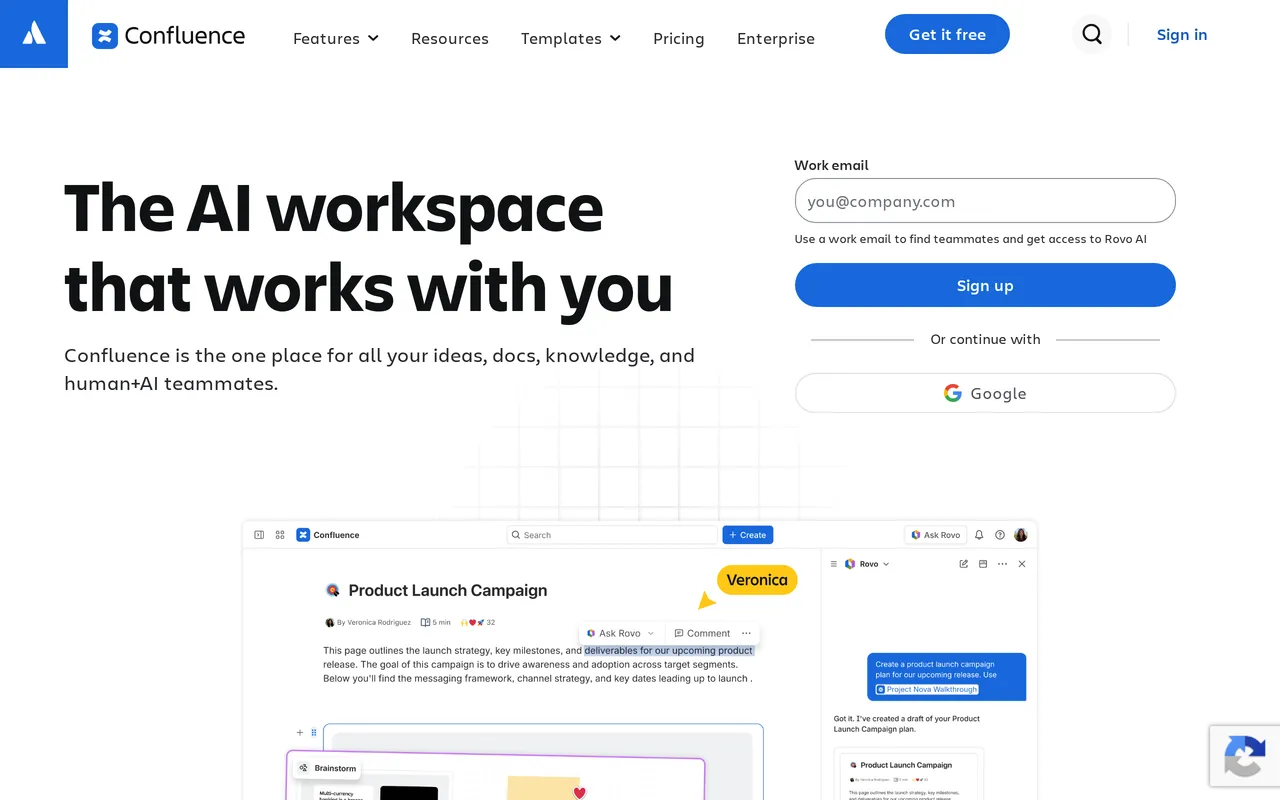
Best for companies already living in Atlassian, at a price per user that stays reasonable as headcount grows.
Confluence is the default corporate wiki for a reason. It’s been doing this for two decades, the page tree and permissions model handles a large organization without falling over, and if your engineers are already in Jira the integration between the two is genuinely useful rather than nominal. Spaces give each team somewhere to own, and the free tier covers up to 10 users.
It rewards commitment. Teams that invest in templates, space conventions and a bit of governance get a wiki that holds up for years, which is more than most tools on this list can claim.
The catch: it’s heavy. Setting it up well takes real effort, and the interface asks more of a casual contributor than Notion does, so adoption outside engineering can be a slog. SAML SSO and SCIM aren’t in the base subscription, they need Atlassian Guard Standard on top unless you’re on Enterprise, which surprises people at renewal. Public sharing exists but wasn’t built for a polished customer-facing help center.
HelpDocs vs Confluence
Best for a tidier Notion: Slite
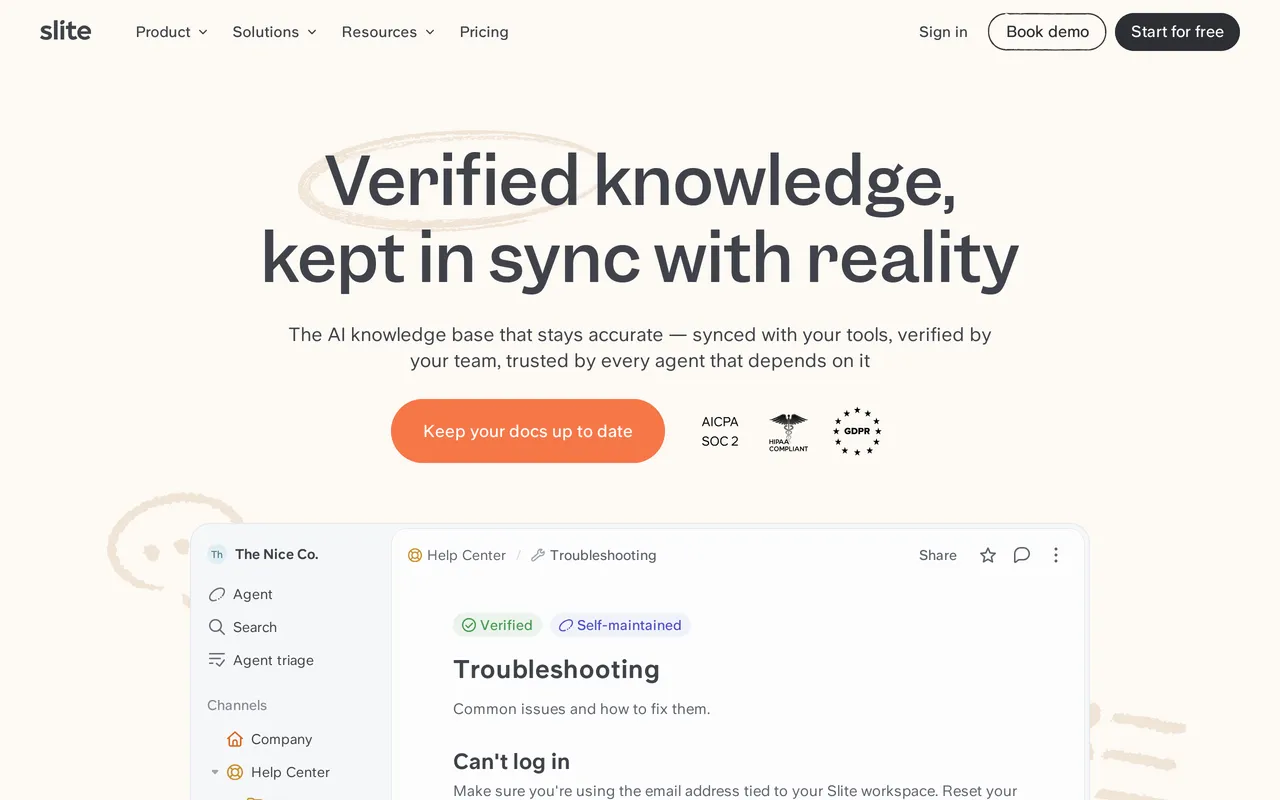
Best for teams who like how Notion feels but want something more opinionated about structure, at $10/member/mo.
Slite is the closest thing on this list to “Notion, but it makes fewer messes”. It’s built specifically for team documentation rather than for being an everything-app, so there’s less rope to hang yourself with and a clearer default structure. The writing experience is quick and pleasant, which matters more than people admit, because a tool nobody enjoys writing in doesn’t get written in.
Its knowledge-management features are the interesting part. Slite nudges you about documents that look neglected and has an AI answer layer over your own content, which is aimed squarely at the “we have docs but nobody reads them” problem.
The catch: there’s no free plan anymore, just a 14-day trial, so the cheapest way to stay is $10/member/mo billed yearly. Ask AI on that Basic plan is capped at 30 questions per seat per month, and the Slite Agent, search across connected tools, and a custom domain for public docs all sit on Pro at $20/member/mo. It’s a smaller company than Atlassian or Notion, so the integration surface is thinner. It’s an internal documentation tool at heart, so public docs are not where it’s strongest.
HelpDocs vs Slite
Best for large internal knowledge: Bloomfire

Best for bigger organizations where knowledge is spread across departments and discovery is the actual problem. Quote-only pricing.
Bloomfire is aimed at enterprises with a lot of internal knowledge and no reliable way to find any of it. Its strength is search and discovery across a large, messy corpus, including transcription of video and audio so a recorded all-hands becomes searchable text. That’s a genuinely hard problem and not many tools attempt it.
It suits companies where the content isn’t only documents. Sales enablement, research, recorded training, the sort of material that accumulates in a big organization and gets forgotten.
The catch: pricing is quote-only across every tier, so you can’t budget without talking to sales, and it lands in enterprise territory. It’s built for internal audiences, so it isn’t a public help center. For a team of fifteen wanting a tidy wiki, it’s considerably more product than the problem calls for.
HelpDocs vs Bloomfire
Best for structured product docs: Document360

Best for documentation teams who need versioning, workflow, and multiple distinct doc sets. Quote-only pricing.
Document360 is squarely a documentation platform rather than a wiki. Category-based structure, content versioning, review workflows, and the ability to run several separate documentation projects from one place. If you ship software with versions your customers pin to, being able to publish docs per version is not a nice-to-have.
The workflow side is its real differentiator. Draft, review and publish states with proper approvals, which is what teams need when documentation is a regulated or contractual artifact rather than a wiki page.
The catch: every tier is quote-only, which makes early evaluation awkward. There’s a learning curve that matches the feature depth, and for a team that just wants to publish forty help articles it will feel like a lot of machinery. Smaller teams often find they’re paying for governance they never switch on.
HelpDocs vs Document360
Best for flat pricing: KnowledgeOwl
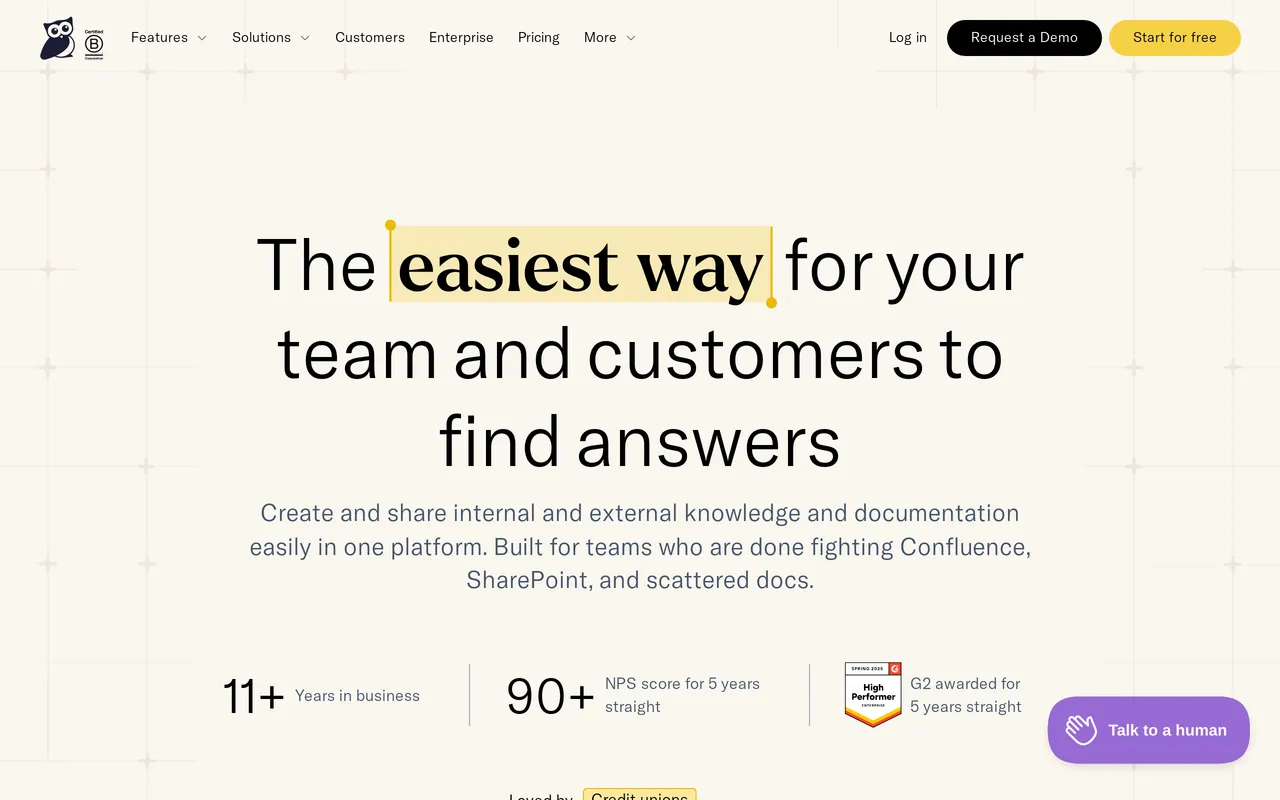
Best for documentation teams who want to stop counting seats, from $100/mo for one knowledge base and one author.
KnowledgeOwl has been quietly serving documentation teams for years and prices on a flat base rather than per seat, starting at $100/mo on Basic, then $250/mo on Pro and $500/mo on Business. Readers are unlimited on every plan, which is the shape you want when your docs are public.
It’s deep where documentation people care: fine-grained reader access, custom fields, decent theming control, and a support team with a reputation for actually knowing the product. It’s the sort of tool that gets recommended by the people who use it daily rather than the people who bought it.
The catch: the flat base isn’t quite as flat as it looks. Each plan includes one knowledge base and one author, and beyond that it’s $25 per extra author and $50 per extra knowledge base per month. The interface also shows its age next to newer tools, so if your team’s benchmark is Notion’s editor the writing experience will feel dated, and theming is capable but you’ll be closer to CSS than to a visual builder.
HelpDocs vs KnowledgeOwl
Best for developer docs: GitBook
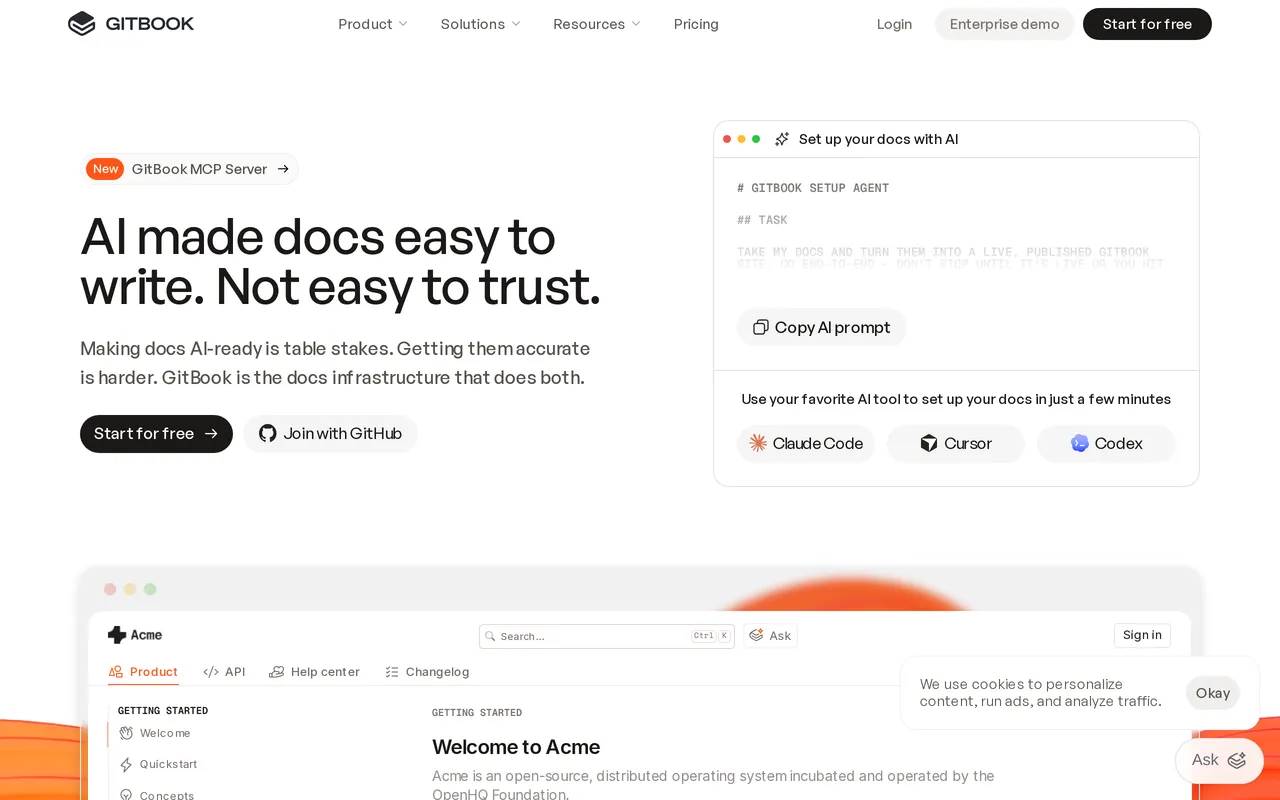
Best for teams who want documentation reviewed like code, from $65/site/mo.
GitBook treats docs as content in Git. Branches, pull requests, review before merge, and a published site that follows from what’s in the repository. For engineering teams that already live in that workflow, documentation stops being a separate chore with separate habits.
It’s strong for technical product documentation, and the published output is clean and fast without much fiddling.
The catch: the same workflow that makes this work is what pushes people away. Branches and merges scare off non-technical contributors, and your support team may quietly stop writing. Costs run per site, so a second docs site doubles the base fee: Essential (what GitBook used to call Premium) is $65/site/mo plus $12 per user per month. The tool targets product and developer docs, not a support-shaped help center with reader analytics and permission groups.
HelpDocs vs GitBook
Notion alternatives grouped by what you’re replacing
Because “alternative to Notion” covers at least three different shopping trips:
Replacing the team wiki: Confluence if you’re in Atlassian and want something that scales, Slite if you want to keep Notion’s feel without its sprawl, Bloomfire if the corpus is large and finding things is the problem.
Replacing published customer docs: HelpDocs, Document360 if you need versioning and formal review, KnowledgeOwl if flat pricing matters more than a modern editor.
Replacing developer documentation: GitBook, or staying where you are if your docs already live happily beside the code.
Moving off Notion without a rewrite
The mechanics are easier than people expect, and the thinking is harder.
Notion exports Markdown and HTML, and most tools on this list will take one or the other. HelpDocs connects to Notion directly with an integration token, so pages come across without an export step, and our migrator suite covers the same ground for the other tools you might be leaving.
The real work is editorial. Notion content is usually written for people who already have context, and customer-facing documentation can’t assume that. Budget time for deciding which pages should become articles, rewriting the ones that assume internal knowledge, and throwing away the duplicates you’ll discover along the way. Nobody regrets that pass.
So which should you pick?
If your documentation is read by customers, you want a knowledge base rather than a wiki, and we’d say that even if we didn’t sell one. HelpDocs, Document360 or KnowledgeOwl, depending on whether you care most about readership pricing, formal versioning, or flat billing.
If it’s read by your team, stay in wiki territory. Confluence for scale and Atlassian integration, Slite for something Notion-shaped but more disciplined, Bloomfire if discovery across a big corpus is the actual pain.
If it’s read by developers, GitBook, and consider whether Notion was ever the right home for it.
And when you shouldn’t buy from us. If you need a help desk as well as docs, we don’t do ticketing, so look at Help Scout or Zendesk instead. If free forever is non-negotiable, we have no free tier. If you need full SCIM provisioning, white-labeling, or rendered API reference docs, we don’t have those and won’t pretend otherwise. If your docs are purely internal and your team is small, Notion is probably fine and switching would be effort spent for very little.
The most common right answer, honestly, is narrower than a migration: keep Notion for the internal sprawl it’s genuinely good at, and move only the documentation other people depend on. You can start a trial and try that with a single category before committing to anything.



