Answers in one search
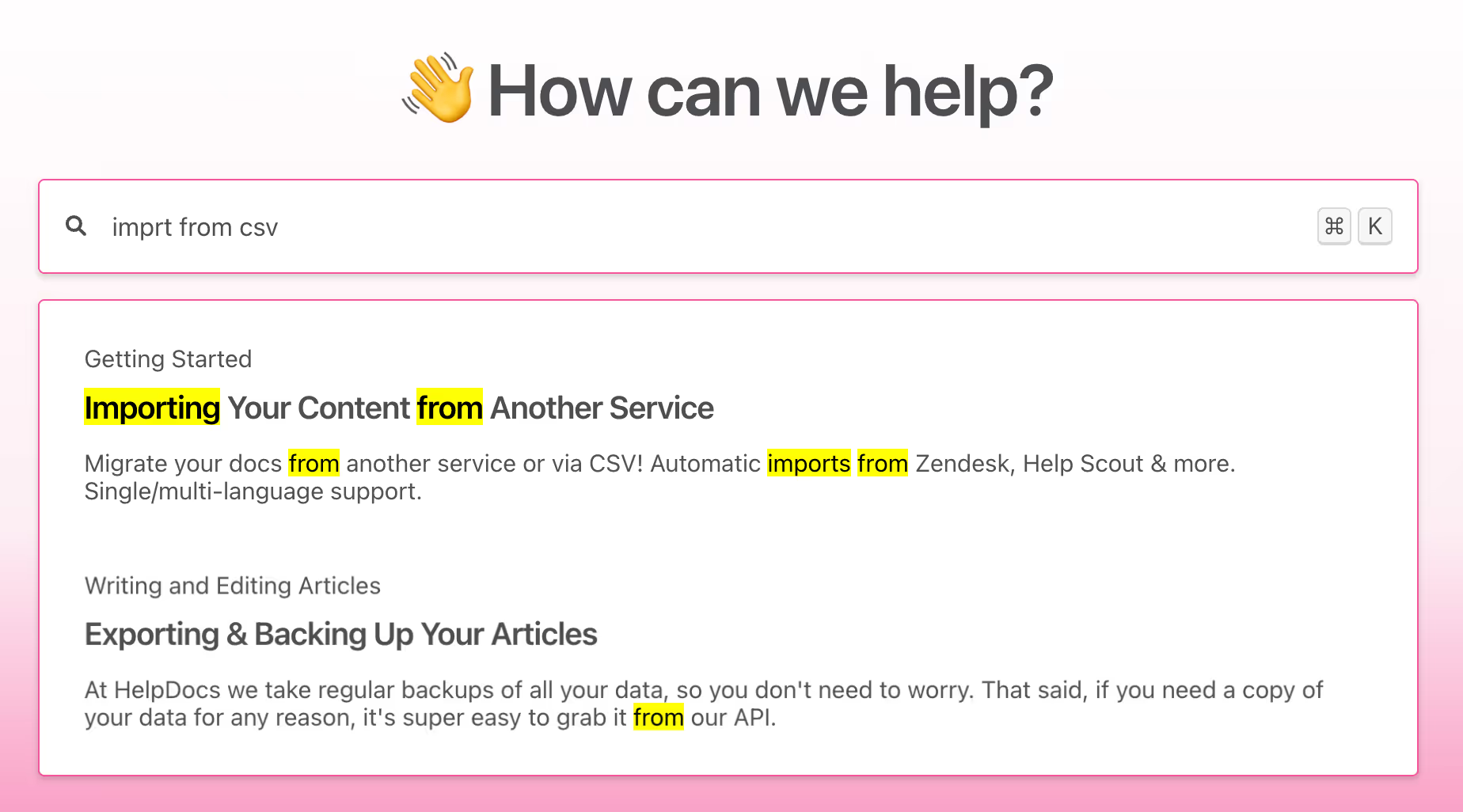
Search matches inside the article body and highlights the passage, so an agent lands on the right procedure while the customer is still talking.
HelpDocs is knowledge base software where agents find the current procedure while the customer is still on the line, and internal-only scripts never reach the public help center.
 Agent inserted “Returns & exchanges”Intercom
 Deflected a ticket with “Shipping times”Gorgias
 Pulled “Refund limits” into a replyFront
 “Verify a caller” found in one searchHelpDocs
When the same procedure exists in a shared drive, a pinned message, and someone's personal notes, the slow part is working out which one is current. That hesitation is where handle time and inconsistent answers both come from.
WHAT MATTERS ON THE FLOOR
Everything here is judged on a single question: can an agent get to the right words before the silence gets awkward.
Search matches inside the article body and highlights the passage, so an agent lands on the right procedure while the customer is still talking.
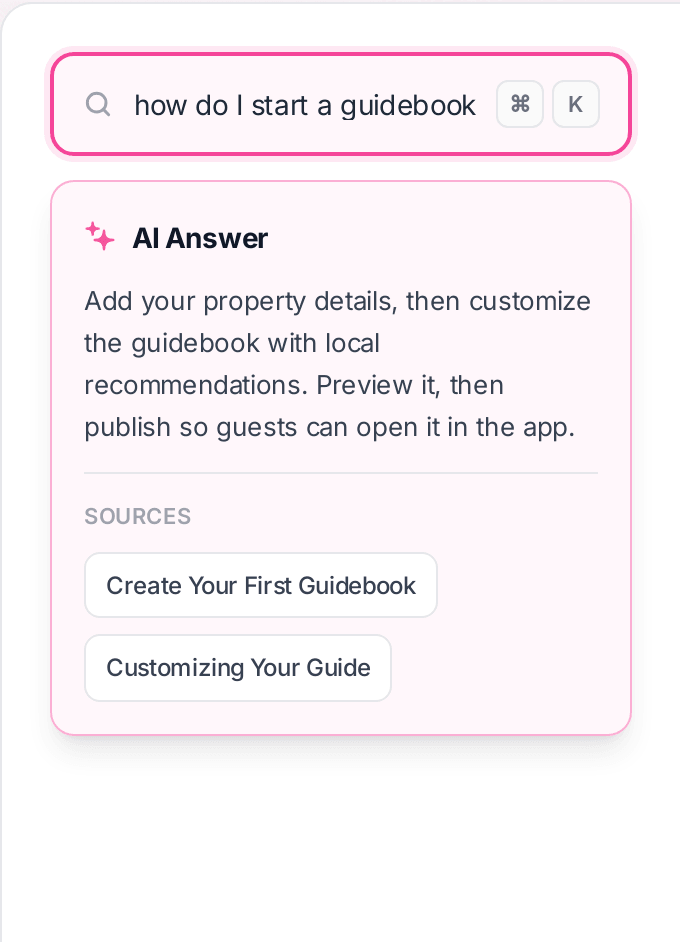
When the question does not match a title, AI answers in a sentence and lists the articles behind it, so the agent can verify before repeating it.
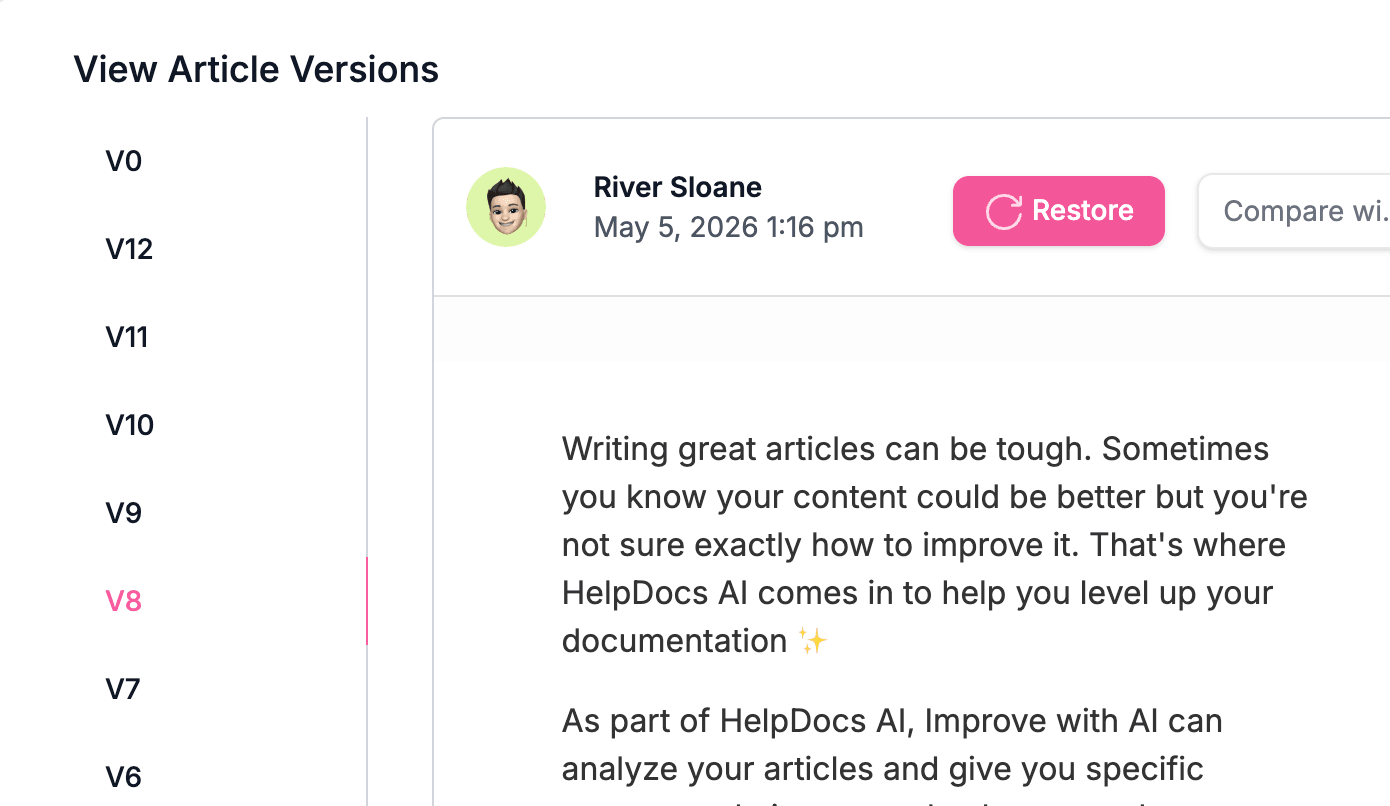
Version history with restore means there is a single live procedure and a record of when it changed. No more three PDFs and a pinned message.
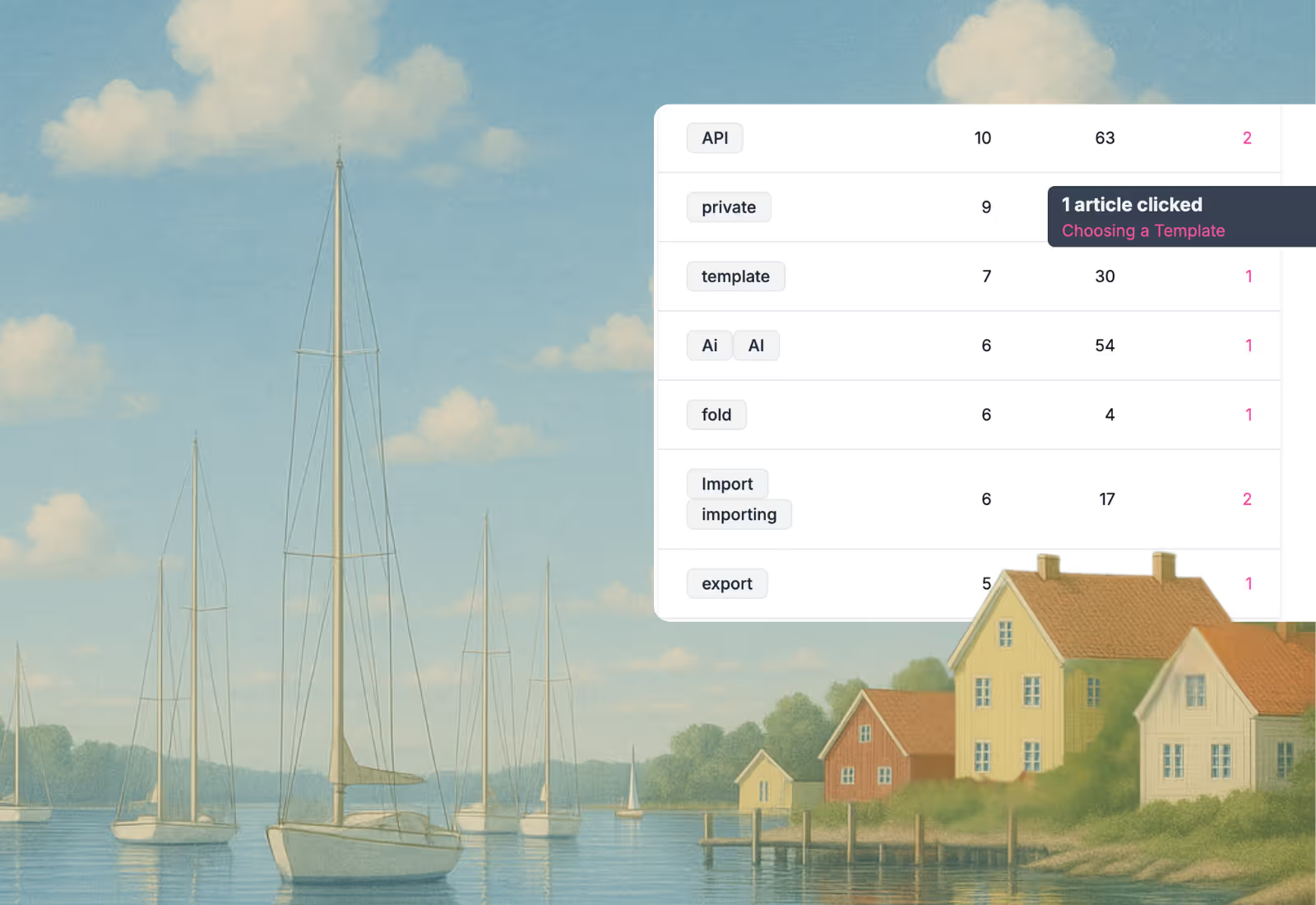
Every query, how many results it returned, and which article got clicked. The empty ones are moments an agent was stuck on a live call.
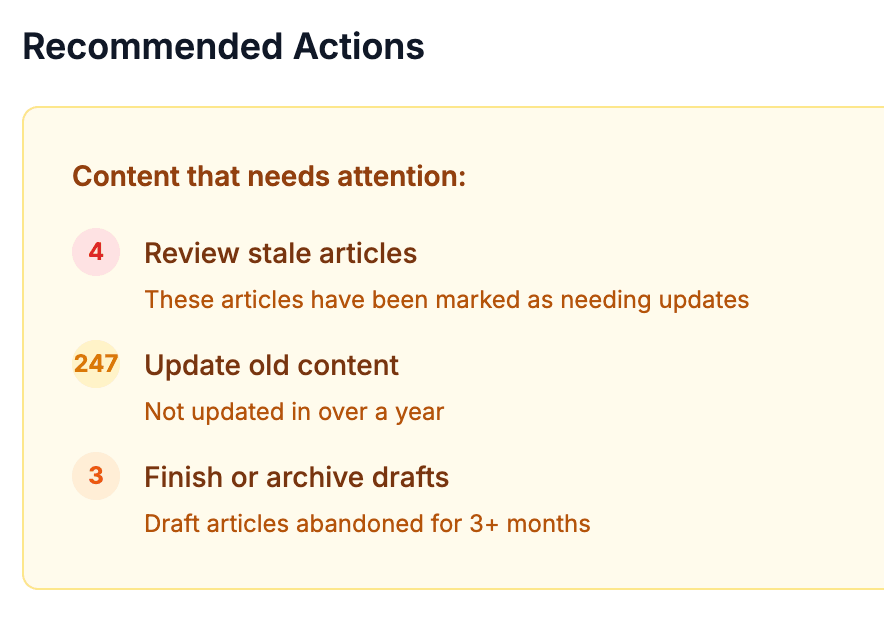
A standing list of what needs attention: articles flagged for review, content untouched in over a year, and drafts left half finished.
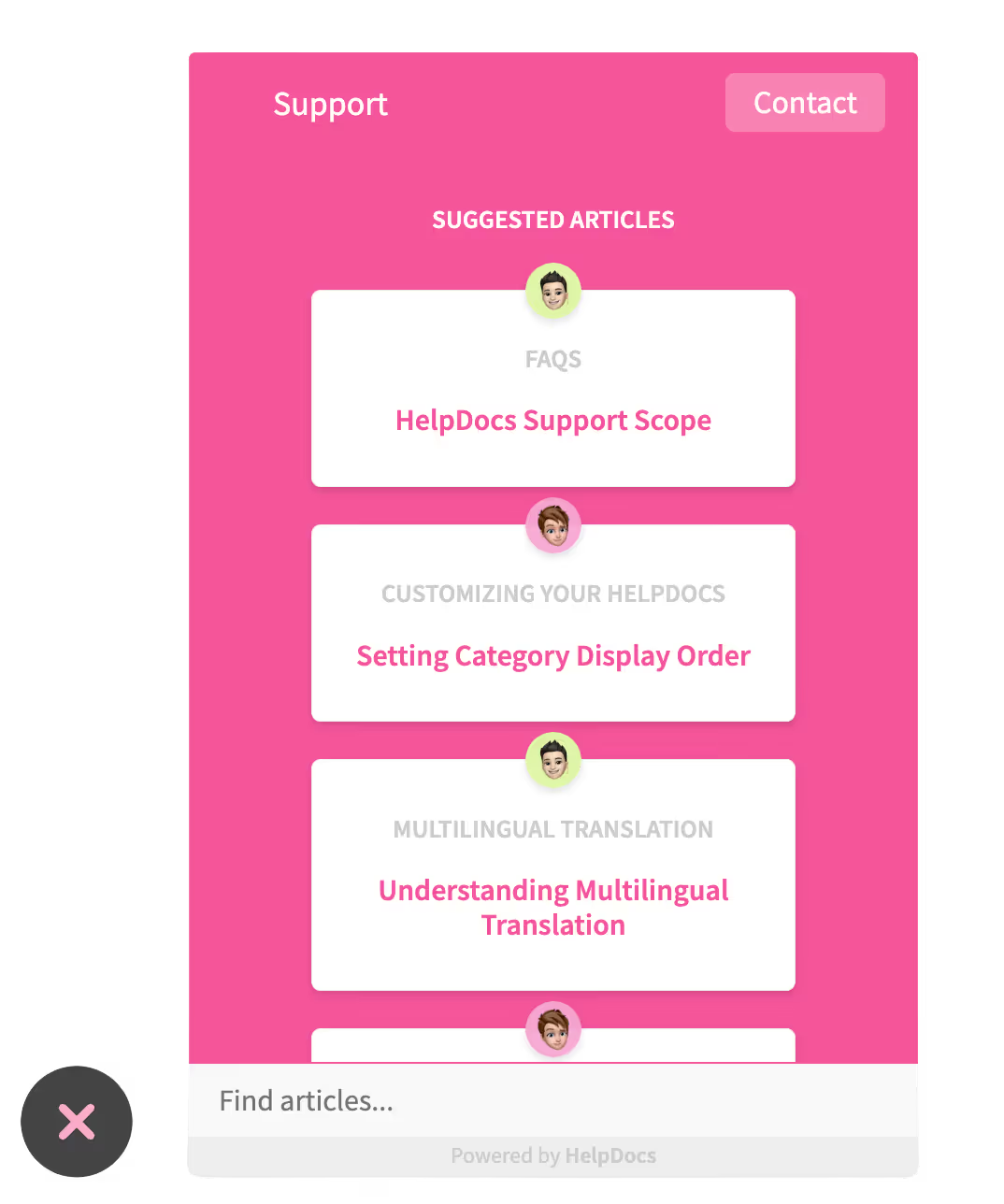
The same articles power a public help center and an in-app widget, so the simplest questions never reach the queue at all.
Every query, how many results it returned, and which article finally got clicked. The ones returning nothing are moments an agent was stuck with a customer waiting, and they make the most honest backlog you will get.
Explore analyticsSplitting these across two tools is how they drift apart. Permission groups keep both in one place, with the boundary enforced rather than remembered.
A floor-wide migration is where these projects stall. Documenting your top few contact reasons is a week, and it is where nearly all the benefit is.
One article each, owned by one person. Ten good ones beat two hundred that nobody trusts.
Connect your help desk so the article surfaces in the tool they have open, rather than in a tab they have to remember.
Fifteen minutes a week on the empty results keeps the knowledge base growing in the direction agents actually need.
Answers reach agents in the tool they use
Browse all integrationsThe blank page is the hard part. Every template ships with an AI prompt you can open straight in Claude or ChatGPT.
Templates
FAQ
Start a free trial, move your procedures into one searchable place, and see the failed searches your team has been living with.
No credit card required.