Best Knowledge Base Tools (2026)
A knowledge base is a set of jobs, not one product: writing, finding, publishing, measuring, and getting answers in front of people. Nine tools, organized by the job each does best, and which tools they usually sit next to.
Nobody goes shopping for knowledge base tools because they enjoy buying software. It usually starts with a support inbox answering the same five questions every week, or an onboarding doc that three people have quietly forked into three slightly different versions.
The word “tools” is doing real work in that search. It’s broader than the platform-shaped question behind knowledge base software, because a knowledge base is a set of jobs rather than one product: writing, finding, publishing, measuring, and getting answers in front of people where they already are. A few products cover all five. Most cover two or three properly and assume you’ll bring the rest.
So this page is organized by job instead of by vendor tier. Nine tools, what each one is actually built to do in 2026, what it costs, and which adjacent tools it tends to sit next to. We make HelpDocs (hey! 👋), so we might be a little biased. We’ve tried to be honest anyway, including about where we’re the wrong purchase.
What counts as a knowledge base tool
Five jobs sit under the label. Products weight them very differently, which is most of why the category feels muddy when you’re comparing tabs.
Authoring. The editor, plus everything around it: drafts, version history, reusable snippets, and whatever review step stops a wrong sentence going live. This is the surface your writers touch every day, so friction here is what quietly kills a knowledge base six months in.
Search. The surface your readers touch. Typo tolerance, ranking that understands intent rather than keywords, and increasingly an AI answer with citations rather than ten blue links. The underrated half of search is its logs, because the queries that returned nothing are the most honest content plan you’ll ever get.
Publishing and hosting. A public site on your own domain, branded, fast, and crawlable. Or a private one behind SSO. Some tools treat publishing as a first-class product and some treat it as an export button, and that gap is bigger than any feature list suggests.
Analytics. Article views are the easy part. What changes behavior is failed-search reporting, article ratings, content-health flags on stale pages, and some measure of whether self-service actually prevented a ticket. Knowledge base analytics covers what’s worth watching.
Integrations. Your knowledge base is only useful where people already are: inside a chat widget, in a help desk reply, in your product, in an AI agent’s context. A tool with no route into those places is a website you hope somebody visits.
One more split decides most of this list before any feature does. Is the reader a customer or a colleague? Customer-facing tools invest in theming, SEO, and deflection reporting, while internal tools invest in permissions, wiki-style browsing, and search across the rest of your stack.
Internal vs external knowledge bases walks through the difference. It’s worth settling first, because the two shortlists barely overlap.
How we evaluated these
Not a scored rubric. Four questions, all of which you can answer in a trial rather than taking a vendor’s word for it.
Who owns the content, and can they publish alone? If a support agent spots a wrong sentence, how many people does fixing it involve? A docs-as-code workflow is excellent when engineers write the docs and painful when they don’t, and the reverse is also true.
Does the pricing shape match how you grow? The headline number matters less than what it’s multiplied by. Per seat, per site, per author, per resolution, or flat: each one punishes a different kind of success, and per-resolution AI billing means a great month for deflection is also a bigger invoice.
What does it tell you after launch? Plenty of tools publish content well and then go quiet. Failed searches, ratings, and stale-content flags are what turn a knowledge base from a launch project into something that improves.
What does it need next to it? Almost every tool here assumes something else exists, whether that’s a help desk, a chat widget, a Git repo, or an analytics tag. Counting those in advance is how you avoid the fourth month surprise.
On facts: pricing and features below are taken from each vendor’s own published information. The Confluence, GitBook, Help Scout, and Notion figures were re-checked in October 2026, the Document360, KnowledgeOwl, and Slite figures in September 2026, and the rest are as of July 2026. Where a vendor doesn’t publish a price, we say so rather than guessing, because quote-only is itself a thing you need to know before you build a shortlist.
The 9 knowledge base tools worth knowing in 2026
| Tool | Job it does best | Starting price | Pricing model | Pairs well with |
|---|---|---|---|---|
| HelpDocs | Running a public help center end to end | $129/mo | Flat monthly by editor band, readers free | A help desk, a chat widget, your analytics tag |
| Help Scout | Docs living inside a shared inbox | $0, then $25/user/mo | Per user, AI metered at $0.75 per resolution | Very little, by design |
| Document360 | Controlled authoring with versions and approvals | Quote only | Per project, core AI in the plan, premium AI extra | A help desk, a chat widget |
| GitBook | Publishing docs from your codebase | $0, then $65/site/mo | Per site, plus $12/user/mo | GitHub or GitLab, plus a support tool |
| Helpjuice | A heavily themed multilingual help center | $249/mo | Flat monthly, capped by logins | A help desk, a chat widget |
| KnowledgeOwl | Controlling who sees which articles | $100/mo | Flat monthly, 1 author included, $25 per extra author | A help desk or chat tool, via Zapier |
| Notion | Drafting where your team already writes | $0, then $10/seat/mo | Per seat, custom domain as an add-on | Slack, plus a publishing layer if it goes public |
| Slite | Internal search across your whole stack | $10/member/mo | Per member, no free plan | Slack, Jira, Linear |
| Confluence | Internal docs next to Jira | $0 up to 10 users, then $6.00/user/mo | Per user, billed annually, Rovo AI on credits | Jira, Jira Service Management |
Best for running a public help center end to end: HelpDocs
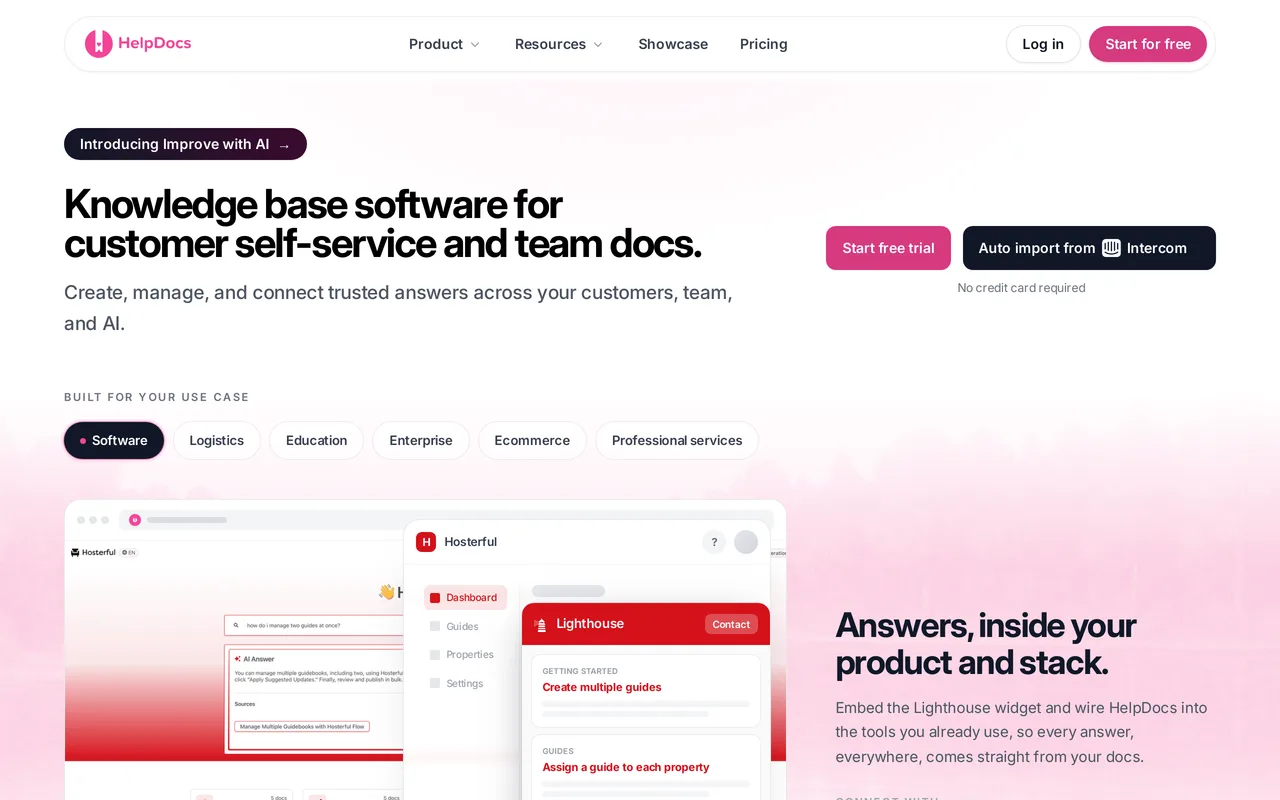
We make HelpDocs (hey! 👋), so read this with the appropriate skepticism, and check anything that matters against the pricing page. The honest positioning: HelpDocs is for teams who want one tool to cover authoring, search, publishing, and analytics for a customer-facing help center, without buying a support suite to get it.
All five jobs are in the same product. The editor is block-based with an HTML mode when you need it, version history, and working-copy reports that surface abandoned drafts. Search is typo-tolerant and intent-aware, with agentic AI search that returns cited answers, plus no-results tracking so you can see the questions your docs are failing. Publishing runs from no-code colors and fonts through custom CSS on Sprout to custom JavaScript and full HTML template control on Bloom, and the V5 templates score 100/100 in PageSpeed for SEO and accessibility.
Analytics is the part most tools skip. Alongside views and ratings you get search analytics, content-health metrics for stale articles, a contributor leaderboard, and two purpose-built measures, Self-Service Rate and Deflection Efficiency. AI credits are included in every plan rather than sold on top: 1,000 a month on Sprout, 5,000 on Bloom, 10,000 on Harvest.
On pairings, the Lighthouse widget puts search, suggested articles, Ask AI, and a contact form that suggests answers as somebody types their ticket inside your own product. Beyond that it plugs into a help desk (We integrate with IntercomIntercom, Zendesk, Front, Gorgias), chat tools (LiveChat, Crisp, Chatra), and analytics (GA4, Plausible, Segment).

Pros
- One tool covers authoring, search, publishing, and deflection reporting, with AI credits in every plan rather than as an add-on or a per-resolution meter.
- Flat pricing you can read without a sales call, $129/mo for 5 editors up to $499/mo for 25, 20 percent off annually, and anonymous public readers are unlimited and free forever.
- One-click imports from Zendesk, Intercom, Help Scout, Helpjuice, ReadMe, and ProProfs, plus CSV, so moving in is usually a day rather than a project.
Cons
- It isn’t a help desk. There’s no shared inbox, no ticketing, and no built-in live chat, so you’re bringing your own and connecting it. If you want docs and an inbox from one vendor, Help Scout is the more coherent buy.
- No white-label, so a small HelpDocs mark stays. Extra brands get their own domain and branding over the same articles, but six sites with different content means six accounts, even on one bill. Document360 handles that properly with multiple projects.
- No OpenAPI or Swagger reference rendering, no free tier (a 14-day trial, no card), and AI credits are finite per tier, so heavy bulk work means buying more.
Starting price: $129/mo on Sprout for 5 editors ($99/mo billed annually), $299/mo on Bloom for 15, $499/mo on Harvest for 25. Extra editors on Harvest are $25 each per month. Public viewers are always free. Best for: Support and success teams who want the whole knowledge base toolkit in one place, on a bill that doesn’t move when traffic does. Start a free trial or read the wider best knowledge base software roundup.
Best for docs living inside a shared inbox: Help Scout
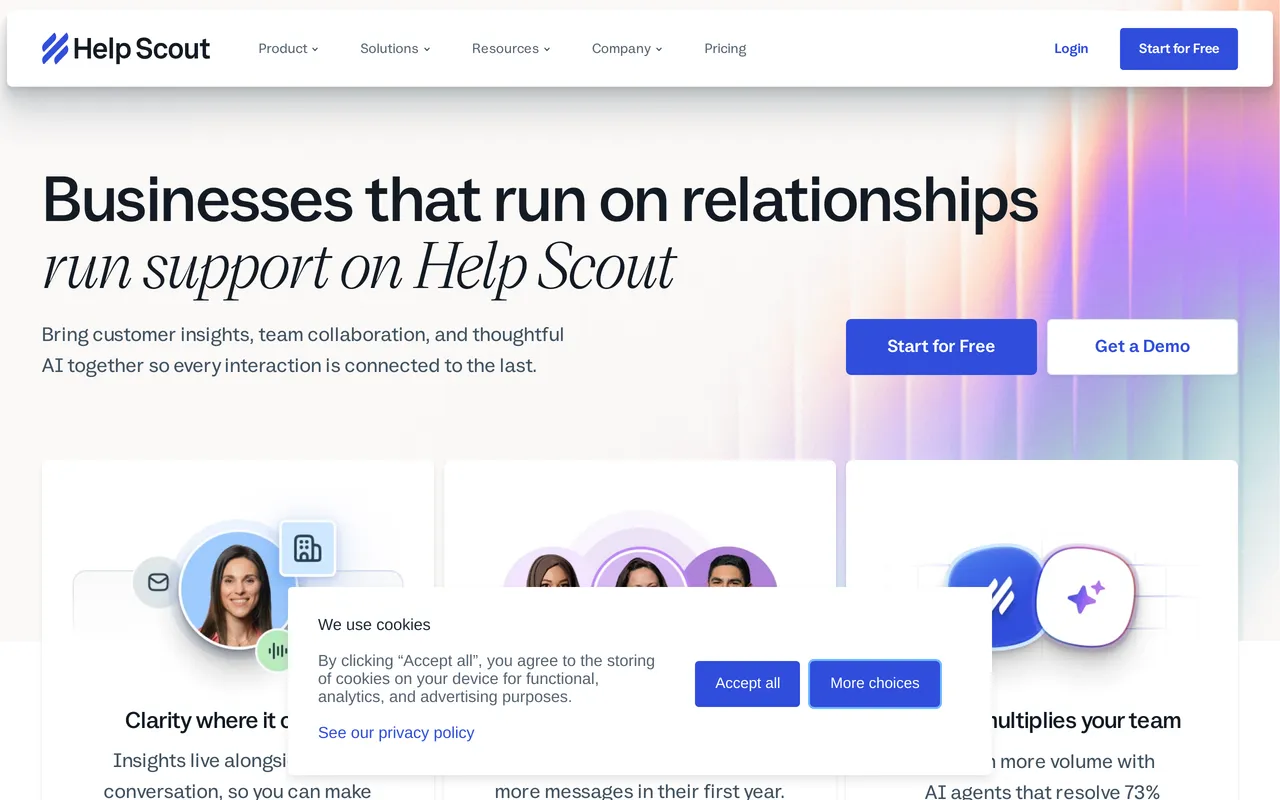
Help Scout is a support platform where the knowledge base, called Docs, is one module next to a shared inbox and the Beacon widget. That packaging is the point. Conversations, chat, and articles are one product with one login, so an agent answering an email and the article that email links to never drift into separate systems.
Beacon is where it comes together for readers: search, suggested articles, the Envoy AI agent, and live chat in a single widget on your site or in your app. Docs itself organizes into collections and categories, supports a custom domain, covers colors, fonts, and layout without code, and includes search with a failed-search report. Multiple Docs sites are supported, with more available on higher plans.
The AI is split by audience, and none of it is on the free plan. Envoy, the AI agent Help Scout used to call AI Answers, replies to visitors from your Docs content inside Beacon on any paid plan, billed at $0.75 for every question it resolves. AI Assist is included from Standard up and AI Drafts from Plus, and both work on inbox replies rather than on articles. Reporting shows Envoy resolutions, so the metered cost is at least auditable.
Pros
- Inbox, email, live chat, and Docs come from one vendor, so support conversations and help content stay in step without an integration in the middle.
- Genuinely cheap to start: a free plan for up to 5 users, then about $21/user/mo billed annually on Standard, which is where live chat and the Envoy AI agent become available.
- Well known for being quick for a support team to learn, with mature inbox reporting, saved replies, and workflow automation around it.
Cons
- Two costs scale independently. Every editor adds a seat, and Envoy is metered per resolution on top, so a month where deflection works well is also a month with a bigger bill.
- Docs is the lighter half of the platform. Custom CSS is partial with no HTML template control, revision history has no side-by-side diff, there’s no review and approval workflow, and Docs sites are public by default with limited access restriction.
Starting price: Free for up to 5 users, 100 contacts a month, and 1 Docs site capped at 10 articles. Standard is $25/user/mo (about $21 annually), Plus $45/user/mo, Pro $75/user/mo. The Envoy AI agent is $0.75 per resolution on any paid plan, and is not available on Free. Best for: Small support teams who want tickets, chat, and articles from one vendor and are comfortable with usage-based AI billing. More detail in HelpDocs vs Help Scout.
Best for controlled authoring with versions and approvals: Document360
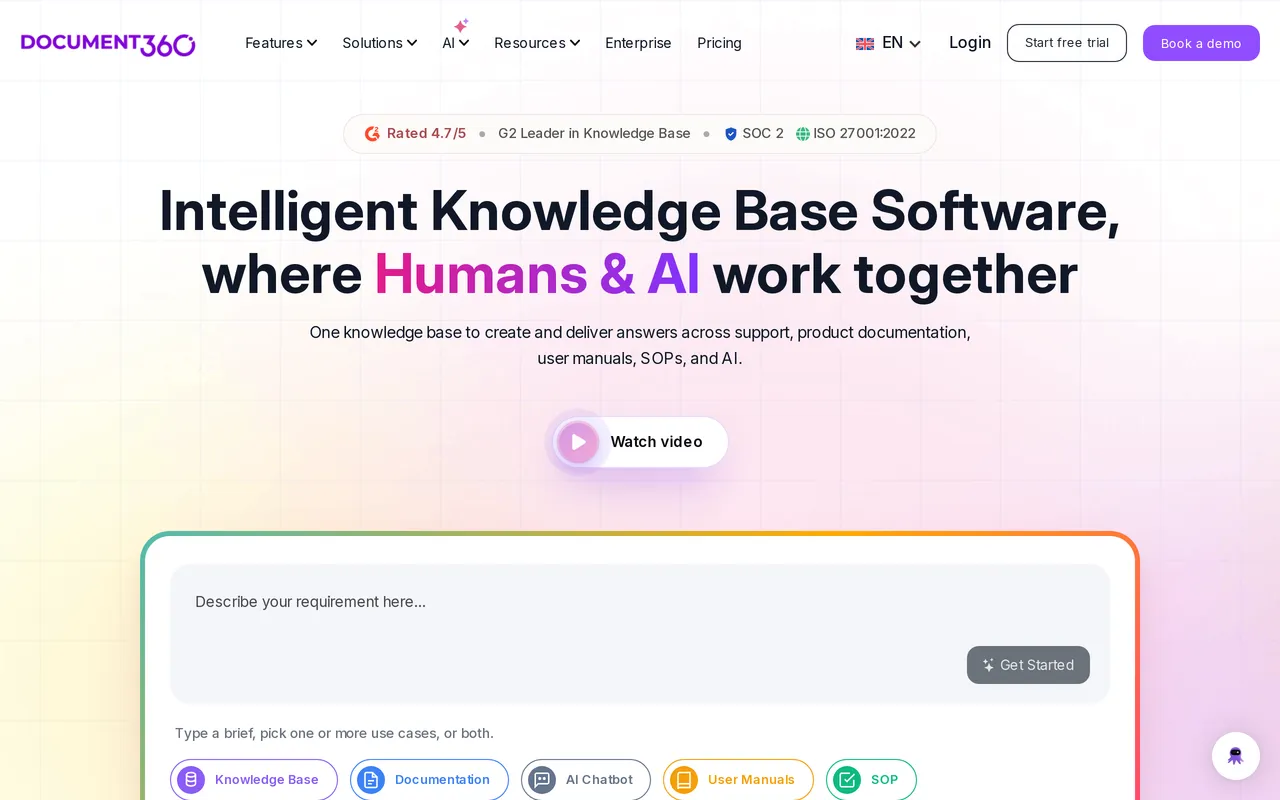
Document360 is a documentation platform built for content that gets audited. Its version history goes deep, with side-by-side diffs designed for people who have to prove who changed which sentence and when, and it has a real workflow builder that holds an article in review until a named approver signs it off.
The authoring machinery around that is unusually complete for this category: content reuse with variables and a glossary, a Category Manager built for large deeply nested trees, and multiple projects and workspaces so an organization running six separate docs sites manages them from one account. It also renders OpenAPI and Swagger references natively, which makes it one of the few tools here that can host a help center and an API reference in the same product. Full white-labeling is available on higher tiers.
Commercially it’s the odd one out. As of September 2026 Document360 still doesn’t publish prices: everything is quoted, charged per project, which in practice means per knowledge base. Its core Eddy AI now comes with the plan, while the AI Premium Suite and the AI Chatbot are add-ons on top of whatever number you negotiate.
Pros
- The strongest governance story here: deep diffs, a multi-step approval workflow builder, and an audit-friendly history, which is what regulated documentation actually needs.
- Built for scale across many docs sites, with multiple projects and workspaces, mature content reuse and variables, and a Category Manager for big trees.
- Handles both halves of technical documentation, since native OpenAPI and Swagger rendering sits alongside a themable help center with custom CSS and JavaScript.
Cons
- You can’t evaluate it on a spreadsheet. Pricing is quote-only and per project, so a second docs site is a second negotiation, and you can’t tell finance what it costs before asking.
- Part of the AI is still a separate purchase. Core Eddy AI, including the writing agent and AI search and answers, is listed as included with the plan, but the AI Premium Suite and the AI Chatbot are add-ons, and AI usage is one of the things that sets your quote, so you can’t price the AI without asking.
Starting price: Quote only, per project, billed annually. Core Eddy AI is included with the plan; the AI Premium Suite and the AI Chatbot are extra. Best for: Documentation teams whose output gets reviewed or audited, and who have the procurement patience for a quote. More detail in HelpDocs vs Document360.
Best for publishing docs from your codebase: GitBook
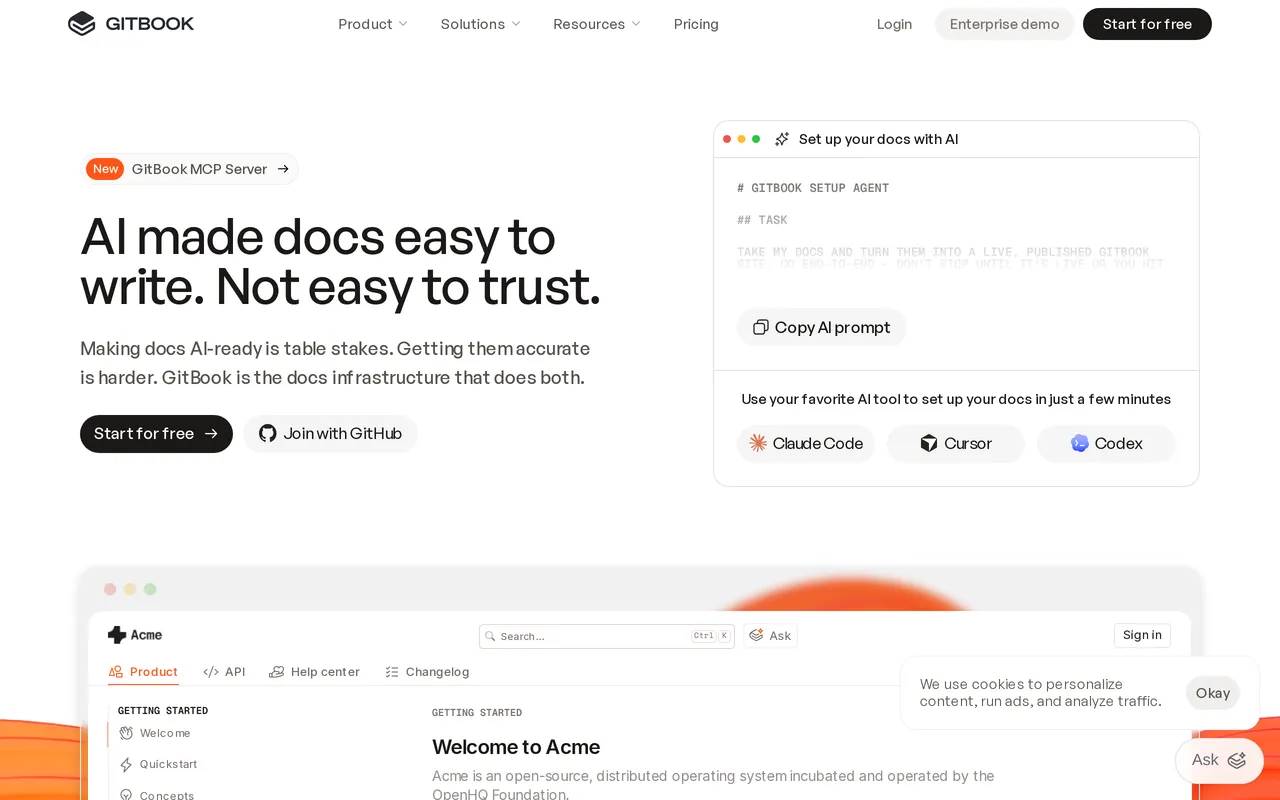
GitBook is docs-as-code done properly. It syncs with GitHub and GitLab, edits in Markdown with a block editor that stays in sync with the repo, maps release versions to branches, and runs change requests that behave like pull requests with reviewers and merge rules. If your documentation belongs next to your code and the people writing it are engineers, this is the workflow they already want.
The developer-facing output is the other half of the appeal: OpenAPI import with interactive, auto-updated API references and API playgrounds, plus preview deployments. Reusable content and content variables arrive on Premium, along with custom domains, advanced branding, feedback collection, and redirects. AI search understands natural-language queries on paid plans.
Pricing is per documentation site, which is the detail that decides whether it fits. Free covers one user, Essential (the plan GitBook used to call Premium) is $65/site/mo billed annually plus $12/user/mo, and Ultimate is $249/site/mo plus $12/user/mo. The AI Assistant and AI Insights land on Ultimate, where AI draws on 10,000 credits a month (about 500 answers) and pauses when they run out, and SAML SSO, audit logs, and white-glove migration are Enterprise-only.
Pros
- Git sync, Markdown, branch-mapped versions, and change requests give documentation the same review process as code, which engineering teams adopt without being asked.
- Interactive OpenAPI and Swagger references that update themselves, plus API playgrounds, so reference docs stop being a manual copy of the spec.
- Starts genuinely free for one user, with published per-site prices and 14-day trials of the paid tiers, so you can size it yourself.
Cons
- Per-site billing means a second audience is a second bill at the same rate, and editors are $12/user/mo on top, so the cheap-looking base price climbs with both sites and people.
- The support-team essentials sit at the edges. Custom CSS and JavaScript aren’t supported, there’s no in-app help widget, failed-search reporting isn’t surfaced the way a help center needs, and AI answers wait for Ultimate at $249/site/mo.
Starting price: Free for one user. Essential $65/site/mo billed annually plus $12/user/mo, Ultimate $249/site/mo plus $12/user/mo, Enterprise quote-only. Best for: Engineering and product teams whose docs live in a repo and whose readers are developers. More detail in HelpDocs vs GitBook.
Best for a heavily themed multilingual help center: Helpjuice
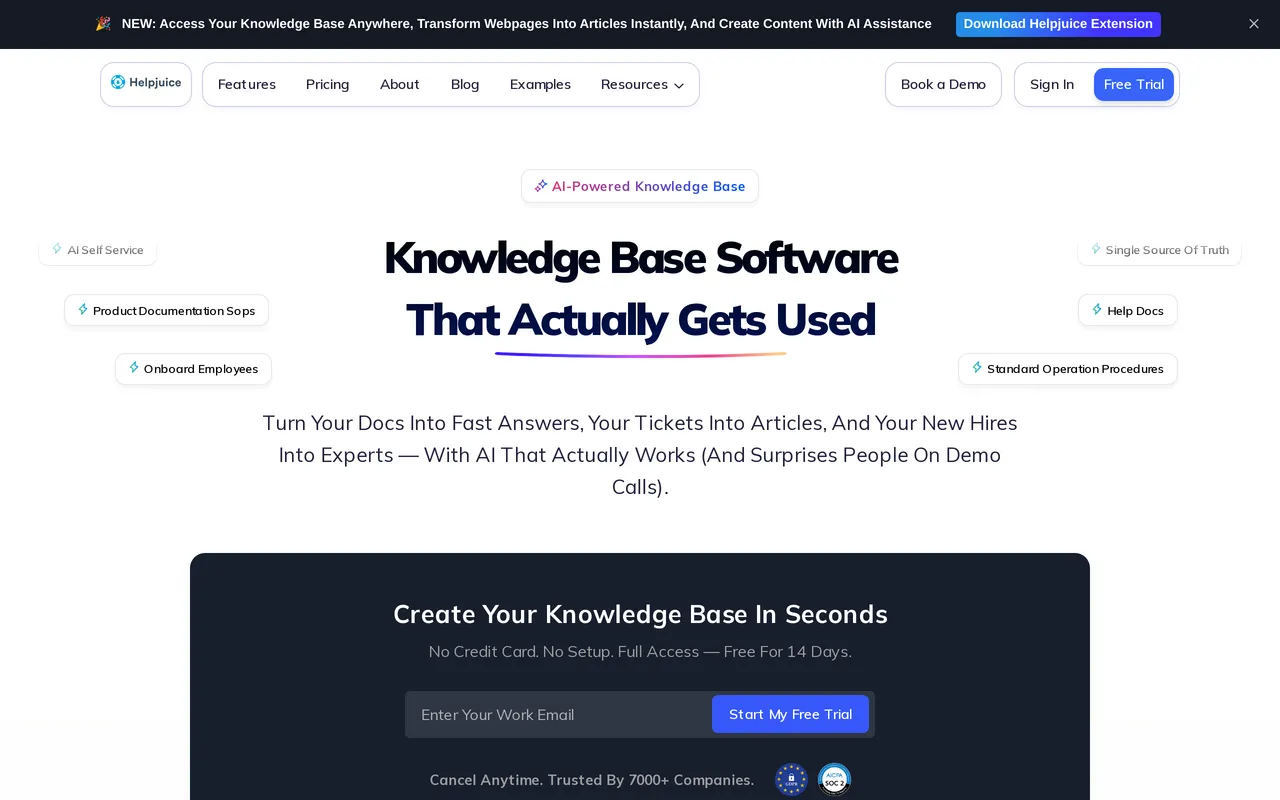
Helpjuice goes further on theming than almost anything else in this class. You get the theme files, plural, HTML, CSS, JavaScript, and Liquid, editable per language, with a visual editor for people who want none of that. Its team will also hand-skin your help center as part of onboarding and run the migration as a service with free migration hours, redirects and re-uploaded images included, so a team with no front-end time still ends up with something bespoke rather than a template.
Localization and AI article translation are on every tier, including the cheapest, which is genuinely unusual: multilingual is normally the lever vendors pull to move you up a plan. Combined with per-language theme files, that makes it a strong fit for a brand that ships the same help center in six languages and wants each one to look deliberate rather than machine-translated into a fixed layout.
The AI is a tier decision rather than an add-on negotiation, so the useful move is to settle which tier you need before comparing headline prices. The $249/mo entry plan has no AI features at all, along with 30 logins and no SSO, so AI search and the AI chatbot start at $449/mo, and unlimited logins are $799/mo. Only monthly pricing is published, with no annual discount shown, and there’s a 14-day trial with no card but no free tier under it.
Pros
- Full theme file access per language, HTML, CSS, JavaScript, and Liquid, so the help center can match a brand down to the markup instead of stopping at a color picker.
- Done-for-you skinning and migration as part of onboarding, which is the shortest path to a bespoke help center for a team without design or front-end capacity.
- Localization and AI article translation included on every tier, so multilingual isn’t a second upgrade stacked on top of the first one.
Cons
- The entry plan is pitched at a smaller team that wants the theming rather than the AI, so price the tier you need rather than the headline: $249/mo covers 30 logins with no SSO and no AI at all, and AI search or the chatbot means $449/mo, roughly an 80 percent step up.
- Only monthly prices are published with no annual discount shown anywhere, there’s no free tier to test on, and no OpenAPI rendering, so an API reference has to live in another tool.
Starting price: $249/mo flat for 30 logins, $449/mo to add AI search and the chatbot, $799/mo for unlimited logins. Monthly pricing only as of July 2026, with a 14-day trial and no credit card. Best for: Brand-led teams running a multilingual help center who want it skinned to spec and are happy to buy the mid tier for AI.
Best for controlling who sees which articles: KnowledgeOwl
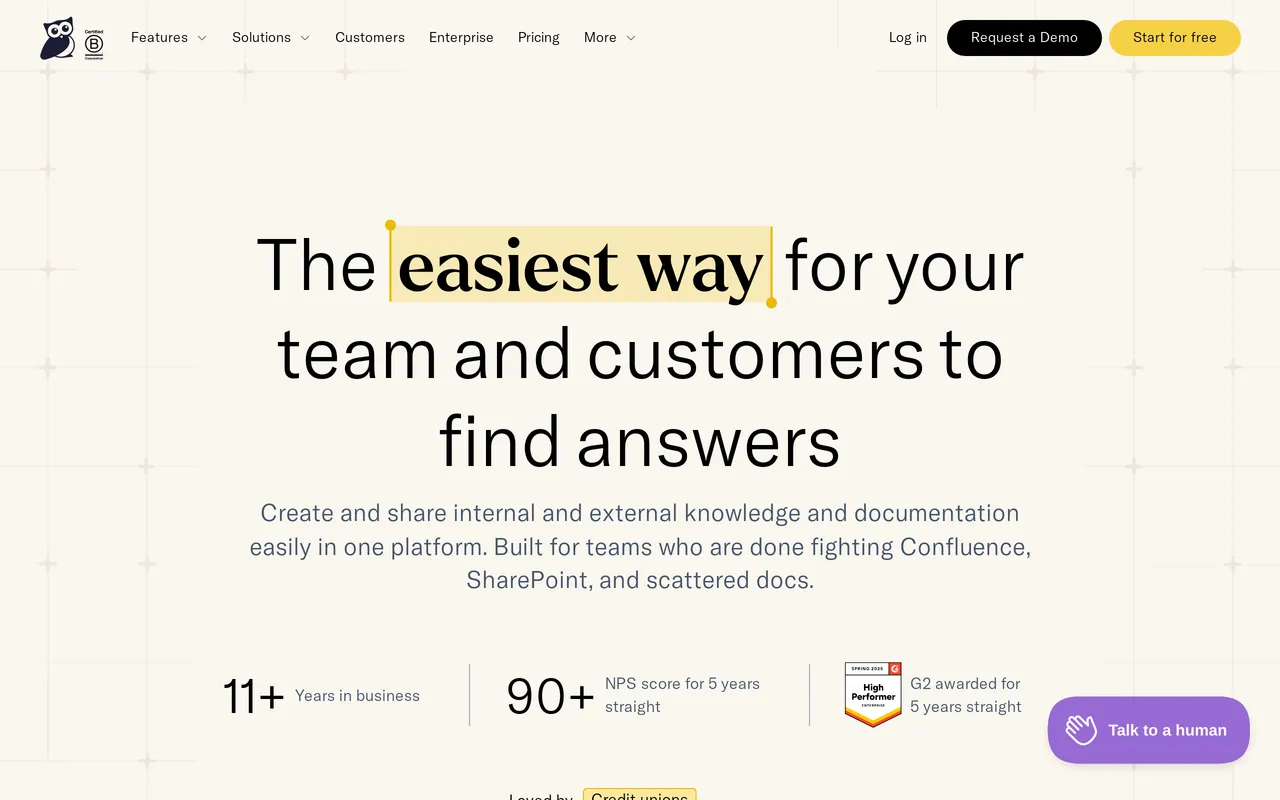
KnowledgeOwl has been a dedicated knowledge base for years rather than a module inside something larger, and that shows up in the parts other tools treat as edge cases. Reader groups are the standout: you decide which groups can see which articles and which categories, so one help center serves customers, partners, and staff without running three separate sites. The authoring side arrives stocked, with content snippets, merge variables, a glossary, PDF export, and a contextual in-app help widget.
Customization goes deeper than most help center specialists bother with. Full HTML, CSS, and JavaScript theme access lands on Pro and up, and the WYSIWYG editor keeps a source mode for the days you want the markup. Search does more than keyword matching too, since semantic search handles synonyms and vaguely worded questions while search analytics report the queries that came back with nothing.
Pricing is flat per plan with one author included: Basic is $100/mo, Pro $250/mo, Business $500/mo, and Enterprise is quoted. Extra authors are $25/mo each and each additional knowledge base is $50/mo, so the shape suits a small writing team feeding a large readership. AI is included but metered by monthly credits that don’t roll over, from 100 a month on Basic to 500 on Pro, 1,000 on Business, and 10,000 on Enterprise. Every plan comes with white-glove migration help and recurring 1:1 onboarding calls, and the trial runs 30 days with no credit card.
Pros
- Reader groups give content-level permissions, so a single help center can show different articles and categories to customers, partners, and colleagues.
- A long track record as a standalone knowledge base, with content snippets, merge variables, a glossary, PDF export, and a contextual in-app help widget included rather than bought.
- Real customization depth for a specialist: theme HTML, CSS, and JavaScript on Pro and up, semantic search with failed-search reporting, and a 30-day trial with no card.
Cons
- The essentials cluster one tier up. A custom domain, the public API and webhooks, and theme code access all start on Pro at $250/mo, and SAML SSO waits for Business at $500/mo.
- Three separate multipliers to model: $25/mo per author past the first, $50/mo per extra knowledge base, and AI credits that don’t roll over (100 a month on Basic, 500 on Pro, 1,000 on Business), so heavy AI use means moving up a plan.
Starting price: $100/mo on Basic for 1 author, extra authors $25/mo each. Pro is $250/mo for a custom domain, the API, and theme code access, Business $500/mo for SAML SSO and a HIPAA BAA. Readers are unlimited on every plan. Best for: Teams whose help center has to show different content to different audiences from one site. More detail in HelpDocs vs KnowledgeOwl.
Best for drafting where your team already writes: Notion
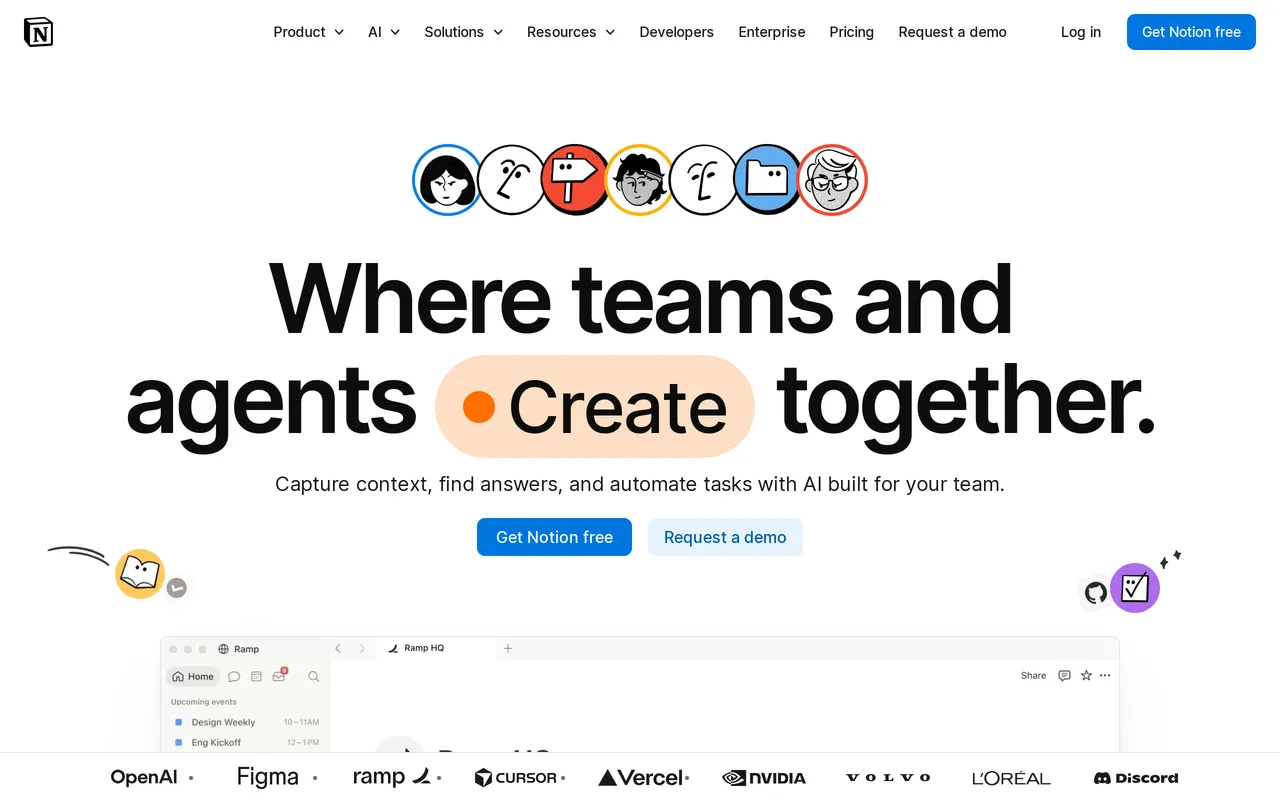
Notion’s advantage in this list is that your team is probably already in it. The block editor is one of the best writing surfaces anywhere, nested pages and teamspaces give you a deep hierarchy, and drafts, comments, and real-time co-editing happen in the same place as the finished doc. For internal knowledge, processes, onboarding, and cross-functional wikis, that’s a very short path from “we should write this down” to it being written down.
Notion AI drafts and rewrites inline, and on Business and up Notion Agent and Enterprise Search answer questions from your workspace for internal users. Private and internal wikis are what Notion is best at, with page-level permissions and teamspaces, and granular permissions on Business. The public API and webhooks make it a reasonable content source for something else downstream.
Publishing outward is the part that needs planning. Notion Sites can publish a page publicly, but a custom domain is a paid add-on at about $8/mo, styling is basic fonts, colors, and layout with no custom CSS, and site search is light with no failed-search reporting. Teams who want a polished public site usually add a third-party publishing layer on top.
Pros
- An outstanding editor your team already knows, so internal documentation gets written instead of postponed, with real-time collaboration and comments built in.
- Low per-seat cost and a genuinely useful free plan, with Plus at $10/seat/mo billed annually for unlimited members and 30-day page history.
- Huge template gallery, a big integration ecosystem, and a public API with webhooks for wiring your content into other systems.
Cons
- A customer-facing help center is something you build rather than something you get. There’s no custom CSS or JavaScript on Sites, no article ratings, no failed-search reporting, and no ticket deflection or AI answer analytics.
- The AI you’d want for answers is gated to Business at $20/seat/mo, which is a whole-workspace upgrade rather than a per-person one, and Custom Agents meter separately at $10 per 1,000 credits.
Starting price: Free for individuals and small teams. Plus $10/seat/mo billed annually ($12 month-to-month), Business $20/seat/mo ($24 month-to-month), Enterprise custom. A custom domain for Sites is about $8/mo extra. Best for: Teams whose internal knowledge already lives in Notion and whose readers are colleagues. More detail in HelpDocs vs Notion.
Best for internal search across your whole stack: Slite
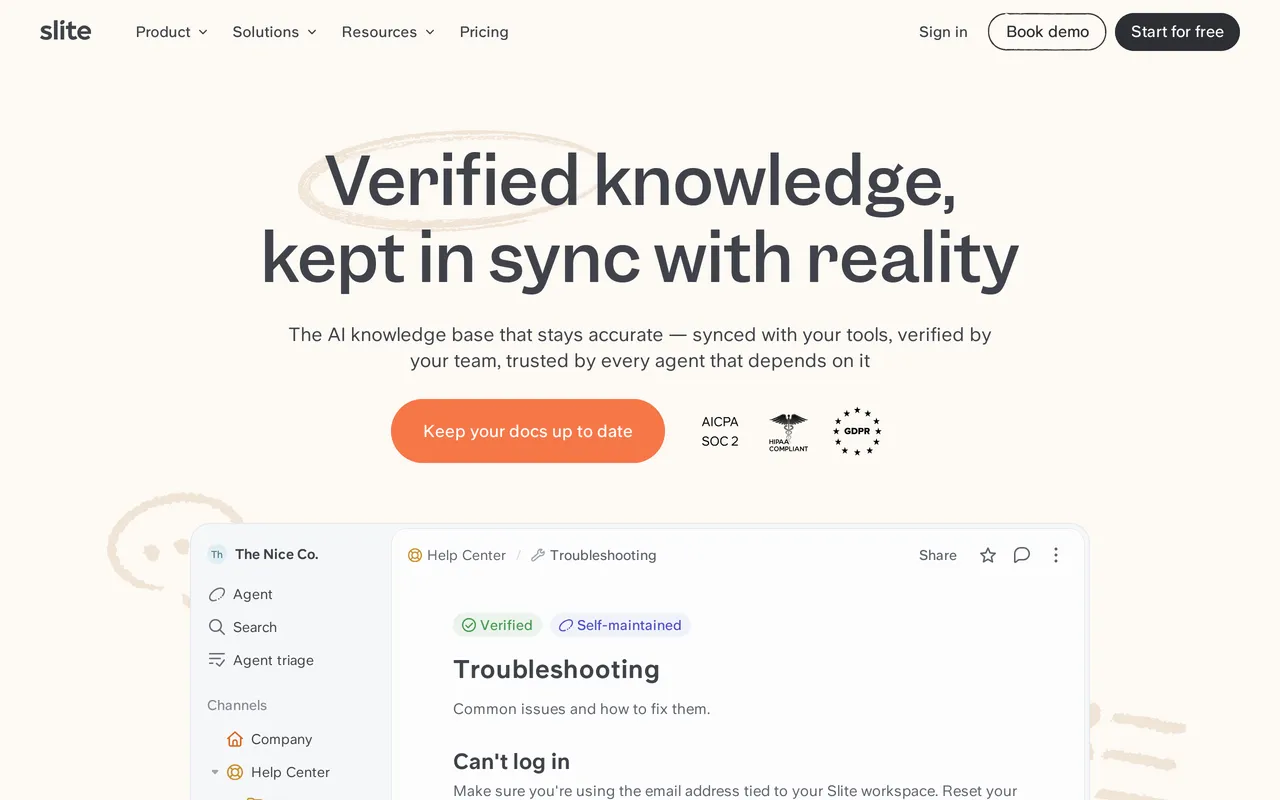
Slite is an internal wiki whose best trick is finding things that aren’t in it. Ask answers questions from your docs, and on Pro it reaches across 12+ connected tools including We integrate with SlackSlack, Jira, and Linear, so one question covers the wider stack rather than just the pages somebody remembered to write. The editor is clean and fast, and docs organize into channels and nested collections.

The other distinctive piece is upkeep. Doc verification lets you mark a doc verified and prompt re-verification later, and the Slite Agent flags knowledge drift and drafts updates when a doc goes stale. Maintenance is the job most tools ignore entirely, and it’s the one that decides whether an internal wiki is trusted in year two.
Pricing is per member with capped AI credits inside the seat price. Basic is $10/member/mo billed annually with unlimited docs, API and MCP access, and Ask limited to roughly 30 questions per seat monthly. Pro at $20/member/mo raises the AI allowance and adds the Agent, connected-tool search, OpenID SSO, and a custom domain for public docs.
Pros
- Ask searches across your docs plus 12+ connected tools on Pro, so answers surface from Slack threads and tickets as well as written pages.
- The Slite Agent actively chases stale content and drafts updates, which is the maintenance problem most wikis lose to.
- Simple, affordable setup: $10/member/mo on Basic, and a 14-day trial of Basic or Pro with no credit card.
Cons
- Roughly 30 Ask questions per seat monthly on Basic is easy to exhaust, so real usage effectively means Pro at double the seat price.
- It’s built inward. Public docs get basic branding with no custom CSS or HTML control, there’s no failed-search reporting, no article ratings, and no in-app help widget for customers.
Starting price: No free plan, only a 14-day trial with no credit card. Basic $10/member/mo billed annually, Pro $20/member/mo, Enterprise custom. Best for: Small internal teams who want search across their whole stack and something actively keeping docs current. More detail in HelpDocs vs Slite.
Best for internal docs next to Jira: Confluence
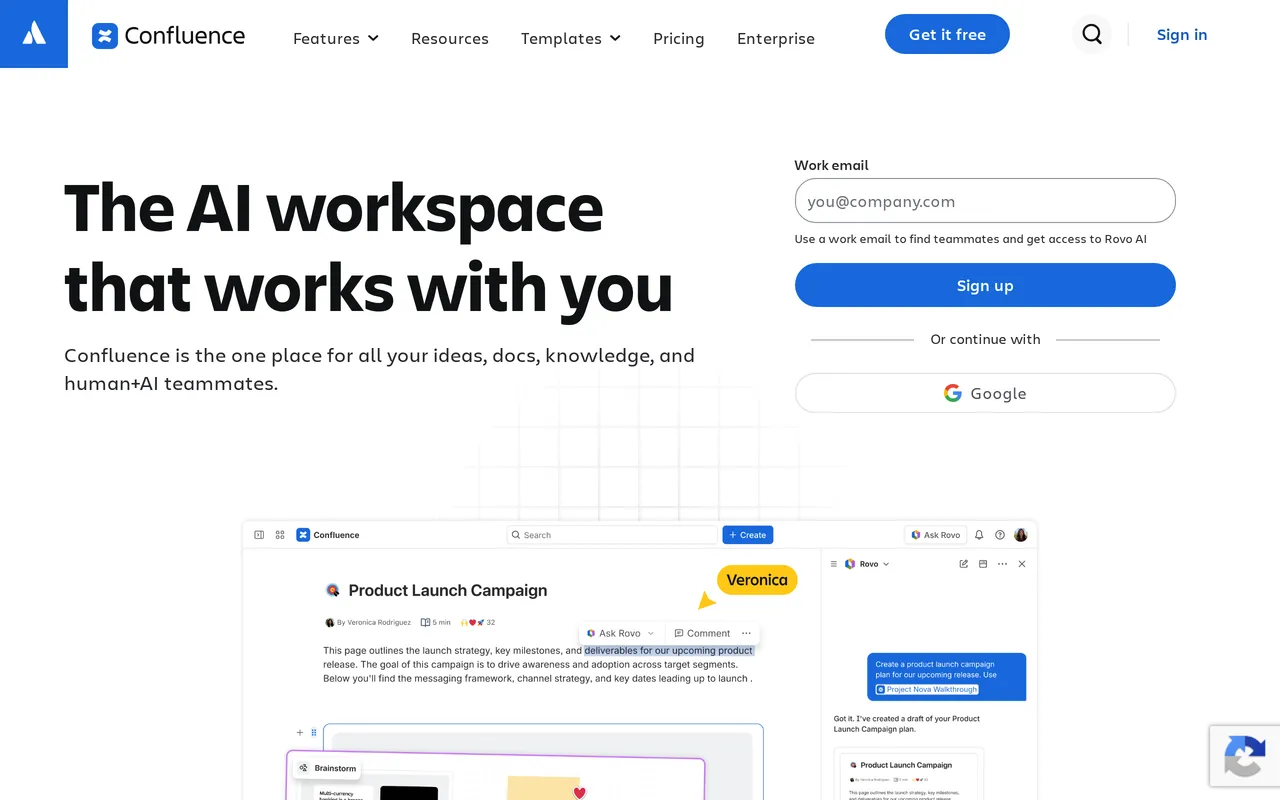
Confluence is the default answer when your company already runs on Atlassian, and the integration argument is a real one rather than a lock-in story. Pages link to Jira issues natively, Jira Service Management sits alongside it for ticketing, and We integrate with Atlassian RovoRovo Search adds AI-powered search across Atlassian content. If engineering plans work in Jira, the documentation being one click away is worth a lot.

As a wiki it’s mature. Spaces with a nested page tree, full page history with change comparison, Excerpt and Include macros for reusable content, strong space and page-level permissions and restrictions, and real-time co-editing with inline comments. The Marketplace has thousands of apps, which is how most gaps get filled, and page analytics and page approvals arrive on Premium.
Pricing is per user, billed annually: free up to 10 users, $6.00/user/mo on Standard, $11.67/user/mo on Premium, and Enterprise quoted on an annual contract. Rovo AI runs on a monthly credit allowance per user that grows with the tier, and the Free plan gets none. SAML SSO and SCIM provisioning both require a separate Atlassian Guard subscription.
Pros
- Native Jira and Atlassian integration, so documentation, tickets, and project work live in one connected estate rather than three tools you glue together.
- Genuinely strong internal permissions and governance at the space and page level, with mature history and change comparison behind it.
- Cheap per user at small scale, free up to 10 users, and a Marketplace deep enough that most missing features have an app.
Cons
- Cost scales with headcount, not with value. A 25-person team on Premium runs about $296/mo and keeps climbing with every contractor who needs access, and SSO plus SCIM are a separate Atlassian Guard purchase.
- Public output is limited. Anonymous access is all-or-nothing per space, Atlassian branding can’t be fully removed, theming is basic with heavily restricted custom CSS, and there’s no failed-search or deflection reporting.
Starting price: Free up to 10 users. Standard $6.00/user/mo and Premium $11.67/user/mo billed annually, Enterprise custom on an annual contract. Best for: Companies already standardized on Atlassian who need internal documentation next to their tickets. More detail in HelpDocs vs Confluence.
Tools we didn’t give a section to
A few names come up in this search that we’ve deliberately left off the main list, and it’s worth saying why rather than pretending they don’t exist.
Bloomfire is the strongest option we know of for a job none of the nine above does well: deep-indexing 25+ file types and transcribing video and audio, so a phrase somebody said out loud in a recording is findable. It isn’t here because it publishes no price at all. Contracts are quote-only and multi-year with implementation billed separately, which makes it impossible to place in a comparison table honestly.
Zendesk and Intercom both ship knowledge bases (Zendesk Knowledge and Intercom Articles) that are genuinely capable, but they’re modules inside support suites, so you’re really choosing a help desk. If that’s the decision you’re making, the Zendesk alternatives and Intercom alternatives roundups are the more useful pages, and knowledge base vs help desk sorts out which one you actually need.
Most working setups are two or three tools
The useful thing nobody says on a pricing page: almost nobody runs one tool. The pattern that keeps showing up is a content tool, a conversation tool, and a measurement tool.
The content tool is where articles are written, published, and searched. The conversation tool is where people go when self-service fails, whether that’s a shared inbox, a chat widget, or a ticket queue. The measurement tool is either the knowledge base’s own analytics or a separate tag, and its job is telling you which articles work and which searches return nothing.
Two combinations cover most teams. A dedicated help center plus a help desk, which is why HelpDocs, Document360, and Helpjuice all ship help desk and chat integrations. Or a support suite where the docs come bundled, which is what Help Scout, Zendesk, and Intercom sell. The suite is fewer bills and fewer logins; the dedicated tool is usually deeper on authoring, theming, and search.
Internal setups have their own version of this. A wiki plus a search layer, where the wiki is Notion or Confluence and the search layer is either the wiki’s own AI or something that reaches across Slack and Jira, which is the gap Slite aims at. If you’re starting from scratch on either side, how to build a knowledge base is the practical sequence.
The trap in all of this is buying one tool per job because each looked best in isolation. Every seam between two tools is a place content drifts, a rename breaks a link, and two dashboards disagree about the same number. Fewer, slightly less perfect tools usually beat a stack of specialists.
So which should you pick?
Start with the reader, because it removes most of the list in one move. Customers, and you’re choosing between HelpDocs, Help Scout, Document360, Helpjuice, and KnowledgeOwl. Colleagues, and it’s Notion, Confluence, or Slite. Developers reading reference docs, and it’s GitBook.
Then check the pricing shape against your next two years. Per seat is fine until the team doubles, and per site is fine until a second audience appears. Per resolution is fine until deflection works. Flat is fine until you need more editors than the band includes, which is ours.
Then be honest about who publishes. If the answer is engineers in a repo, a WYSIWYG help center will annoy them. If it’s a support team, a Git workflow will stop them fixing a typo, and that’s the failure mode that quietly ends knowledge bases.
And plainly, when not to buy from us. If you need real ticketing or live chat, we don’t have either and nothing on this list replaces a help desk, us included, so stay on Help Scout or another support suite. If your docs belong in Git or you need OpenAPI references rendered, GitBook is the right tool and we’re not.
If audited approvals or many sites with different content in one workspace are requirements, Document360 is built for that and we’re not. And if free forever is non-negotiable, we only have a 14-day trial, so look at Notion, Confluence, or Help Scout’s free tiers first.
If none of those describe you and what you want is a customer-facing help center where authoring, search, publishing, and deflection reporting all live in one predictable bill, that’s the thing we built. Start a free trial, no card and no demo call, or compare tiers on the pricing page.



