
PRD Template
A PRD template gives every product requirements document the same clear shape: the problem, who has it, what success looks like, and exactly what you are building. Use this free PRD template to get product, design, engineering, and support agreeing on scope before anyone writes code, then keep the finished document where the whole team can find it.
 Download for Word
 Claude
 ChatGPT
I need to write a PRD. Act as an expert technical writer and draft one for me.

Use this structure, keeping each section clear, concise, and genuinely useful to the reader:

1. Title, owner, and status
2. Problem statement
3. Goals and success metrics
4. Users and use cases
5. Requirements
6. User experience
7. Scope and non-goals
8. Dependencies and risks
9. Launch plan
10. Open questions
11. Change log

Before you begin, ask me for the details you need: the product, team, or audience this is for, and anything specific I should include. Then write the full PRD in clean, well-formatted Markdown.
Write a PRD using the structure below. Keep each section clear, concise, and genuinely useful to the reader.

Structure:
1. Title, owner, and status
2. Problem statement
3. Goals and success metrics
4. Users and use cases
5. Requirements
6. User experience
7. Scope and non-goals
8. Dependencies and risks
9. Launch plan
10. Open questions
11. Change log

Use rich formatting so it reads well in a knowledge base:
- Clear headings and subheadings for each section.
- Callout boxes for asides: a Tip callout for advice, a Note callout for helpful context, and a Warning callout for anything a reader must not miss.
- Tables for structured or comparison content.
- Numbered lists for sequential steps and bulleted lists for options.
- Bold for key terms and any values people must not get wrong.

Where the content genuinely calls for it, also use these interactive blocks (otherwise keep to the formatting above):
- A Mermaid diagram for a flow, process, or set of relationships that reads more clearly as a picture than as text.
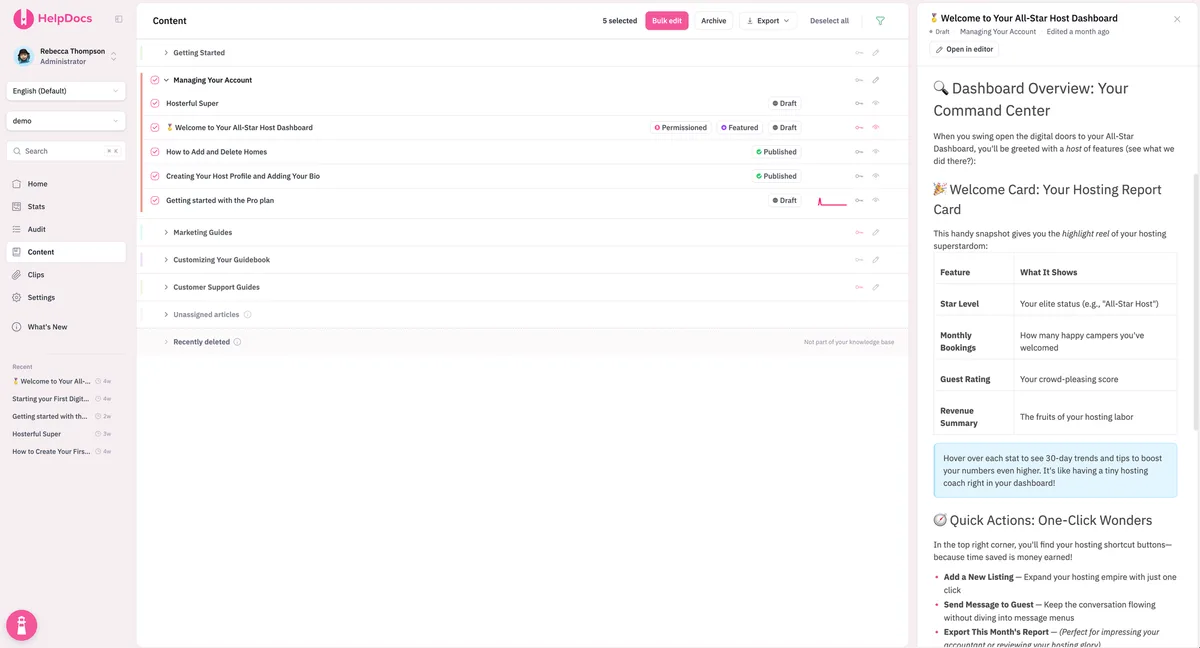
Connected HelpDocs over MCP? Add "save this as an unpublished HelpDocs article" to the prompt and the draft lands in your knowledge base, ready to review.
## The PRD template

### 1. Title, owner, and status

Give the feature a name that sounds like something a customer would say out loud. List who owns it, who's reviewing it, where it stands right now (draft, in review, approved, shipped), and which release you're aiming for.

### 2. Problem statement

Write two or three sentences about the problem, the way a user would see it. Back that up with evidence, such as support tickets, customer interviews, usage data, or sales feedback. If the problem statement in your PRD is vague, the feature you build will probably be vague too.

### 3. Goals and success metrics

Define what success looks like after launch. Capture each outcome you care about alongside the way you'll track it. Call out any guardrail metrics that need to hold steady or improve, not decline.

| Goal | Metric | Current | Target |
| --- | --- | --- | --- |
| TODO | TODO | TODO | TODO |

### 4. Users and use cases

Start with who this touches. List the user types involved and sketch the work each one's trying to get done. Short user stories make a nice format, like "As a support lead, I want to spot stale articles so I can queue up reviews."

### 5. Requirements

This is the heart of your PRD. You'll break your requirements into two groups.

- **Functional requirements:** the things your product has to do, each stated clearly enough that you can test it
- **Non-functional requirements:** the quality bar for performance, security, accessibility, localization, and reliability

Label every requirement with a priority: must have, should have, or nice to have. Your team can then settle trade-offs on its own instead of convening another meeting.

### 6. User experience

Drop in a link to your designs, prototypes, or flow diagrams. Then walk through the main screens and their states, such as empty, error, and loading. Finally, point out anything the design doesn't cover yet.

### 7. Scope and non-goals

Be clear about what ships in this release and what doesn't. Listing non-goals keeps scope creep at bay and spares the team from building things nobody requested.

### 8. Dependencies and risks

Call out the teams, systems, and outside partners your effort leans on, plus anything that could push the timeline back or sink the project. Then spell out how you'll bring each risk down.

### 9. Launch plan

Spell out how customers get this feature: staged rollout, feature flags, beta groups, the docs and help articles you'll need, support team training, and the announcement. Every part needs a named owner.

### 10. Open questions

Keep track of the questions that still need answering, along with who owns each one and when it's due. Once they're resolved, move them into the section they belong in.

### 11. Change log

Here's a brief log of the edits that matter. If you caught an earlier draft of the PRD, this shows you what's shifted since.

| Version | Date | Author | Change |
| --- | --- | --- | --- |
| 1.0 | TODO | TODO | Initial draft |
The PRD template
Paste this layout into a new article, then swap out the sample guidance under each heading for the specifics of your feature. Use the same headings in every PRD so reviewers can find what they need without hunting.
1. Title, owner, and status
Give the feature a name that sounds like something a customer would say out loud. List who owns it, who’s reviewing it, where it stands right now (draft, in review, approved, shipped), and which release you’re aiming for.
2. Problem statement
Write two or three sentences about the problem, the way a user would see it. Back that up with evidence, such as support tickets, customer interviews, usage data, or sales feedback. If the problem statement in your PRD is vague, the feature you build will probably be vague too.
3. Goals and success metrics
Define what success looks like after launch. Capture each outcome you care about alongside the way you’ll track it. Call out any guardrail metrics that need to hold steady or improve, not decline.
| Goal | Metric | Current | Target |
|---|---|---|---|
| TODO | TODO | TODO | TODO |
4. Users and use cases
Start with who this touches. List the user types involved and sketch the work each one’s trying to get done. Short user stories make a nice format, like “As a support lead, I want to spot stale articles so I can queue up reviews.”
5. Requirements
This is the heart of your PRD. You’ll break your requirements into two groups.
- Functional requirements: the things your product has to do, each stated clearly enough that you can test it
- Non-functional requirements: the quality bar for performance, security, accessibility, localization, and reliability
Label every requirement with a priority: must have, should have, or nice to have. Your team can then settle trade-offs on its own instead of convening another meeting.
6. User experience
Drop in a link to your designs, prototypes, or flow diagrams. Then walk through the main screens and their states, such as empty, error, and loading. Finally, point out anything the design doesn’t cover yet.
7. Scope and non-goals
Be clear about what ships in this release and what doesn’t. Listing non-goals keeps scope creep at bay and spares the team from building things nobody requested.
8. Dependencies and risks
Call out the teams, systems, and outside partners your effort leans on, plus anything that could push the timeline back or sink the project. Then spell out how you’ll bring each risk down.
9. Launch plan
Spell out how customers get this feature: staged rollout, feature flags, beta groups, the docs and help articles you’ll need, support team training, and the announcement. Every part needs a named owner.
10. Open questions
Keep track of the questions that still need answering, along with who owns each one and when it’s due. Once they’re resolved, move them into the section they belong in.
11. Change log
Here’s a brief log of the edits that matter. If you caught an earlier draft of the PRD, this shows you what’s shifted since.
| Version | Date | Author | Change |
|---|---|---|---|
| 1.0 | TODO | TODO | Initial draft |
Tip
Keep your PRDs, specs, and help articles together in one searchable spot. Start a free HelpDocs trial so every product requirements document stays versioned and easy to find.
How to fill in this PRD template
A PRD doesn’t do you any good if nobody reads it or buys into it. These habits help:
- Lead with the problem, not a fix. Once everyone agrees on what’s broken, the debate over how to solve it shrinks fast.
- Write requirements you can test. Saying “Search should be fast” is a hope. Saying “Search results load within the agreed budget on the slowest supported plan” gives someone something to verify.
- State your non-goals up front. Naming what you’ll leave out of scope is often the most useful section of the whole document.
- Run it past engineering and support. Engineers flag the hidden costs. Support flags the edge cases customers will run into on day one.
- Keep it current. Revise the PRD whenever a decision shifts, and record what changed, so it always matches what you actually shipped.
- Plan your docs alongside the feature. Put the help articles and release notes you’ll need on the launch plan itself, not after you’ve shipped.
Once your feature is ready for testing, fold those requirements into a test plan so nothing slips past you unverified.
Go further