
Business Continuity Plan Template
A business continuity plan template helps you decide, in advance, how your business keeps serving customers when something major goes wrong: a system outage, a lost office, a key supplier failing, or half the team out sick. Use this free business continuity plan template to identify critical functions, plan workarounds, and assign responsibilities, then keep it where everyone can reach it.
 Download for Word
 Claude
 ChatGPT
I need to write a Business Continuity Plan. Act as an expert technical writer and draft one for me.

Use this structure, keeping each section clear, concise, and genuinely useful to the reader:

1. Plan overview
2. Scope
3. Business impact analysis
4. Risks and scenarios
5. Roles and responsibilities
6. Activation and escalation
7. Continuity strategies
8. Communication plan
9. Recovery and return to normal
10. Testing, training, and maintenance

Before you begin, ask me for the details you need: the product, team, or audience this is for, and anything specific I should include. Then write the full Business Continuity Plan in clean, well-formatted Markdown.
Write a Business Continuity Plan using the structure below. Keep each section clear, concise, and genuinely useful to the reader.

Structure:
1. Plan overview
2. Scope
3. Business impact analysis
4. Risks and scenarios
5. Roles and responsibilities
6. Activation and escalation
7. Continuity strategies
8. Communication plan
9. Recovery and return to normal
10. Testing, training, and maintenance

Use rich formatting so it reads well in a knowledge base:
- Clear headings and subheadings for each section.
- Callout boxes for asides: a Tip callout for advice, a Note callout for helpful context, and a Warning callout for anything a reader must not miss.
- Tables for structured or comparison content.
- Numbered lists for sequential steps and bulleted lists for options.
- Bold for key terms and any values people must not get wrong.

Where the content genuinely calls for it, also use these interactive blocks (otherwise keep to the formatting above):
- A decision tree for any branching troubleshooting or "which of these applies to me" question.
- A Mermaid diagram for a flow, process, or set of relationships that reads more clearly as a picture than as text.
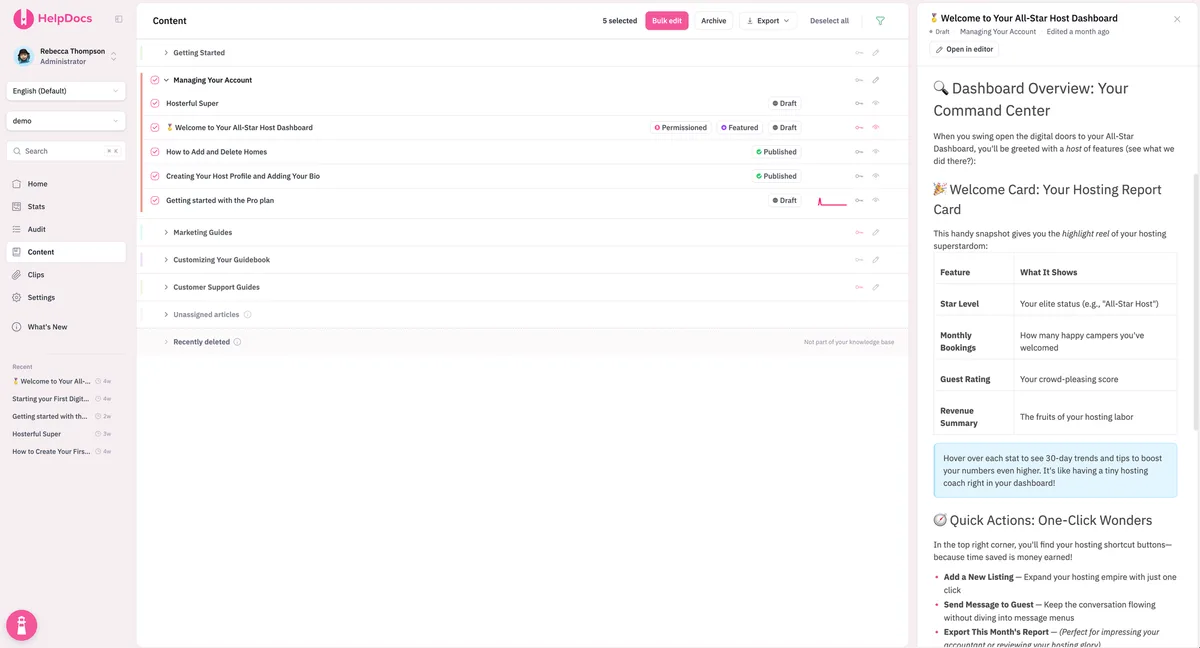
Connected HelpDocs over MCP? Add "save this as an unpublished HelpDocs article" to the prompt and the draft lands in your knowledge base, ready to review.
## The business continuity plan template

### 1. Plan overview

Spell out what the plan is for, who owns it, who signed off on it, and when you last reviewed and tested it. Then add a short paragraph covering how the plan gets triggered.

### 2. Scope

Spell out where this plan applies: the teams, sites, products, and regions it covers. Call out anything you're excluding, too. Then link to related plans, such as your disaster recovery plan.

### 3. Business impact analysis

Which functions your business leans on, how quickly the fallout spreads once one fails, and how soon it must be running again.

| Business function | Owner | Impact if stopped | Maximum tolerable downtime | Key dependencies |
| --- | --- | --- | --- | --- |
| TODO | TODO | TODO | TODO | TODO |

### 4. Risks and scenarios

This plan gets you ready for disruptions like:

- **Technology outage:** a critical system, provider, or network goes offline
- **Premises unavailable:** an office or site can't be used
- **People unavailable:** illness, travel disruption, or key staff out of action
- **Supplier unavailable:** a vendor or partner fails to deliver
- **Reputation damage:** a public incident calling for a coordinated response

### 5. Roles and responsibilities

Define who takes charge of the response, who makes the calls, and who looks after each critical function while things are disrupted. Make sure every role has a named backup.

| Role | Primary | Backup | Responsibilities |
| --- | --- | --- | --- |
| Continuity lead | TODO | TODO | TODO |
| Communications lead | TODO | TODO | TODO |
| Function owner | TODO | TODO | TODO |

### 6. Activation and escalation

Call out what sets the plan in motion and who's authorized to flip the switch. Then show how the response team comes together, how things escalate, and how you keep track of the decisions made during the event.

### 7. Continuity strategies

Look at every critical function and explain how it would still get things done without its usual resources. Your plan should include alternate locations, remote work, manual workarounds, backup suppliers, and cross-trained staff.

### 8. Communication plan

Map out who has to be told what and by when, covering employees, customers, suppliers, partners, and any regulators where required. Have message templates on hand so you can move fast, and jot down backup channels in case your go-to tools go down.

### 9. Recovery and return to normal

When you call the disruption finished, which parts of normal operations come back first, and how you look back over everything once things settle down.

### 10. Testing, training, and maintenance

How often you'll run through the plan, how people get trained on it, and when it's due for its next review.

| Date | Exercise type | Functions covered | Findings | Actions |
| --- | --- | --- | --- | --- |
| TODO | TODO | TODO | TODO | TODO |
The business continuity plan template
Take this layout and paste it into a new article, then fill in each section with details specific to your organization. Keep the whole thing short enough that people will actually read it, and point readers to detailed procedures with links when more depth is needed.
1. Plan overview
Spell out what the plan is for, who owns it, who signed off on it, and when you last reviewed and tested it. Then add a short paragraph covering how the plan gets triggered.
2. Scope
Spell out where this plan applies: the teams, sites, products, and regions it covers. Call out anything you’re excluding, too. Then link to related plans, such as your disaster recovery plan.
3. Business impact analysis
Which functions your business leans on, how quickly the fallout spreads once one fails, and how soon it must be running again.
| Business function | Owner | Impact if stopped | Maximum tolerable downtime | Key dependencies |
|---|---|---|---|---|
| TODO | TODO | TODO | TODO | TODO |
4. Risks and scenarios
This plan gets you ready for disruptions like:
- Technology outage: a critical system, provider, or network goes offline
- Premises unavailable: an office or site can’t be used
- People unavailable: illness, travel disruption, or key staff out of action
- Supplier unavailable: a vendor or partner fails to deliver
- Reputation damage: a public incident calling for a coordinated response
5. Roles and responsibilities
Define who takes charge of the response, who makes the calls, and who looks after each critical function while things are disrupted. Make sure every role has a named backup.
| Role | Primary | Backup | Responsibilities |
|---|---|---|---|
| Continuity lead | TODO | TODO | TODO |
| Communications lead | TODO | TODO | TODO |
| Function owner | TODO | TODO | TODO |
6. Activation and escalation
Call out what sets the plan in motion and who’s authorized to flip the switch. Then show how the response team comes together, how things escalate, and how you keep track of the decisions made during the event.
7. Continuity strategies
Look at every critical function and explain how it would still get things done without its usual resources. Your plan should include alternate locations, remote work, manual workarounds, backup suppliers, and cross-trained staff.
8. Communication plan
Map out who has to be told what and by when, covering employees, customers, suppliers, partners, and any regulators where required. Have message templates on hand so you can move fast, and jot down backup channels in case your go-to tools go down.
9. Recovery and return to normal
When you call the disruption finished, which parts of normal operations come back first, and how you look back over everything once things settle down.
10. Testing, training, and maintenance
How often you’ll run through the plan, how people get trained on it, and when it’s due for its next review.
| Date | Exercise type | Functions covered | Findings | Actions |
|---|---|---|---|---|
| TODO | TODO | TODO | TODO | TODO |
Tip
Store your continuity plan, contact lists, and procedures in one spot your entire team can reach. Start a free HelpDocs trial to publish everything with built-in permissions and version history.
How to fill in this business continuity plan template
Your continuity plan only pays off when people know it’s there and can use it:
- Run the impact analysis before anything else. Choosing recovery strategies ahead of that step usually ends up shielding the wrong parts of the business.
- Plan around people as much as systems. Plenty of disruptions come down to who is available rather than what has broken. Cross-train staff across every critical role.
- Keep the plan brief and link outward. It should spell out who does what and where the details live. Move the step-by-step instructions into separate SOPs.
- Make it reachable offline. Key people need to pull up the plan and the contact list even when your office or main systems are down.
- Exercise it. Walk through one realistic scenario at the table and you’ll surface gaps faster than any review meeting ever will.
- Refresh it after every event. Each real disruption teaches you something new. Log the lessons in an incident report and fold them into the plan.
Pair this plan with our disaster recovery plan template when you handle the technology side of recovery.
Go further